Category: Tutorials
Tutorials,freelance,projects,joomla,php,mysql,wordpress,blancer.com
Ask Engadget: How can I make a gift card feel more personal?
37 Best InDesign Flyer Templates (For Business, Events, Parties, and More!)
Kick off your next event with an InDesign flyer template. Check out this new list of fantastic resources and inspiration below!
37 Best InDesign Flyer Templates
Planning a birthday, party, or corporate event? Designers are now making it easier than ever for anyone to learn how to make a flyer. And you can create stylish, beautiful flyer designs with amazing InDesign templates from Envato Elements and Envato Market.
In today’s list of premium resources, we’re bringing you 37 phenomenal templates for business conferences, events, and parties! Promote your next project with fresh, creative designs.
Want to learn how to create a flyer from scratch? You can follow along with our free video course over on our Envato Tuts+ YouTube channel:
Lynx Flyer Template
Let’s begin with the gorgeous Lynx flyer template. Drenched in stunning neutrals, this sale flyer template is great for store events and more. Achieve an elegant flyer that’s perfect for your high-end boutique or shop. Just download this print-ready file to give this flyer a try!

Fashion Event Flyer
Are you sponsoring a new fashion event? Showcase the work of your favorite designers with this lovely event flyer template. Perfect for creative professionals, this flyer is easy to edit in Adobe InDesign. Get a suitable template that works well for many businesses.

Line Flyer Handout Template
You don’t have to know how to make a flyer to enjoy an incredible result. This next minimal flyer template can give you the right look in little to no time. Just open the file using Adobe InDesign, and then drag and drop your images and text into the convenient placeholders.

Event Flyer
Still undecided? Flyer design shouldn’t be fussy. The simple event flyer below is great for any beginner to design or print work. It features strong title typography with plenty of room for your event details. Download it now to get access to several industry formats.

Interior Flyer Template
Whether you like to work in Photoshop or InDesign, this next interior flyer is packed with versatile elements. Enjoy fully organized layers that are ready to go for your next ad campaign. Use this handout template for events, parties, and more.

Event Flyer Template
Draw in the crowds with this stylish event flyer template. Designed with creative, minimalist details, this download features a two-page document with both front and back designs. Edit the colors fast using the palette in Adobe InDesign.

Concept Event Flyer
Sponsor a new type of event with this conceptual party flyer. Perfect for luxury brands and businesses, this flyer includes four design options with all the photos included. Use it to spread the word about your business or as a simple fundraiser flyer template.

Christmas Product Flyer Templates
Bring in the holidays with a giant store-wide sale! This Christmas product flyer template is great for shop owners and entrepreneurs. Just drag and drop your apparel images to see your products displayed against a lovely holiday theme. Add it to your collection today!

Steak House Flyer Templates
Are you running a local business? Let the community know your specials with this delicious-looking steak-house flyer template. Inspired by food photography and vintage design trends, this flyer will make your business look top notch. Edit it fast with Adobe InDesign.

Corporate Flyer Template
You won’t find many flyers available in multiple formats. But this next corporate flyer template is available in InDesign, Photoshop, and Word versions. You’ll also get access to a convenient PDF and fully adjustable elements. Create a strong visual brand with this marketing flyer template.

Simple Flyer Template
Could your store window use a new flyer? Check out this simple and chic design. Made especially for apparel businesses, this flyer design includes a standard international size with a print-ready format that is quickly adjustable. Give it a try!

Fashion Flyer Template
Bold colors are just one way to make a bold statement. And this next fashion flyer packs a punch with its creative choice of colors and typography. Although the images aren’t included, you can easily find replacements on Envato Elements and Envato Market.

Kids Store Flyer Templates
Get ready for back to school shopping trips with this great kids store flyer. For just $7, you’ll get a fully layered professional template available in a high-resolution InDesign format. Works best with versions CS4 and above. Check it out!

Gym Business Flyer
Bring more business to your fitness company! Promote the latest additions to your services with this epic business flyer. And since the file is completely editable, all you’ll have to do is add the information and images you prefer. Try it with your updates today!

Travel Business Flyer Template
Promote incredible memories with this quirky, travel business flyer. Available in Photoshop, InDesign and Illustrator formats, this simple flyer makes it easy to get into marketing on the right foot! Enjoy a modern layout that’ll pop with your company details.

Properties Flyer
Need a solution for your event? Try this amazing open house flyer template. Suitable for many businesses, this flyer will make your agency, hotel, or online store stand out. Enjoy this professional Adobe InDesign template that is fully customizable.

Hotel Flyer
Kick-start your hotel events with this stunning, professional flyer. This flyer design is simple and sophisticated. It comes in several industry formats along with everything you need to get started. Make sure to bookmark this flyer to add it to your arsenal!

Clearance Sale Flyer
Having a sale? Clear out your store shelves with an enticing flyer! This elegant flyer lets customers in on amazing deals and discounts. Insert your product pictures and info in just a few minutes! Save valuable time and energy with this efficient flyer design!

Business Flyer Template
Here’s another spectacular business flyer template to add to your collection! For just $5, you’ll get multiple color options, fully organized layers, and a convenient PDF help file. Create the best deals with this standard business flyer. Check it out!

Sale Flyer
Highlight your favorite upcoming sales with this next InDesign flyer template. Also available in a fully editable Photoshop version, this template is smart and easy to use. Just change the sale details and company information, and then hit save. Try it out!

Corporate Business Flyer Template
Market yourself effectively with this brilliant corporate business flyer. This InDesign flyer template features a calm color scheme and trendy, geometric elements. Also available is a helpful Microsoft Word option for any design novices. Give it a try!

Home Stay Flyers
Need an open-house flyer template for your business? Stay on track with this professional multi-pack! Made in A4 and US Letter sizes, this simple flyer features elegant serif fonts and helpful placeholders for your titles and images. Customize it to fit your style!

Fashion Shop Sale Flyers
Help customers discover their personal style with this next fashion flyer. These amazing Photoshop and InDesign templates connect your brand to beautiful, modern looks we’re sure you’ll love. Get access to fully editable files and free fonts.

Fashion Sale Flyer
The next big sale is coming! So make sure your clients are on track with this simple fashion sale flyer. Easily swap out the pictures seen here for your latest products and shop updates! Offer incredible discounts and more to your customers.

6 Fashion Flyer Template
Here’s another great flyer to add to your arsenal! Download this incredible bundle to get six total fashion flyers inspired by men’s fashion magazines. Each design is strong on its own and comes with several print-ready formats you can customize.

Creative Flyer
Compatible with Adobe InDesign CS4 and above, this next creative flyer can certainly help you make the right impression. This download includes flyers made in A4 and US Letter sizes, along with vector elements and links to free fonts. Check it out!

Business Flyers
Create the perfect marketing strategy for your business with this simple flyer template. Inspired by corporate trends in design, this template is a smart choice for any professional. Edit the objects, colors and text with the latest versions of Adobe InDesign.

3 Corporate Flyers
Need a corporate flyer with a minimal, clean design? Check out this brilliant trio pack! This great bundle includes three corporate flyers with colorful layouts and well-structured files. A helpful PDF guide is also included for basic instructions.

Farmer Market Flyers
Are you thinking of starting a farmer’s market? Make sure the locals know with this colorful set of flyer templates. Just $10, this download includes four style options that are available in standard industry formats. Get the best bang for your buck with this quality flyer.

Marketing Flyer Templates
Our next marketing flyer template is specially crafted for inspiring projects and activities. Dive into your promotions with a fully layered file that is ready for print! The text, font and colors can also be altered as needed for more versatility. Check it out!

InDesign Flyers
Whether you’d like a raffle flyer for a charity event or a corporate style for your business, this set of InDesign templates is definitely one to consider. It includes Adobe InDesign and Microsoft files along with easy instructions you can follow. Check it out!

Charity Flyer Bundle Templates
Volunteer for a good cause with this bundle of fundraiser flyer templates. Great for charities and non-profits, this flyer bundle features several creative layouts to fit your cause. Edit the vector elements and images using the latest version of Adobe InDesign.

Career Workshop Flyers
Need a conference flyer for your workshop event? Then check out this next wonderful set of career and workshop flyers. Featuring free fonts like Office Square and Dominique, this template is simple and unique. Just drop your pictures in for a brand new look!

Sunglasses Store Flyers
Pair the hottest styles of sunglasses with gorgeous, tropical designs. This beautiful business flyer features a vibrant and delightful layout. Showcase your products effectively with an attractive design that is super easy to customize. Add it today!

Cooking Class Flyers
When will you be holding your next class? Inspire your audience with this cheerful set of cooking class flyers. Designed to make your services pop, this flyer is stylish and pretty. Get access to print-ready files and modern color palettes with this great pack!

Nail Salon Flyers
Flyers are a wonderful way to bring clients to your salon or business. And these nail salon flyers are creative and new. Enjoy this mix of vibrant colors and simplistic design elements for an effective new look. Try it out!

Frozen Yogurt Menu Flyers
Inspire fun memories of decadent desserts with this super cute frozen yogurt flyer. This InDesign template also works well as a professional restaurant menu. Enjoy fonts like Quicksand and Khinta along with beautiful pastel colors.

More InDesign Resources
So how will clients find out about your amazing business? Drive them to all your ambitious ventures with creative InDesign flyer templates. Bookmark this list for more inspiration for your future projects.
Want to know more about Adobe InDesign? Check out these articles:
 FlyersHow to Make an Open House Flyer Template in InDesignLaura Keung
 Flyers42 Best InDesign Template TutorialsLaura Keung
 Print DesignHow to Change Page Size in InDesignLaura Keung
 Print DesignHow to Make a Marketing Brochure Template in InDesignLaura Keung
 Adobe Photoshop20 Best New Event Flyer Templates for Photoshop & InDesign for 2019Melody Nieves
Tried any of these assets? Let us know! Tell us your favorites in the comments below.
This
has been a selection of premium resources perfect for the avid creator.
For more creative InDesign flyer templates, check out Envato Market and Envato Elements, or enlist the help of our talented designers at Envato Studio. Happy creating!

{excerpt}
Read More
The Morning After: Black Friday forever (or at least all weekend)
Engadget readers can save on iRobot Roomba i7 vacuums

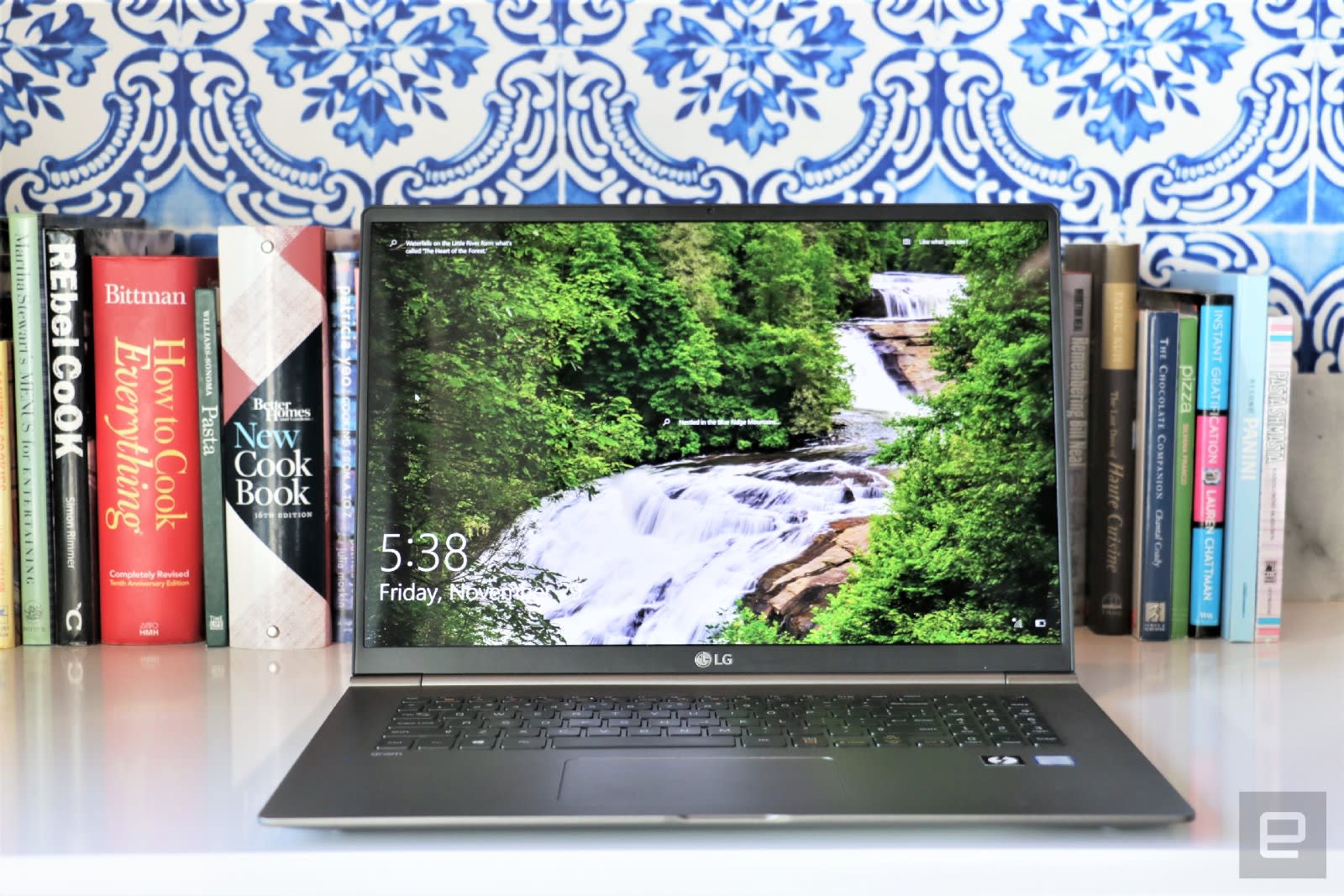
LG Gram 17 review: The oversized thin-and-light no one asked for
Exploring Text Effects: Analysis and Interviews

Text effects—they can be subtle, they can be extreme, they can be expressive, and they can be really eye-catching. Regardless of the visual direction, text effects often take the ordinary into the realm of the visually extraordinary.
Join me on this visual exploration of what makes text effects successful. We’ll discuss what makes them tick, and ask some professionals in the field for their thoughts on what makes a text effect work well.
Type That Talks
When I think about text effects, I usually think about really expressive and highly rendered visuals—maybe something stylistic or textured. These tend to be visuals that couldn’t be achieved “out of the box” with our favorite fonts. Instead, there’s a degree of digital manipulation applied to the type—and added artistry.
I’d argue that text effects are a relative, maybe a cousin, of expressive typography—type that is highly visual or even an image in and of itself.
For example, in my classroom, I’d often have students experiment with the idea of expressive typography in the following way: take a word, and then visually make the text depict the meaning of said word. In the below example, notice how the word says “disappear”, but it’s also visually disappearing.

Now, this might not always be practical in a professional situation—but that’s not the point of the exercise. The idea behind this is that text communicates not only with the words themselves, but visually as well.

As designers, we need to be visually sensitive to how things potentially communicate to our audience. Not only that, but we can push and manipulate imagery to improve the delivery of a message, as well.
As an example, let’s take a look at the following font, below: Cherie Bomb.

It’s an awesome font—one that I personally want to experiment with in my own design work! However, how do you think this type visually communicates? What does it “say” outside of the literal words it spells out?
As an example, imagine if this type, above, was used for something like a hospital’s branding. These energetic colors, the informal, hand-drawn strokes, and the varied widths might not visually communicate what a hospital needs to say to its target audience—key words like calm, soothing, relaxing, and healing. It’s a place where we want to feel stability and assurance—not necessarily excitement. That might be better suited to something like a club or a clothing brand.
Note, that’s not to say this couldn’t possibly work—just that these are things to consider, as a visual communicator.

How about this type, above? What does it visually communicate to you? Personally, I find myself thinking about yoga, flowers, maybe a cozy restaurant—the earthy colors and the serifs make me think of something grounded. I would personally be surprised if this was type for something like a rollercoaster for thrill-seekers.
So, when we look at text effects, this idea is pushed even further. We’re taking our type and potentially applying additional visual content to support or deliver a message. Note, this message doesn’t have to be complex—it can be as “simple” as emotions, like excitement. Maybe it’s nostalgia, or maybe it’s fear or humor. With today’s technology, the sky is truly becoming the limit.

Adaptable and Expandable
But text effects are more than how the appearance of a font and the colors employed communicate. This usually involves a number of Layer Styles, add-ons, and/or other Photoshop “magic” to create a visual that is not only interesting, but adaptable too. Thanks to Photoshop actions, we can often group and replay this process for easy reuse—after we’ve successfully found our way to the visual finish line.
This has an interesting duality, because advanced text effects are often rather complicated, from a technical perspective—but when sharing them, or even selling them, commercially, one typically has to think about the user’s experience employing them.

I asked Gianluca Giacoppo, also known as Giallo, for his thoughts on this—he’s created a number of very impressive text effects and actively shares/distributes them:
There is a big technical difference between drawn text and a customizable text effect template.
What does this mean for the designer? To draw a text effect using a tablet or pencil is completely different than to draw it using only Layer Styles, Blending Options and Smart Objects.
What does this mean for the end-user? Hours or even days of time saved trying to recreate a specific treatment.

Creating text effects for [others to utilize] is not just about making a cool looking drawn text effect: even the less experienced users must be able to recreate [the result].
I enjoy text effects in Adobe Photoshop and creating templates that everyone can use and have fun with: the technical challenge is the most interesting part for me.
In my opinion, Photoshop actions, Smart Objects, and layer effects are kind of the “dream team” when it comes to text effects. We won’t go in depth into how each work, in this article, but if you’d like to know more, here are some resources to help you get started:
If you’re new to Photoshop actions, check out this tutorial—it walks through how to use and install them.
-

What Are Photoshop Actions and How to Install Photoshop Actions
What are Photoshop Actions? Why should you use them and how? This 60-second video will show you why Photoshop Actions should be an important part of your…
Haven’t used Smart Objects before? Check out this free course that’ll help you get started:
-

Design Course: Getting Started With Smart Objects
Smart Objects are a truly amazing and powerful feature of Adobe Photoshop. In this course you’ll learn how to edit your images with non-destructive…
And here’s an entire series: Intro to Photoshop Layer Styles, featuring a whole host of walkthroughs on Photoshop Layer Styles! Here’s just a sample of the series:
 Layer StylesHow to Use Drop Shadows in PhotoshopJohn Shaver
 ToolsHow to Use Color Overlay Within the Layer Styles Dialogue in PhotoshopJohn Shaver
 Layer StylesHow to Apply Outer Glow to Layer Styles in PhotoshopJohn Shaver
Awesome Text Effects
So we’ve looked at what text effects are and how they’re made—but what makes a great text effect? Is it how flashy or detailed it is? Is it whether or not it’s on trend? Is it how user-friendly it is for other designers to employ or share?
I’d argue that a text effect is as good as its application.
I think it’s easy to get wrapped up in bells and whistles, sometimes—to look so closely at the details that we miss the bigger picture. At the end of the day, in many design situations, our goal is to visually communicate a specific objective to our target audience. That audience might vary, of course—if it’s a personal project, the audience might just be you! If it’s a client, it’s likely a specifically defined audience. Our decisions have to best appeal to that audience in a well-informed way. Therefore, the text effects we use need to visually communicate in a meaningful way.
In simple terms: choose the right effect for the right job—whether you’re experimenting with expressive type, drawing out hand-drawn typography, or applying a stylish text effect. Communication is often key.

That said, I had the opportunity to ask a handful of artists for their thoughts on text effects. Here are their thoughts, as well as a look at the inspiring and impressive text effects they’ve created! Check them out—and consider giving their text effects a try!
Nina Shaw

I’m a graphic designer, based in Portugal. I’ve been working as a freelance graphic designer since 2014. I have a master degree in Philosophy, but I felt my true passion was not that. The passion for graphic arts was always part of my life. The turning point was when I discovered Photoshop and Illustrator by searching in the internet. Then I began studying these programs by following online tutorials. I think it was love at first sight. I’ve never studied graphic design or art, I’m self-taught.

Text Effects take a font much further than Text Type and Text Editing. I’m able to turn any font into a “master piece”. [These effects] and the result [is] what I like the most when I create text effects.

I browse what other people are working on and whenever I see a design style or trend that I really like, I just think for myself: “I’d love to do something like that”. I [will often] gather samples of a particular design style then I experiment and combine key features into my design to achieve similar effects.

My inspiration comes also from everything around me: music helps a lot, so does walking or looking at pictures or just simply get inspiration from other artists. Keep learning and progressing. Don’t give up and remember the real reason you’re doing this is because you enjoy it.

Have a vision in your head of the kind of work you want to eventually be able to produce and then just practice, practice and practice, after a while it all just starts to fall into place. It is as simple as that but you need to be dedicated and love what you do.
Check out more of Nina’s work here:
Carolina Silva

My name is Carolina Silva, I’m a Graphic Designer based in the great city of Sao Paulo, Brazil. It’s been almost 4 years since I left my former job at a small design company. Since then, I’ve been able to fully dedicate my time into being a full-time author. I love working with vibrant colors, abstract shapes, corrupted and distorted image and text effects. I believe my design style is quite intense and experimental.

Typography usually plays a big role in most design projects. I’m particularly fond of big, expressive typography-oriented design compositions and I believe you can add an extra touch of beauty and personality to it by playing with different colors, text effects and distortions.

I’m always trying to improve my design skills by learning new techniques and software features. I tend to let my creativity flow while I’m trying to come up with something interesting that I hadn’t done before.

Create your own collection of design and ideas that inspire you. Analyse them, try to understand what made them special enough to be a part of your inspiration material. What do you like about them? If you could, what would you change? Which of these projects would you like to have created yourself? Why? I think these are some questions that might help you figure out the styles that appeal to you and understand your aspirations as a designer.

If you’re unfamiliar with the software, you can find a ton of great tutorials over at Envato Tuts+ and at other platforms, like YouTube. I believe challenging yourself constantly is essential if you want to improve your skills and/or expand your abilities as a designer.
You can check out more of Carolina’s work here:
Indieground Design

Hi my name is Roberto and I’m a freelance graphic designer from Vicenza, Italy. I’m 31 years old and my career started more than 10 years ago. I started making templates at first just for fun and practice, but then it practically became my full-time job. At first, I made mainly flyer templates, but then expanded the range of products with mockups, WordPress themes, and text effects.

I usually take inspiration from original sources (old books, sign paintings, posters, movie title screens). I keep searching and collecting inspiration materials I find both online and not. My favorite historical periods, in these terms, are the early 1900s, the 1950s and the 1980s. Which in my opinion were also the best moments for typography in the last century.

So usually I’m inspired when making new text effects, but of course, the main problem is that the result is not always what you expected. Same old story. But especially in my case, since I create text effects which are mainly intended to be sold as templates (and so they must stay editable) replicating something is not always possible, due to software limitations. So, the amount of failed attempts is higher than the satisfying results.

But as long as the passion is strong, I’ll keep making them and try to get as close as I can to the style I aim to create. The main challenge for me is to try to recreate a feeling in a digital way.

Create with passion and do your research. Gather information about your inspiration. For example, an 80’s style text is not just a shiny surface placed on a perspective grid at the bottom and a “retro” sun on top. It’s the feeling that all the elements combined give [Understand what you aim to create].
Check out more of Roberto’s lovely work here:
- Indieground | Roberto’s Portfolio
- Indieground | GraphicRiver
- Indieground | Facebook
- Indieground | Dribbble
Designercow

I’m Michael Kruiswijk; [I’m] 39 years old and live near Amsterdam in the Netherlands. [I am] married and have two daughters 4 and 6 years old. I have a full time job as a Graphic Designer/Art Director at a small media company that makes games and apps.

Photoshop is my absolute fav program to work with. I am mostly self taught (more than 20 years ago) and really got addicted to it. I started with Photoshop 5.0 I think, haha. I did all the tutorials out there on the internet and still occasionally I do one when I see a nice effect or new feature. I started to sell items that I made 9 years ago when I found out about Envato. About then I found layer styles in Photoshop and started making text effects.

I love making text effects because you have so many styles you can make with text. In any graphic design, creative beautiful typography stands out. Needless to say, they are the ones that draw the audience’s attention towards their message. This characteristic of typography is very important in flyers, posters, billboards and other advertising platforms. Even a simple drop shadow or 3D layer makes a text more appealing. In Photoshop it’s very easy to create awesome text effects just with Layer Styles.

When I want to make a new text effect or logo I start on the internet (Pinterest, DeviantArt, Envato websites, etc.) for inspiration. Sometimes I walk on the street and see a poster with an awesome text effect, I take a picture of it or a movie title that I like. I’m always aware of text effects and how they are built when I see them. I always have new ideas in my mind but unfortunately not enough time to make them.

Do a lot of tutorials and try to have fun making text effects. Look at what is trending at the moment and get inspired by other designers out there. Learn from the best! See how others create text effects.
Check out more of Michael’s work here:
- designercow | GraphicRiver
- designercow | DeviantArt
- designercow | Dribbble
- Michael’s Tutorials at Envato Tuts+
What Are Some of Your Favorite Text Effects?
Let us know, down below in the comments! Have you tried any of these text effects? We’d love to see your results! And hey, I hope you decided to create some awesome, original text effects of your own, too!
A warm thank you to all of the artists and designers who shared their work and their thoughts in this article—your creations are wonderful! I know I’m going to have a blast trying these out!
If you enjoyed this article, here are some others you might enjoy too!
 Adobe Photoshop100 Best Photoshop Text Effect TutorialsMelody Nieves
 Adobe IllustratorNew Course: Create an Isometric Text Effect in Adobe IllustratorAndrew Blackman
 Text EffectsQuick Tip: Create a Glass Text Effect in Photoshop Using Layer StylesJan Stverak
 Photo ManipulationExploring Photo Manipulation: Analysis and InterviewsDaisy Ein
 Text EffectsHow to Create an Underwater Text Effect in PhotoshopDaisy Ein

{excerpt}
Read More
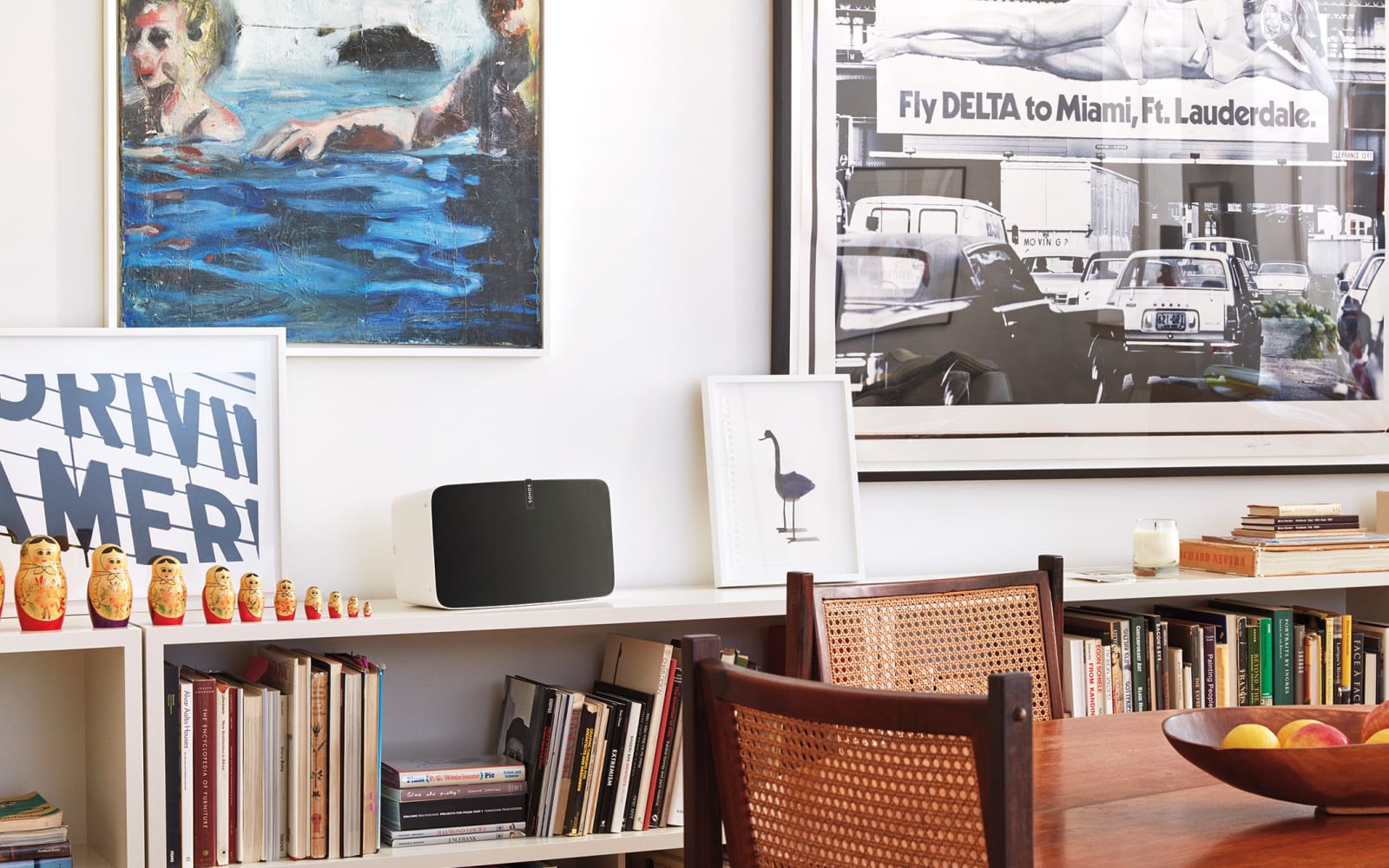
Save $100 on the Sonos Play:5 on Cyber Monday
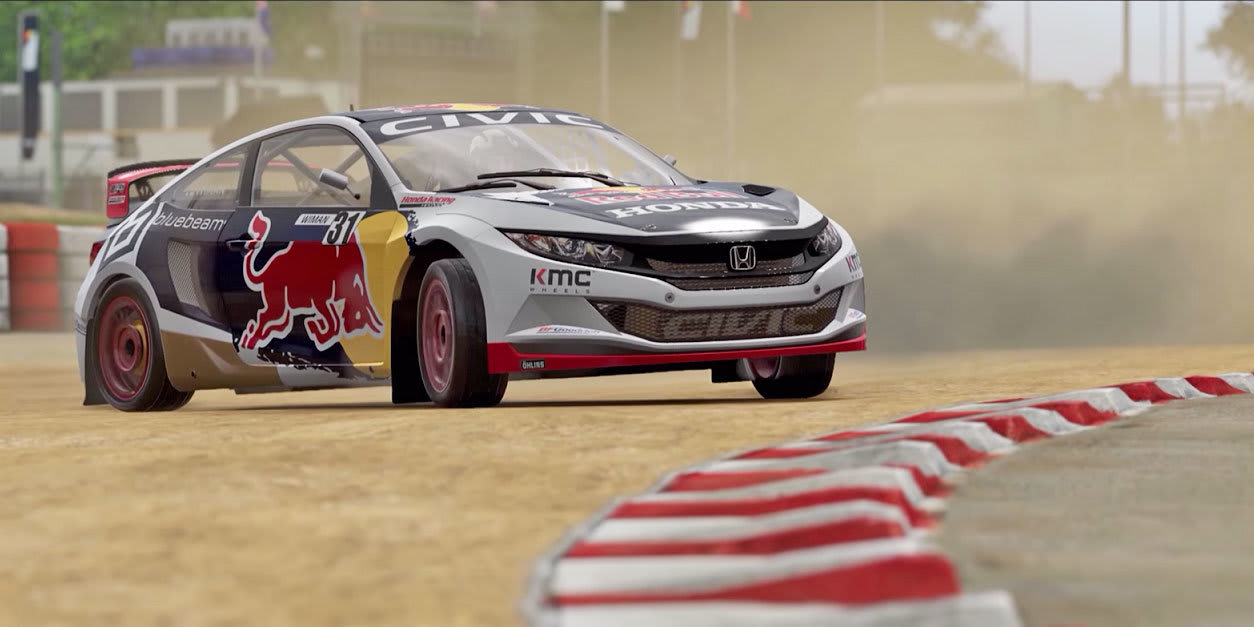
‘Project Cars’ developer bought by racing sim giant Codemasters
10 Top Instagram Video Templates for FCPX
{excerpt}
Read More
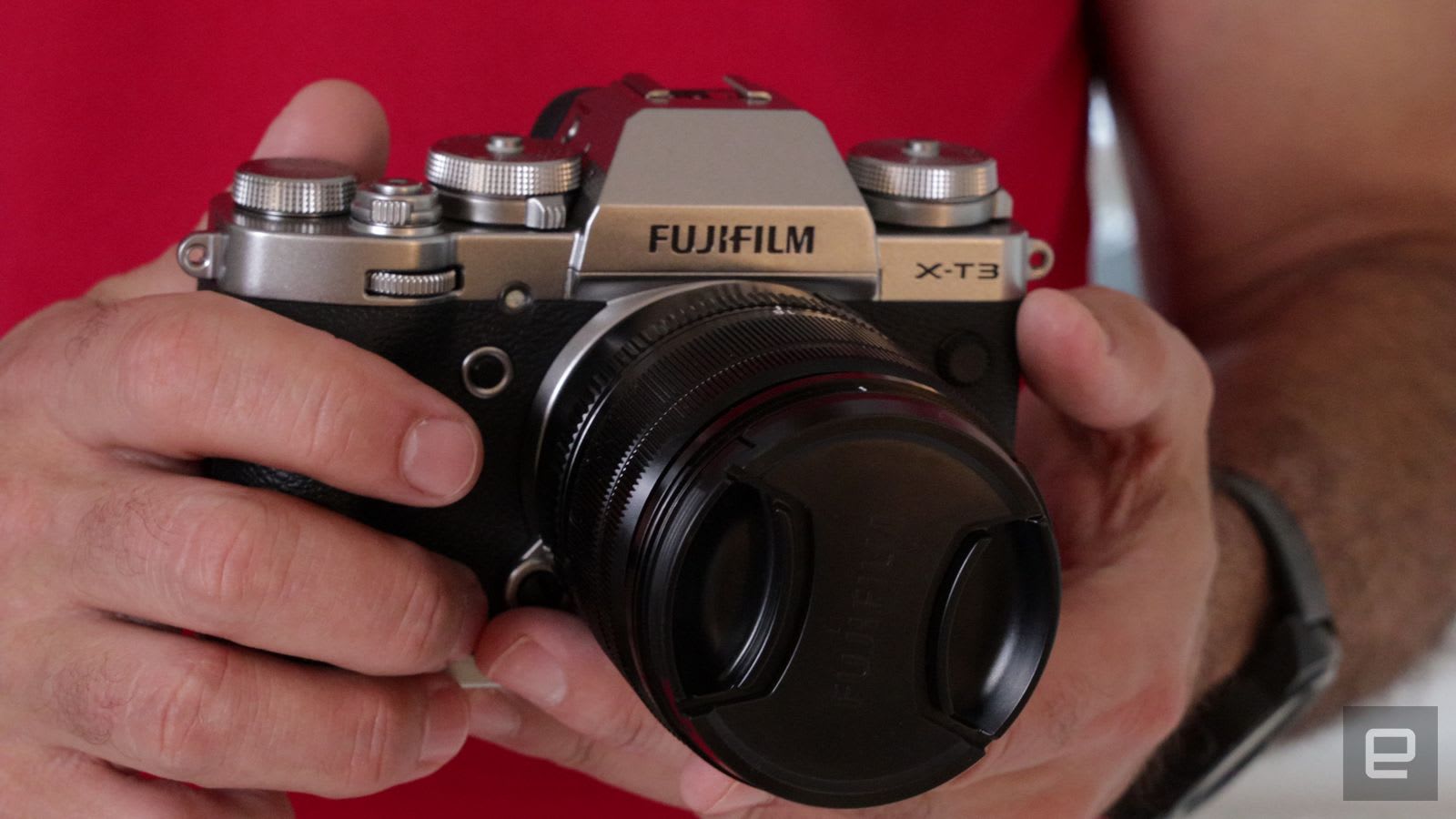
Fujifilm X-T3 camera update adds advanced gimbal controls
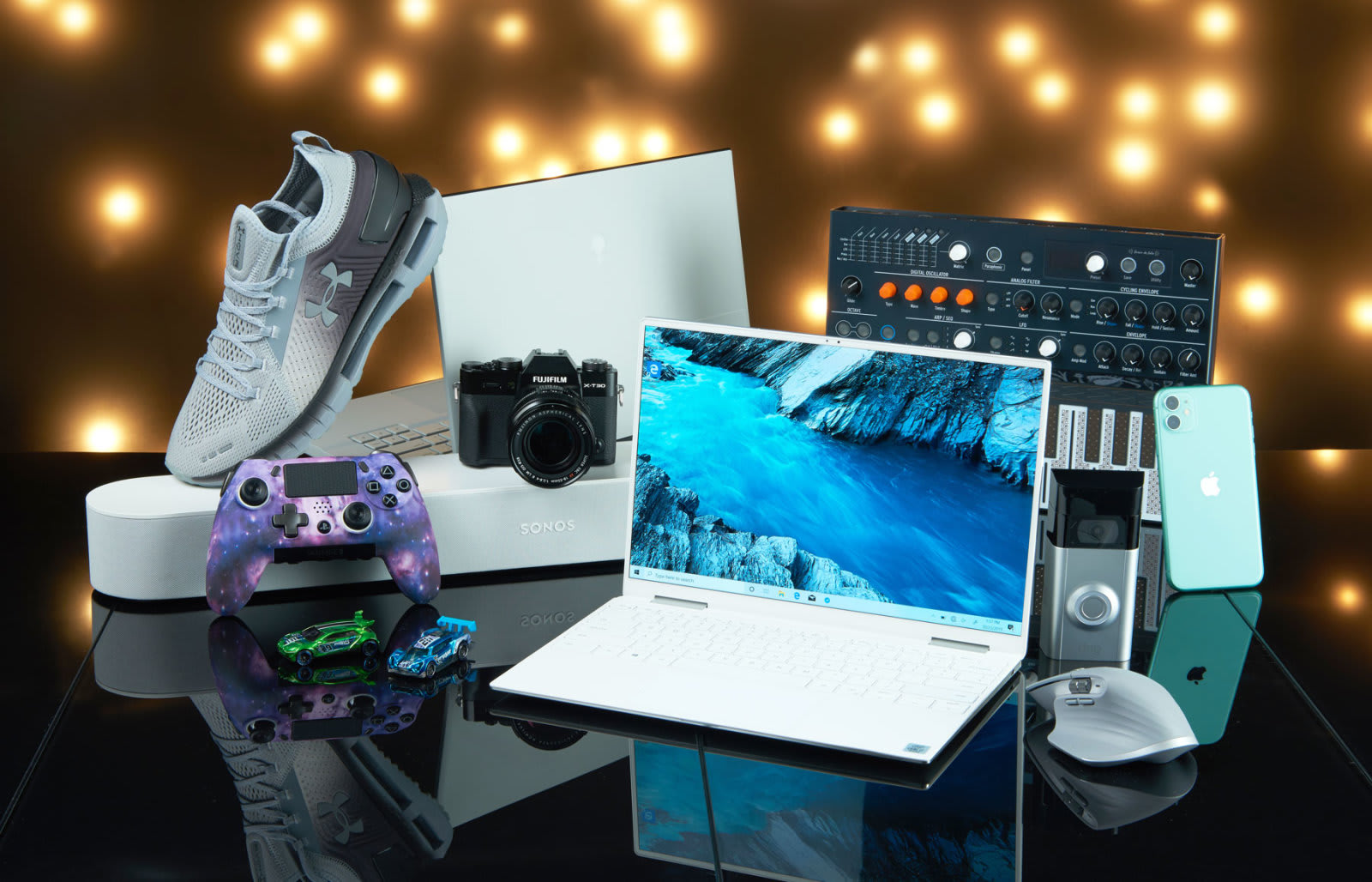
Everything in our holiday gift guide that’s on sale for Black Friday
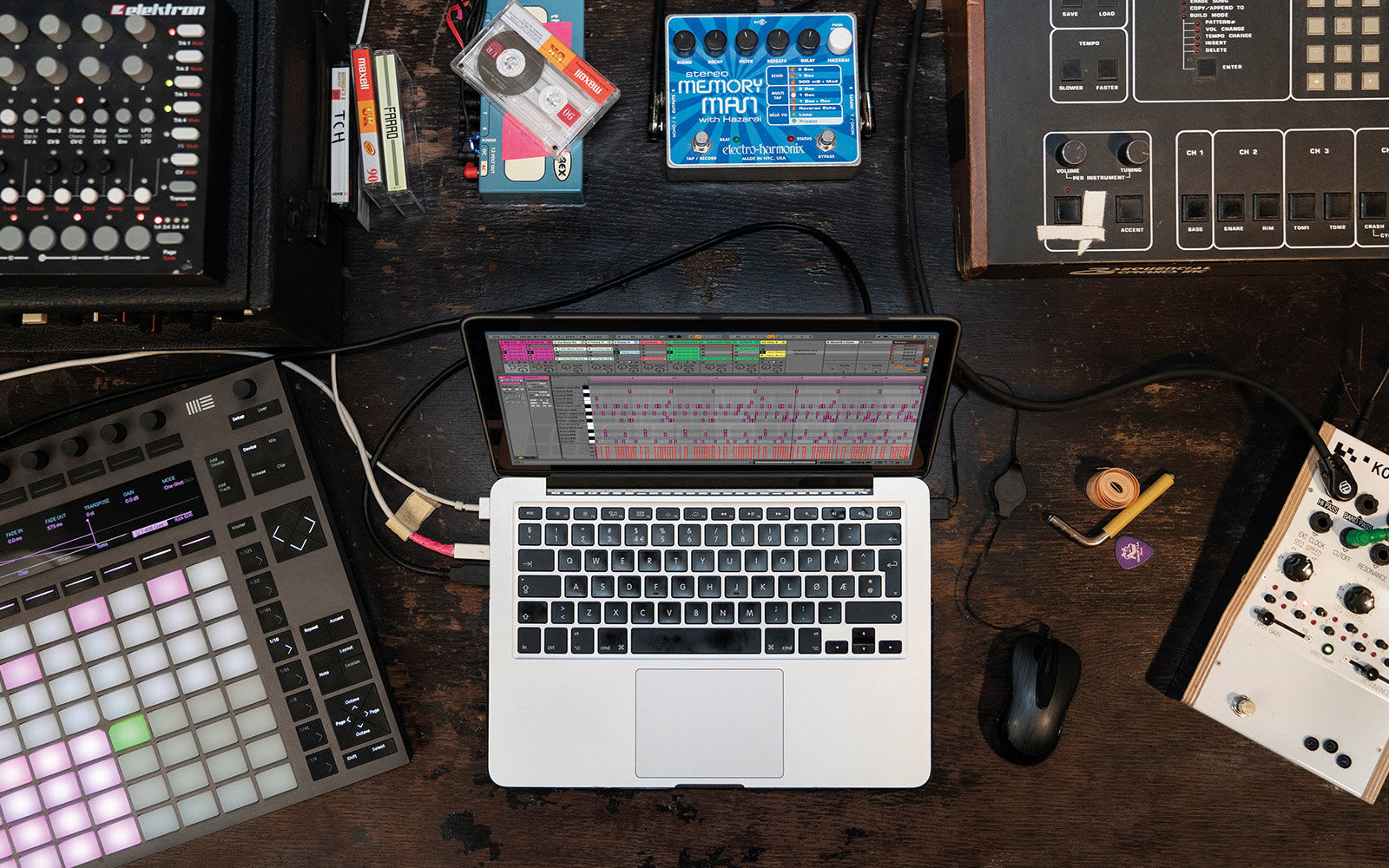
Ableton Live 10 is 25 percent off through Cyber Monday
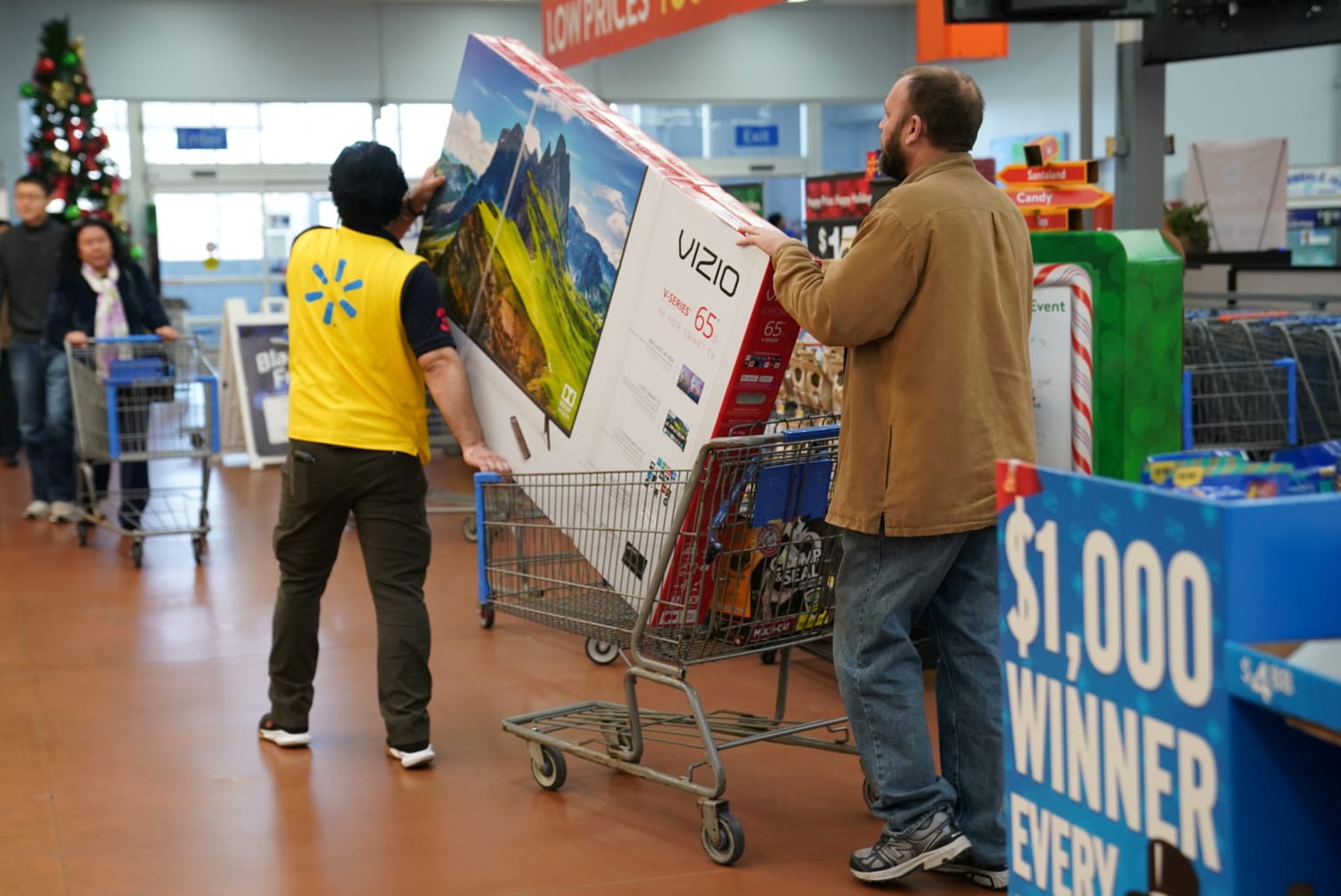
What to buy for your new 4K TV
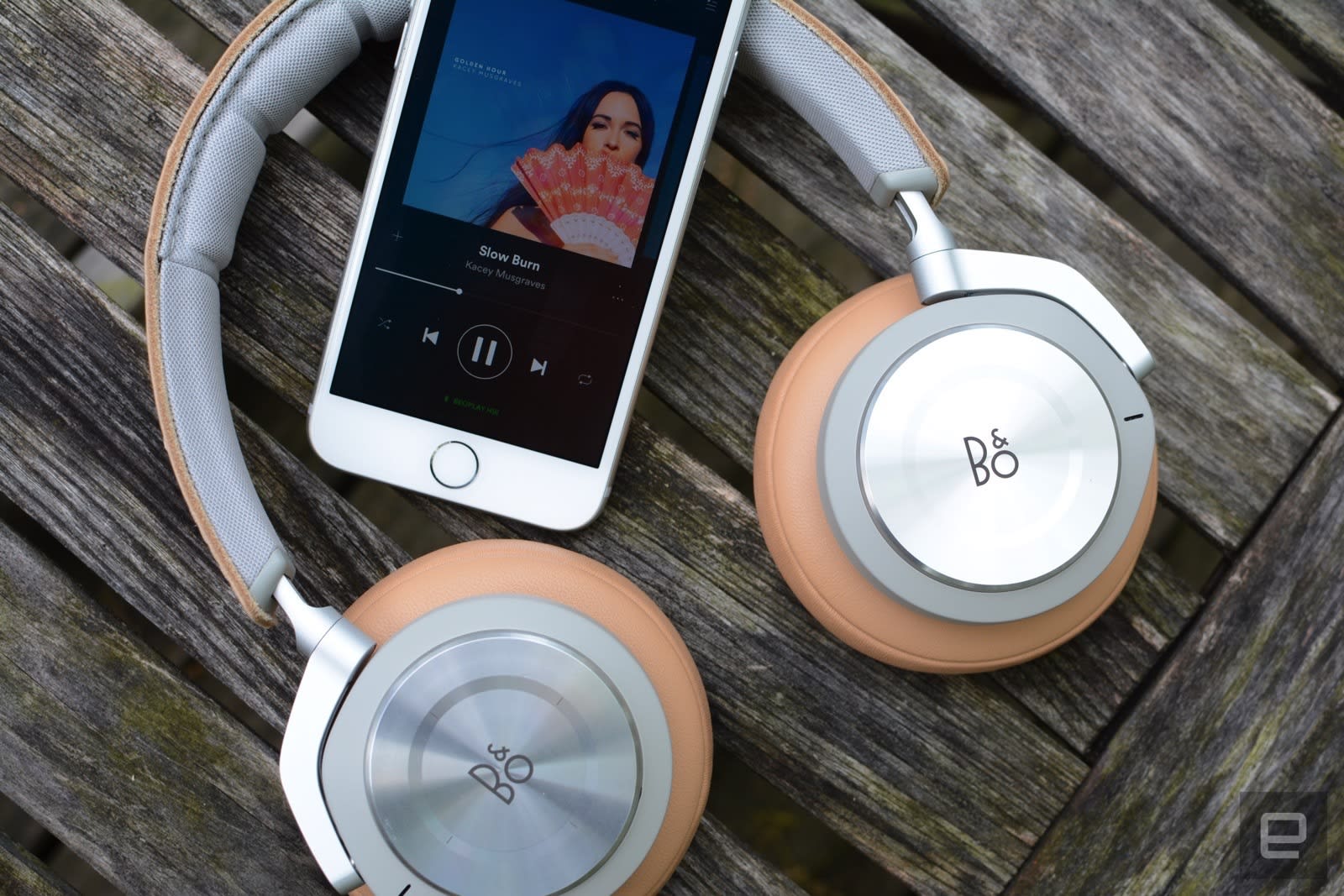
Save over $200 on B&O’s H9i headphones, but only for a few hours