Magento Filter Products Extension

We currently have a filter for our products that goes in the order Make -> Model -> Year however our client wants the order to go Category -> Year-> Make -> Model. The issues that occur is that the Categories include cell phones which do not have a year attached. Our recommendation was that the order would have to be Category -> Make -> Year -> Model -> SubModel or else the functions would be illogical.

Need an experience Magento extensions programmer to alter our current extension or create a new filter.

Here is the testing website location:
http://www.gordonreport.net/magento/

Twitter Followers

We need for our twitter account 10,000 followers ! from this user account http://twitter.com/therealpinkyxxx
You must meet all of the following requirements !!!! :
– Followers must be real accounts, no bots
– Followers must not be SPAM accounts, or those at risk of being quickly suspended
– 5000 followers must be added gradually over a period of 30 days
…
– Followers must follow me, but we’ll not follow them
– If followers are added in a way that results in my account being suspended, you will not be paid and possible legal action may result
– 10.000 new twitter followers must remain 7 days after completing your work in 30 days. Any lost followers must be replaced by the end of the 30 days, which is when payment will be released if you’ve done the work correctly.
-followers will be from be http://twitter.com/therealpinkyxxx . –

Your final work will be thoroughly checked by several people familiar with twitter.

Please include with your bid:
– Price
– Accurate date of delivery
– URLS with examples of previous twitter page work. Experience gathering twitter followers is a must
– An overview of your method to gain twitter followers

put the word Pink in your bids
If you’ll do this project 100% correct ! We’ll have more projects for you !

Bulk Mms

Looking for someone that can create a script in php/mysql to send out bulk mms messages in text and HTML.

Only serious programmers! No programmers that say they but they don’t. Payment will be put into escrow and release when job is fully completed.

Ignite A Sizzlin’ Hot Fire Burst

Have Fire? Have People? Have desire to be awesome? Learn to composite stock footage of various fire elements and have your friends burst into flames. In addition, learn to use the fire as a displacement map to create a unique “Heat Haze” effect from the fire.


Tutorial

Download Tutorial .flv

File size 249MB

Additional Resources


Working with Various Types of Vector Line Art


Line art is the use of lines or stretched shapes to create an illustration or enhance its appearance. Within this technique there are a variety of styles that are often found within the vector art community. In this article, I will show you a variety of illustrations made from vector which contain line art and explain why this element works well. We’ll also read what the artists say about the pieces, which tools they use, and what advice they give to those wishing to venture into line art.

Continue reading “Working with Various Types of Vector Line Art”

Quick Tip: How to Use the Opacity Mask to Make High Gloss Icons and Reflections


The Opacity Mask is a somewhat hidden feature in Adobe Illustrator. Mask work like Photoshop’s alpha channels to obscure parts of your artwork. In this Quick Tip, you’ll learn how to use Opacity Masks to make reflections and highlights on a vector icon.

Continue reading “Quick Tip: How to Use the Opacity Mask to Make High Gloss Icons and Reflections”

The Art Of Music Production – Part 1 – Audio Premium

In this week’s Audio Premium content, Bobby Owsinski starts a new series on music production inspired by his new book “The Music Producer’s Handbook” and his decades of experience in the industry.

To learn more about what you get as part of Audio Premium, read this. To take a peek inside this tutorial, hit the jump!

A new book of mine just came out called The Music Producer’s Handbook, so I thought this might be a good time to go over some basic production techniques while the topic is still fresh in my mind. Music production is sort of a black art because the very nature of the job is nebulous in many people’s minds, but we’ll try to clear that up in this series.

Table of Contents

  • What is a Producer?
  • How to Become a Producer

    • The Musician/Producer

    • The Engineer/Producer
    • And The Other Way
    • You Still Need A Client
  • Elements of Music Production

    • Creative

    • Financial
    • Politics
    • Project Management

Existing Premium members can log-in and download. Not a Plus member? Join now.


Quick Tip: Using Multiple MIDI Controllers in FL Studio 9

Everybody loves MIDI controllers. They’re so much fun, some people buy a few of them. Before version 9, FL Studio used all connected MIDI controllers to control only one channel, but now each one can be configured to control something completely different.


Step 1

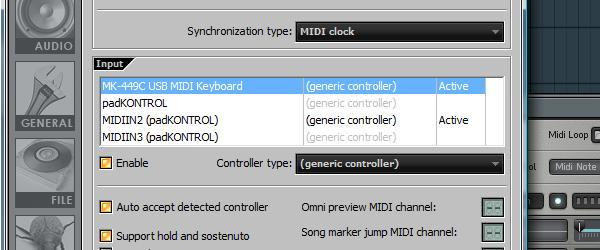
Plug in and set up your MIDI controllers. Make sure the inputs are enabled in FL Studio’s MIDI settings and everything is working properly. I’m going to be using my Evolution MK-449C keyboard and a Korg PadKontrol.


Step 2

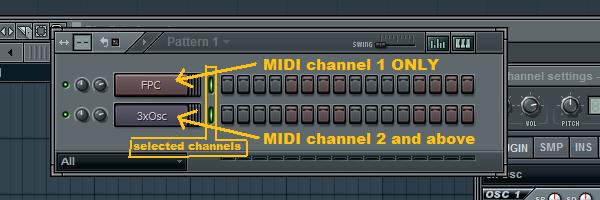
Add the instrument channels you want to control with each MIDI controller. I want to control some drums with my PadKontrol and a bass sound with the keyboard, so I’ve added FPC and 3xOSC channels.


Step 3

Now we can configure the MIDI controllers and the channels in FL Studio so that each channel is controlled by a seperate controller. When multiple channels in the step sequencer are selected, the MIDI channel that each note is sent on determines which channel (each instrument in FL Studio, like the 3xOSC and FPC, is called a ‘channel’, it’s confusing) it controls, from the ones that are selected. So, when 16 channels in FL Studio are selected, the first channel responds to MIDI notes sent on MIDI channel 1, the second on channel 2 and so on.

The MIDI channel is part of the note on and note off messages sent by the controller. When we set up a controller to send notes on MIDI channel 1, it doesn’t tell FL Studio that it’s being operated on channel 1, each note message just happens to be on channel 1. In the case of the PadKontrol and many other controllers, we can send notes on any MIDI channel we want. Knowing these limitations, we can predict how FL Studio will respond to different MIDI channels.

For example, let’s select 2 different channels in FL Studio’s step sequencer. FL Studio doesn’t know how we’ve configured our MIDI controllers or what MIDI channels we might be using. Any notes on MIDI channel 1 will be sent to the first channel in the step sequencer. Notes on MIDI channel 2 get sent to the second channel, as do any notes on any of the remaining MIDI channels.


Step 4

Read the manual for your MIDI controller to find out how to determine and change which MIDI channel(s) it’s operating on. My PadKontrol sends all notes on channel 10 by default, because in prehistoric times, channel 10 was always used for drums. My keyboard is set up on channel 1 by default, so this works out well. If the keyboard used any other channel, I would have to change it to channel 1, as any notes on channels 2 and above will get sent to the second selected channel in FL Studio. Since the PadKontrol is sending notes on channel 10, the FPC channel should be below the 3xOSC channel in the step sequencer. Selecting it (by clicking the little green light next to it’s name) and pressing Alt+ Up or Down Arrows will move it up and down.


Step 5

Now with both the FPC and 3xOSC channels selected by right-clicking the green lights next them, the PadKontrol plays the drums while the keyboard plays the bass. If you have a friend, this is a great way to collaborate.


Extra Step 1

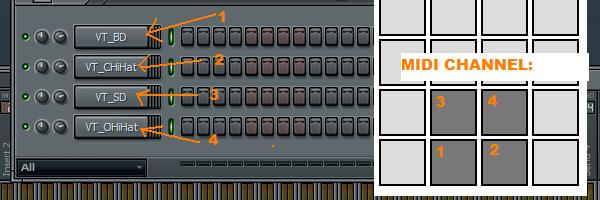
Let’s revisit the PadKontrol to do some really amazing things with this. Each pad can be configured to any MIDI channel, so with a bit of planning, multiple drum sounds can be triggered at the same time with just Sampler channels and no FPC or Layers. I’ve set up 4 pads sending notes on MIDI channels 1-4. To make things a lot easier, I’ve set each pad’s note to C4, which FL Studio sees as C5. This is just so that there’s no weird pitching going on.


Extra Step 2

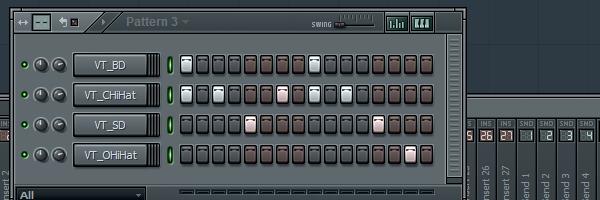
If you’re having fun with this, go into FL Studio’s MIDI settings window and click the ‘Record to step sequencer’ button. Now, if you play a cool beat on the pads, FL Studio will record each hit right into the step sequencer and it can easily edited from there. Whoooa!


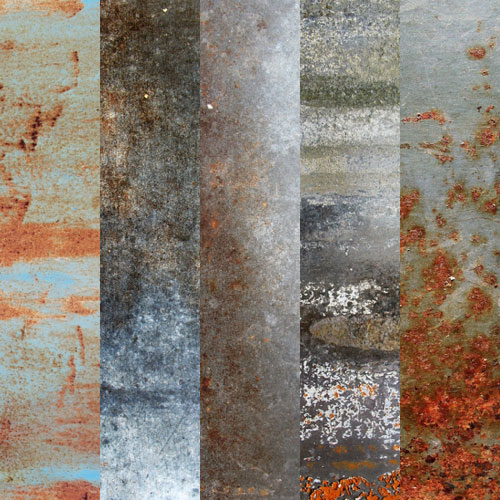
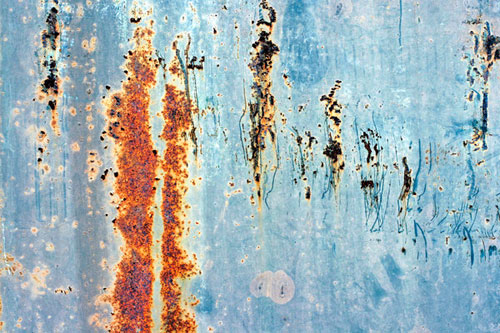
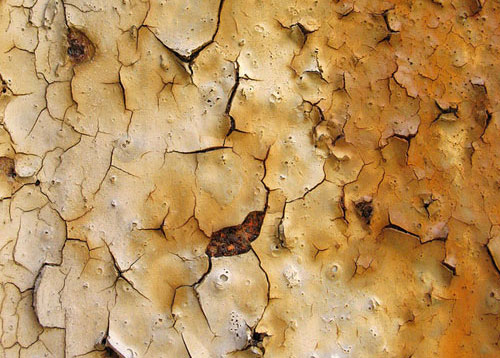
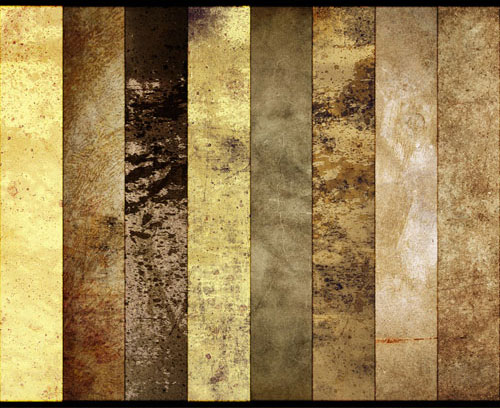
Over 250 of the Web’s Best Rust Textures


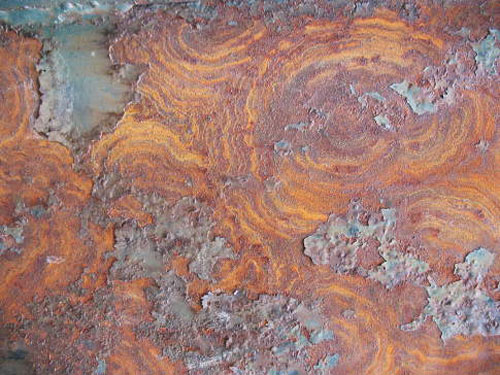
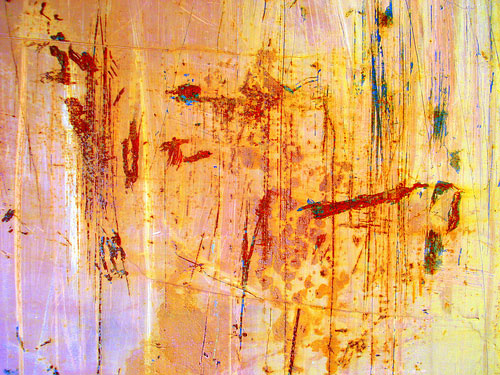
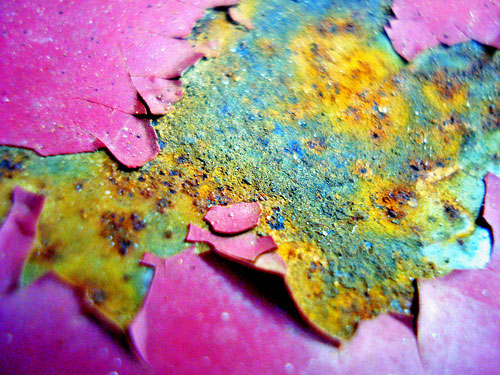
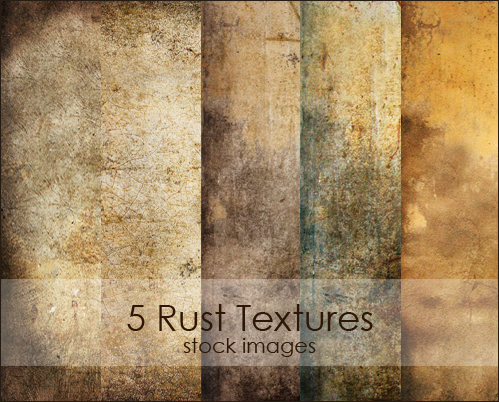
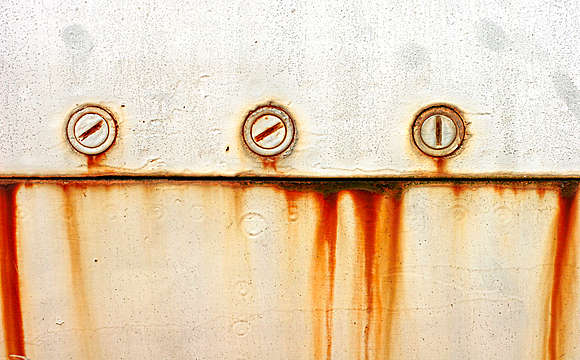
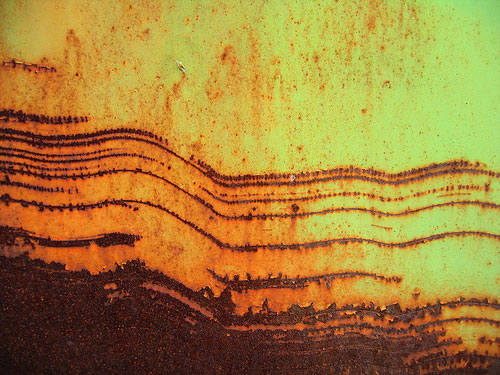
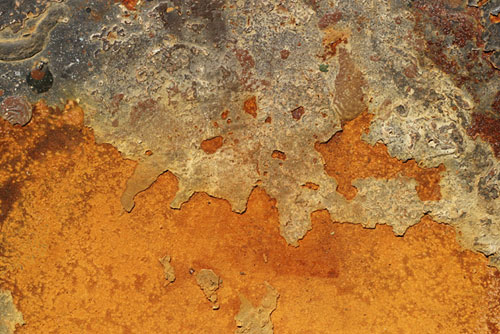
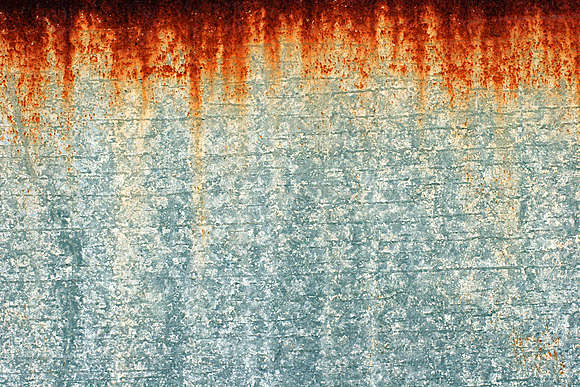
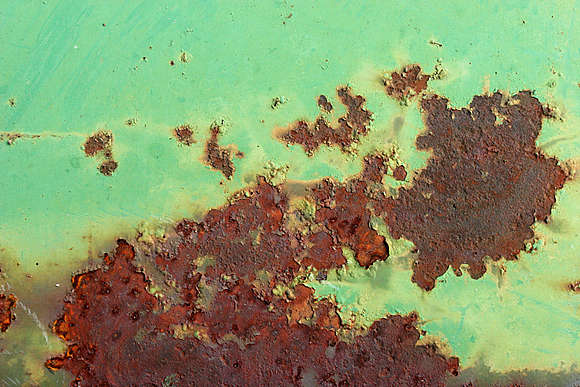
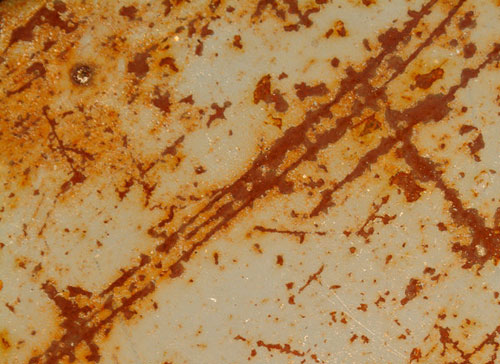
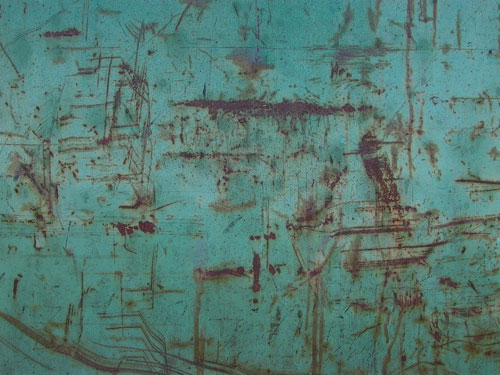
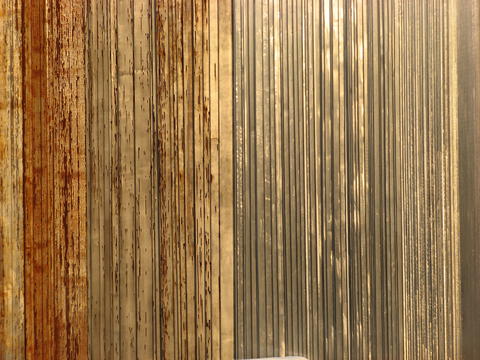
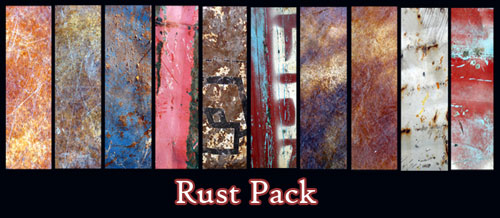
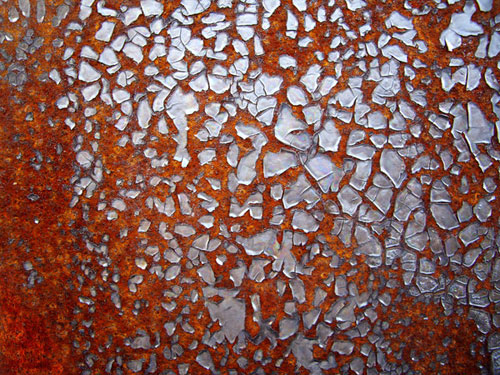
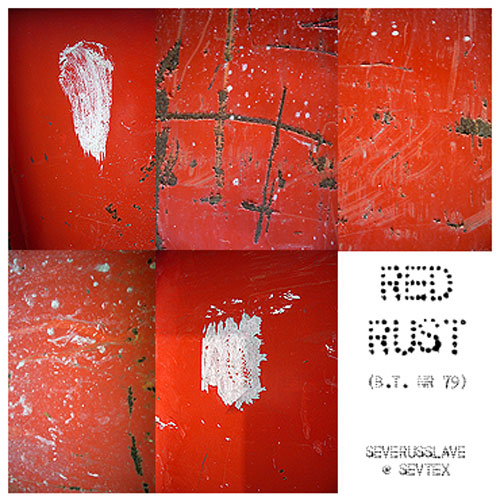
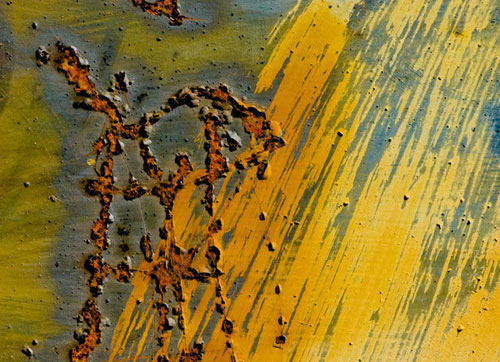
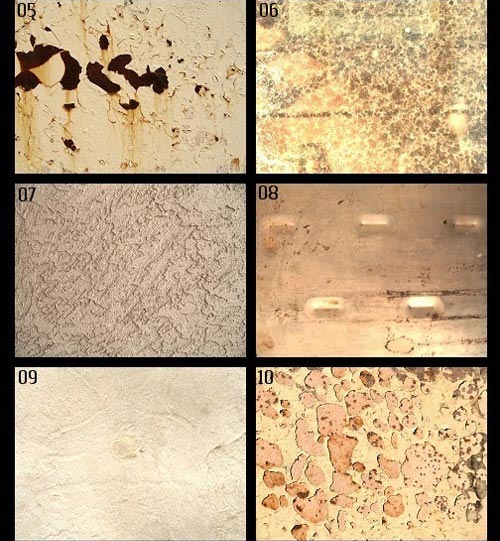
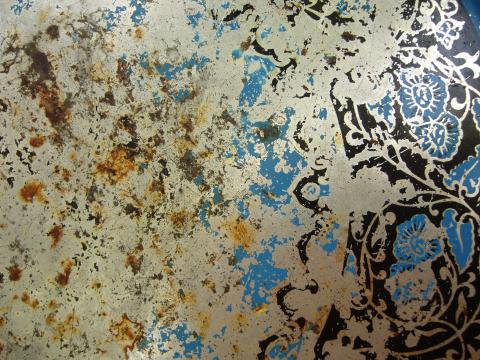
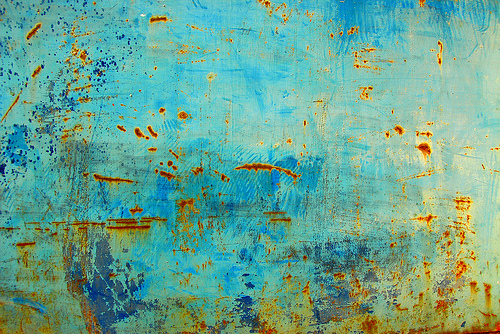
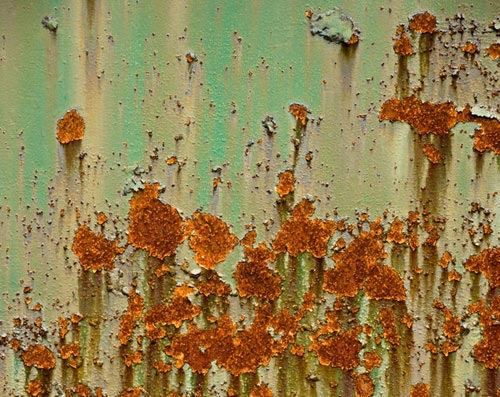
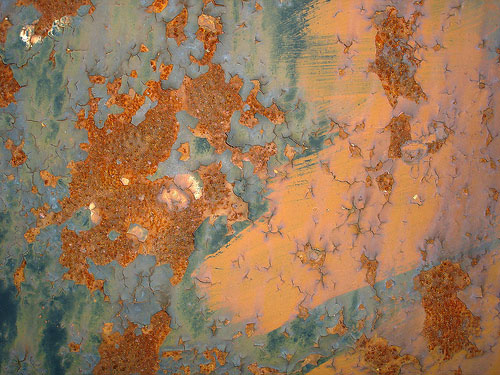
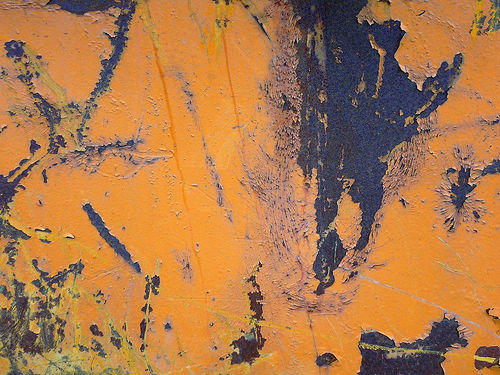
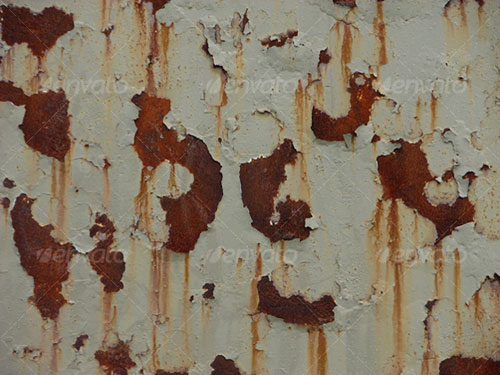
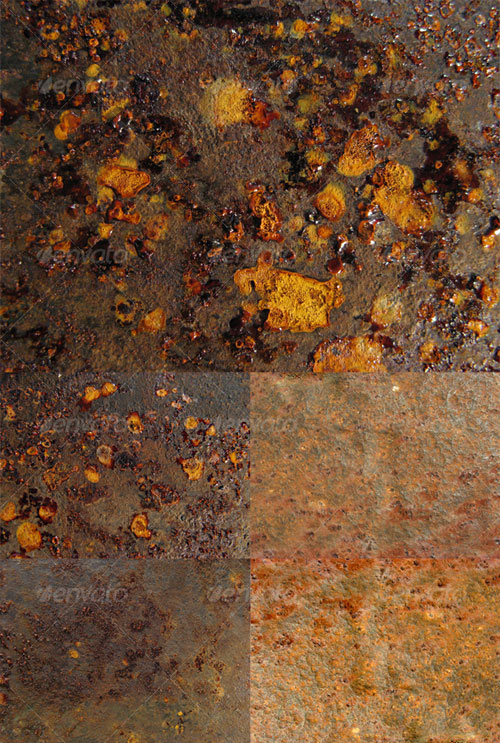
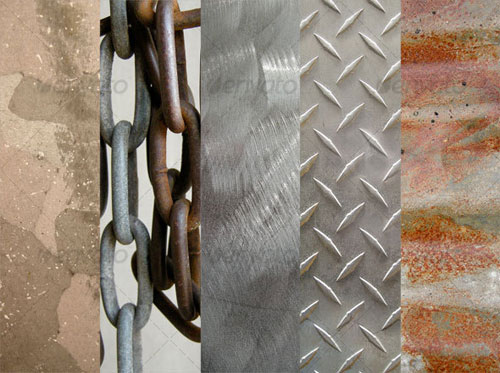
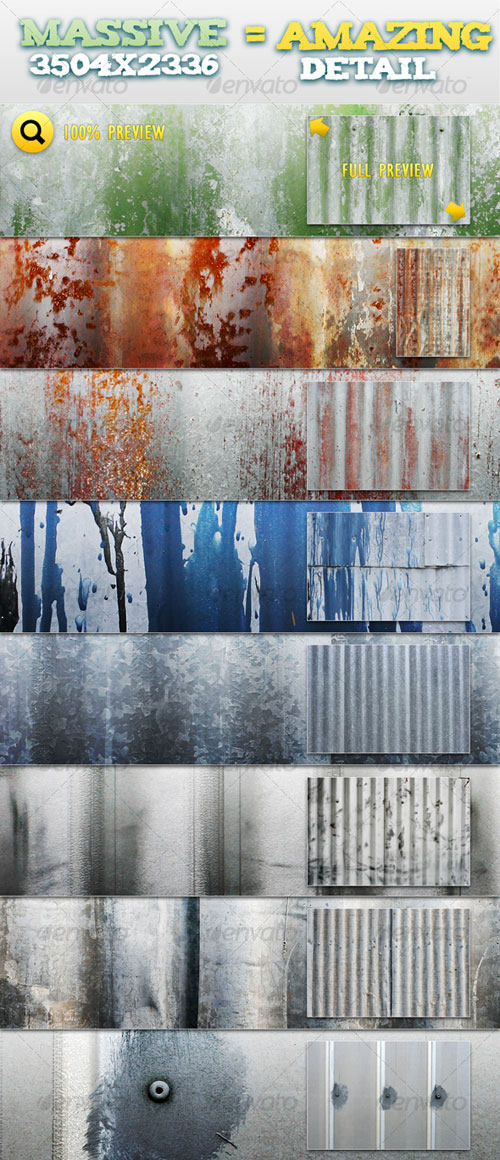
Rust can often produce beautiful colors, textures and linear qualities on surfaces. Rust textures are not only inspiring but are also a great way to add an extra dimension to any project. Today, we have compiled a huge collection of over 250 free and premium rust textures from around the web for you to use in your designs.


Free Textures

Rust Textures 2 (5)

Green Door 3

Free Texture Tuesday: Rust (5)

Rust 04

Grunge Package (4)

Metal / Rust texture #899

DSC01108 Rust

Rusty 134

Dumpster Scenery

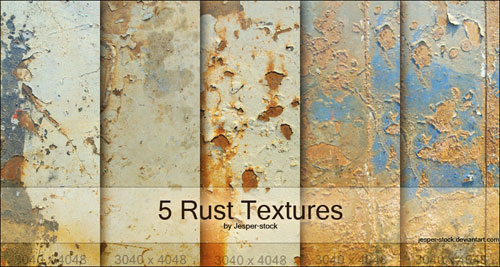
Rust Textures (5)

Rusty Bolts #1378

Blisters

9 Colorful rust textures (9)

Speckled

Red and Yellow Rust Texture

Cracked Orange Rust #1447

Rust 2

Rusty Metal #301

Free High Res Texture 139

Rusted Metal Texture #1670

Colourful Rust 6

Rusted Metal #780

Old and Rusty High resolution textures (4)

Rust on Green Metal #1584

Rusty days (6)

Stock Texture 004

Rust 001

Rusted Metal #790

Rusty Metal #1103

Green Boat Scratch

Rusty Metal #1104

Rusty Yellow Metal #1225

Turquoise Rust-Texture

5 Old and Rusty Textures (5)

12 Unusual Free High-Res Rust Textures (12)

Texture 149

Rust on Blue Metal

Rust Texture Pack 02 (4)

Junk Truck Rust Texture


Rust Abstract #1

Rust texture 6

Rust 01

Teal 1

Vintage Rust

Texture pack 2 (8)

Rust / Metal texture #1529

Free Rust Textures (9)

Rusty Grunge Texture

Stock – Rust Textures (10)

Rust

Earth Map

Seat

Caution 02 of 03

Nobody Knows

Nr 79 (5)

Ft Worden 05

Rust ‘n Such Textures (10)

Metal / Rust texture #805

Pixmaniaque18BO26151

Rusted Metal Pack 01 (8)

Rust Splatters

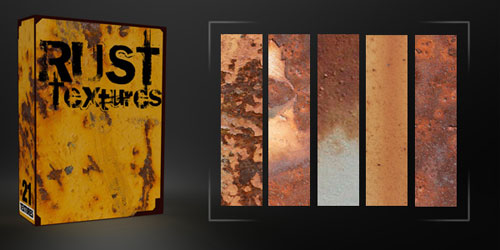
Rust Textures Pack (21)

DSC08611

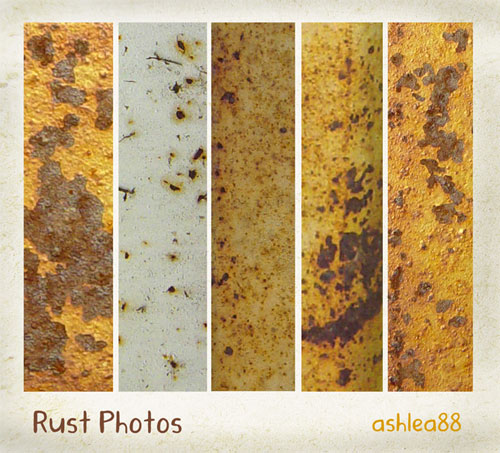
Rust Photos (5)

Rusty Texture 5


Premium Textures

23 Miscellaneous Textures (23)

Paint Texture Pack 3 (5)

Rust METAL Paint

Metal Textures (5)

Rusty Pack 01 (5)

Metal Texture Pack 2 (5)

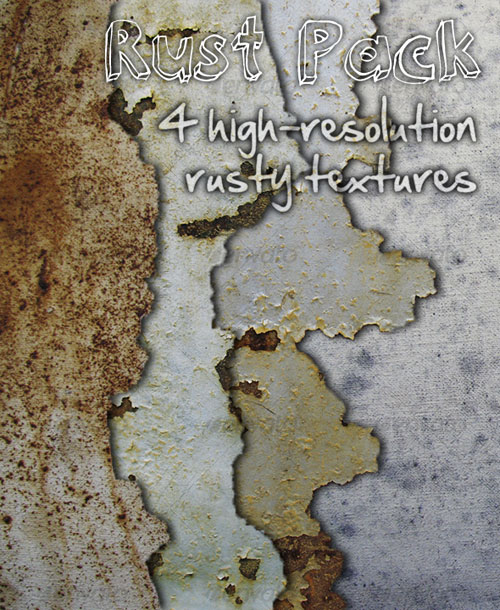
Rust Pack (4)

Metal Background II

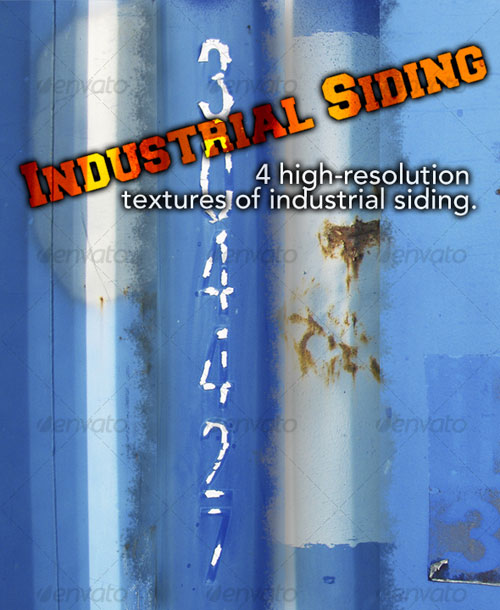
Industrial Pack (4)

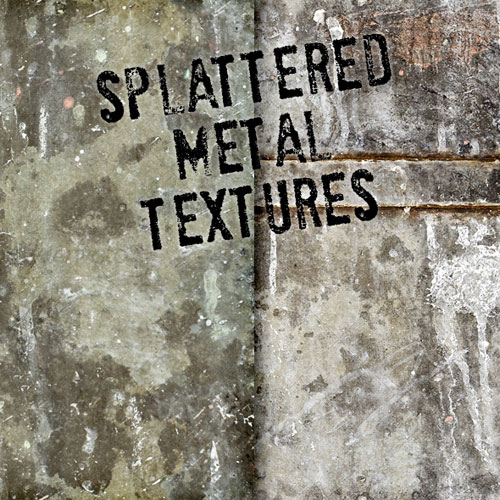
Splattered Grungy Metal (2)

Grunge With Rust and Paint

Rust Textures (12)

3 Metal Plates + Bonus Tileable Versions (3)

Corrugated Metal Pack 1 (8)

Orange Texture