This week, we are hitting the tutorial roundup. Its been a few months and there are some new names on the scene like QUBA HQ and shortformvideo.com. Check out their stuff, as well as the rest of your favorite tutorial creators and submit your own resources in the comments below!
-
Video Copilot – Animating a Still
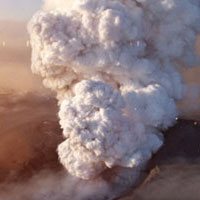
Mt. Eyjafjallajokull (can anyone even say that?) might be old news, but techniques like the ones in the tutorial aren’t. This tutorial, Andrew shows how you can modify instances of a still image to make it look like video.
Visit Tutorial
-
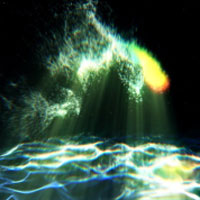
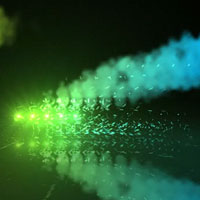
Video Copilot – Green Smoke
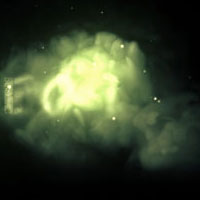
This tutorial uses smoke footage elements combined with a particle system to create cloudy, smoky title reveal.
Visit Tutorial
-
Video Copilot – Particle Shadows
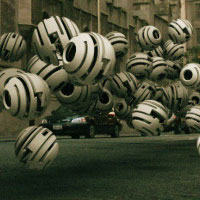
Your work is all about realism right? Well, you have to have things like dynamic shadows in your compositions, and to make them look real, you need to use some special techniques like these.
Visit Tutorial
-
Video Copilot – Advanced Time Freeze
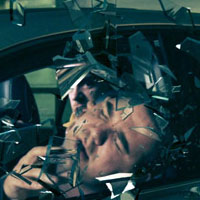
Sam Loya is back getting his face busted up and through a car window… learn how to create this effect with a mix of 3D and matchmoving, and After Effects
Visit Tutorial
-
Artbeats & Eran Stern – Mind Trip
A tutorial I have wanted to see for a long time is the effect of a zoom into someone’s eye to reveal something else. Eran Stern shows how to do this in a 2 part Artbeats tutorial
Visit Part 1 Visit Part 2
-
Eran Stern – World Cup Promo
Using some elements for the Digital Juice Motion Designer’s and Compositors Toolkits, Eran makes a pretty sweet promo for the World Cup.
Visit Tutorial
-
Eran Stern – Hands Up!
In this tutorial, Eran uses some more MDT elements to create a cyber crime show open.
Visit Tutorial
-
Motionworks – Dynamic Sci-Fi Look
Another tutorial with MDT elements, John Dickinson blends Cinema 4D and After Effects to create a detailed background and an awesome text effect.
Visit Tutorial
-
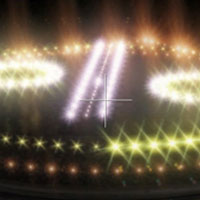
RGTV – Creating Automated Flashing Light Patterns
A while back, Chris Zwar blew everyone away with his Centrica Carnivale tutorials, well in this one, he will show you how he achieved his light effect with Knoll Light Factory and some expressions.
Visit Tutorial
-
RGTV – Music Visualization with Trapcode Suite
Harry Frank takes us through the ever popular music visualization effect, without the use of FumeFX or Krakatoa!
Visit Tutorial
-
RGTV – Tiny Inventions
The team at Tiny Inventions took some time to give a behind the scenes look at how they used Red Giant Products and After Effects to create “Something Left, Something Taken.”
Visit Tutorial
-
Greyscale Gorilla – How To Make The Cherry 7up Look With C4D and AE
In this two part tutorial, Nick shows us how to create the animation of the cherries, and then finishes up the entire video in After Effects.
Visit Part 1 Visit Part 2
-
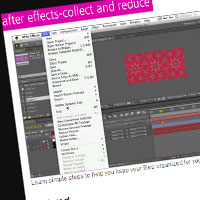
Justin Young – Collect and Reduce
This is more of an organizational tutorial, but if you are sending projects, assets, and stuff to someone else… it’s only kind to do some clean up before hand.
Visit Tutorial
-
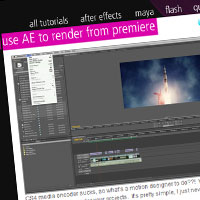
Justin Young – Use AE to render from Premiere
If you, like Justin and I, have experienced some… difficulties with Adobe Media Encoder CS4, well here is an easy workaround to not use that and render from After Effects instead.
Visit Tutorial
-
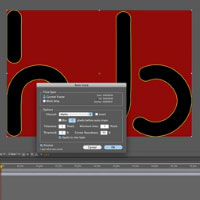
Justin Young – Autotrace in AE
sometimes, it just doesn’t make sense to draw your mask, or copy outlines from Illustrator, so in any of those cases… this quick tip will help you out!
Visit Tutorial
-
Brad Zimmerman – Masking Inside Shape Layers
Learn a quick tip on how to create a basic shape layer that is masked with some fun animation.
Visit Tutorial
-
Brad Zimmerman – Shape Layer Expressions
Learn how to create your own preset to build a very complex shape in After Effects.
Visit Tutorial
-
CGSwot.com – Classic Star Wars Crawl
We have seen them before, but here is another take from Dave Scotland on how to make the popular Star Wars Crawl
Visit Tutorial
-
CGSwot.com – Aged Film Using Particles
Let Dave Scotland show you how to create that popular aged film look using Trapcode Particular.
Visit Tutorial
-
Carl Larsen – Living by the Spirit
Its been a long time since we heard from Carl… but his new tutorial is pretty awesome. He teaches you how to create a cool title treatment with Trapcode Particular and some depth of field rendering.
Visit Tutorial
-
AEDude – Follow the Line
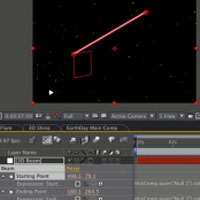
This simple tutorial shows you how to follow a line in After Effects to lead the eye of your viewer.
Visit Tutorial
-
AEDude – Cinematic Trailer
Learn how to move in 3d space to create a cool title reveal for a cinematic trailer… and use Particular to create some depth with particles.
Visit Tutorial
-
AEdude – Show Intro
Learn how to create a really cool looking show intro with different stock elements, video, and moving through 3d space.
Visit Tutorial
-
AEdude – Realistic Camera Movement
Use some basic tracking in After Effects to create a realistic camera shake/move.
Visit Tutorial
-
PremiumBeat – Realistic Camera Shake
Similar to the one above, but this time by Dave Scotland of CGswot.com. Basically you will use actual footage, track that, and use that to drive your camera shake for the layers.
Visit Tutorial
-
Graymachine – Using the toComp Expression
This old tip is freaking awesome! It might seem boring by looking at the title, but it really will open up some possibilities for you.
Visit Tutorial
-
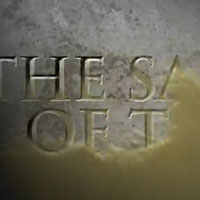
shortformvideo – Sands of Time
In this rather long tutorial, Laurence Grayson shows you how to create this title review for the film Sands of Time.
Visit Tutorial
-
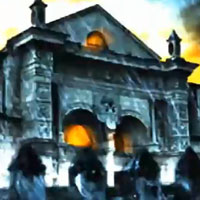
shortformvideo – Desecrated Cathedral
With taking just a single photograph, Laurence shows you how to spook up this seen to look like a haunted old cathedral video.
Visit Tutorial
-
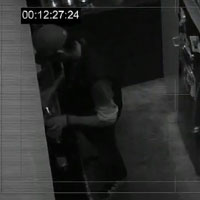
shortformvideo – Faking CCTV Security Video
Learn how to modify some perfectly good video to look like some security camera footage.
Visit Tutorial
-
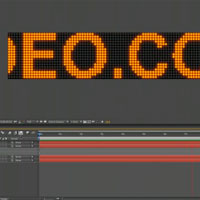
shortformvideo – Creating an LED Signboard
This tutorial will show you how to make those leaderboards you see for businesses on the street that display scrolling messages.
Visit Tutorial
-
QubaHQ – Light Wall
Learn how to create this amazing looking light wall using C4D and AE. There is also a preset available as well!
Visit Tutorial
-
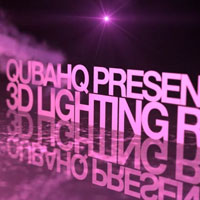
QUBAHQ – Automated Lighting Rig
Learn how to link your lights with automated samplers on an image map to create a unified light rig.
Visit Tutorial
-
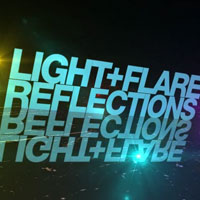
QUBAHQ – 100% Accurate Reflections
In this super easy tutorial, Quba shows you how to build a 2 camera rig in order to create perfect 3d reflections.
Visit Tutorial
-
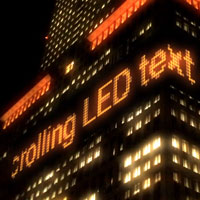
QUBAHQ – Scrolling LED Text
With some handy expressions, and some stock imagery, learn how to make a scrolling LED sign that can wrap around buildings.
Visit Tutorial
-
CGtuts+ Using Sound Effector to Create Animations in C4D
Using the Mograph module, you will create animations based off of music, and you will finish up the animation in After Effects to blend the final soundtrack with the composite.
Visit Tutorial
-
CGtuts+ Create a Stylish Animated Logo with C4D and AE
In this Basix tutorial, you will create some simple cubes, then blend your 3d with your 2d in After Effects to finish up.
Visit Tutorial
-
CGtuts+ Create a Cool Looking Ink Effect using FumeFX, 3ds Max, and AE
Learn how to create some sweet looking ink plumes, and then composite everything together in After Effects.
Visit Tutorial
-
CGtuts+ Composite a 3D object into video footage with Boujou, Maya and AE
The title kind of says it all… learn how to integrate Maya renders and live footage together using Boujou and compositing in AE.
Visit Tutorial
-
CGtuts+ How to Simulate a Torn Flag Animation using 3ds Max and AE
If you don’t have Zaxwerks 3D Flag, and have a copy of 3ds Max, this is probably the tutorial for you!
Visit Part 1 Visit Part 2
-
CGtuts+ ‘The Skateshop’ – A PFTrack, Maya & AE Workflow
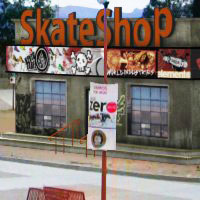
This is a very in depth, premium tutorial over at CGtuts+, and takes you through the whole process of modeling, matchmoving and compositing this skateshop into a scene.
Visit Part 1 Visit Part 2
-
CGtuts+ Modeling and Rendering a Baseball Wall Title Spot
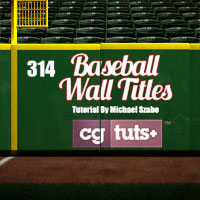
Michael Szabo from Big Mike Design has this tutorial where you model and render a baseball field’s back wall into a cool little title spot.
Visit Tutorial