Category: Tutorials
Tutorials,freelance,projects,joomla,php,mysql,wordpress,blancer.com
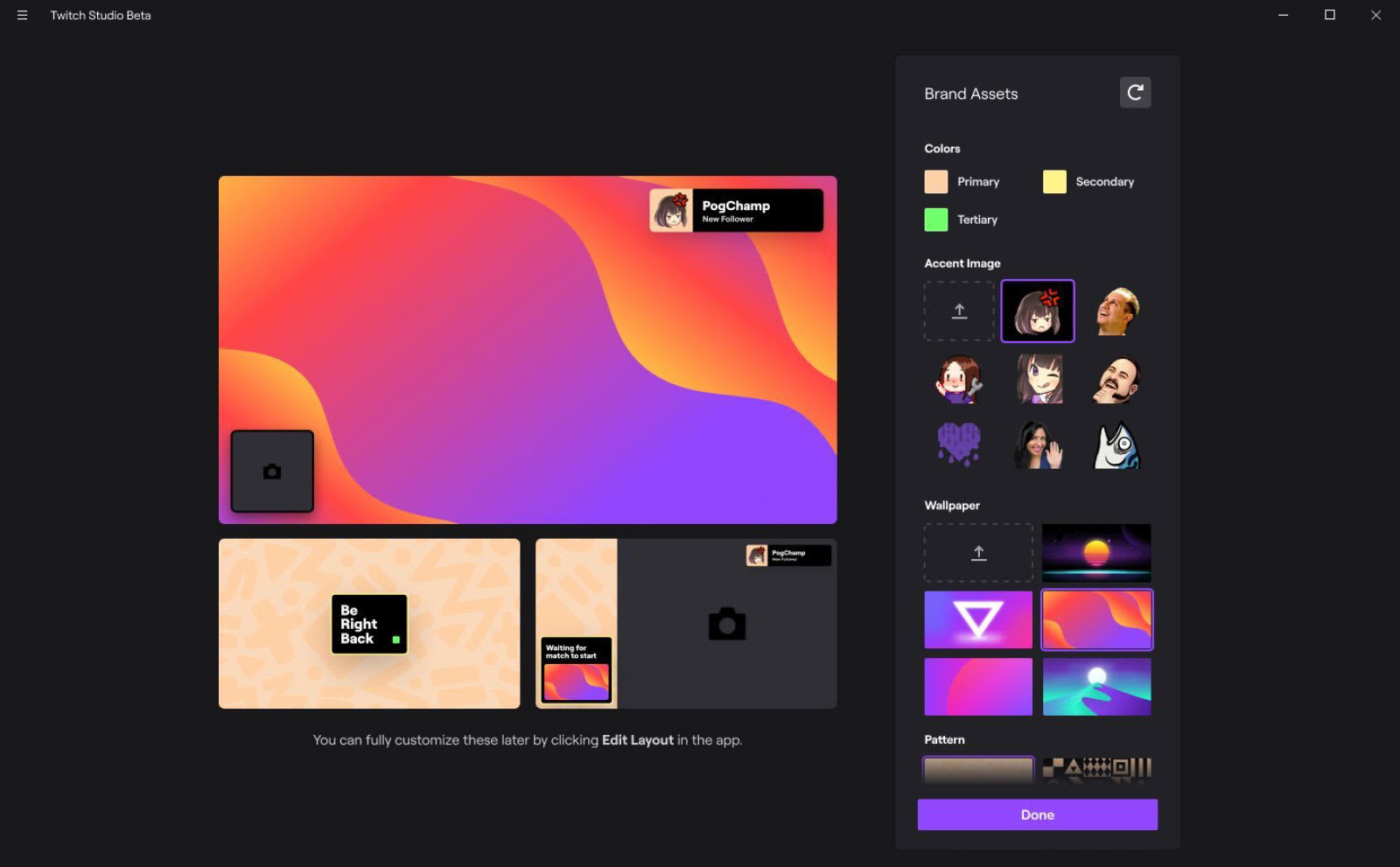
Twitch makes it easier for first-time streamers to get started
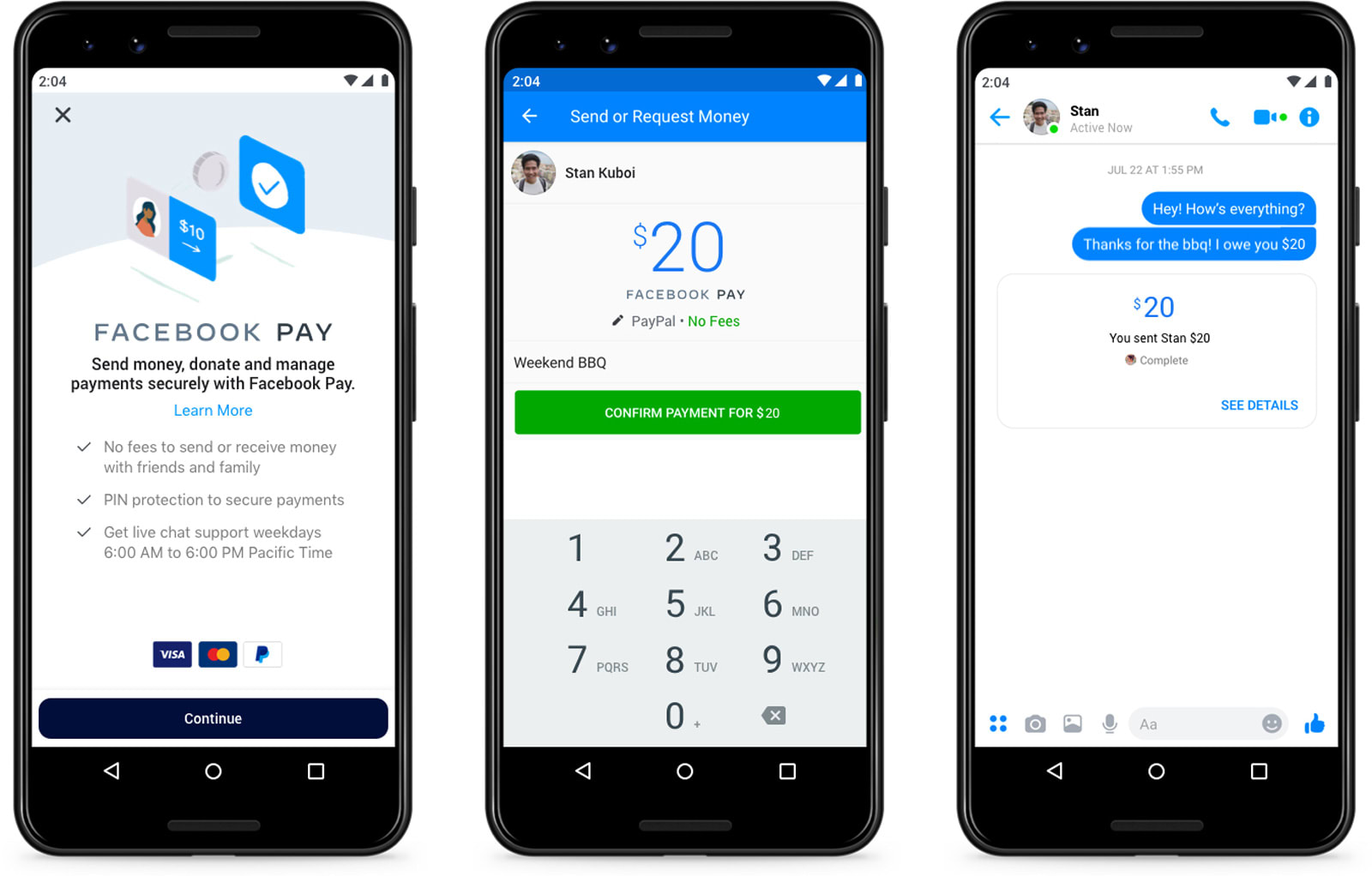
Facebook Pay lets you buy goods and send money inside Facebook’s apps
Dell says it will power all of its facilities with renewable energy by 2040
UEFA Champions League is coming to CBS All Access in 2021

‘Minecraft Earth’ early access arrives in the US
30 Beautiful Modern Script Fonts (Typefaces for 2020)
Your designs aren’t complete without the perfect font! Find amazing script styles in this collection for 2020.
30 Beautiful Modern Script Fonts
There’s nothing more satisfying than pairing the right script font with a design. It’s a simple yet effective trick to take your work to the next level.
And script typefaces are a perfect mix of elegance and style. So are you feeling a bouncy baseline with flirty characters? Or a fun experimentation in grunge and textured letters?
Designers are always on the hunt for the best script fonts inspired by the latest trends. So today, we bring you 30 incredible modern script styles with enough flair and uniqueness to choose from.
Check out this collection of the best modern script fonts curated by Envato Market and Envato Elements.
Sophia Script Font
Pretty and sophisticated, this lovely, handmade font could be a great fit for a variety of projects! From packaging to posters, from tea to T-shirts, this script even has 115 alternate characters to work with!

Qunanty | Paztapeface Script Font
Check out this fun and quirky script font! It has such unique shapes to it and such a playful aesthetic. Aside from the pasta association, its plump twists and curves make for a merry aesthetic, perfect for your next sunny project.

Beloved Teacher Script Font
Looking for a cheerful, welcoming script font for your next project? Well, look no further—Beloved Teacher is a sweet and versatile font! This font would be great for projects that would benefit from the welcoming vibe of a hand-drawn look and feel.

Honeycomb Font
Isn’t this a beautiful font? Honeycomb has international language support and also includes 24 gold foil patterns—awesome! This font has so much potential for classy and organic projects. It would make a great addition to anyone’s font collection.

Britney Modern Script Font
With multi-language support, Britney Modern is a fun and energetic font. It’s got alternate characters and ligatures, all ready to go. Use it in your branding, packaging, print work, and much more!

Madelis Script
What a sophisticated font! With beautiful swoops and loops, Madelis would be right at home on packaging, branding, invitations, or even as a headline on your next publication! This one has so many possibilities.

Rossmore Script Font
Check out this beautiful font! It has such an elegant, hand-drawn feel, perfect for projects that would benefit from that kind of organic, personal touch. Definitely best suited to display and points of emphasis, this could be a great addition to your font library.

Rising Star Font
This is such a fun typeface with so many possibilities. It’s got a little bit of retro flair, but is versatile enough to work in many situations. Try it out on your next packaging project, or use it to create emphasis in your next layout design!

Petter And Sons – Romantic Beauty Script
This font is so romantic; from its beautiful strokes to its elegant lines, Petter and Sons would look amazing on your invitations, in branding, on a T-shirt, or even on a very special love letter!

Amora Script
This lovely script has 12 different styles to experiment with, so there’s plenty to see and try! Check out the pretty swirls and elegant strokes. It’s so easy to see this one on packaging, posters, T-shirts, and more!

Thirthy Font
Be bold with a chunky script font! This font works great on T-shirts and more. Update any poster with handwritten letters for that authentic look! Whether you love modern or vintage design, this versatile font is suitable for various occasions. Get a full set of letters, numbers, and punctuation in this download.

Sottafles Typeface
The opportunities are limitless with the Sottafles typeface. A handwritten font with angled script characters, this typeface is quirky and unique. Enjoy a full set of standard letters and numbers, as well as multilingual support. Great for logos and headlines!

Wild Ones Script
Take an incredible journey to new heights with this script font. A handwritten typeface with modern, cursive letters, this font is cool and multipurpose. Customize your invites, packages, and logos with this modern calligraphy style that is easy to use.

Zattoya Signature Typeface
What if your signature became a popular typeface? The Zattoya font does just the trick for improving any contemporary design. It features tall capital letters balanced out by a mixture of short and long lowercase characters. Use it for your website or logo!

Geraldyne Script
Made by combining various alternatives together, the Geraldyne script features fluid, curvy letters that are each so unique. Try it out with fashion, design, or wedding themes to complete your latest projects. It also includes multilingual support and alternate glyphs for more variations.

John Davidson Script
Sign your letters and documents with an impressive script font. The John Davidson script is classy and effortless. Enjoy the wide loops and subtle dips created to look like real handwriting. Test it out for your email signatures, postcards, or personal stationery.

Kania Script Typeface
Most scripts are dainty and thin, but Kania stands out from the rest. Create bold headlines and titles with the Kania script typeface. Featuring script letters in a wide cursive script, this font packs a punch with its wide letters. Try it out on websites and stationery!

Daisies of Our Lives
Write out the story of your life with a dramatic typeface. The lovely Daisies of Our Lives font is super pretty and clever. Add a feminine touch to any project with this slanted script typeface that’s great for posters, book covers, and so much more. Add it to your collection!

Zenith Script
The Zenith script is a handmade typeface which combines regular and alternate characters for a unique result. Create the ideal logo with bold, brush letters that appear as crisp as the real thing. Enjoy access to a full set of letters, numbers, and punctuation.

Naycila Script Font
Created
with a bouncy baseline and a natural, handwritten feel, the Naycila
script font is a stunner! Pair it with elegant metal textures or subtle
gradients for an amazing result. This download includes a full set of
upper and lowercase letters as well as fun swash alternates.

Seirra Script and Serif Font
Make your next logo with the gorgeous Seirra font.
This script and serif font pack features two handcrafted typefaces to
satisfy your minimalist needs. Add creative script accents using the
original script, or go for something more bold with the serif version.
Try it out on stationery, apparel, or other merchandise.

Serrona Script Font Duo
Design stylish ads for your luxury brand with the Serrona
script. Perfectly suited for logos, stationery, and more, this font
features an authentic, handcrafted feel with three styles included. Get
access to regular, sans, and outlined versions in one quick download!

Violaceous – Brush Script
Brush scripts, like the Violaceous font, give
your work that instant handmade feel! Get inspired by your favorite
writers to create stunning typographic posters with style and texture.
Check out this full pack of letters, numbers, and punctuation for more
options.

Magehand Script
Whether you need a clean, modern script for your logo or website, the Magehand typeface will do just the trick. Check out the phenomenal professional design which includes excellent curves and pristine characters. Download it today to get access to multilingual characters and more.

Amnesty – Handwritten Font Duo
Set the scene to your movies, trailers, or stories with the Amnesty font duo. A handwritten pack of amazing script fonts, this set is powerful and expressive. Check out the different brush styles to explore more options. You’ll love the realistic grunge finish!

Wilgaty Script Font
Font
packs are one of the best ways to get several stunning fonts in one
convenient download. The Wilgaty font pack features both smooth and rough styles to
complement many occasions. Also included in this set is a thin pen
style that is chic and sophisticated. Check it out!

Itaki – Calligraphic Typeface
Design brands with powerful messages using the Itaki font. A calligraphic typeface with stunning textural accents, this font paints gorgeous letters that look authentically handwritten and full of deep meanings. Test it on stationery, posters, and even store signs.

Wonder Sunshine Typeface
Bring a bright energy to any design with the Wonder Sunshine typeface. Combining a mixture of classic vintage styles with modern script fonts, this typeface is whimsical and fun. Enable additional stylistic alternates using any major design program.

Heats Script Font
Add a little tension to your headline or title with the Heats script font. A handmade script font with casually drawn letters, this typeface is perfectly suited for branding projects and more. Design a laidback style that suits many creative projects. Check it out!

Easy Brush Font
Need a bold font that is full of energy and expression? Then check out the Easy Brush font. A grunge-inspired typeface with realistic brush textures, this script font is bold and super cool. Make any ordinary design stand out with this pack of authentic handmade fonts.

Goliath Script Font
Create confident designs with the Goliath script font. A handwritten font pack with two amazing styles, this pack is versatile and well designed. Enjoy the original regular version or combine it with exceptional alternate characters for a different feel. Give it a try!

Trendy Script Font Duo
Another great font duo pack is this trendy script set. This pack includes one elegant script alongside a bold display font. Mix and match each style for the best result. Also included in this download is multilingual support and a list of stylistic alternates. Check it out!

More Font Inspiration
Script fonts are the chameleons of typography. They blend into almost any design or theme with perfect precision. So grab a few from this collection for the ultimate design pack!
Want more amazing script fonts? Check out these collections:


Tried any of these assets? Let us know! Tell us your favorite script fonts in the comments below.
This has been a selection of premium resources perfect for the avid designer. For more modern script fonts, check out Envato Market and Envato Elements, or enlist the help of our talented professionals at Envato Studio. Happy designing!
Love fonts and typography? Check out some of these type tutorials to help up your typography game!
 FontsHow to Create Your Own FontYulia Sokolova
 FigmaNew Course: Advanced Typography Design in FigmaAndrew Blackman
 FigmaNew Course: Web Typography Basics in FigmaAndrew Blackman
 TypographyThe Ultimate Guide to Basic TypographyLaura Keung
 Web TypographyWhat Your Web Typography Says About YouJoanna Ngai

{excerpt}
Read More
Amazon offers teachers a place to sell resources they create

Spotify’s free streaming can now be used on Sonos speakers
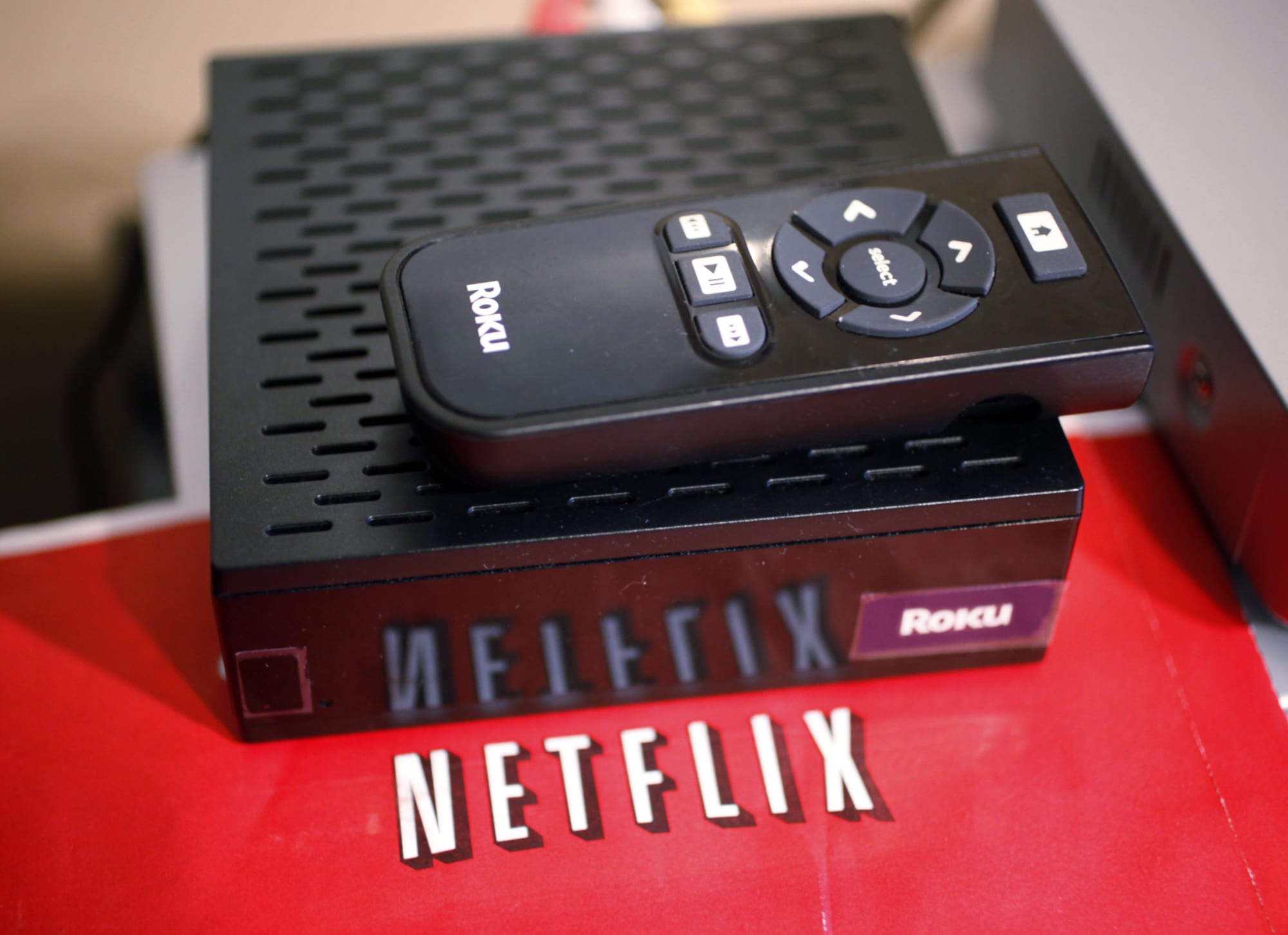
Netflix explains why its apps won’t work on older TVs and set-top boxes
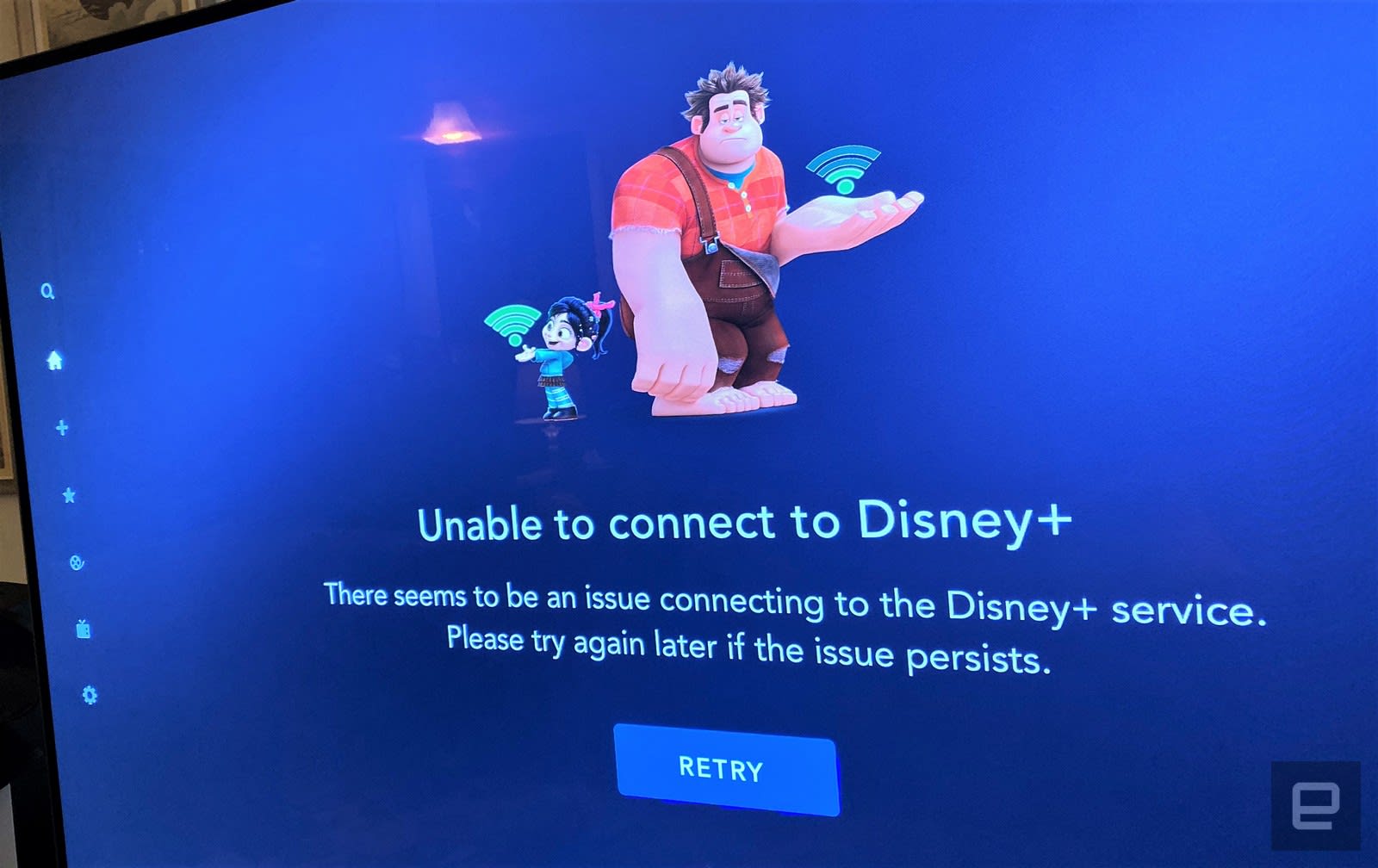
Disney+ isn’t working for some users on launch day
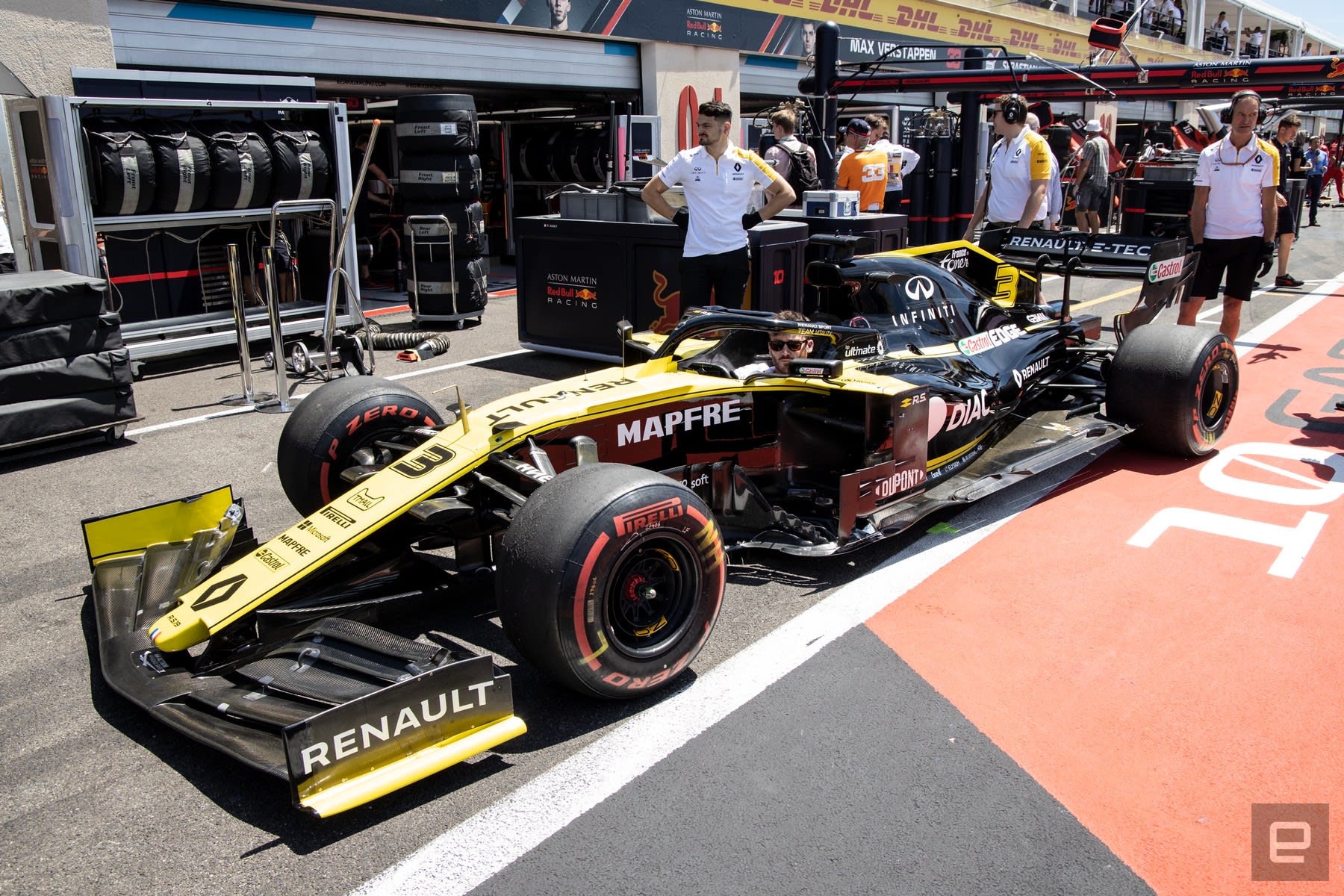
Formula 1 targets carbon neutral racing by 2030
Vape maker PAX launches PodID to explain what’s in your cannabis oil

How to Create a Custom Event Roll-Up Banner

There’s no better way to welcome your guest to an event and let them know who you and your team are than with an event roll-up banner! So today we will look at the standard roll-up banner size and how to create a custom roll-up banner.
You might be asking, “What is a roll-up banner?” Roll-up banners are a critical resource for any group looking to stand out at a trade show or event. However, they can also be used in a shop or place of business to let people know who you are and what you do!
Today we will be looking at how to create a roll-up banner design, and we’ll also take a look at what sizes everything should be so that it looks just as crisp and clear in real life as it does in Photoshop.
This design is based on this template available for download: Multipurpose Roll-up Banners.
What You’ll Need
You will need the following resources in order to complete your project:
- Maxwell Sans Small Caps Bold
- Linear Geometric Shapes Seamless Patterns
- Isometric Flat Design Concept Landing Page
- Ionicons
- Multipurpose Roll-up Banners
Find more resources on Envato Elements!
1. How to Print a Rollup Banner
Step 1
First, let’s set up our document. We want to set things up very large, as we will be printing this very large. We will be making a 30 x 70-inch banner today!
We also want to make sure to set our document to a high resolution, otherwise known as our DPI. D will make sure our image will print crisp and clear! The ideal printing DPI is 300!
Document Settings:
- Width: 30 in
- Height: 70 in
- Resolution: 300
Step 2
When designing a roll-up banner, you will want to keep bleed in mind. The main reason for bleed is to avoid white strips appearing along the edge of your banner when printed and cut.
Create guidelines around the edges of your canvas and then add a 1 inch bleed on the top, bottom left and right-hand sides of our canvas.
How Do You Create Guides?
Hit Control-R to open up the ruler tool, right-click on the ruler to change it to Inches, and then hold Alt and drag on the ruler to create guides.
Remember that all the text should be within these bleed lines.

2. How to Create a Header and a Footer
Step 1
Import and place your header image onto your canvas, covering roughly one-third of the canvas. I will be using an image from this Isometric Flat Design image pack.
Step 2
Using the Rectangle Tool, create a white rectangle towards the bottom of the canvas. I have temporarily changed mine to red so you can see it more clearly.

Step 3
In a new document, open up image “09” from the linear Geometric Shapes Seamless Patterns pack.
Invert the layer using Control-I.

Step 4
Go to Edit > Define Pattern to create a new pattern of the image.
Step 5
Go back into your roll-up banner file, and add a Pattern Overlay layer style to the bottom rectangle.
Bring down the Opacity of the pattern to 10%.

Step 6
Next, we are going to set up our footer information which will consist of a website, telephone number, and email. All will be done in the same style.
Download the free Ionicons icon pack. And pick and choose your icons, changing them to a light blue #4ea2da.
Now, in the font Myriad Pro, type the title of your section—in this case, “Website”—in a font size of around 34.50 pt and a medium-dark gray #505050 color.

Step 7
Directly below the section title, add your information—in this case, a website name.
Use the font Maxwell Sans Small Caps Bold, at around 39 pt in a dark gray #201f1f color.
Go to Window > Character to open up the Character panel. Set the Tracking for both the title and the information to 50.
Group the icon, title, and information so that you can use them as templates for the other sections of the footer.

Step 8
Repeat the above steps with all the other information, making sure everything stays centered and aligned.

Step 9
Finish up the footer by adding a QR code if you have one!
Group all your footer layers into a group named “Footer.”

3. How to Create a Gradient Side Column
Step 1
First, create a vertical rectangle on the right-hand side of the canvas using the Rectangle Tool. The color doesn’t matter.

Step 2
Add a Gradient Overlay layer style to the rectangle going from blue #4357a6 to light blue #56c8e5.

Step 3
Using the Ellipse Tool, create three or four circles towards the top of the blue rectangle, but placing them behind the rectangle layer. Once again, the color doesn’t matter.

Step 4
Select the rectangle column and all of the circle shapes and then Right-Click > Merge Shapes.

Step 5
Create some more circles floating around the canvas, almost like bubbles, applying the same blue gradient to each shape.

Step 6
Again using the Ionicons icon pack, find icons that represent what your company or business offers and place them in the blue gradient column.
Make sure they are all centered.

Step 7
Below each icon, add a descriptor in Maxwell Sans Small Caps Bold set to white, at a size of around 95 pt and with a Character Spacing of 50.

Step 8
Finally, use the Line Tool to create a blue #233f98 divider between each section. Set the Weight to 15 px.
Group each section into a labeled group, and then group the column and everything in it into a group named “Your Services.”

4. How to Create Gradient Text
Step 1
First, lay down any images you’d like to add to this section. Again I will be using an image from the Isometric Flat Design Concept Landing Page image pack.
Place this below the “Your Services” group.

Step 2
Type your slogan using the Maxwell Sans Small Caps Bold font face in large text, at least 155 pt.
The color doesn’t matter.

Step 3
Copy and paste the same Gradient Overlay layer effect that you applied to the column and the circles.
Group the text and image into a group named “Slogan Text.”

5. How to Create Simple Typography
Step 1
Beneath the “Slogan Text” group, type out some text describing what you can do for your customer, like “Our support will help you grow your business.”
Now split the phrase in two, placing the first part on top of the second.

Step 2
Change the top font to Myriad Pro set to black, with a Size of 67 pt and a Character Spacing of 50.

Step 3
Change the bottom half of the phrase to Maxwell, again set to black and a Size of 117 pt with a Character Spacing of 50.
Group these two pieces of text, naming the group “Header Text.”

Step 4
Add in some of your company’s numbers by using the same method as the footer!
Make sure to group each section, to keep things from getting too confusing.

Step 5
Add an accent square to each number using the Rectangle Tool.
Add a Gradient Overlay layer style to each accent and the larger bold numbers going from blue #4357a6 to light blue #56c8e5.

6. How to incorporate Your Logo Into a Design
Step 1
Add your logo to the top right corner of the roll-up banner.

Step 2
Using the Rectangle Tool with no fill, but a black Stroke of 50 px, create a square the same size as your logo. Place it slightly lower and to the left, behind the logo.

Step 3
Finally, copy and paste the same blue gradient that is on the right-hand column onto the square, and you are done!

We’ve Done It!
As always, keep experimenting with different techniques. Don’t forget to post your version below, along with any questions, comments, or critiques!

Creating a custom banner is excellent for those who love to design everything from scratch and tinker with every little detail; however, using templates for these kinds of things is also a great way to go!
From real estate to fashion to medical events, there is going to be a roll-up banner template that is right for you. And the best part? They are all completely customizable! So you can take what you learned here and edit your template in confidence, saving time but still getting a product that is uniquely yours!
Check out some of the templates that Envato has to offer:
Multipurpose Roll-up Banners
Multipurpose Roll-up Banners PSD Template is a clean and unique design, using the latest trendy material design for corporate, multipurpose, business, and marketing online.

Roll-up Banner for Property Promotion
This layout is suitable for any project purpose. Very easy to use and customize for any kind of business like a hotel, real estate business, online store, and much more.

Fashion Show Roll-Up Banner
These professional and clean fashion business roll-up banners are fully layered and very easy to customize. They’re suitable for fashion shops, events, shows, and anything related to fashion, and they can be used for other businesses as well with minor modifications.

Medical Roll-Up Banner
Available in two different design variations, this template gives you the flexibility to launch multiple promotion campaigns, or to present your company’s features and services in an original style.

Gym Roll-up Banner Promotion
A roll-up template perfect for personal trainers, gyms, and fitness instructors! It is completely customizable, including the colors.

Looking to learn more? Why not check out the following tutorials:
 Affinity PhotoAffinity Photo for Beginners: A Quick Start GuideAbbey Esparza
 Album CoverHow to Make a Cool Photo Effect Album Cover Design in PhotoshopAbbey Esparza
 InstagramHow to Create an Instagram Post Template in PhotoshopAbbey Esparza
 FlyersHow to Create a Party Flyer BackgroundAbbey Esparza
 Adobe PhotoshopHow to Create an Abstract Diamond Lens Effect in PhotoshopAbbey Esparza
 Photo EffectsHow to Remove an Object in a Photo in Affinity PhotoAbbey Esparza

{excerpt}
Read More
How to Add a Logo to Video in Premiere Pro
{excerpt}
Read More