{excerpt}
Read More
Category: Tutorials
Tutorials,freelance,projects,joomla,php,mysql,wordpress,blancer.com
36 Creative Menu Layout Ideas for Restaurant Menu Templates
If you’re opening a pop-up restaurant and looking for a creative menu layout or you’re ready to update your existing menu to something cool and contemporary, this collection of 36 fabulous menu layout templates from Envato Elements and GraphicRiver is for you.
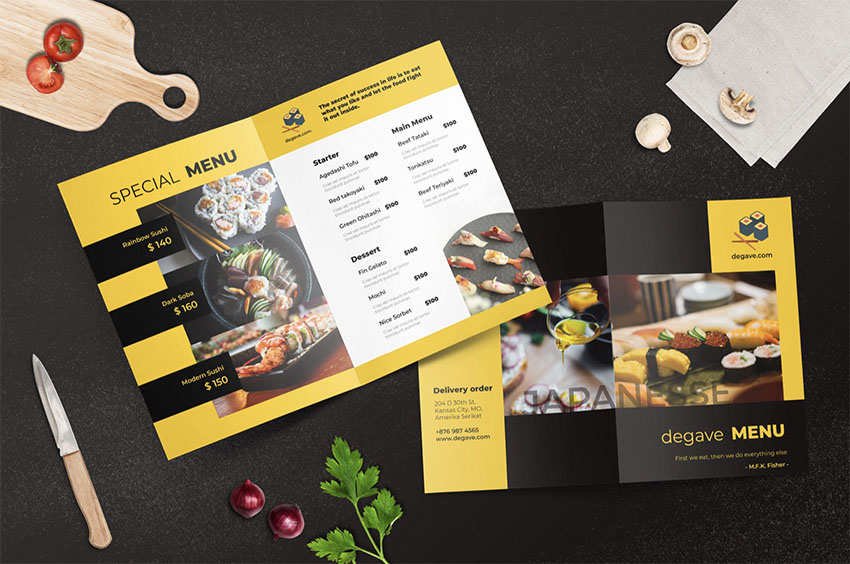
The selection consists of the best Photoshop, Illustrator and InDesign templates available on the internet today. Let’s check them out.
Unlimited Photoshop, Illustrator and InDesign Templates From Envato Elements

Envato Elements is the perfect place to find a wide range of terrific menu design templates, and the great news is that you can download as many as you want for one low price. Let’s take a look at some of the premium menu design templates you can find at Envato Elements.
1. Restaurant Menu Set

A gorgeous menu design for a semi-casual restaurant, this well-organised template consists of four PSD and four AI files that are fully layered for easy customisation.
2. Restaurant Menu

Are you looking for just the right menu design for your new bistro? How about this terrific InDesign menu template? It features a standard A4 size template in 300DPI resolution that is easy to customise and print ready.
3. Restaurant Food Menu

Here’s a great menu layout template for a casual eatery. You can upload gorgeous photos of your best dishes to entice would-be customers and make it easy for them to scan the menu quickly by grouping dishes together. This A4 size template comes in fully layered and well-organised PSD and AI files.
4. Restaurant Menu

Looking for an amazing InDesign menu template? This one may just be what you’re looking for. It combines bold colours with bold design to create a menu that is eye-catching and modern. The template file comes in standard A4 size with high resolution and can be edited in InDesign.
5. Restaurant InDesign Menu Template

Another premium InDesign menu template, this one features a solid colour on one side with the restaurant logo/related graphic image and name in the centre of the page. The other side is reserved exclusively for the layout, which is fresh, clean, and contemporary.
6. Coffee Menu Template

Looking for a creative menu layout ideas for your cafe or coffee shop? Check out this coffee shop menu layout template. It takes its references from a chalkboard with gorgeous hand-drawn, coffee-inspired graphics, colourful, cursive fonts for the category headers, and capitalised sans serif fonts for the body text. So cool!
7. Restaurant Menu Template

A terrific menu layout template for a seafood restaurant, this example combines your gorgeous images and menu text so that the two complement each other perfectly. The A4 size template comes in AI, EPS and JPEG files and is super easy to customise. Just add your text, upload your images, select colours that reflect your brand, and you’re all done.
8. GRANDE Restaurant & Food Brochure

When you’re looking for something a bit extra, this InDesign menu template is the answer. It offers 14 custom layouts in A4 and US letter size formats and is ideal for restaurants that have menus with more than one page or that want to create a brochure to explain their food philosophy, history, etc.
9. Restaurant Menu Template

A menu format designed to be used in breakfast bars, cafes, and other casual eateries, this template features a cover on one side and a menu layout on the other. The well-organised A4 files are presented in AI, EPS, and JPEG, and they’re very easy to customise by adding your own text and images.
10. Crabby – Seafood Menu Template RY

Designed specifically for seafood joints, this stylish menu can easily be adapted for other kinds of eateries. The A4 menu layout template is presented in two PSD files. Add your own image to the cover, change the text and colour scheme, and your menu is ready to send to the printers.
11. Trifold Restaurant Menu Template

If you’re looking for menu layout ideas for portable/takeaway menus, check out this trifold menu format. You can edit the files using Illustrator, and customisation is as easy as adding your images and text and changing the colours to reflect your own colour scheme.
12. Restaurant Menu Template

Liven up the menu for your fast food eatery with this “placemat as menu” idea. The menu design template uses cool and casual illustrations of dishes offered on the menu and bold, easy-to-read fonts. Download the A4 template and customise it in Photoshop.
13. Restaurant Menu

Another fast food menu with a different twist. With this one, you can add big, beautiful images of your best-selling items and reinforce the choices available with text. A great menu for casual eateries.
14. Chef’s Bifold Restaurant Menu

Yet another one for casual eateries, this bifold menu design template is all about simple and limited offerings and big gorgeous enticing images. The PSD files come in both A4 and US letter size.
15. Restaurant Menu Template

Try this simple and stylish menu for semi-formal eateries. The landscape layout features a large image on the cover and a menu layout on the other side. The high-resolution A4 file comes in AI, EPS, and JPEG formats.
16. Restaurant Menu Template Minimalist

Those who are after a minimalist touch will appreciate this menu format. The menu eschews images for standalone text. The file, which comes in both AI and PSD, is made up of well-organised layers which are super easy to edit. Just swap the placeholder text for your own text, and you’re ready to go.
17. Restaurant Menu Template

An awesome illustrated menu format for bistro type eateries, this hi-res A4 template can be edited in Photoshop or Illustrator. Customisation is as easy as adding your own text and modifying the colour scheme.
18. Bifold Restaurant Menu Template

Looking for menu layout ideas for a bakery or dessert shop? Well, how about this bifold menu design with its “sugar and spice and all that’s nice” vibe? You can add your own images to the A4 size template using Illustrator. Then all that’s left would be to add text and customise your colours.
19. Pizza Restaurant – Menu Template

The perfect menu format for your pizza joint, a folded menu means more portability, and the area for big gorgeous images of your pizza is all you need to entice potential customers.
20. Restaurant Menu

This elegant menu layout idea can be adapted to a wide range of mid-range restaurants. Just add your own image and text, choose your colour scheme, and you have a great menu ready to send to the printers.
21. Rectangle Restaurant Menu

This package of four PSD and four AI files contains a great menu format that is suitable for a number of higher-end restaurants that need a bigger menu template. This classic layout in A4 size is very easy to customise with your own colour scheme, images, and text.
22. Bifold Restaurant Menu Template

If you want your menu to be portable, then A5 size—half of A4—is certainly a better size choice. Plus this option gives you more space, with four potential surfaces rather than the two of an A4 size menu. A great menu format for cafes, coffee shops, food trucks, and other casual eateries.
23. Seafood Menu Template

Combining script fonts with sans serif is often eye-catching, and this menu layout template certainly uses the two to the best effect. In addition, the nice pop of colour and the gorgeous illustrations complete the very attractive picture. Use the A4 size file to create a wide range of casual restaurant menus.
24. Restaurant Menu

A great choice for higher-end restaurants, this A4 menu format is clean and contemporary. Upload your own image in Illustrator or Photoshop, add your text, and then choose your colour scheme, and just like that you have a gorgeous menu ready for the printers.
25. Simple Restaurant Menu

This menu format offers four different design layouts to accommodate a range of needs and tastes. You can use the A4 PSD files to create menus for casual eateries or for something more sophisticated.
26. Food Menu Template

This gorgeous menu layout template can be adapted for use for a variety of restaurants but most suits contemporary eateries that focus on fresh ingredients. All of the text in this A4 size file is editable in Photoshop and Illustrator.
27. Restaurant Menu

A clean, minimalist design for cool, upscale eateries, this menu design is super easy to customise using Illustrator. Just add your text, colour scheme and photos to the hi-res file, and you’ve got one terrific menu to send to the printers.
28. Brown Restaurant Menu

A great menu layout for casual eateries and bistros, this template offers four design variations to choose from. The A4 PSD files are editable in Photoshop, so that you can change the text, photos, and colour scheme.
29. Restaurant Menu

Looking for a gorgeous menu layout template for a stylishly casual breakfast joint? Then check out this menu design. You can change all the elements to give the template your own signature look. Just swap out the cover photo with one of your own, change the text to reflect your own menu, modify the colours to reflect your brand, and you’re done.
30. Restaurant Menu Mock Up

Just because your restaurant specialises in casual eating doesn’t mean your menu has to be blah! Whet the palette of your potential customers with this menu design template. The super well-organised PSD file allows you to change every element of the design to reflect your own brand. There’s a help file included to help you in case you get stuck.
31. Restaurant Menu Template

This menu layout is a great choice for coffee shops and cafes. It is clean, simple, and easy to modify in Illustrator. That’s because all elements are placed in well-organised layers. Just go through the layers systematically and add your own details.
32. Nousant Restaurant | Brochure Template

For those times when you’re looking for flexible InDesign templates that you can use for your menu and also extend to create a brochure that introduces customers to your restaurant style and philosophy, there is this stunning InDesign menu template. The A4 template provides you with a number of stylish page layouts. Just choose the ones you want and add your content to create your brochure or magazine. You can then use the same template to create your menu, which will allow all your materials to have consistent branding.
More Premium Photoshop, Illustrator and InDesign Templates From GraphicRiver

If you’re just interested in purchasing just one menu template instead of experimenting with several, then GraphicRiver may be a better choice for you. You can download a single template for one-time use for a low fee. Let’s take a look at some of the top-quality menu layout ideas there.
33. Formal Restaurant Menu

This is an excellent menu design for upmarket eateries. With its wonderful abstract background design, this InDesign template gives a contemporary art vibe to your menu. The InDesign menu template offers two types of menus in four sizes: A4, A5, US letter size, and half US letter size.
34. Chalkboard Restaurant Menu

Do you like the chalkboard aesthetic? Why not use it to update your restaurant menu? And don’t worry, you don’t need to figure out how. Just use this menu layout template, which does all the heavy lifting for you. To customise it, first choose whether you want an A4 or US letter size menu. They add your menu text and photos and voila! Your menu is ready for the printers.
35. Bistro Restaurant Menu

Photoshop users will love this US letter size menu design that features two different layout styles. The well-organised PSD files are easy to customise to get just the look you want for your restaurant.
36. Restaurant Menu

More InDesign templates for lovers of the software. This menu template contains two different InDesign files. Choose the one that appeals the most, and then choose either A4 or US letter size. After that, all you have left to do is add your text and your menu is ready to go.
Choose Your Favourite Menu Template Today
Envato Elements is an excellent resource for polished and professional menu templates that are versatile and easy to use. In addition, Elements offers unlimited downloads for one low monthly fee, so if you also regularly need fonts, icons, and other design resources, this is the best option for you.
On the other hand, if you just want to buy a single menu template, GraphicRiver is an excellent alternative for high-quality templates. Head over to either site today to choose your favourite menu layout template.
And finally, if you want more information on other terrific templates, check out these really helpful articles below:
 Catalogs20 Best Product & Item Catalog Template Designs (InDesign & Word 2020)Nona Blackman
 Adobe Photoshop25 Best New Event Flyer Templates for Photoshop & InDesign for 2020Melody Nieves
 Flyers37 Best InDesign Flyer Templates (For Business, Events, Parties, and More!)Melody Nieves
 InDesign Templates26 Best InDesign Calendar Templates (New for 2020)Melody Nieves

{excerpt}
Read More
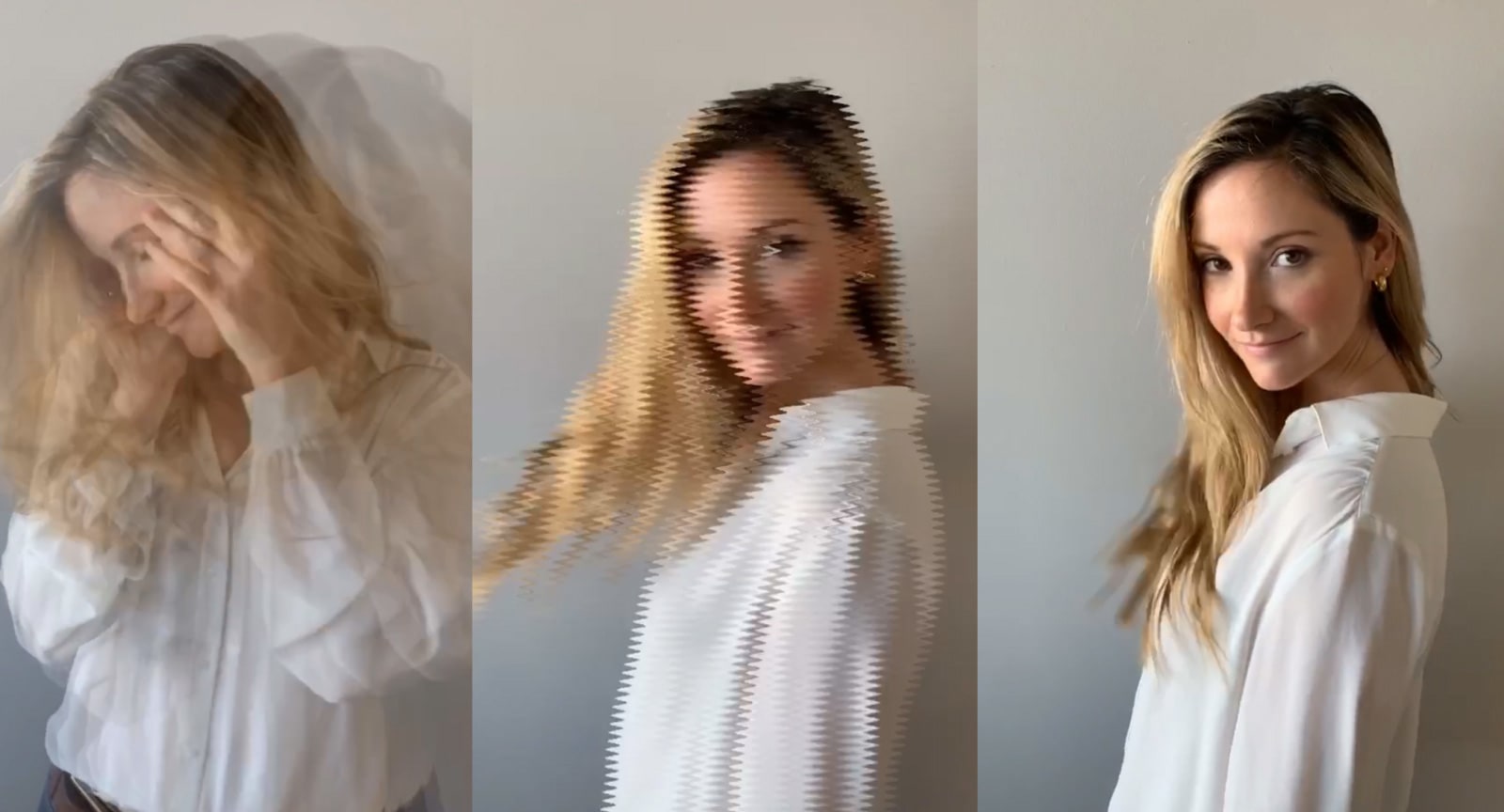
Instagram’s Boomerang adds much-needed editing and effects tools
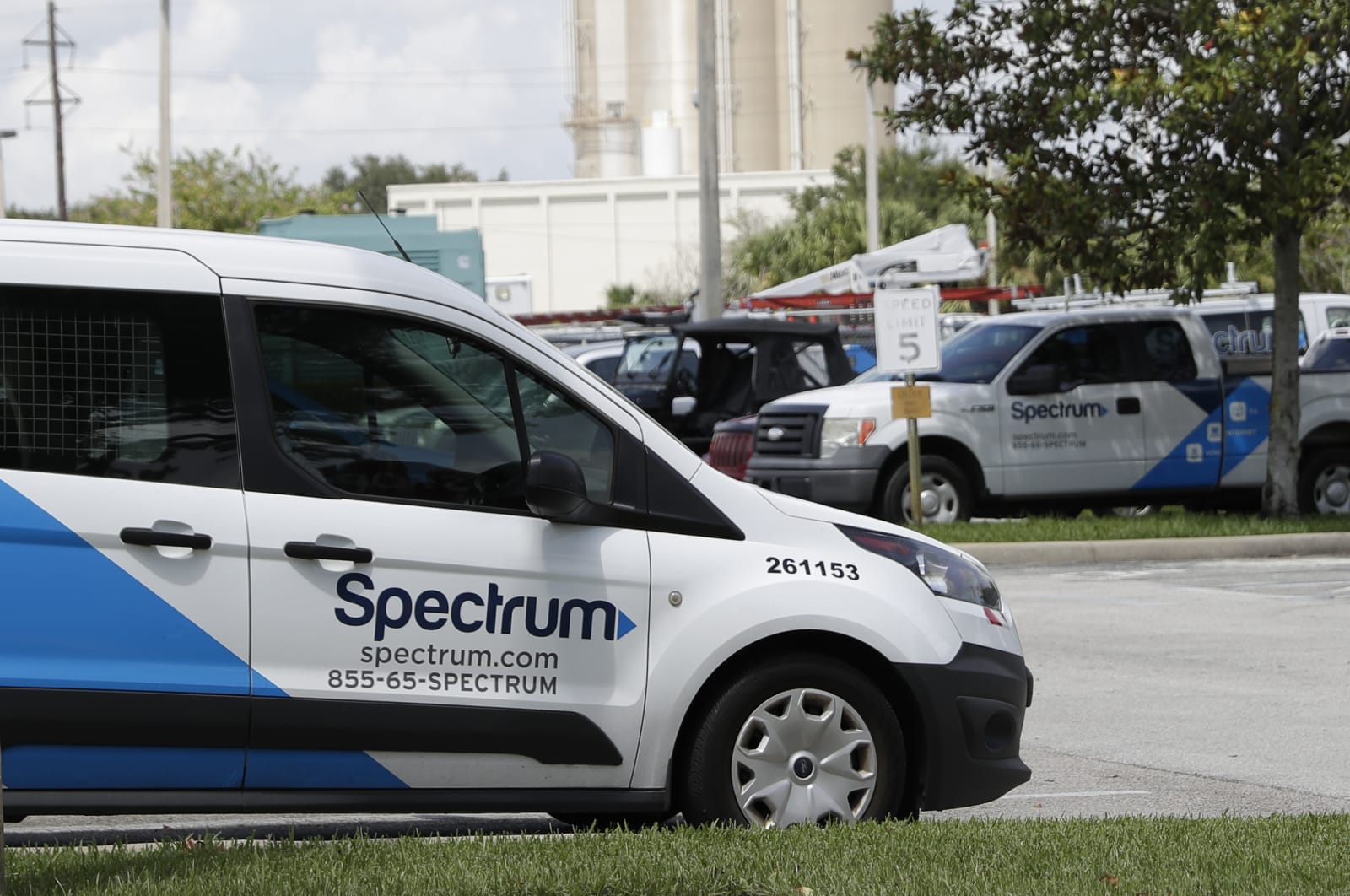
Spectrum’s exit from home security leaves people with useless tech
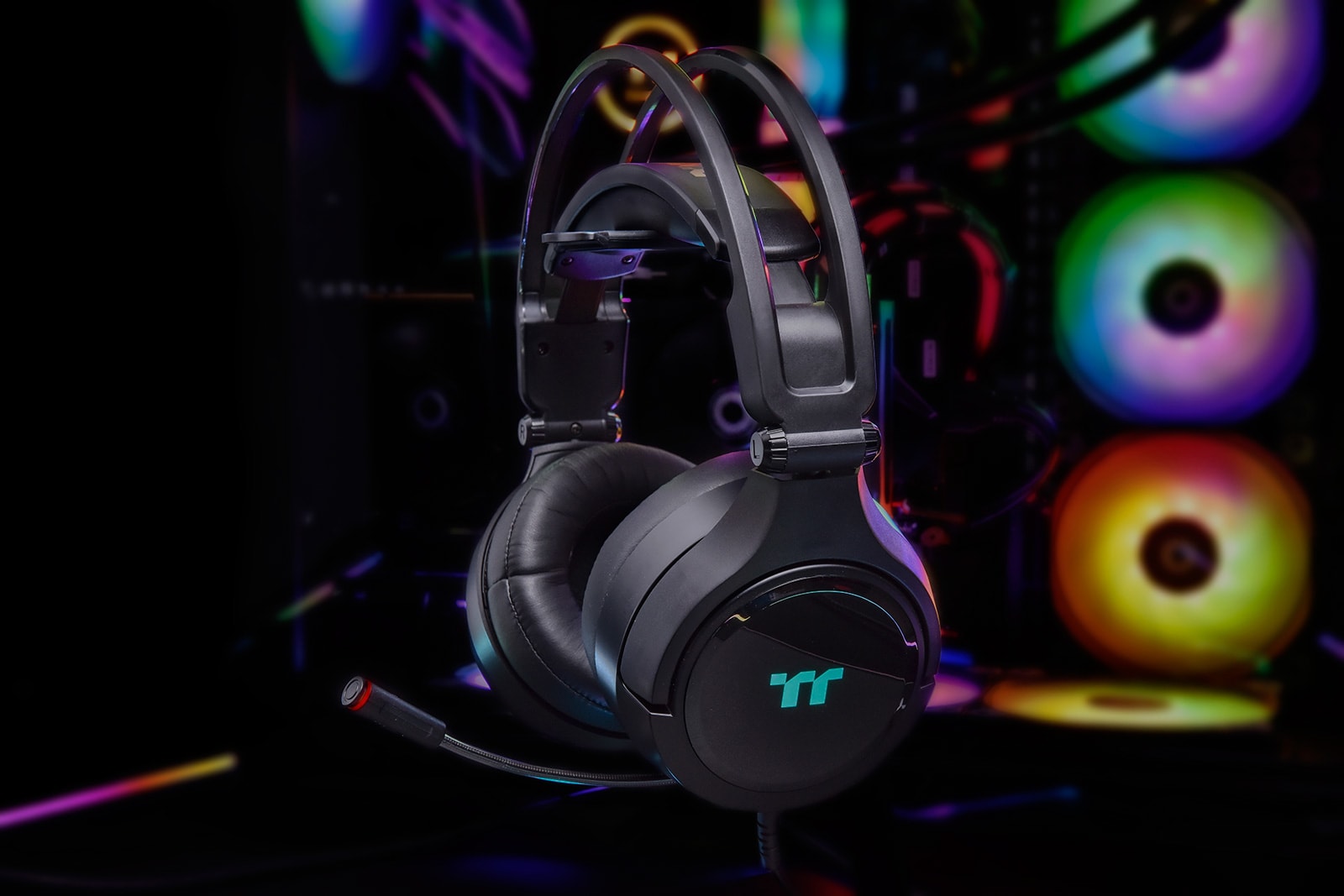
Thermaltake’s latest gaming headset works with Alexa and Razer Chroma
Uber is leaving Colombia after court ruling

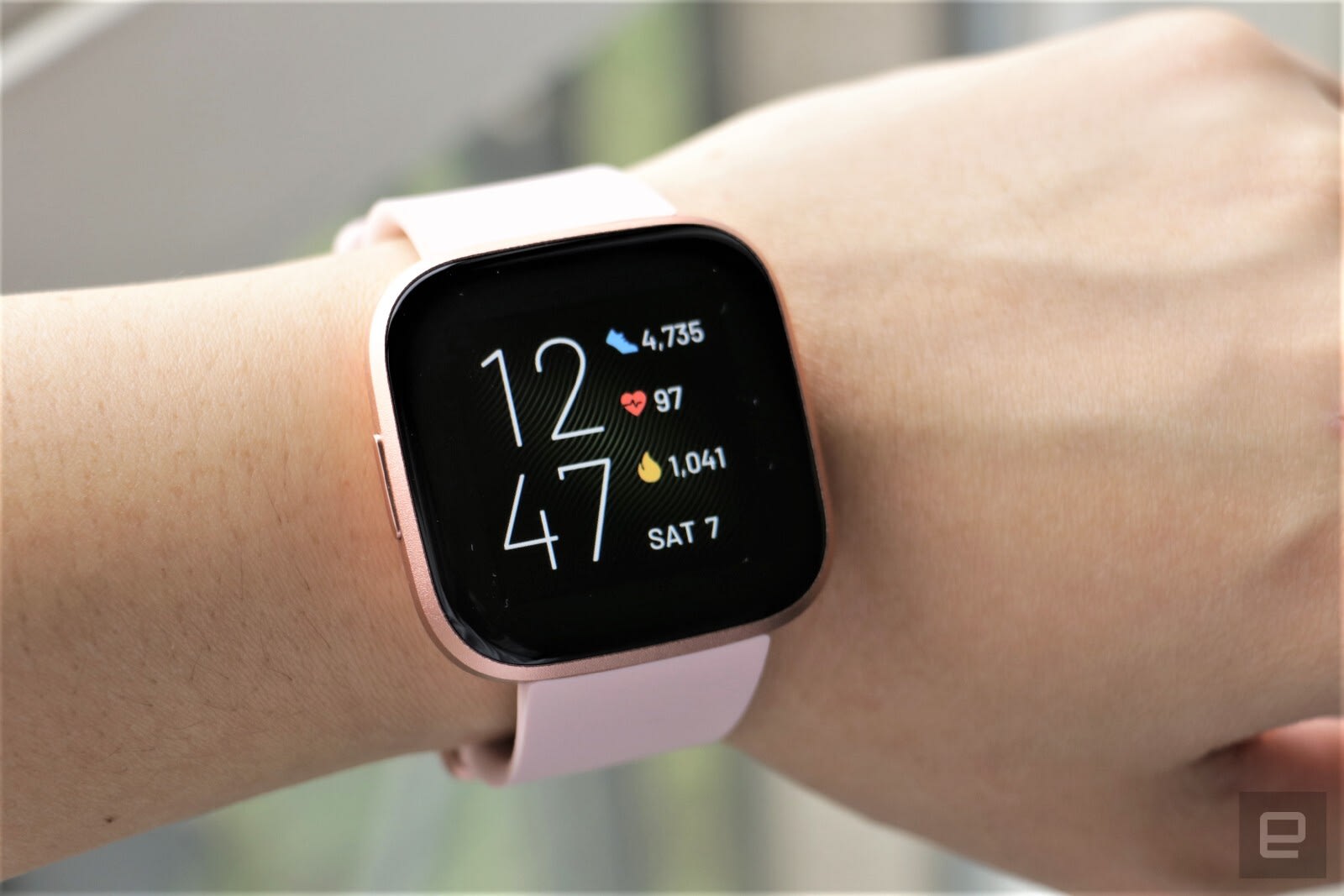
US will investigate Fitbit and Garmin following Philips complaints
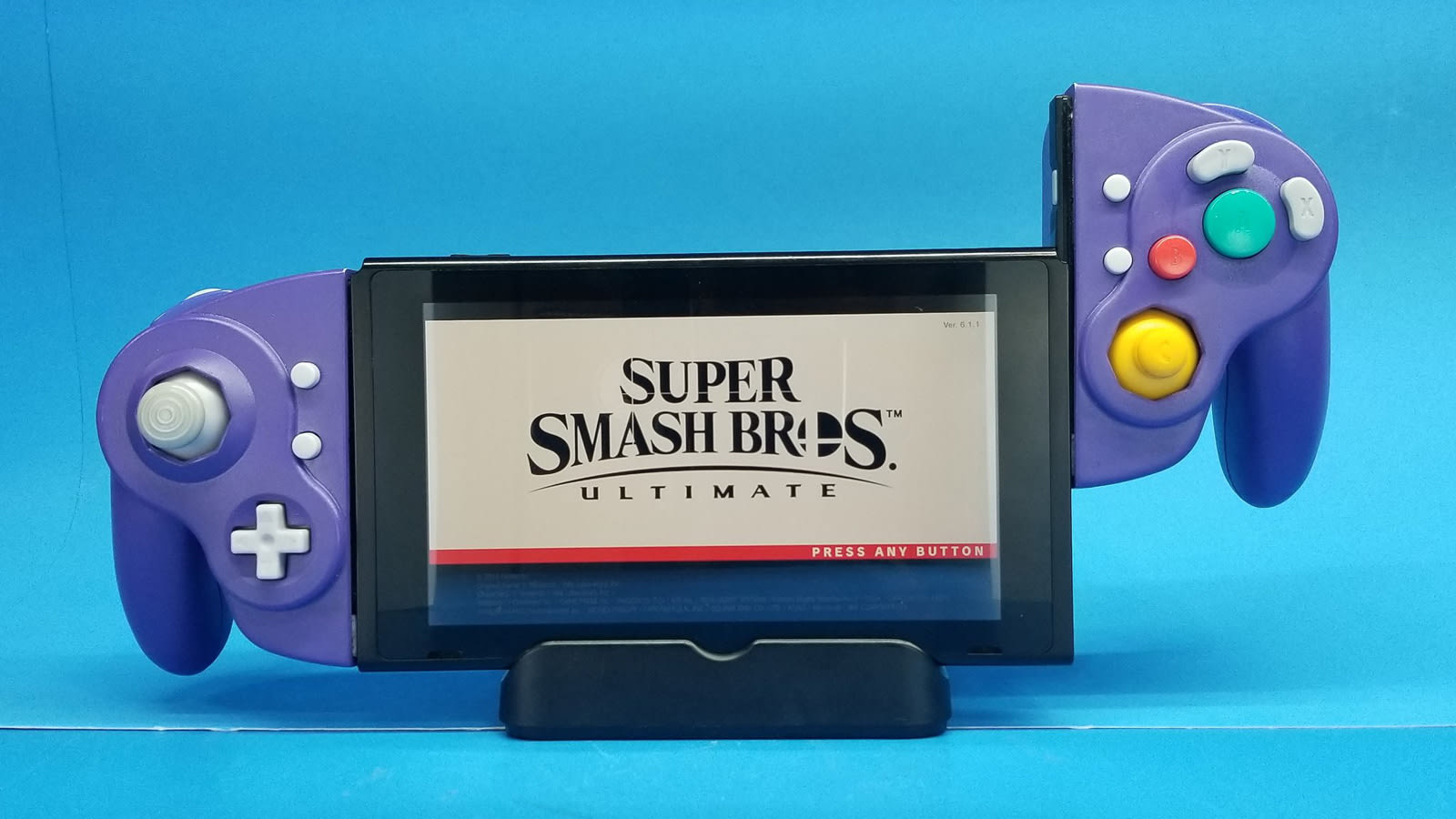
Modder makes the GameCube Joy-Cons you’ve always wanted for your Switch
OnePlus is reportedly holding a display tech convention

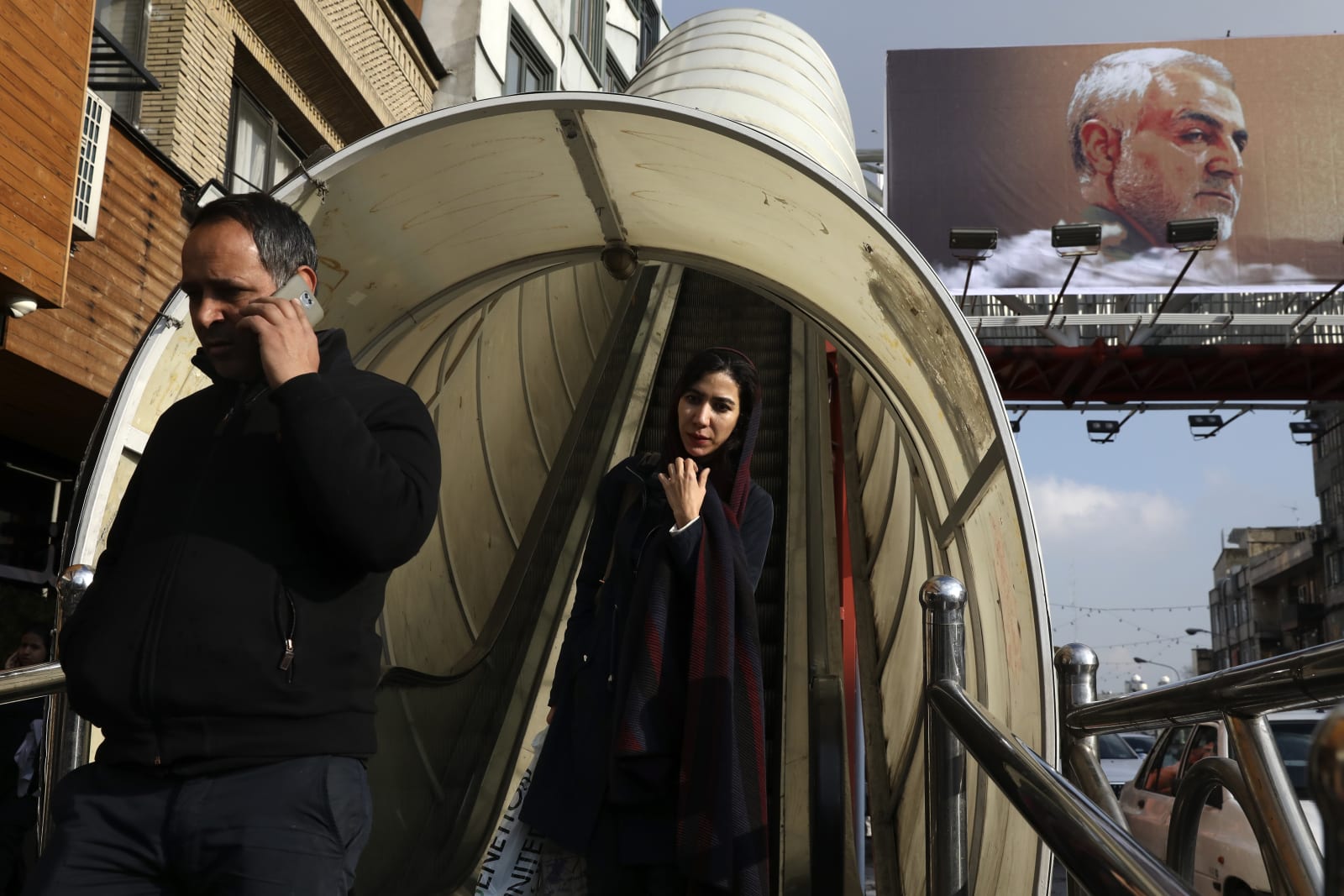
Instagram removes posts backing slain Iranian leader to obey US sanctions
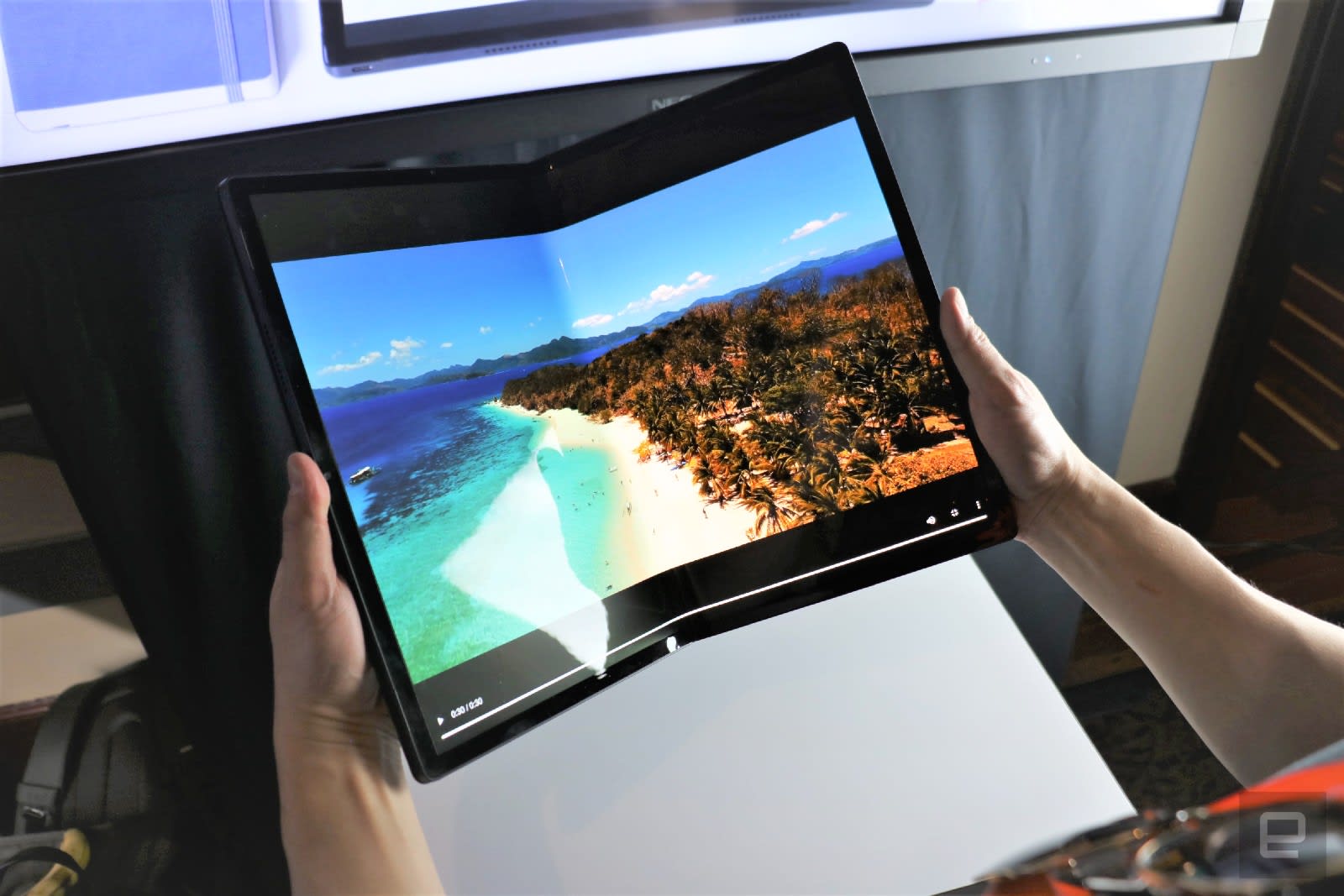
The future of foldable tablets got clearer at CES 2020
Hitting the Books: How to get a date online

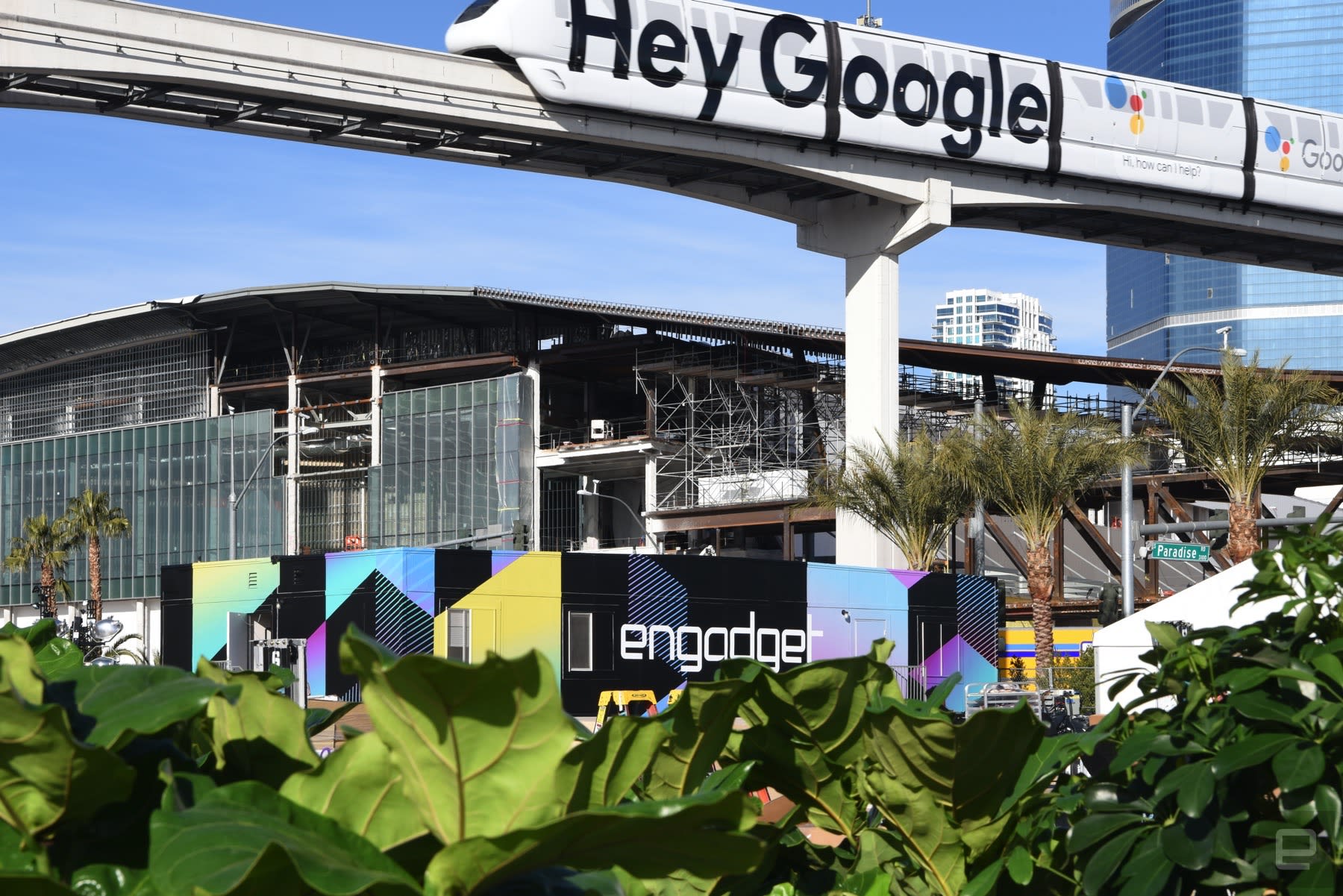
CES 2020: In pictures
Podcast: Quibi and Lioness on the future of streaming video and sex tech

Art for All: Celebrate Diversity in Design—Volume 29

Welcome back to another edition of Diversity in Design, an interview and feature series here at Envato Tuts+! In this series, we take a look at a selection of artists from different disciplines, different parts of the world, different artistic focus, different backgrounds—all of them excellent at what they do!
Listening in, observing, and celebrating our differences, our diversity, and all of the wonderful colors of creativity can not only be a wonderfully enjoyable experience—there’s plenty we can learn from each other, too! I had the pleasure of speaking with a lovely selection of artists this month. Check out their beautiful works and inspiring insights! I hope they inspire you as much as they inspired me.
So let’s take a look and a listen!
Radu Stefan

Hi, my name is Radu and I am an artist and a designer from Romania. I am a graphic designer/artworker that has experience on doing brand identities, packaging designs, advertising materials such as posters, banners, flyers, brochures, catalogues and also I like to make illustrations.

In my free time, I am also painting on canvas, with oil colors, abstract nude themes. I would describe my work as vibrant, with a good visual message, colourful but also simple.

Clear visual design makes the product/service stand out in the crowd. So I can say that I want to achieve a good communication with my visual designs on the market. I like to make things different than what I see around me and this is a goal that I keep with me all the time. That makes me work more efficient on projects and with a unique result.
As a creative goal, my biggest wish it will be to see that I can inspire other designers with my creations.

My creative process starts on paper, where I express my ideas regarding any project. Everything works better on paper for me. As much as we designers share our work online, we will always have better imagination and faster respond to tasks. Keeping you up to date with new trends and new designs will always help you going better.

A word of inspiration; always create something from your mind. Use your imagination in your style. Don’t copy other designs, but get inspired by them and create something unique. And always learn new skills.
Check out more of Radu’s wonderful work here:
Mario De Meyer

Hi, I’m Mario De Meyer from Belgium and have been a freelancer for about 10 years. My main focus is typography but I also do some illustrations and abstract works.

As a creative person I feel growing as an artist, pushing boundaries and becoming better at what you do is something very important for myself.
It gives me a lot of satisfaction to see when the client is happy with my designs or I can inspire other people.

My creative process starts in many cases with research about the subject and thinking of a concept.
I always try to visualize how the final image will look like before I start sketching or turn on my computer.
I mostly do some sketches and send those to the client, once those are approved I move on to Illustrator to make the final design.

Inspiration can come for anywhere and I feel it mostly comes when I’m not forcing to get inspired or when I’m relaxed, the more you force this, the harder it gets.

Share your work and get it out there! It’s a really great way to see how people respond to it, get feedback and grow as an artist.
Also, don’t be afraid to be ‘different’, it’s easy to follow the hypes and lose your soul, being different is what makes you unique, certainly in a creative job like a graphic designer.
You can check out more of Mario’s work here:
Melissa Chaib

I’m Melissa Chaib, an art director and illustrator from Mexico. At the moment I’m opening up a Studio and an online shop, both of which are focused on making my work grow as more of a brand, as well as an offline experience.

I like to reflect all of the feelings I have towards the things that I love and inspire me into my work; trying to create this kind of relatable feeling or mood. Although it depends on my influences at that moment.

I find myself always obsessing with different things, whether they are a song, a movie, a thought, a character from a movie, and try to imprint that into my work in some way or another.

My creative process begins with the channeling of the things I stand for and that mean something to me into my work and to start choosing a project from there. I’ve always been drawn to 80’s movies and fashion, and whatever pop culture or youth nostalgia currently mean to me at any given moment.

Don’t hesitate to approach people about working with them.
Surround yourself with people who you consider are cooler, successful than you are right now. Learn and be inspired by them.
Risk making something new that you haven’t seen before and be ready to go beyond and push yourself, eat your art for breakfast, lunch and dinner!
Make sure to check out more of Melissa’s work right here:
Amy Stoddard

Hi, I’m Amy Stoddard and I’m a freelance illustrator and comic artist. I’d consider my work very female focused. I like to create comics and illustrations for women that focus on romance and life issues that we face but tackle these things in a bright and uplifting manner.
Ultimately when I create any work, whether a comic or an illustration I want it to be a bright spot in someone’s day, something that gives them joy and something to dream about.

When I read a really great comic or see a really beautiful illustration, It gives me so much enjoyment and excites my imagination. So for me personally as an artist I want to be able to give that same feeling to others. If someone gleans some joy from my comics or uses them for escapism then I would consider my job done.

For my creative process and where I get my inspiration, I get a lot of inspiration from nature. I love to be in nature, and know and understand what is around me.
Of course this means nature is pretty prominent in my work, but I also get a lot of inspiration from dreams, music, or just random life encounters. When it comes to dreaming I guess I could say I am blessed with pretty vivid story dreams. More often than not my comic ideas are born in some fashion from a dream I may have had.

My advice to other creatives is to love what you do first. If you don’t love what you do it will be much too easy to quit, and making it in a creative field is a long game.
You have to love what you do enough to have the tenacity and persistence to stick with it through anything. I feel like when I was in school that my university didn’t exactly prepare me for the realities of how to make a living at art.

There’s a lot to explore out there and the path you start out on may lead to new places that may not be exactly what you had hoped, but might just be what you need. So don’t be afraid to branch out and try new things.
Check out more of Amy’s wonderful work here:
Who Are Some Artists You Love? Let Us Know!
A very warm, big thank you to Radu, Mario, Melissa, and Amy for sharing their work and their thoughts with us today. You all make such beautiful, inspiring content—I’m really thankful that I had the chance to ask you a few questions, and it’s such a pleasure to admire your work! You are so very inspiring—thank you for sharing your work with the world!
Again, you can check out the works of these lovely artists here:
- Radu’s Portfolio | StefanRadu.co.uk
- Mario’s Portfolio | DMGraphics2.com
- Melissa’s Portfolio/Store | MelissaStudio.mx
- Amy’s Website | GenkiGirl.com
And thank you for reading today! If you know of an artist that you think deserves to be featured, let us know in the comments! Who are some of your favorite artists? Feel free to use the hashtags #tutsplusdesign and #artforall on Instagram and Twitter, as well! We’ll be keeping an eye out!
Check out some of the other articles in this series:
 InspirationArt for All: Celebrate Diversity in Design—Volume 28Daisy Ein
 InspirationArt for All: Celebrate Diversity in Design—Volume 27Daisy Ein
 Global InfluencesArt for All: Celebrate Diversity in Design—Volume 26Daisy Ein
 DiversityArt for All: Celebrate Diversity in Design—Volume 25Melody Nieves
 ArtArt for All: Celebrate Diversity in Design—Volume 24Melody Nieves

{excerpt}
Read More