{excerpt}
Read More
Category: Tutorials
Tutorials,freelance,projects,joomla,php,mysql,wordpress,blancer.com
Powerbeats 4 leak gives a first glimpse at Apple’s new sporty earbuds

Amazon’s checkout-free tech is heading to other retailers

The Morning After: A cheaper Google Pixel and a flagship Motorola phone leaked

When the world's biggest phone show never happened, companies like LG and Huawei resorted to showing their new devices at dedicated events from New York to London and Hong Kong. But now? Well, we're already scanning the horizon fo…
How to Set Up an Email Address for Your Website Domain Name
Creating a new website can be overwhelming for some people. This is especially true when creating a website as a beginner.
Oftentimes people fail to realize how much actually goes into launching a WordPress website and running a successful online business. And it just so happens that the email address you use to connect with readers and customers is a small drop in the bucket when it comes to achieving your dreams.
That’s why today, we’re going to cover exactly how to set up an email address that matches your website domain.
Do I Need a Domain Name Email?
It’s a good business move to have an email address that matches your business name. Here’s an idea of some email addresses and their quality.
Great. Amazing. Email address goals.
or
Not terrible, but not the best.
Terrible.
Don’t be the last one. If it’s a personal email, that’s fine. But an email address like the last one is unacceptable for your business email.
In addition, here are some other compelling reasons to use an email address that matches your site’s domain name:
- It’s much more professional to use a matching email address to handle business matters
- You and your team can communicate using the official business email
- For those with multiple departments, having a business email, complete with tag words to help customers know which one to use, is easier with a consistent business email domain (e.g., [email protected], [email protected])
How to Set up an Email Address Using Your Domain Name
To show you how to set up an email address using your site’s domain name, we’re going to use a regular Gmail account. This makes the process easier. Of course, your email address is still going to have your website domain in it.
So, lets get started.
Step 1: Create an Email Address on Your Domain
This first step is to navigate to your cPanel (control panel) in your hosting account.

Next, look for the Mail section in your cPanel and click on Email Accounts. This takes you to all the email accounts for your website.

If you don’t have an email account on your current domain, it’s here that you can create one. All you have to do is create the email, input a password, and click Create Account.

When you do, you’ll see a success message letting you know your account has been created.

Step 2: Forward Your Emails
After you’ve created an email address using your site’s domain name, it’s time to forward your emails. Start by going back to the cPanel and finding the Forwarders section under the Mail.

If you’re met with a page saying you have no forwarders look for the Add Forwarder button and click it.

Doing this will take you to a page where you can forward your site domain email address to another email address.
For example, I can forward my [email protected] email address to my personal [email protected] if I want.
The form will look something like this:

Fill in your site domain email address and choose an email address to forward all emails you receive to.
When you’re done, click Add Forwarder and look for the success message.

Now all emails sent to your site’s email address will go straight to the email address you’ve chosen as a forwarding email.
But there is a problem if you stop here. Of course, you’ll receive all emails sent via your site’s email address in your personal email. But if you want to respond to your readers or customers, the reply will not come from your domain name email. Instead, it will come from the forwarded email, which can be bad if it’s a personal, unprofessional email.
Not to mention, your readers or customers will be confused when they receive a reply from another email.
To solve this problem, let’s take a look at how to link your domain name email address with your Gmail account so you can respond to people.
Step 3: Link Your Domain Email Address with Gmail
To start, go to your Gmail inbox.
Next, look for the cogwheel in the upper right hand corner and click it to access your Gmail’s settings.

Once in the mail settings, go to the Accounts and Imports tab.

Next, look for “Send mail as:” which will be close to the top of your screen.
Now click on Add another email address. This will open up a popup window for you to fill out.

Here, you’ll add the email address you created earlier in your hosting cPanel. In addition, you’ll want to keep the Treat as an alias box checked, as Google typically recommends you do.
If you’re asked to sign in to the email address after clicking Next Step, remember it’s the same credentials you used when making the domain name email address in your cPanel.
After signing in (if you have to), an email will be sent to your site’s email address. From there, it will be sent to the email address you chose to forward all domain name emails to.
When this happens, you can verify the email by either clicking a link or entering the confirmation code in the email.

Then, click Confirm.

Final Thoughts
And there you have it! You now know how to create a domain email address that makes communication with your readers, leads, and customers more consistent and professional looking.
Want to make sure people are having the best experience possible while visiting your website? Then make sure to check out the best WordPress caching plugins for speeding up your site.
Have you ever created a domain email address for your WordPress blog, online business, or eCommerce shop? If so, we’d love to hear all about it in the comments below!
The post How to Set Up an Email Address for Your Website Domain Name appeared first on WPHacks.
Equality in Tech for International Women’s Day 2020
{excerpt}
Read More
NVIDIA GeForce Now loses support for ‘Borderlands,’ ‘Civ’ and other 2K games

Robot learns to set the dinner table by watching humans

Researchers: Facebook’s ad transparency tools are ‘easy to evade’

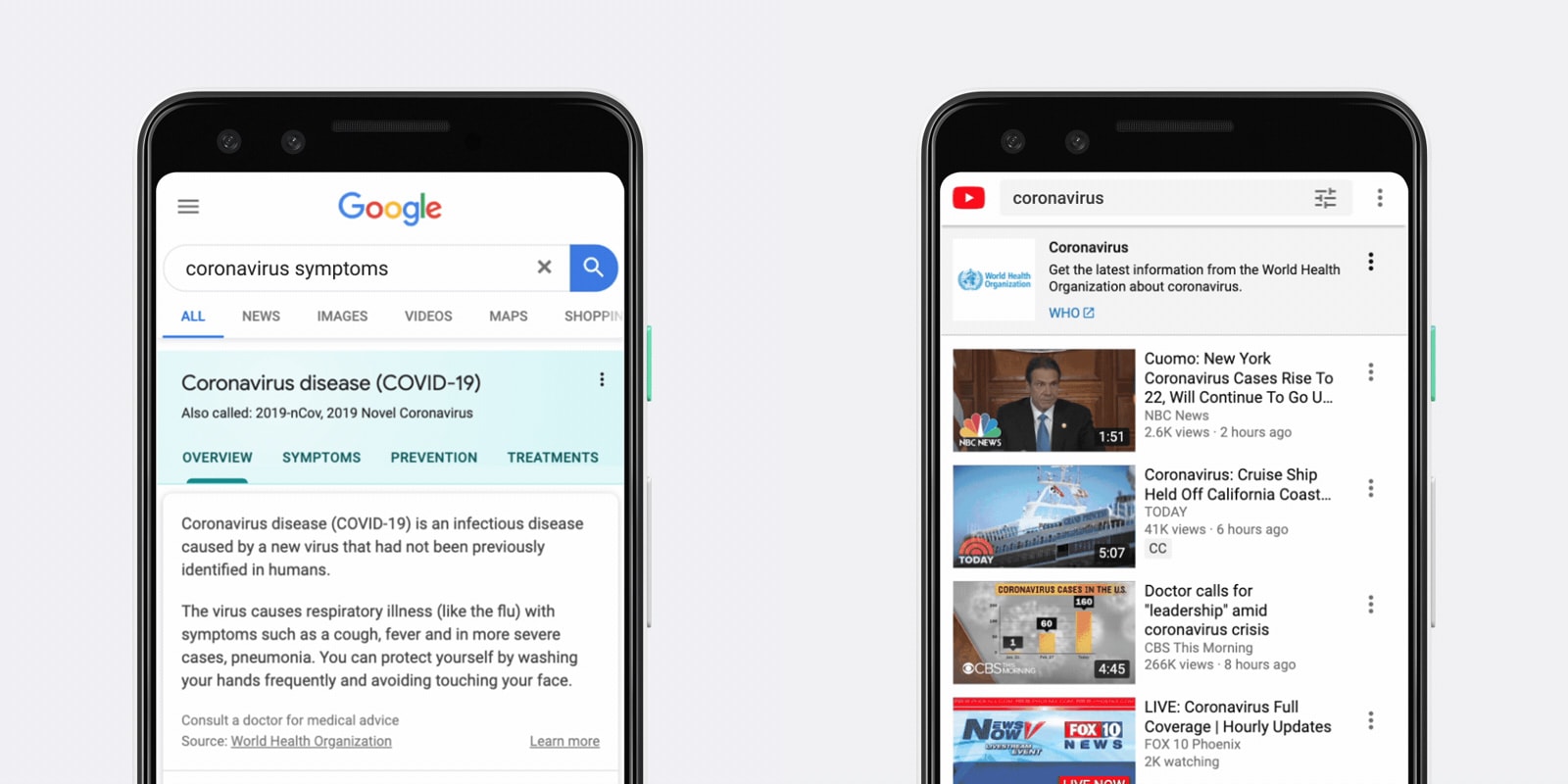
Google explains how it’s tackling the coronavirus outbreak
Austin cancels SXSW over coronavirus fears

Canada’s first 5G network goes live in four cities

The Nintendo PlayStation sells for $360,000 at auction

The best deals we found this week: The HomePod, Pixel 4 and more

The company behind the robotic arms that help us explore Mars