This article is part of a series on going iPad-only.
If you’re a maker of iPad apps that my readers would be interested in, you can sponsor this site for a week.
I’m going to be quite brief here, because I’m busy, but I wanted to share this with you. One of the most promising aspects of the iPad’s physical form-factor is that it can potentially replace much-loved paper notebooks, which I’ve long used for planning, note-taking, design sketches, and so on.
Previously, the problem with this idea was a lack of stylus input precision, and also the lag that plagues digital drawing tools. Apple Pencil and the iPad Pro solved that part, and so I started to consider whether I could finally go entirely paperless. As it turns out, I can — and I have.
Continue reading “Using the iPad for: Taking notes and planning”


 This week we've got the second episode of Planet Earth II, focusing on Mountains this time. It's also time for Netflix to kick off its worldwide reality TV show, Ultimate Beastmaster. Taking more than a few hints from American Ninja Warrior and prede…
 Boeing is known for building huge, high-end satellites that cost roughly $150 million each, but that could change in the future. The aerospace corporation plans to adopt new production practices that involve the use of modular 3D-printed parts and fa…
 Researchers from MIT's Microsystems Technologies Laboratories have built a new power supply system designed specifically for powering electronic sensors, wireless radios and other small devices that will eventually connect the Internet of Things. Whi…
 There are plenty of gadgets out there for making music on your mobile device, but they're relatively sedentary affairs. BeatMoovz turns things arounds with a music tool that gets you up and dancing: instead of moving with the music, you dance and cre…
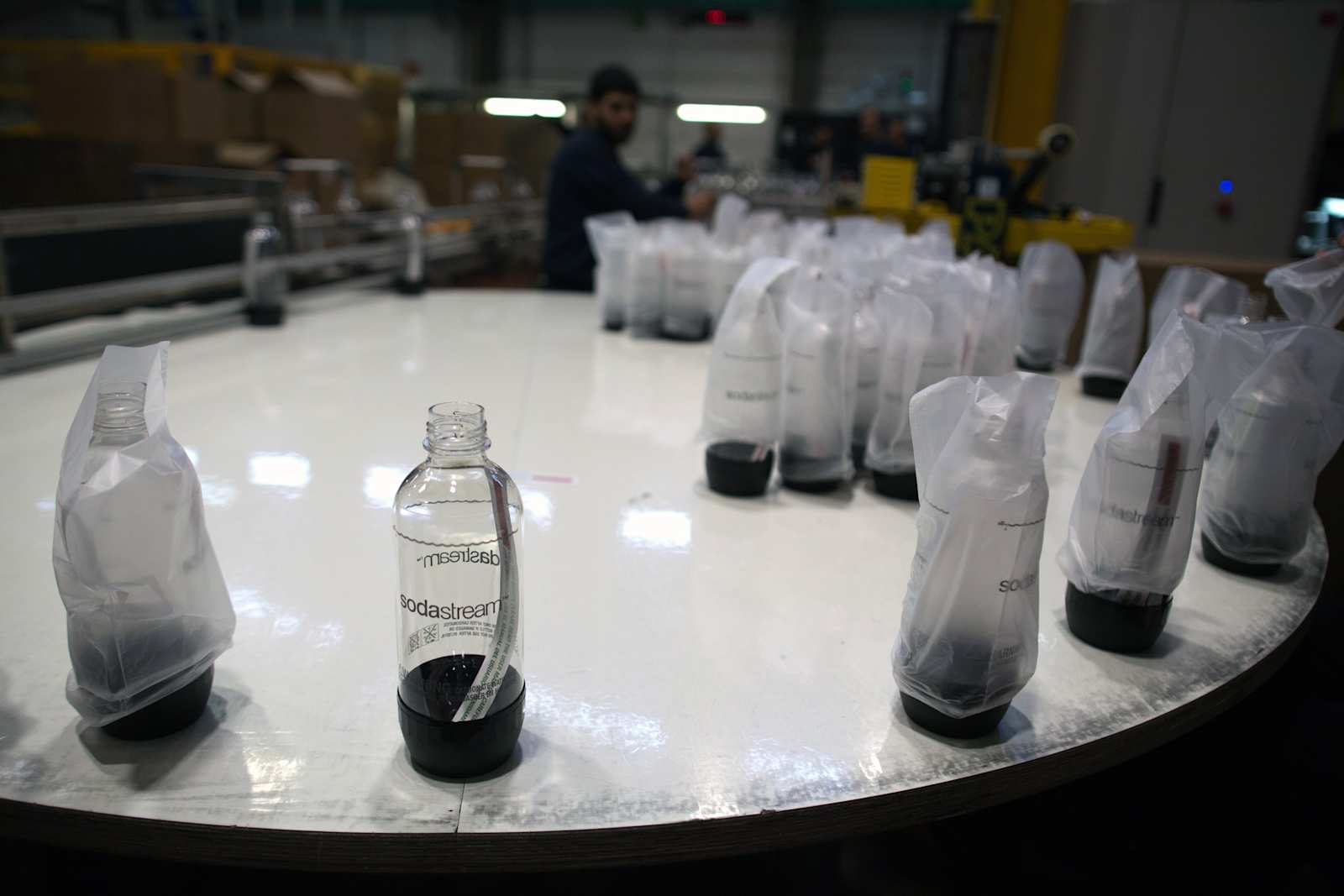 Your greatest SodaStream fears have been realized: tens of thousands of SodaStream's plastic bottles may not be able to withstand quite as much pressure as the company thought, causing the United States Consumer Product Safety Commission to issue a r…
 John Scalzi's science fiction novel Lock In predicts a near future where people with complete body paralysis can live meaningful, authentic lives thanks to (fictional) advances in brain-computer interfaces. A new study by researchers at Stanford Univ…
 Chinese selfie app and smartphone company Meitu has unveiled its newest flagship, and it's all about making you look better. The T8 includes a front-facing camera with optical image stabilization and dual-pixel phase detection autofocus (PDAF) simila…
 Uber's fleet of self-driving vehicles are now cruising the streets of Tempe, Arizona. After a spat with the California Department of Motor Vehicles in December, Uber moved its line of 16 custom, autonomous Volvo XC90 SUVs to Arizona, where Gov. Doug…
 Twitter and Yahoo aren't the only ones interested in streaming live baseball beyond dedicated sports sites. Reuters sources claim that Facebook is in "advanced" talks with Major League Baseball about the possibility of livestreaming one game every w…
 On Sunday, a former Uber engineer published details about the sexual harassment and rampant sexism that she claims she and other women experienced at the company. But despite reporting the incidents to HR on several occasions, Susan J. Fowler was rep…