


Category: code
download PHP, ASP.NET, Java and Javascript from CodeCanyon – the marketplace for code scripts and snippets.Javascript, Java, Program, Code, Snippet, Script, Dev, Development, Codebase, MySQL, Class, Widget, System, CMS
Flying Video for WordPress – keep watching video flying by drone while scrolling/navigating pages (Media)

Flying Video is the ideal solution to keep watching video while scrolling or navigating with same time.
Add new powerful options to your website keep watching videos while scrolling or wile navigation, which can be moved around the page. That way, you can continue browsing – while watching clips or series. Flying Video works in many video sites including WordPress Video (hosted videos from Media Library), any video form other host end with video extensions like(mp4), YouTube, Dailymotion, and Vimeo.


Options
- Video URL – Add video URL from YouTube – Vimeo – Dailymotion – Self hosted video from media – Videos end with extensions like mp4.
- Auto play video – Check on for auto play video.
- Width – Change Floating Video width.
- Height – Change Floating Video height.
- Top – Change Floating Vide ospace between top of page and video.
- Show in left – Active show in left side of page.
- Left – Change Floating Video space between left of page and video.
- Show in right – Active show in right side of page.
- Right – Change Floating Video space between right of page and video.
- Draggable – Check on for draggable Floating Video.
- Fly when playing – Start fly when video start playing.
- Drone enter direction from – Select drone enter direction.
- Drone hover effect – Active drone hover effect.
- Drone wobble effect – Active drone wobble effect.
- Drone color – Select Drone body color.
- Keep playing while navigating – Keep watching video while navigating pages.
- Active on mobile – Check to active on mobile.
- Active on tablet – Check to active on tablet.

Change Log
Version 1.0 – July ~, 2017
Initial Release
Download Flying Video for WordPress – keep watching video flying by drone while scrolling/navigating pages (Media)
KnowledgeBee – HelpDesk Plugin (Utilities)
KnowledgeBee is WordPress plugin that add a separated section of knowledge base Articles and FAQ.
Features
- Easy to Use Just plug and play. with zero config.
- Responsive Compatible with all devices and screen sizes.
- Compatible Compatible with 95% of themes especially with bootstrap based themes.
- Customize-able with a lot of options to customize the view, design and functionality.
- Two Layout options to display sections in home page.
- 3 Grid options to display Sections in home page. (1 or 2 or 3 columns)
- Hierarchical Sections with unlimited levels for sub-sections.
- Five included widgets
- Two Shortcodes with Editor Generator.
- Separate FAQ Section.
- Drag & Drop to order articles and sections appearance.
- Vote (Like) button.
- Breadcrumbs Navigation
demo soon ..
<src img=”https://image.ibb.co/jARMFF/rarararar.jpg”/>
Download KnowledgeBee – HelpDesk Plugin (Utilities)
Truck Parking – PRO (CAPX) (Games)
Truck Parking – PRO is a truck parking simulator game that demands greater precision.
Once you are the driver, you will have to go through corners, obstacles and parking limits with speed and precision in controls.
This game is great for improving your driving skills, even have more notions in reality in your day.
Commands:
Use the arrow keys (keyboard) to drive and drive the car to “back and forth, right and left”.
The goal is to park the truck in the parking space, avoid hitting anywhere so as not to damage your truck.
CHARACTERISTICS:
Done with construct2.
Easy to edit.
Easy to Export for all platforms.
Compatible with all browsers.
Includes 10 Levels.
Touch and Keyboard Commands.
All included files (Sprites + Audios + html)
Download Truck Parking – PRO (CAPX) (Games)
CONE – Media Gallery Portfolio (Images and Media)
The CONE Portfolio is a professional CSS2 & CSS3 jQuery General Portfolio compatible with Bootstrap. This portfolio comes with Gallerias having 6 different types of gallerias like Lightbox Gallery , Magnific Gallery, Masonry Light-box Gallery Fixed-width,Masonry Lightbox Gallery Full-width, Masonry Magnific Gallery Fixed-width and Masonry Magnific Gallery Full-width including various different animation pattern.
Responsive Media Gallery CONE General purpose gallery is a flexible and high customization to build your custom Bootstrap Responsive themes and websites. It is very easy to build. You can set up the CONE Media Gallery item in your website or theme. You can choose various different animation.
CONE Media Gallery is a portfolio component based in CSS and Javascript code. You can use Media gallery as a portfolio. It is a Bootstrap Responsive gallery, suitable for any type of website and Landing page.
Features
- – 100% Responsive Layout
- – 2 Different Types: Magnific and Lightbox
- – Google Web Font “Open Sans”
- – 12 Column Bootstrap Grid System
- – Masonry Gallery with full-width and fixed-width
- – Many Animation Effect
- – Documentation included
- – Clean Design and Code
- – Easy to Customize
- – Easy to use
Live Demo URL: Click here
Sources and Credits
I’ve used the following: Thanks so much to
Font: Google Web Fonts + Open Sans
LightBox: Lightbox
Magnific Popup: Magnific Popup
Image Source: Pexels.com + Pixabay.com
Framework: Bootstrap
If you have any questions related to this email template, Feel free to email us at [email protected] or via our Design Collection page contact form to get further information.
Best wishes
Design Collection
Download CONE – Media Gallery Portfolio (Images and Media)
Space Rocket – HTML5 Game (CAPX) (Games)
Dr.Assistant – Patient and Prescription Management System in Laravel (PHP Scripts)
Dr. Assistant is an online based Patient and Prescription Management System which is very useful for doctors. It have very easy user interface to understand how to operate. Doctor can manage there patient medical history to provide better treatment, and also generate computerized prescription from prescription template or previous prescriptions or typing by hand.
Doctor can add assistant to assist his patient appointment.
Login info :
email : [email protected]
pass : 123456
Download Dr.Assistant – Patient and Prescription Management System in Laravel (PHP Scripts)
Sports Bench WordPress Plugin (Add-ons)
Creating and keeping up with sports league stats on the internet can be a hassle. Fortunately, the plugin takes all of the hard work away from you. After a simple five-minute (or less) setup, you’re ready to start entering teams, players, games and even division and then watch the plugin do all of the other stuff for you. Sports Bench takes care of accumulating the stats you enter as well as the standings and schedules.
The plugin has the ability to display the standings, a scoreboard of all game for the current season and statistical leaderboards. Show off game stats next to a recap of a game. Easily create pages for teams and players. And shortcodes allow you to show game, player or team information in any post. And while there’s some code you’ll need to write in order to get the full extent of Sports Bench, we’ve included an extensive starting guide to help you get going.
What Can Sports Bench Do For You
Team Page
Sports Bench makes it easy for you to have a centralized location for each team in the league with team pages. If you’re using the Sports Bench theme, this requires no setup. But even if you’re not, our functions and guides will have you setup with a team page template that will match your theme in no time.
Player Page
This plugin also makes it easy for you to have a centralized location for each player in the league with player pages. If you’re using the Sports Bench theme, this requires no setup. But even if you’re not, our functions and guides will have you setup with a player page template that will match your theme in no time.
Playoffs
You can now easily create playoff brackets to show who your league’s champion is. Create a 2, 4, 6, 8, 12, 16, 32 or 64 team single elimination bracket or a four-team double elimination bracket. And the front end display is easy. Just select the playoff shortcode, select the bracket and watch it do its work. The display is written to work with any size screen, so all of your readers will be able to see who the true champion is.
Standings
Show where teams are in the standings with ease. The plugin keeps track of the standings with minimal need for user input. You can show league, conference or division standings, whichever works for you.
Divisions
Sports Bench makes it easy to organize teams via conferences and/or divisions. Simply add the division or conference and then sort the teams into them.
Scoreboard
Display upcoming, current or completed games with an easy-to-use scoreboard. You can create a separate scoreboard page with only the need to call one function, or you can add a scoreboard bar to the top of your header.
Stats Leaderboard
Show who’s the best in different statistical categories with Sports Bench’s stats leaderboard. Simply select which stats you wish to show and they’ll show up on the page. The stats show the top ten players, but users can load more for each stat with a simple click.
Game Recaps
Show off stats from a game in a nice sidebar area to go along with a post. It’s perfect for a game recap, where the text or even video recap can be in the main area with the stats off to the side. The recap stats are made to be used with any sidebar to match the theme you are using.
Widgets
Sports Bench comes with three ready-to-go widgets to display in the sidebar. You can display standings, the scoreboard and the leaderboard for a stat in the sidebar. The widgets are also created to blend with you sidebar to match the theme.
Shortcodes
The plugin also comes with three different shortcodes that you can use to display information in a post. In the post editor, click the ‘SB’ logo to open up a modal where you can select between a game, team or player shortcode to display information to add to your posts.
WP REST API Integration
JavaScript frameworks and the WP REST API are the hot thing in web development. If you’re creating a site that uses the REST API and any of the popular frameworks, Sports Bench has the tools to help you.
What Can You Do With Sports Bench?
Basically anything. Sports Bench is written to work for you, so you can leverage it to do basically anything you want or need it to do. If you’re technically inclined or know WordPress, PHP and/or JavaScript, we have extensive documentation on our website in addition to the documentation inside the plugin file itself.
If you run into any questions, concerns or problems or have a feature request for a future release, please email me at [email protected].
Download Sports Bench WordPress Plugin (Add-ons)
Food Finder (Foresquare Restaurants API,Google Place API,Material design) (Android)
Restaurant Finder provides an easy way to find the best food offers and places to eat near you. If you allow it, the app can find the nearest restaurants just by using your location. However, if you already have a place in mind, type in the address, the name or the zip code and let it work for you!


|

|
Furthermore, Restaurant Finder is not only making sure that you don’t get hungry, but also finds the information about open for delivery restaurants, cafes, hotels, pubs, supermarkets and reviews for them all.

Features of application
Blood Donate App Click This Image

Admob Integrated
Download Food Finder (Foresquare Restaurants API,Google Place API,Material design) (Android)
Sticky Header on Scroll for WordPress (Interface Elements)


Sticky Header on Scroll is a super easy way to add a slide-down header to your site that appears only when the user scrolls down. This modern navigation method is becoming wildly popular, and now you can add it to your site without having to switch themes or alter your current theme in any way.
Simply install the plugin and your WordPress site will immediately have a floating ‘scroll down header’ complete with menu and logo positions, share buttons on posts etc.
Sticky Header on Scroll is fully responsive, ensuring a comfortable browsing experience on all devices and screen sizes. And thanks to the flexibility of the included customization options, you can make sure the sticky header fits well into any theme.
Please be sure to visit the demo site here to see a live example of Sticky Header on Scroll.
Features
- Header:
- Appears after user scrolls down
- Customize appearance distance
- Change background color
- Change background opacity
- Dropdown menu:
- Add custom button label (optional)
- Customize all colors
- Optionally hide
- Logo:
- Display as text or upload logo image
- Customize logo size
- Customize all colors
- Optionally hide
- Post title display:
- Customize all colors
- Displayed on blog posts
- Optionally hide
- Share buttons:
- Displayed on blog posts
- ‘Next post’ button:
- Customize all colors
- Displayed on blog posts
- Optionally hide
- Misc:
- Optionally display the floating header at specified resolutions only (useful if you’d like to show it desktop but hide on mobile)
- Live Customizer integration (make changes and preview them in real-time)
- Fully responsive from desktop all the way down to mobile screens
- Clean and well-marked code
- Thoroughly tried and tested across a range of devices
- Proven author with fast and friendly support
- Lifetime free updates
- Jargon-free documentation
Changelog
Initial release (July 07, 2017)
Download Sticky Header on Scroll for WordPress (Interface Elements)
Soudle.js – jQuery Plugin for Subscription Form (Forms)
Description
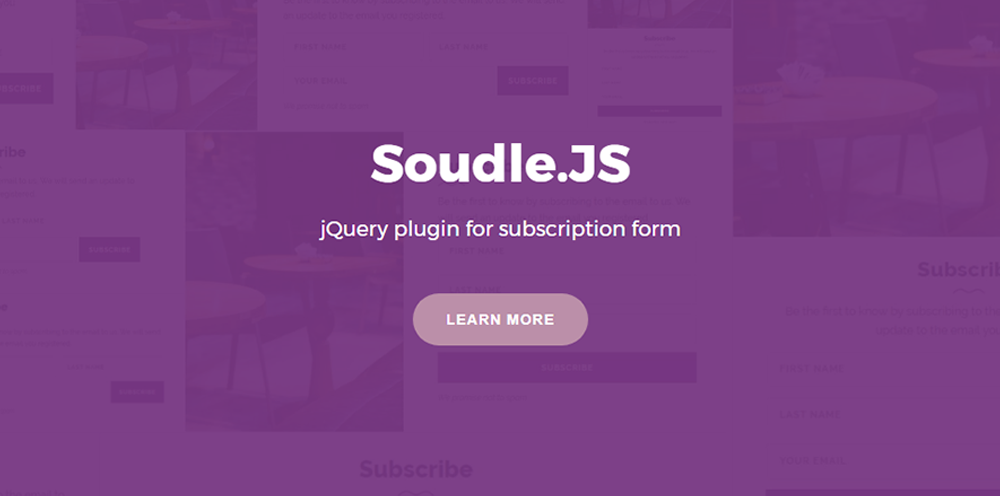
Soudle.js is a jQuery plugin to create subscription forms. Soudle has 2 types of subscription form that is ‘inline’ and ‘popup’. With soudle you can make subscription form easier, just by importing all required files then define soudle by yourself.

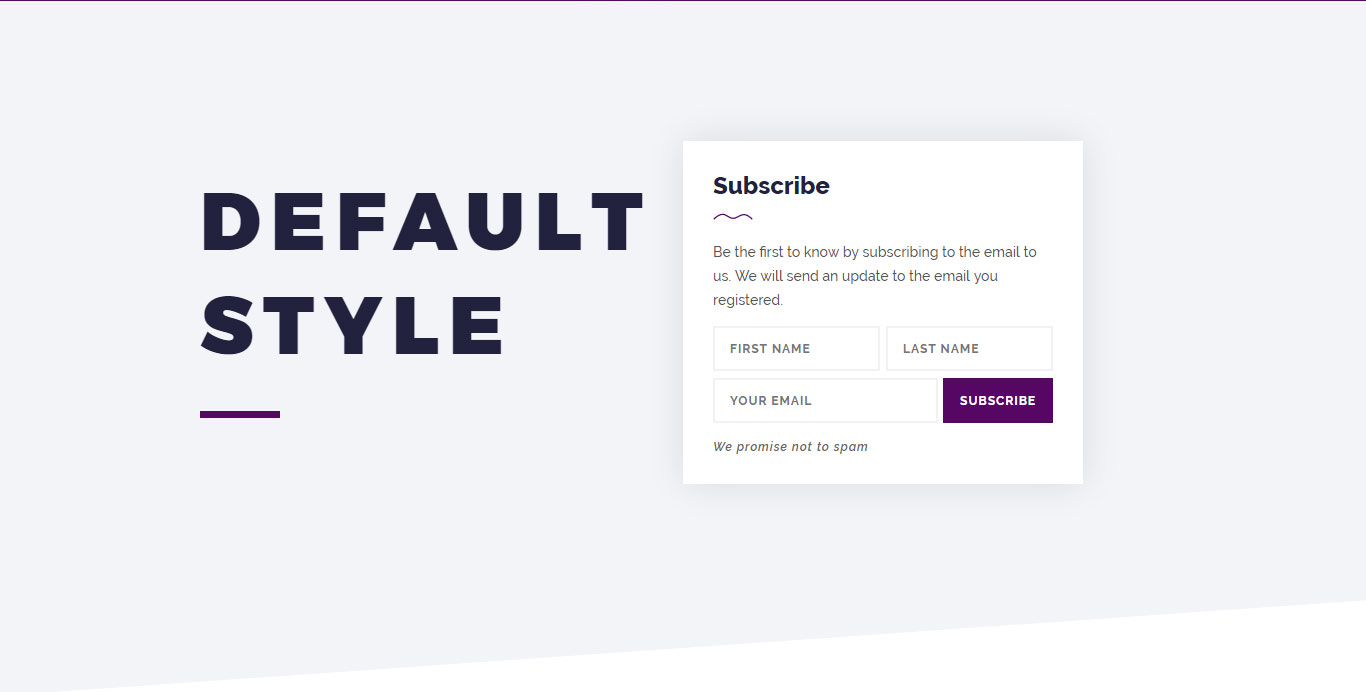
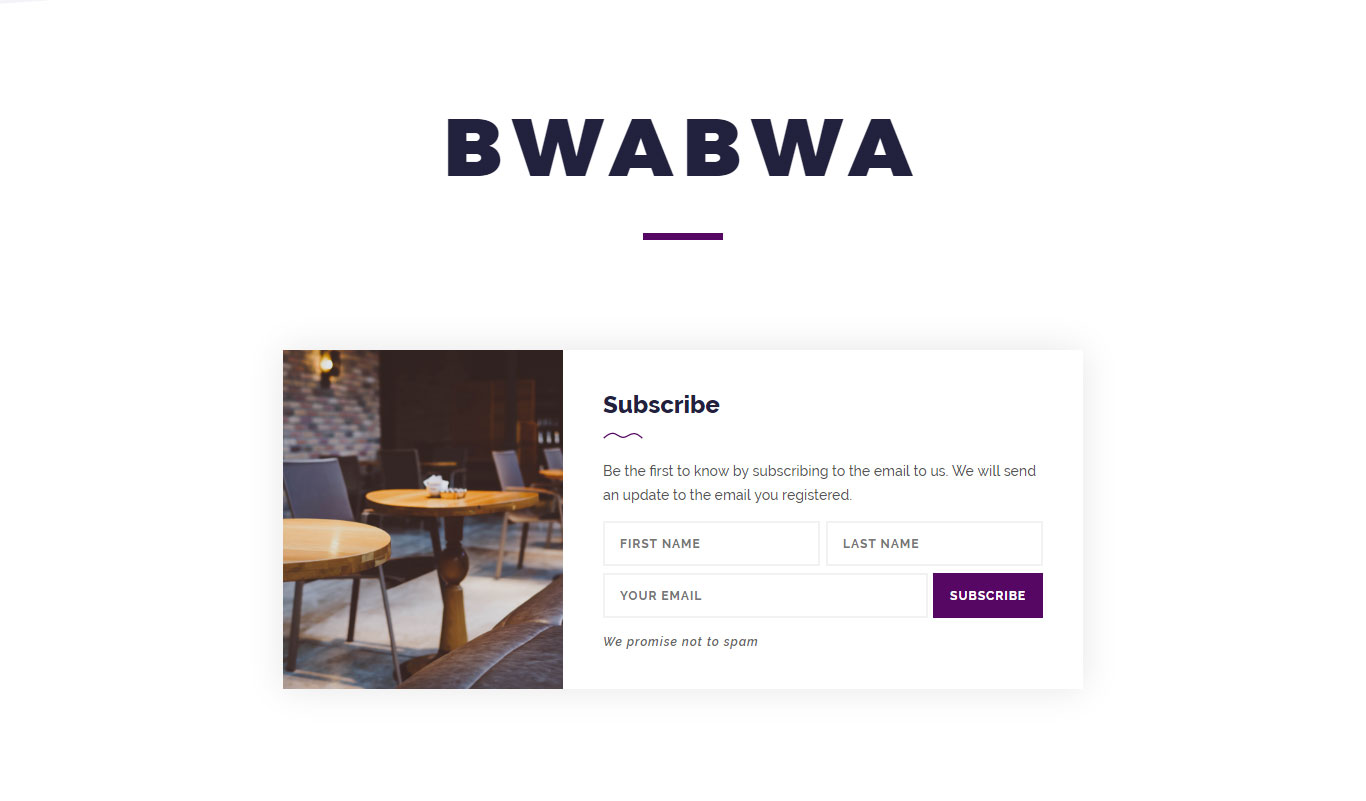
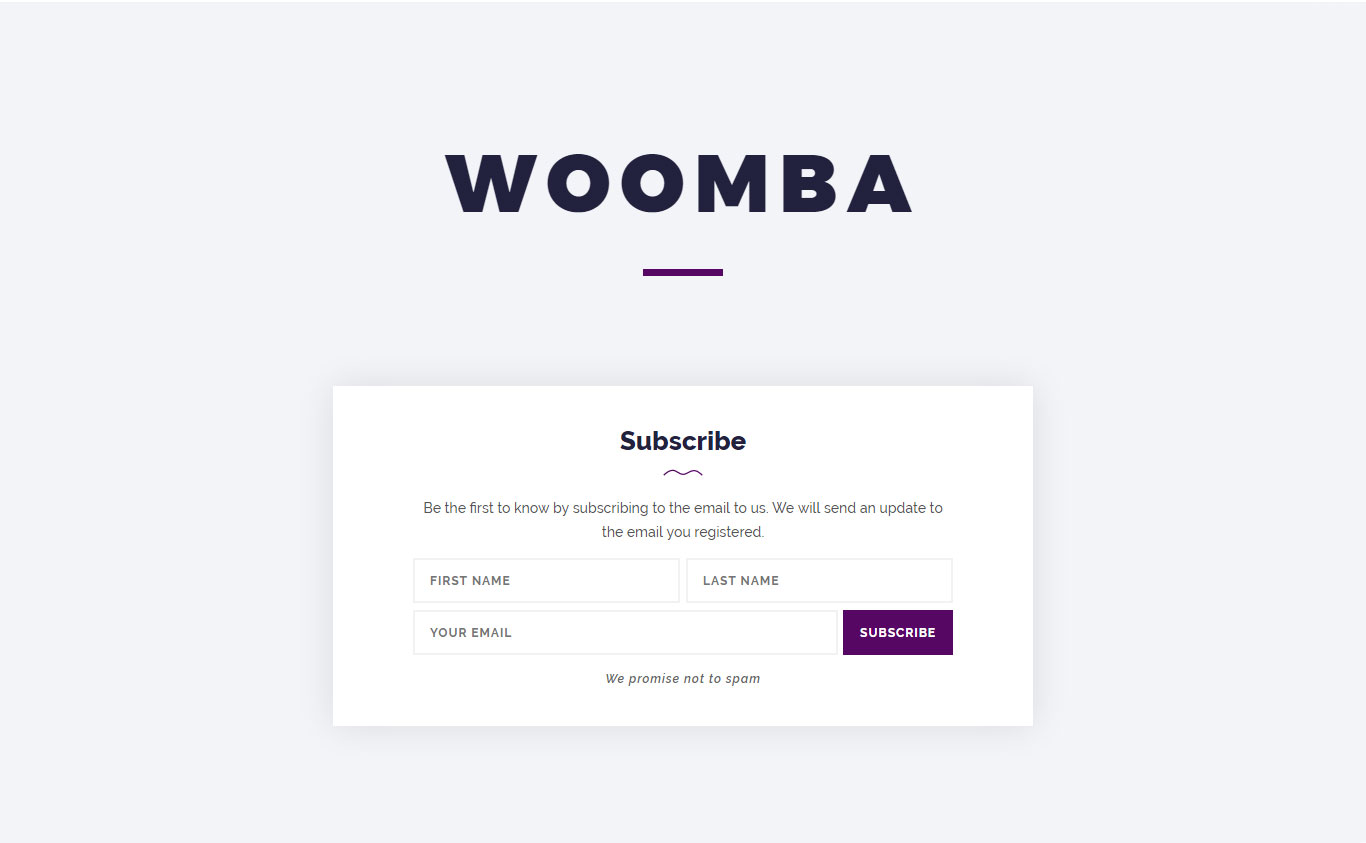
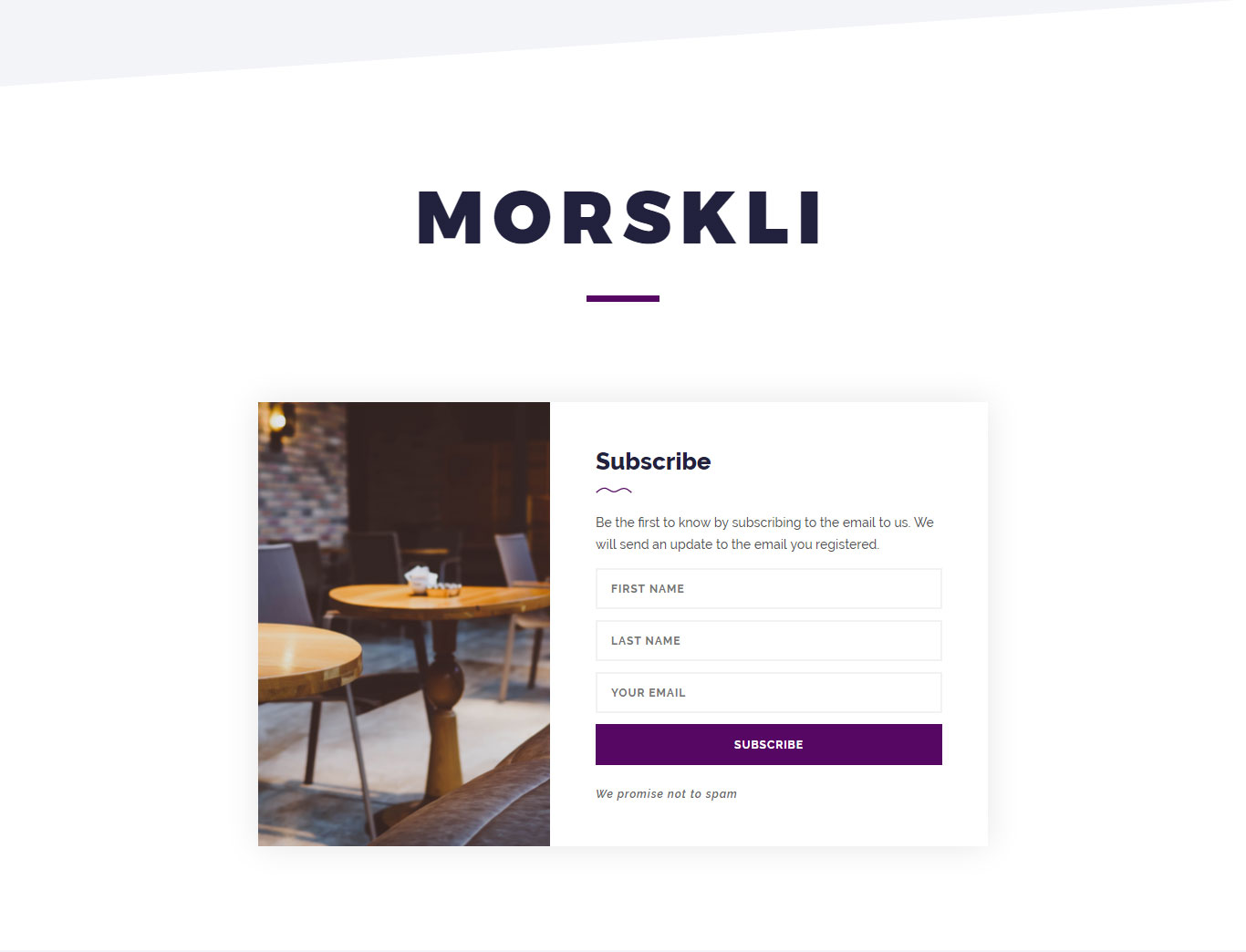
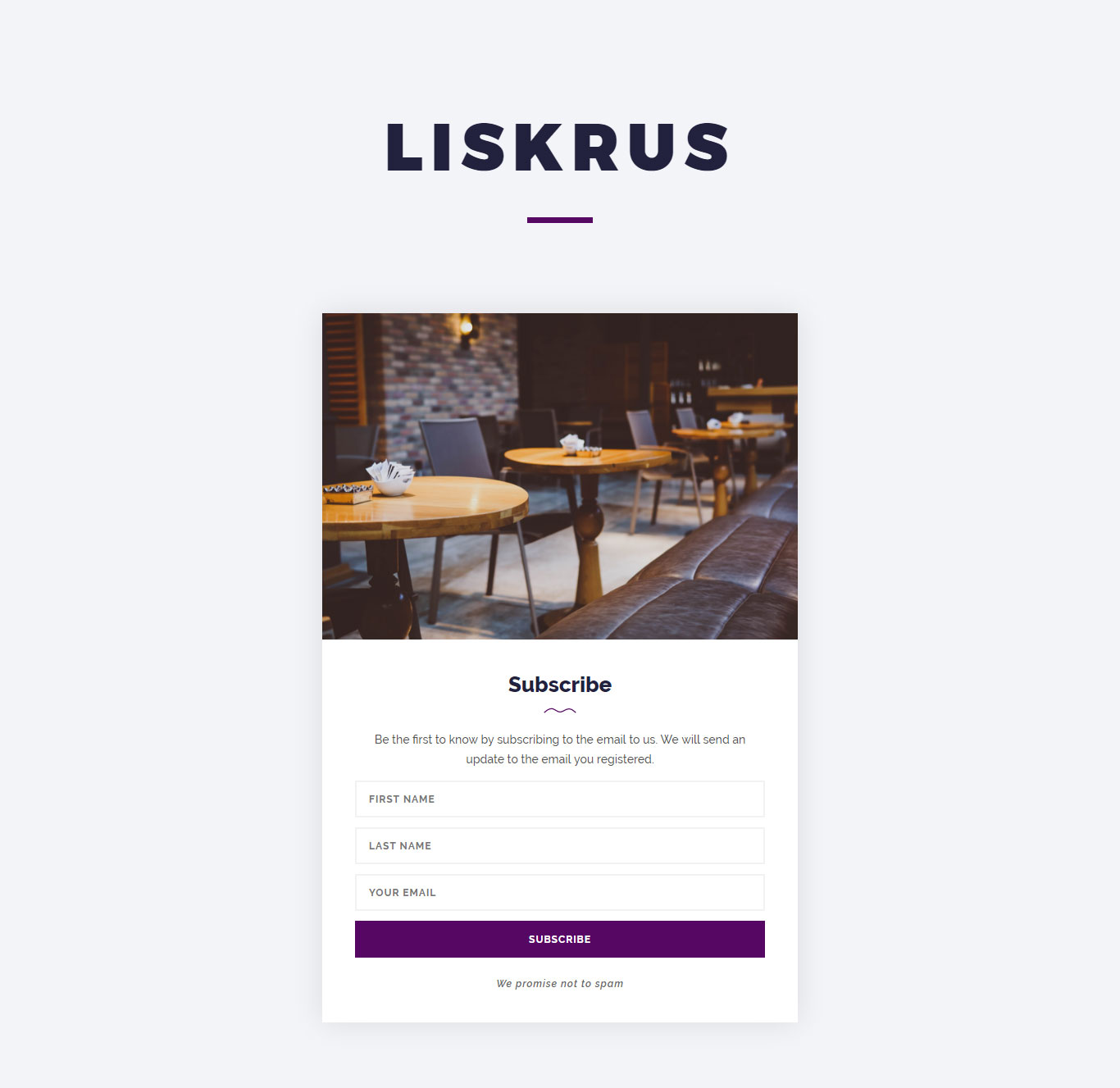
Another cool feature from Soudle
Features
- 5 available layout styles
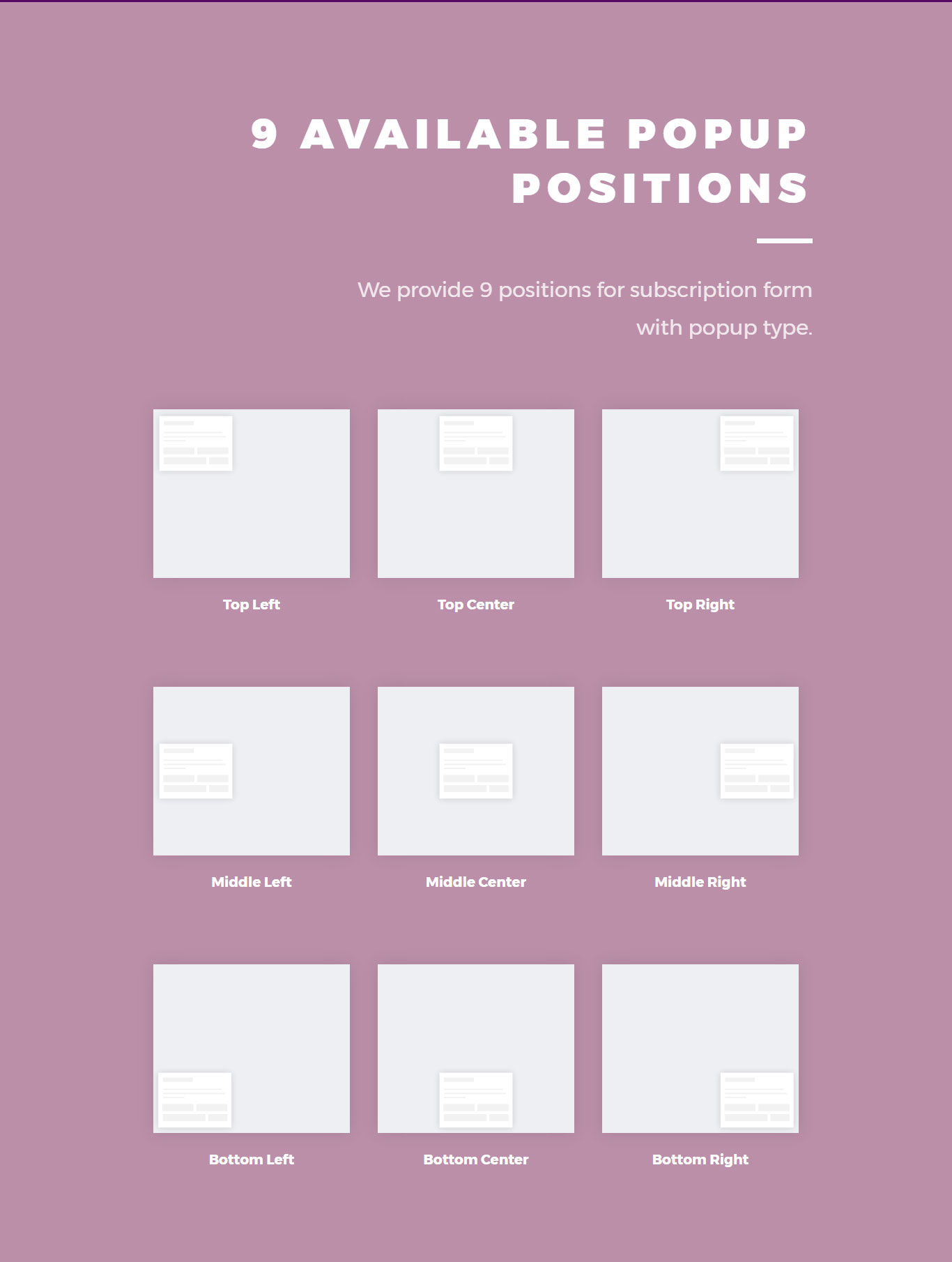
- 9 available popup positions
- 70+ available animations effect (animate.css)
- 11 callbacks for developer easier
- Cross-browser compability
- Fully responsive
- Animate.css
- NiceScroll.js
- Available SCSS version
- AJAX support
- Laravel admin page
- Laravel version 5.4
- AdminLTE template
- SweetAlert
- User authentication
- Datatables in the subscription data table
- Export subscription data to Excel, CSV, PDF and copy the table to HTML5 clipboard
- Subscribers CRUD with AJAX
- Users CRUD with AJAX
- This month’s subscription data line graph with Chart.js on the Dashboard page
- 4 info boxes on the Dashboard page
- CodeIgniter admin page
- CodeIgniter version 3.1.5
- AdminLTE template (based on Adminify)
- SweetAlert
- User authentication
- Datatables in the subscription data table
- Export subscription data to Excel, CSV, PDF and copy the table to HTML5 clipboard
- Subscribers CRUD with AJAX
- Users CRUD with AJAX
- This month’s subscription data line graph with Chart.js on the Dashboard page
- 4 info boxes on the Dashboard page
- … and more!
Requirements
- jQuery version 1.12 or better
- Latest Animate.css
- Latest NiceScroll.js
Demo
Laravel Admin Panel
Email: [email protected]
Password: 123456
CodeIgniter Admin Panel
Email: [email protected]
Password: 123456

Credits
Thanks to the amazing library used in this plugin.
jQuery – The jQuery Foundation – MIT License
Animate.css – Daneden – MIT License
NiceScroll.js – Inuyaksa – MIT License
Download Soudle.js – jQuery Plugin for Subscription Form (Forms)
ThumbTap | Creative Navigation for Mobile & Tablets (Mobile)






An awesome sidebar navigation jQuery template that allows you to build your own template from the ground up!
Requires iOS 5.0 or higher, Android 4.3 or higher, Latest RIM, Windows Mobile 8!
Are you searching for a full website?
We have a full mobile and tablet website template built using this navigation over on ThemeForest. Click the image below to go see it!
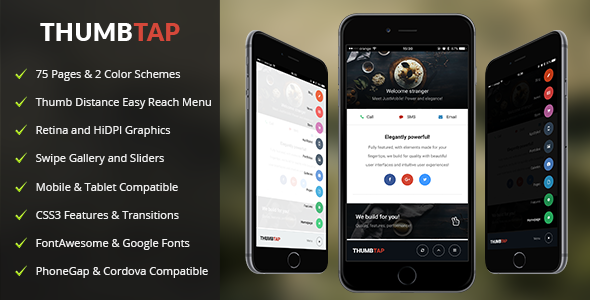
Download ThumbTap | Creative Navigation for Mobile & Tablets (Mobile)
Cooking Recipes Realtime Application with Firebase (Full Applications)
Cooking Recipes Realtime Application with Firebase

Demo : https://play.google.com/store/apps/details?id=wail.recipe
—–—–——
* Android App
- Firebase realtime database + auth
- Push notifications
- Admob ads
- Save ( offline use )
- Material design
- Admin panel
…. this app contains ….
- Splash & Home pages
- Recipes page ( Grid / List )
- Categories page
- One category ( recipes of one category )
- One Recipe ( recipe data + like button [save] )
- Favorites page ( liked [saved] recipes )
- Search age ( search by max + min recipes time)
- About page
- Share action
- This app can receive firebase push notifications
—–—–—–—–—––
Admin panel (WEB) *
[ can hosted in localhost because it’s client side , server side is on firebase ]
…. this web app contains ….
- Login as admin
- Dashboard
- Manage Recipes (Delete / Edit / Add /Define as recipe of week)
- Manage Categories (Delete / Edit / Add)
—–

Others apps ?
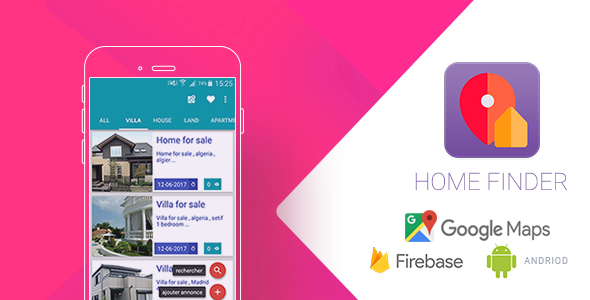
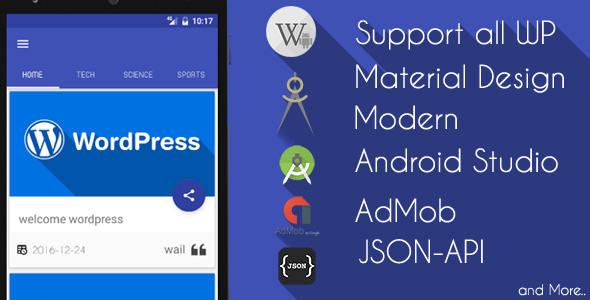
Download Cooking Recipes Realtime Application with Firebase (Full Applications)
Maintenance Mode for WordPress (WordPress)
Maintenance Mode for WordPress is the best way to create a “coming soon” page with a plugin, it can be effective in handling new under construction websites.
It’s always a good idea to put your site into maintenance mode while you are making some changes to your site so that the users doesn’t see a broken site.
Add a maintenance page to your blog that lets visitors know your blog is down for maintenance, or add a coming soon page for a new website. User with admin rights gets full access to the website including the front end.
- Professional support
Our plugins will always be 100% compatible with latest WordPress and WooCommerce versions. Contact us for more info or problems, we are always ready for new bugs.
- Clean & optimized code
Clean code is a reader-focused development style that produces software that’s easy to write, read and maintain. The best way to offer a better customer care.
- Pixel-perfect and responsive design
We consider every detail, down to individual pixels for a cleanest look of our digital products and we always try to have the maximum attention on it.
- Independent HTML template
Our plugin uses an independent HTML template to hide the WordPress development framework. You will be 100% hidden from the competitors.
- Show or hide a custom image
You can set the logo of your company or a simple image on the maintenance page.
- Edit title and HTML text
Choose the right title and text that lets visitors know your blog is down for maintenance. Add more info about your social pages with a free HTML editor.
- Customize colors & typography
You can easily set colors and fonts in plugin settings panel, but if you need, you can use a custom CSS code to edit maintenance mode page design.
Download Maintenance Mode for WordPress (WordPress)
WooCommerce Advance Request A Quote | Product Enquiry (Miscellaneous)

WooCommerce Request A Quote for Single Product Enquiry or Multiple Products Enquiry
WooCommerce Advance Request A Quote is a WooCommerce Extension Plugin( Add-on Plugin) Which main features are Product Enquiry & Request A Quote for Single or Multiple/Bulk Products, Buttons Customization and Overall Shop Page and Product Details Page Customization.
Sometimes Product seller need to show the catalog for bulk sales. This WooCommerce Request A Quote or Product Enquiry Plugin best suited for who wants to bulk products sale or switch their shop to Product Showcase Website.
It is having rich options but easy to use settings. You can ready your Product Showcase Website with few clicks. No coding skills required. So you you can customize shop page, product details page, Request A Quote Form for Enquiry, Buttons and Text. Everything functional and tested with latest WordPress and WooCommerce. WooCommerce Advance Request A Quote or Product Enquiry Plugin built with WordPress Settings API and Our Custom Plugins Framework.
WooCommerce Request A Quote / Product Enquiry Plugin Features
- Request A Quote:
- Product Enquiry for Single or Multiple Product
- Bulk Products Enquiry in Cart Page
- Single Product Enquiry or Multiple Product Enquiry
- It can be filtered by Specific Product, Category wise or All Products
- WordPress
- WooCommerce
- Magnific Popup
- WooCommerce Catalog Mode:
- Switch Shop to Catalog View
- It can be filtered: All Shop or Specific Product Categories or Specific Products
- You will be able to Enable or Disable any settings without affecting your Website
- You can enable or disable: Ratings, Product Ordering Filter, Product Counts Text, Add to Cart, Description & Reviews Tab, Badge,
Related Products, Buttons, etc.
- WooCommerce Request A Quote or Enquiry Product Form:
- Ajax Powered Request A Quote Form
- Magnific Popup integrated with Form
- Custom Form Email Or Default Site Admin Email can be use as a Form Email
- Cc, Bcc Supported
- Well Validated
- Clean & Responsive Design and All Modern Browser Supported
- You can display form button on shop page or product page indivually
- WooCommerce RAQ Others Features:
- You can customize buttons, custom buttons, button text and Styles
- External Link supported
- Pre-defined CSS Class Supported
- WordPress Native Color Picker
- Everything functional and WordPress Hooks used in proper way
- Always Latest WordPress and WooCommerce Supported
- Many More features and will be updated regularly