Quantum Framework (Layouts)

Quantum Framework is a powerful and lightweight CSS framework for responsive web designs. It’s goal is to provide more flexibility to designers and improve the front end development time. The framework comes in 12 and 16 columns with 130+ combinations of container and gutter sizes ranging from 300px (for smartphones) and up to 1872px for 1920px and wider screen resolutions.

Unlike most popular responsive CSS frameworks which have a fluid layout, Quantum Framework has fixed width layouts with each combination having fallback rules for smaller, intermediate resolutions than the design’s max container width.

The advantages of fixed width layouts over fluid ones are that they allow more control over the line length, flow and placement of the elements on the web page.

The framework is easy to use and it can fulfil the needs of every web project, in a much easier way. All it takes is just a few minutes to get a hang of it, and you will be ready to design some amazing websites.

Features

  • It’s brilliantly flexible & amazingly customizable
  • It comes in 12 & 16 columns with multiple gutter versions for each container size
  • Easy to use, easy to learn
  • Clean, minimal, commented and documented code
  • Design from mobile first and up to 1920px screen resolutions
  • PSDs included for all combinations, offering unmatched design flexibility that allows designers to create websites with ease and efficiency.
  • Compatible with IE7-10, Chrome, Mozilla, Opera and Safari

Awesome support

Have a question? Feel free to get in touch via support forums. I am dedicated to making your experience pleasant and satisfying. Your suggestions can help me innovate and improve.

Download Quantum Framework (Layouts)

jQuery and CSS3 Responsive Full Page Image Gallery (Images and Media)

PhizzBoxXL is a responsive, fullscreen image viewer with many options to customise how it works and how it looks.

It uses a mixture of JQuery and CSS3 transitions to create a great way to view your images.

Features

  • fully responsive to work on desktop, tablet and mobile
  • lots of javascript options to customise the look and feel
  • light and dark themes
  • smooth css3 transitions
  • works cross browser

What’s included?

  • all javascript and css files needed
  • quick start code to get you up and running straight away
  • detailed help guide to run you through getting started and all the options available

Please rate if you purchase as it’s a great help. Thank you.

Download jQuery and CSS3 Responsive Full Page Image Gallery (Images and Media)

Responsive PHP Vimeo Grid Gallery (Social Networking)

Summary

The PHP Vimeo Grid Gallery Plugin is a PHP Script that displays the vimeo channel videos of the stated user profile.

Features

  • Easily integrates with any PHP Project.
  • Includes a lightbox to play the videos
  • Displays subscriptions, Liked Videos, Uploaded and Tagged Videos
  • Includes a simple short code that can be used in wordpress pages or posts
  • Exhaustive documentation

Support and Documentation

Please drop us a line on [email protected] with any questions you may have, full documentation is included with the program to help you with your projects.

Download Responsive PHP Vimeo Grid Gallery (Social Networking)

WPShots – WordPress Shortcode Plugin (Utilities)

WPShots is a smart and rich shortcodes plugin for WordPress. It eases the job of admins and WordPress
developers. Shortcodes can be used inside posts, pages or in widgets. Public functions are also available to use
inside php code.

WPShots Features

Once you install WPShots, you can access following shortcodes. Related functions are also listed along the
shortcodes.

[wpshots_number_of_posts]
Show total number of published posts in the blog. Developers can get the value of total number of posts
using fn_wpshots_number_of_posts() function.

[wpshots_number_of_pages]
Show total number of published pages in the blog. Developers can get the value of total number of pages
using fn_wpshots_number_of_pages() function.

[wpshots_facebook_likes]
This shortcode display number of facebook likes of a given user. For example, [wpshots_facebook_likes id="cocacola"]
displays the number of facebook likes of cocacola page. Developers can read the number of likes using
fn_wpshots_facebook_likes() function. In order to obtain the likes of cocacola page, call the function
fn_wpshots_facebook_likes("cocacola").

[wpshots_facebook_shares]
This shortcode display number of facebook shares of a given url. For example, [wpshots_facebook_shares url="http://wordpress.org"]
displays the number of facebook shares for wordpress.org url. Developers can read the number of shares using
fn_wpshots_facebook_shares() function. In order to obtain the shares of http://wordpress.org, call the function
fn_wpshots_facebook_likes("http://wordpress.org").

[wpshots_google_plus_one]
This shortcode display number of Google plus ones for a given url. For example, [wpshots_google_plus_one url="http://wordpress.org"]
displays the number of google plus ones for http://wordpress.org. Developers can read the number of plus ones using
fn_wpshots_google_plus_one() function. In order to obtain the plus ones of http://wordpress.org, call the function
fn_wpshots_google_plus_one("http://wordpress.org").

[wpshots_tweet_count]
This shortcode display number of tweets for a given url. For example, [wpshots_tweet_count url="http://wordpress.org"]
displays the number of tweets for http://wordpress.org. Developers can read the number of tweets using
fn_wpshots_tweet_count() function. In order to obtain the number of tweets for http://wordpress.org, call the function
fn_wpshots_tweet_count("http://wordpress.org").

[wpshots_pinterest_pins]
This shortcode display number of pinterest pins for a given url. For example, [wpshots_pinterest_pins url="http://wordpress.org"]
displays the number of pinterest pins for http://wordpress.org. Developers can read the number of pins using
fn_wpshots_pinterest_pins() function. In order to obtain the number of pins for http://wordpress.org, call the function
fn_wpshots_pinterest_pins("http://wordpress.org").

[wpshots_linkedin_shares]
This shortcode display number of linkedin shares for a given url. For example, [wpshots_linkedin_shares url="http://wordpress.org"]
displays the number of linkedin shares for http://wordpress.org. Developers can read the number of linkedin shares using
fn_wpshots_linkedin_shares() function. In order to obtain the number of linkedin shares for http://wordpress.org, call the function
fn_wpshots_linkedin_shares("http://wordpress.org").

[wpshots_stumbleupon_shares]
This shortcode display number of stumbleupon shares for a given url. For example, [wpshots_stumbleupon_shares url="http://wordpress.org"]
displays the number of stumbleupon shares for http://wordpress.org. Developers can read the number of stumbleupon shares using
fn_wpshots_stumbleupon_shares() function. In order to obtain the number of stumbleupon shares for http://wordpress.org, call the function
fn_wpshots_stumbleupon_shares("http://wordpress.org").

[wpshots_youtube_subscribers]
This shortcode display number of youtube subscribers for a given user. For example, [wpshots_youtube_subscribers user="apple"]
displays the number of youtube subsribers for apple. Developers can read the number of subscibers using
fn_wpshots_youtube_subscribers() function. In order to obtain the number of youtube subscribers for apple, call the function
fn_wpshots_youtube_subscribers("apple").

Browser Support


Download WPShots – WordPress Shortcode Plugin (Utilities)

Bulk Category Import/Export By XJ (Magento Extensions)


Follow me on Facebook

Follow me on Twitter


Follow me on Google+


Follow me on CodeCanyon

Bulk Category Import/Export By XJ module allows you to import and export your categories and sub categories and related category data like meta descriptions / meta title / meta keywords as well as if the category is Active or is Anchor, category description and category image and thumbnail.

This module enables you to greatly simplify the categories and subcategories transfer process, making it almost entirely automatic, but at the same time it also allows any user to import and export related category data, such as meta title, meta description, meta keywords. It can also manage the category image and category description.

Major Key Features

  • Easy to install and configure.
  • Import/Export all category and related data
  • Provide a better customer experience.
  • Facility to download Export categories as a csv file.
  • Facility to import categories via file uploding method.
  • Easy to install and customizable for any type of Magento theme.
  • Compatible with Magento 1.3.x, Magento 1.4.x, Magento 1.5.x, Magento 1.6.x, Magento 1.7.x., Magento 1.8.x.
  • Download Bulk Category Import/Export By XJ (Magento Extensions)
    Advanced FAQ By XJ (Magento Extensions)


    Follow me on Facebook

    Follow me on Twitter


    Follow me on Google+

    \

    This extensions adds a new FAQ item to the CMS menu in the Admin Panel. This allows you to supply your customers with answers to frequent questions. However, this perception has been revamped with the Advanced FAQ Module.

    The FAQ module allows you to add captivating jQuery accordian script on your Magento website. On the frontend, your customers would witness an attractive and compelling FAQ section with an animation (jQuery accordian script).

    Major Key Features

  • A single click can collapse or expand the list.
  • HTML formatting can be enabled/disabled for every entry.
  • Provide a better customer experience.
  • For HTML editing the new grafical editor can be use.
  • Every entry can be enabled/disabled.
  • Easy to install and customizable for any type of Magento theme.
  • Compatible with Magento 1.3.x, Magento 1.4.x, Magento 1.5.x, Magento 1.6.x, Magento 1.7.x., Magento 1.8.x.
  • Admin Panel Features

  • Add FAQ menu to the CMS
  • Use the WYSIWYG editor to format your questions and answers.
  • Improves user experience
  • Download Advanced FAQ By XJ (Magento Extensions)

    Pattern Maker (Windows)

    About Pattern Maker

    Pattern Maker is a simple and intuitive application for creating symmetric logos and patterns. It allows users to create logos using a customizable kaleidoscope tool that produces a spline exportable to a SVG format. The tool also allows creating patterns from the designed logo. The pattern can be customized with spacing, offsets and more.

    How to use

    Each of the elements of the Pattern Maker window has a tooltip that displays on mouse hover. These tooltips explain the functionality of each of the window elements.

    To start designing a logo, specify the kaleidoscope symmetry in the first box and click on the “Logo Design” button. A new window will open allowing you to create your logo. After the window is closed, the file can be saved to an SVG format by clicking on the “Save” button. You can then import this file into Adobe Illustrator.

    The “Check Pattern” button creates a pattern out of the designed logo. The pattern can be customized via the provided text boxes. Enter offset and tilling options in the provided boxes. The tooltips can help you see which box has which function.

    Download Pattern Maker (Windows)

    Elegant – YouTube | HTML5 Responsive Video Gallery (Media)

    This is elegant YouTube / HTML 5 Responsive Video Player with/without gallery with 5 pre-built skins. You can use player without gallery with only one video, or you can build your own gallery with thumbnails, titles and descriptions. Number of videos is unlimited. Player look is customisable via CSS, so you can easily customize colors and adjust it to your needs. Player is resizeable so it fits perfectly in every website design.

    Features

    • YouTube support + HTML5 support
    • easy setup
    • responsive
    • optional gallery
    • 5 pre-built skins
    • click & drag (touch) to control gallery
    • mobile-ready (iPhone, iPad, Android)
    • 100% vector icons, retina-ready
    • all browsers compatible
    • multiple instances: you can insert more players in same page
    • optional logo: you can add your logo as image (.jpg, .png). Logo position can be in bottom-left corner, bottom-right ot top-right corner.
    • optional preview image: if you want your player to be paused when page loads, you can set preview image
    • autohide controls: you can choose after how much seconds player controls will disappear
    • hide / show gallery with playlist button (with this functionality you can “stretch” player over gallery to have better view for video, as well as “shrink” player to see gallery menu again to choose videos)
    • autoplay: on/off (choose to play video automatically when webpage loads or not)
    • complete volume control
    • optional share menu: facebook, twitter, youtube, pinterest, linkedin, google+, delicious, mail
    • optional embed code: for visitors to embed your player in their sites
    • information window with HTML formatted text (it means you can insert links, change fonts, text sizes with basic HTML formating)
    • rewind
    • tooltip time
    • tooltip volume
    • fullscreen support (when not supported real fullscreen it switches to full browser support)
    • double click to enter/exit fullscreen
    • SPACE key play/pause
    • ESCAPE key to exit fullscreen
    • installation instructions included

    Credits:

    Thanks to Dorde Pivnicki

    You may also like…

    Responsive HTML5 Video Player & Gallery

    HTML5 Responsive Video Player & Advertising

    HTML5 Video Player with/without Gallery

    3 in 1 – Video players pack Youtube / Vimeo / Flv / Mp3 / Image / Advertising

    Customisable Vimeo / Youtube / Flv / Mp3 / Image gallery

    Customisable Vimeo / Youtube / Flv Video Gallery

    VIMEO / YOUTUBE / FLV VIDEO PLAYER WITH PLAYLIST


    Flag Counter

    Download Elegant – YouTube | HTML5 Responsive Video Gallery (Media)

    Suzi jQuery – Animated Tabs And Accordion Menu (Sliders)

    Suzi jQuery – Animated Pack

    • Animated Tabs And Accordion Menu
    • jQuery + CSS3
    • If you like Suzi, please dont forget to rate…

    Features

    • ANIMATED TABS
      • MULTI POSITION (RIGHT, LEFT, TOP, BOTTOM)
    • ACCORDION MENU
      • FIXED HEGHIT + SCROLL
      • OPEN SINGLE PANEL
      • OPEN MULTIPLE PANELS
    • BOTH
      • 6 COLOR SCHEME
      • 60+ ANIMATION EFFECTS
      • ICON SUPPORT (360+)
      • CROSS BROWSER
      • EASY USE
      • EASY CHANGE COLOR
      • EASY CHANGE ANIMATION EFFECTS
      • DOCUMENTED

    Inside Pack (Folder)

    • Animated Tabs
      • bottom-left
      • bottom-right
      • left-bottom
      • left-top
      • right-bottom
      • right-top
      • top-left
      • top-right
    • Accordion Menu
      • Fixed Height
        • Multiple Panles
        • Single Panle
      • Fixed Height+Scroll
        • Multiple Panles
        • Single Panle
    • Document

    Support

    Please send me an email to : [email protected]

    Change Log

    • Version 1.0
      • Initial Release

    See also

    Pofi – Animated Tabs And Accordion Menu


    Download Suzi jQuery – Animated Tabs And Accordion Menu (Sliders)

    Storyline 3D Slider (Sliders)

    STORYLINE 3D SLIDER

    Storyline 3D Slider is a great plug-in for your template, which will make it have a stunning look. The S-3D-S will help you showcase your work in a splendid creative way. Your products has never been displayed so great!

    If you are a proud author or musician or super talented designer, blogger or photographer – the S-3D-S is just for you! It offers 19 colour schemes, 8 scroll effects, 6 slide styles, responsive design, infinite scroll & possibility to work smoothly on mobile devices. You can include your own html code and make your own styles to fit your site.

    And these are just part of Storyline 3D Slider features. More to come soon, stay tuned.

    STORYLINE 3D SLIDER is:

    • a break-the-clutter CSS3 slider
    • creative, progressive & trendy
    • for ones that like to get noticed
    • so much more…


    FEATURES

    • 19 color schemes
    • 8 incredible scroll effects
    • 6 different post styles (blog, circle, image, audio, book, text)
    • 5 ways to navigate trough slides
    • Responsive design
    • Touch enabled
    • Infinity scroll
    • Lots of different post settings
    • Custom image roll over settings
    • CSS3 and JQuery powered effects
    • Easy setup

    REQUIREMENTS

    • PHP5+ for infinite loading content

    IMPORTANT NOTE:

    The images seen in the preview are NOT included in the download package.

    CREDITS

    Special thanks to Andrey Gordeev and Artgerm for their beautiful artwork used in the preview
    Flexslider
    Codrops

    Flag Counter

    Other Projects


    Download Storyline 3D Slider (Sliders)

    TileBox jQuery – Modern Responsive LightBox (Images and Media)


    TileBox jQuery – Modern Responsive Lightbox

    TileBox jQuery – Modern Responsive LightBox is a small jQuery plugin that is used to create modern lightbox with CSS3 Animation Effects and customizing options for modern browsers. Please check demos below to see how it works.

    # This is not a WordPress Plugin #

    Features:

    • Responsive Design.
    • CSS3 Animation Effects.
    • Size Switcher.
    • Combine Inline and AJAX content.
    • Support Touch Swipe and Left, Right Keys to move prev/next box.
    • Full Screen Custom Content.
    • Show/Hide Thumbnail Ribbon.

    Documentation

    If you like to see the plugin documentation you can check it here: TileBox jQuery Documentation

    Support

    If you have any question or feature request or bug report please email me. After purchase please rate and leave me some feedback to improve this item. Thank you!

    My Portfolio

    Tabion jQuery – Modern Responsive Tab Accordion Switcher

    Tabion jQuery - Modern Responsive Tab Accordion Switcher

    Navion – Metro Navigation Menu Accordion Switcher CSS

    Navion - Metro Navigation Menu Accordion Switcher CSS

    Tabion CSS – Metro Tab Accordion Switcher

    Tabion CSS - Metro Tab Accordion Switcher

    TileBox – Modern Responsive LightBox CSS

    TileBox - Modern Responsive LightBox CSS

    TabLooper – Responsive Loop Tab Metro UI

    TabLooper - Responsive Loop Tab Metro UI

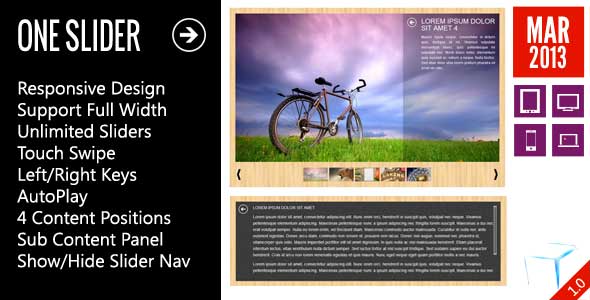
    OneSlider – Responsive Slider With Interactive Content

    OneSlider - Responsive Slider With Interactive Content

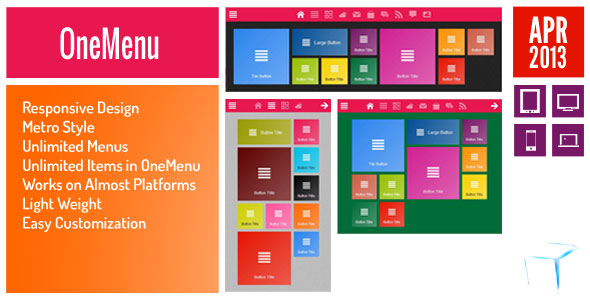
    OneMenu – Responsive Metro UI Menu

    OneMenu - Responsive Metro UI Menu

    OpenPanel – Open Unlimited Panel Any Where

    Open Unlimited Responsive Panel Any Where

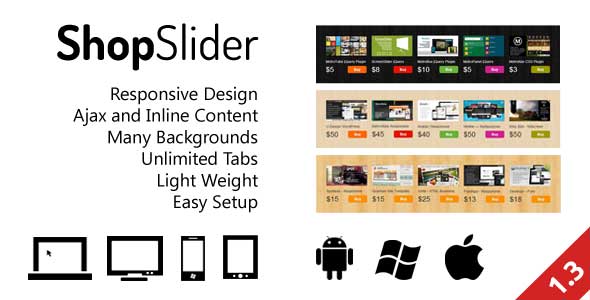
    Responsive Shop Slider

    Responsive Shop Slider

    ScreenSlider – Responsive Touch Presentation

    ScreenSlider-Responsive-Touch-Presentation

    MetroBox – Responsive LightBox

    Metro Tab jQuery

    Metro Tabs jQuery

    MetroPanel – A New Navigator for Modern Sites

    Download TileBox jQuery – Modern Responsive LightBox (Images and Media)

    MySQL Conversion Class (Database Abstractions)

    MySQL Conversion Class

    • easy way to Import/Export MySQL Data;
    • easy way to create API;
    • get result of MySQL query as XML, JSON or associative array;
    • print result (with headers) of MySQL query as XML, JSON or associative array;
    • insert data to MySQL from XML, JSON or associative array;
    • support MySQL and MySQLi driver;
    • the JSON created can be indented or not, you choose;
    • easy to get class-failure errors;
    • examples of both functions are included.

    Example

    Get JSON data from MySQL query ($query)

    DB::init($params)->query($query)->as_json(true);

    Insert JSON data into MySQL table

    DB::init($params)->from_json($data)->insert('test');

    For more examlpes please read description.

    Download MySQL Conversion Class (Database Abstractions)

    WooCommerce PDF Invoice (WooCommerce)

    This plugin automatically generates PDF invoices and lets your customers receive them by email or download directly from your store.

    Feel free to check how your invoice could look like by clicking on the button below.

    Features

    • Automatically generates PDF invoices
    • Attaches invoices to default WooCommerce emails
    • Uses rock solid TCPDF library
    • Lists all taxes as configured in WooCommerce
    • Download link in “View Order” page for users
    • Download link next to each order for admin
    • Batch download for admin
    • Proforma invoices supported
    • Nice invoice design
    • Set you own company logo and details
    • Translate invoice labels from admin page
    • Translate the entire plugin (.pot file included)
    • Set your own invoice notes and footer text
    • Display amount in words if needed
    • Possible to add invoice prefix
    • Change date format

    Requirements

    • Active WooCommerce plugin
    • jQuery library (for admin area)

    Download WooCommerce PDF Invoice (WooCommerce)

    Moncoco-Note v1.0 – Note App for iOS (Full Applications)

    MonCoco-Note is a flat, simple and design Note client for iOS. It allows you to take Note quickly.

    Click on the Note which you want to Modify and a window is appear.
    You can also add and delete note very easily.

    Features:

    Full iOS app written in Xcode No storyboards.

    -> Requires Xcode it’s all !

    This app use a very cool flat design with very funny color. Enjoy

    I’m going to make a lot of update, so if you have any idea leave a comment !

    Download Moncoco-Note v1.0 – Note App for iOS (Full Applications)

    Posts Pro – WordPress Plugin (Miscellaneous)

    STANDALONE (NON-WORDPRESS) VERSION IS ALSO AVAILABLE, CLICK HERE!

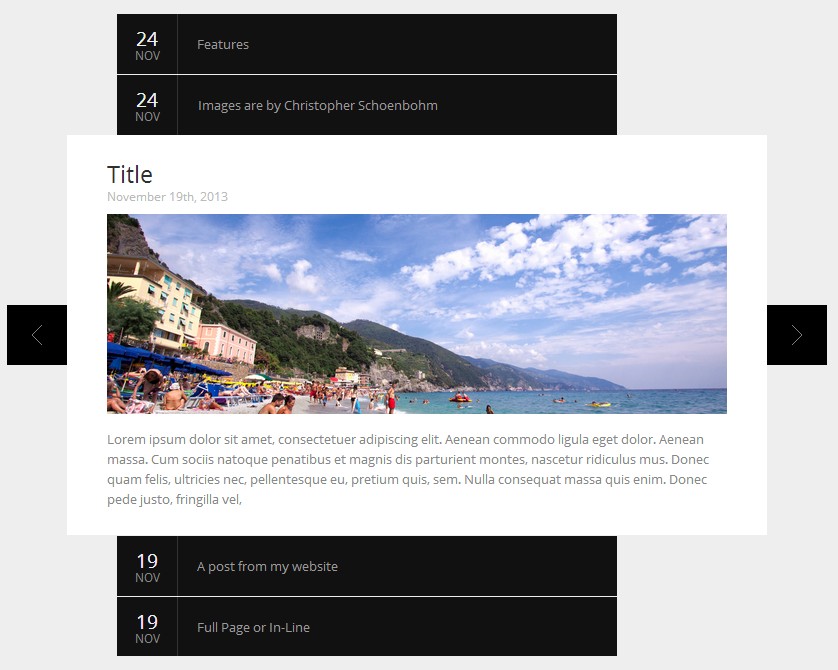
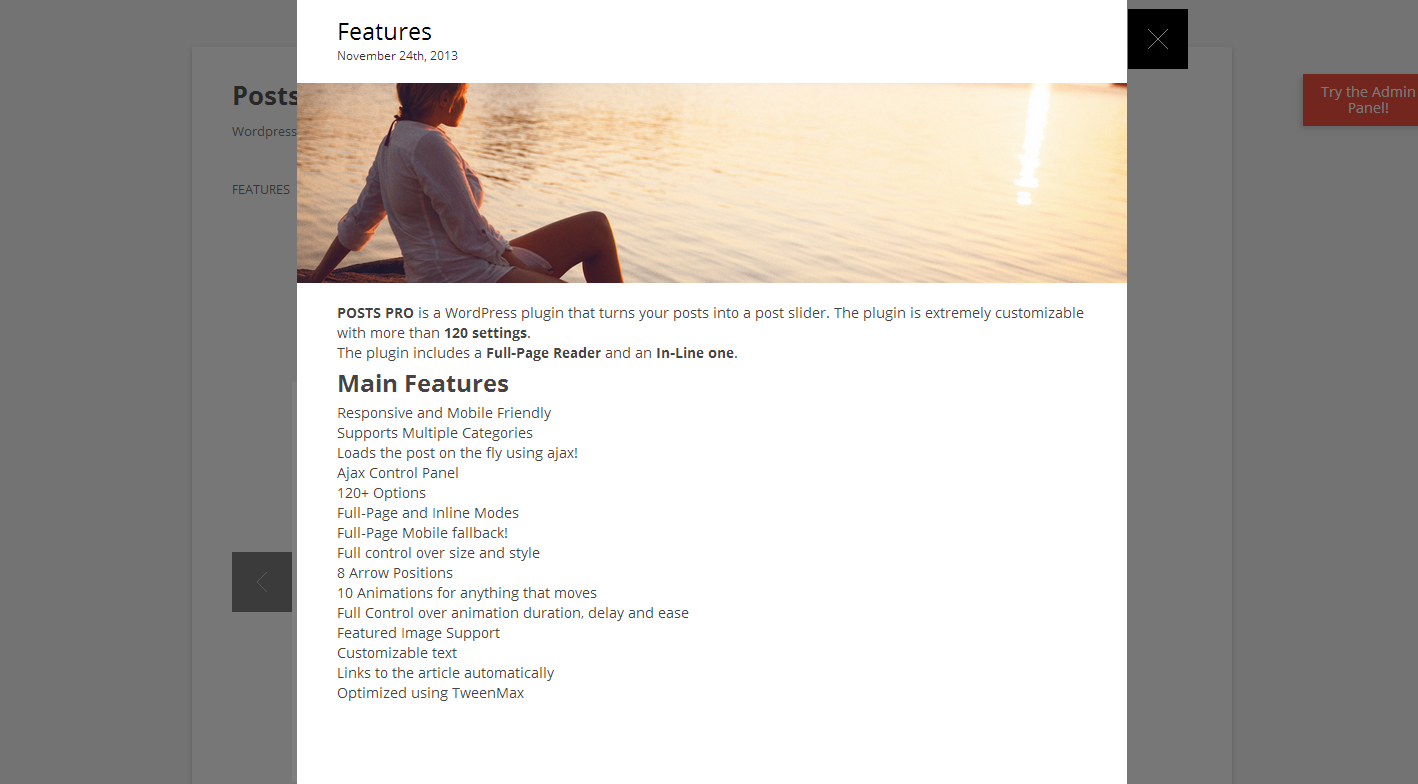
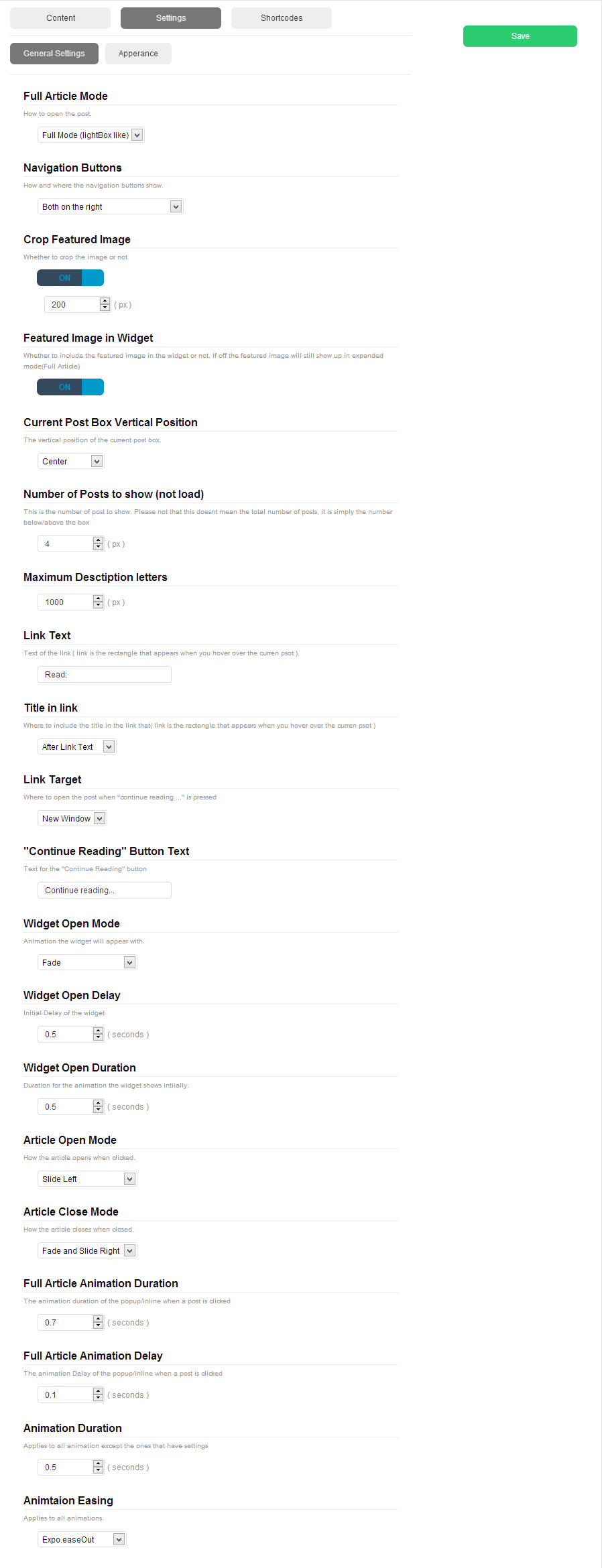
    POSTS PRO is a WordPress plugin that turns your posts into a post slider. The plugin is extremely customizable with more than 120 settings.
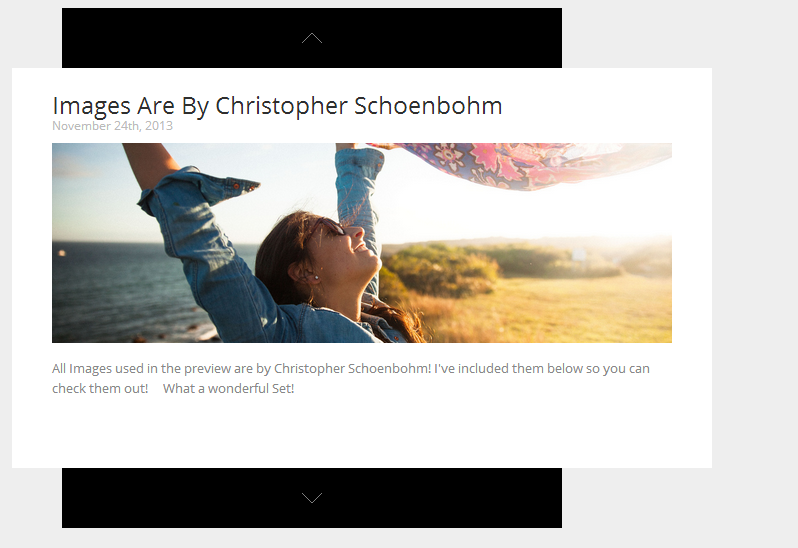
    The plugin includes a Full-Page Reader and an In-Line one. You can use this to display / list your posts in a nice and compact way! You can also use it as a portfolio gallery to list work or anything!

    Admin DEMO:
    username: admin

    password: admin

    Main Features

    • Responsive and Mobile Friendly
    • Supports Multiple Categories
    • Loads the post on the fly using ajax!
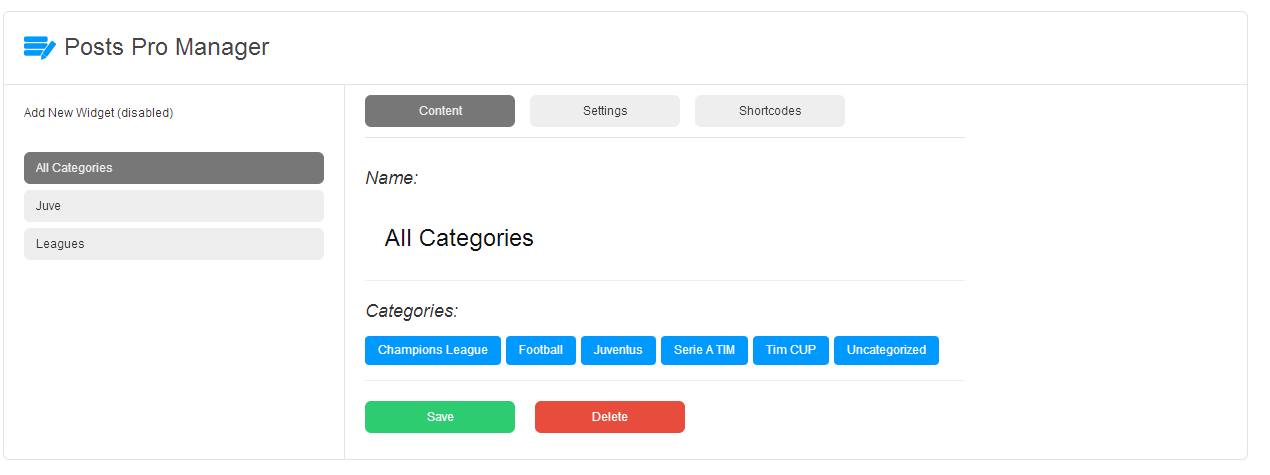
    • Ajax Control Panel
    • 120+ Options
    • Full-Page and Inline Modes
    • Full-Page Mobile fallback!
    • Full control over size and style
    • 8 Arrow Positions
    • 10 Animations for anything that moves
    • Full Control over animation duration, delay and ease
    • Featured Image Support
    • Customizable text
    • Links to the article automatically
    • Optimized using TweenMax
    • Unlimited Widgets
    • Much more, check the examples

    Screenshots


    Settings


    Screenshot of the General Settings |
    Screenshot of the Apperance Settings

    Download Posts Pro – WordPress Plugin (Miscellaneous)