The online password manager for small teams.
Save time and frustration by having access to logins for all the projects your team is working on. PassHub is a modern web app designed to securely store multiple logins in a central location.
Each member can store private logins that only they can see, or add logins to the public categories for anyone on the team to view and edit.
- Modern material-based design
- Secure, encrypted login credentials
- Create accounts for each team member
- Categorize logins
- Private logins
Features in detail
- Responsive Material Design
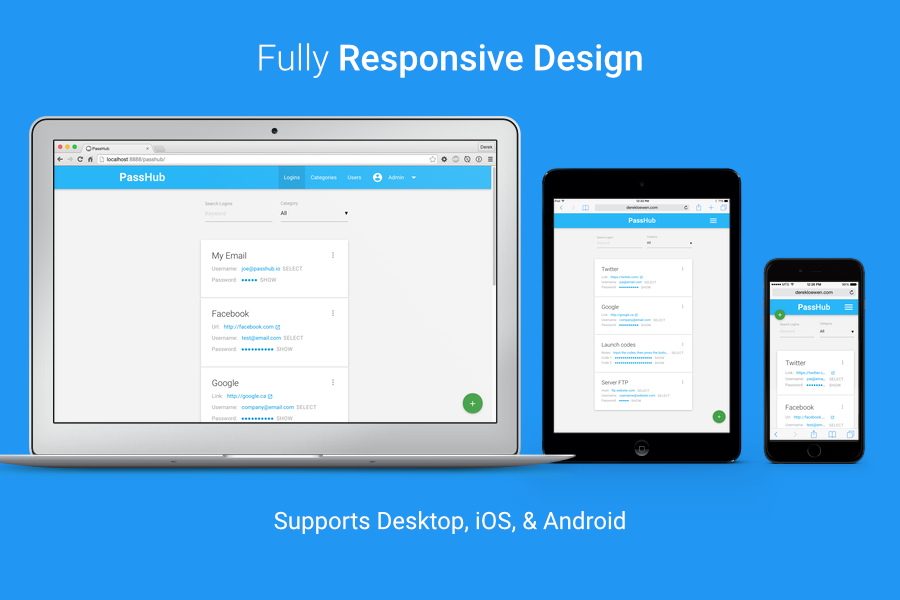
Enjoy an attractive and usable interface based on Google’s material design standards. Compatible with smartphones, tablets, and desktop. - Secure user passwords
User accounts created to access PassHub have their passwords securely hashed - Secure login storage
Logins stored inside PassHub have all fields securely encrypted using a unique key - User Management
Create admin (has access to to manage users) or regular users, each with their own private “My Logins” category - Categories
Create categories and assign logins to them - Live Search
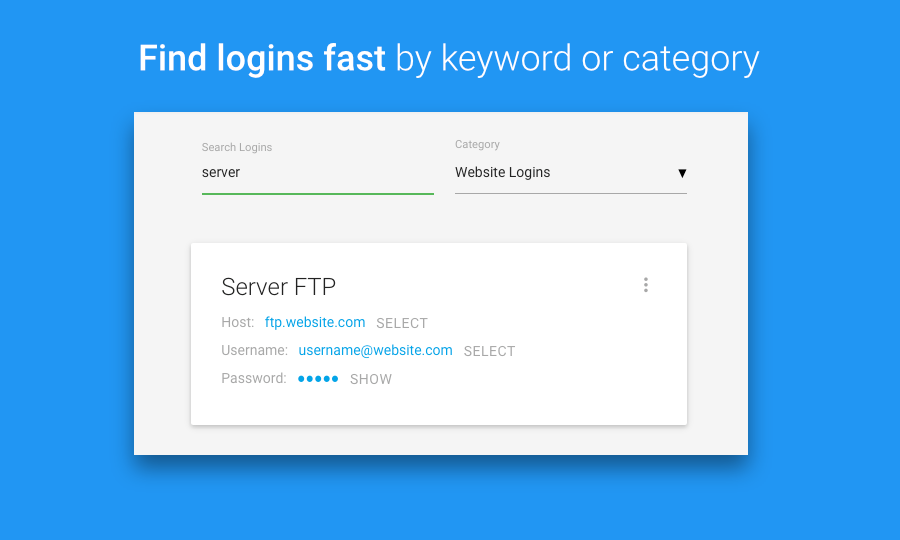
Find the right login quickly by keyword, category, or both - Copy to clipboard
On flash-enabled browsers, simply click a field to copy its value to clipboard - Multiple field types
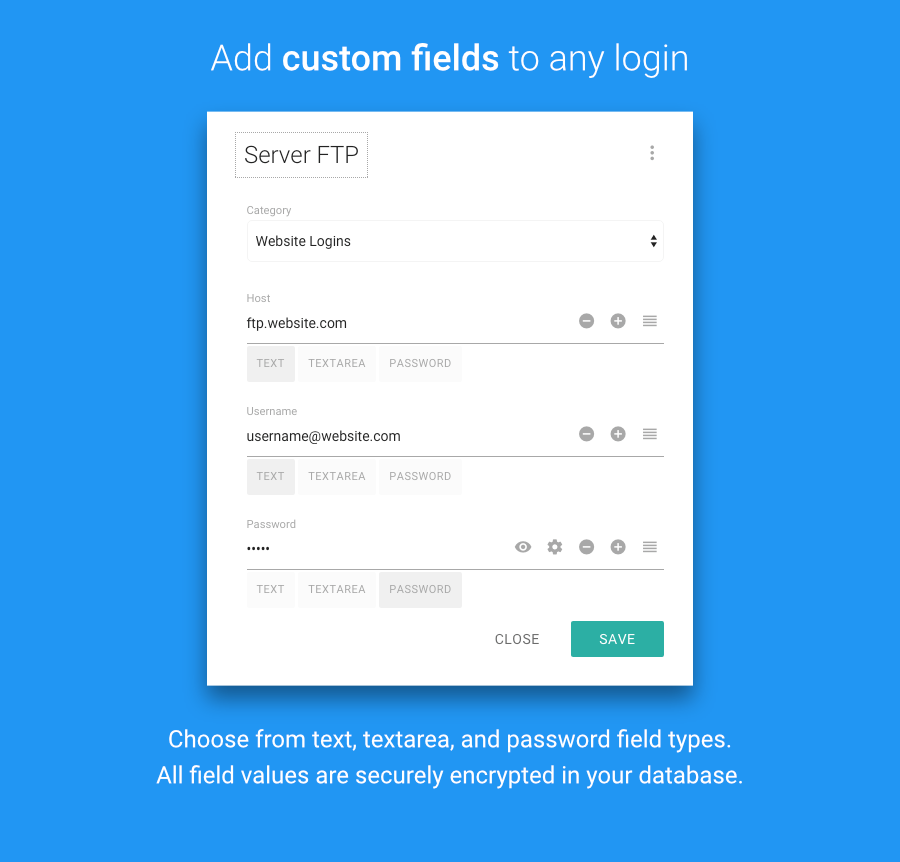
Store any text content in a login by creating fields with either text, textarea, or password field types - Well documented code
Code uses DocBlocks for all classes and methods, and is heavily commented.
Specifications
- Built with the Fat Free Framework
- Object-oriented code
- Protected against XSS and CSRF attacks
- Meets PSR-1 Basic Coding Standard and PSR-2 Coding Style Guide to ensure a high level of technical interoperability between shared PHP code.
- Meets PSR-4 autoloader requirements.
What’s Included
- Comprehensive written documentation
- API documentation (generated by PHPDoc)
- User guide video
- OOP PassHub application built on the Fat-free Framework
- 6 months support (or 12 months if you upgrade while checking out)
Web Hosting Requirements
In order for PassHub to work correctly, your web hosting must meet these requirements:
- Apache web server
- PHP version 5.4 or greater—check your web hosting control panel for a PHP version switcher if it doesn’t meet this requirement, or contact your web host to upgrade
- MySQL database support
Also, I highly recommend you install a SSL certificate and access PassHub only through https:// instead of http://. Otherwise, your login info could be sniffed out by a malicious third party… eek! SSL encrypts information sent to and from your web hosting, so your data is protected from third parties. Contact your web host about installing one.
Your feedback
Are you an existing buyer? I’d love to hear from you. Please rate PassHub, write a quick review, or contact me if you have ideas for improvements!
Credits
- Materialize—A modern responsive front-end framework based on Material Design
- Fat-Free Framework–A powerful yet easy-to-use PHP micro-framework designed to help you build dynamic and robust web applications – fast!
- Burgers–contains classes for users and ACL for the Fat-Free Framework
- php-passgen–A MIT-licensed library for generating cryptographically secure passwords in PHP
- php-encryption–a class for doing symmetric encryption in PHP
- jQuery–a fast, small, and feature-rich JavaScript library
- Jen–a portable and safe Javascript password/number generator
- Sortable–the JavaScript library for modern browsers and touch devices
- Velocity.js–Accelerated JavaScript animation
- ZeroClipboard–The ZeroClipboard library provides an easy way to copy text to the clipboard using an invisible Adobe Flash movie and a JavaScript interface
- PHP Coding Standards Fixer–The PSR-1 and PSR-2 Coding Standards fixer for your code