Today, we have another Psd Premium tutorial exclusively available to Premium members. If you want to take your illustration skills to the next level, then we have an awesome tutorial for you. Learn more after the jump!
This Premium Tutorial is Filled with Creative Tips
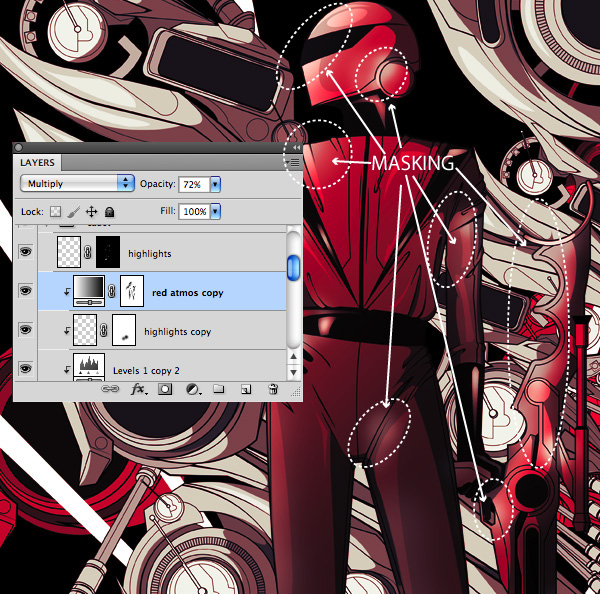
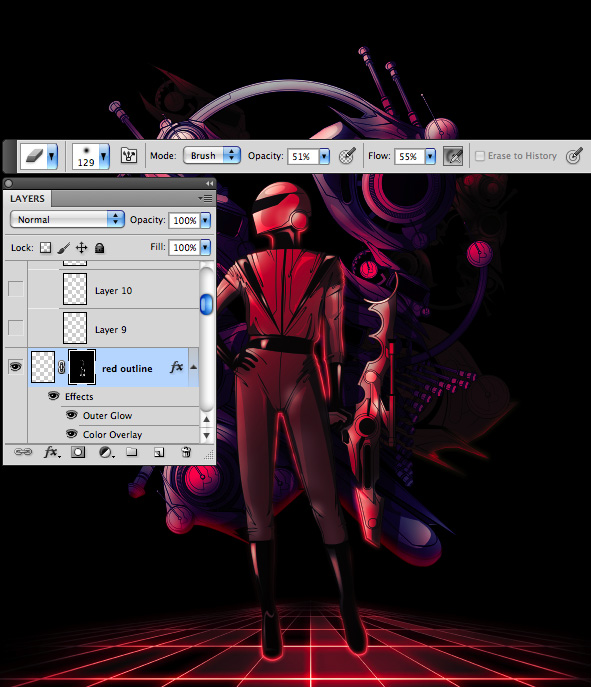
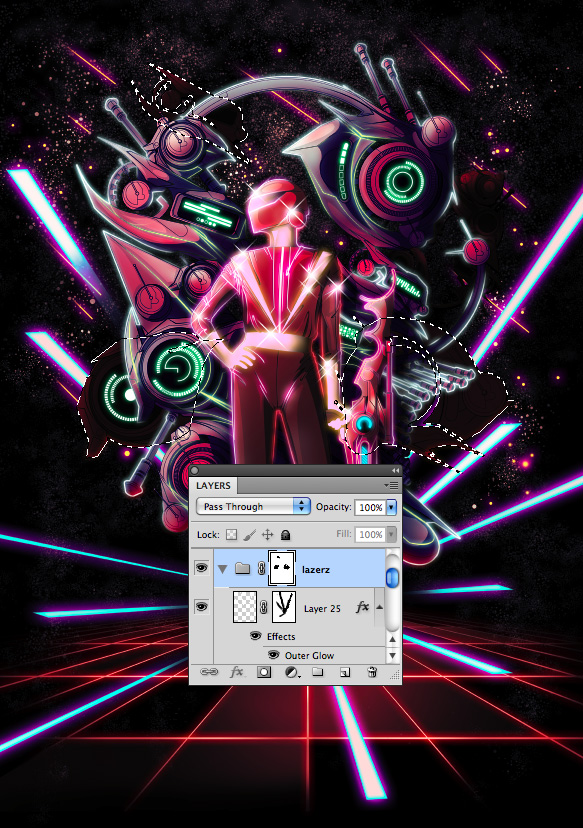
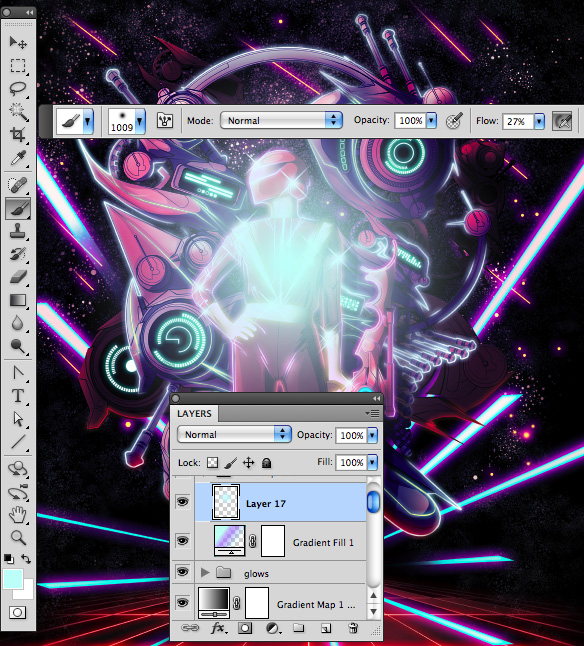
Today’s tutorial will focus on the capabilities of Photoshop as a rendering tool to bring your vector illustrations to life utilizing raster effects. With just a few coloring techniques, namely adjustment layers, layer masks, and layer styles; you’ll notice that the process can become quite repetitive thus making it a fairly intuitive and efficient workflow.
This tutorial was written by Kervin Brisseaux who is a digital Illustrator from New York. He is a senior member of The Depthcore Collective and is currently pursuing a Masters Degree in Architecture at Syracuse University. Lately, he has been involved in various freelance projects for clients such as Nike, Axe Bodyspray, and Aquafresh. For more examples of Kervin’s work, check out his portfolio at Brisseaux.com.
Professional and Detailed Instructions Inside
Premium members can Log in and Download! Otherwise, Join Now! Below are some sample images from this tutorial.
Psd Premium Membership
As you know, we run a premium membership system here that costs $9 a month (or $22 for 3 months!) which gives members access to the Source files for tutorials as well as periodic extra tutorials, like this one! You’ll also get access to Net Premium and Vector Premium, too. If you’re a Premium member, you can log in and download the tutorial. If you’re not a member, you can of course join today!