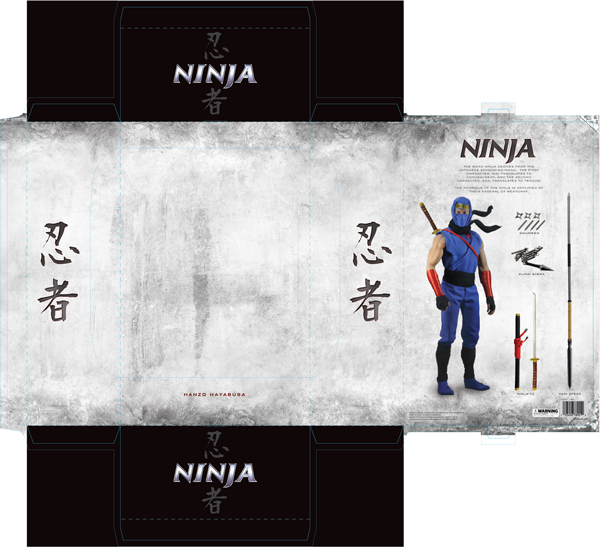
Creating artwork for package designs can be challenging because the artwork that you create doesn’t look the same on your screen as it does on the shelf. This can cause confusion when presenting a design to a client because the client will want to know what it looks like on the shelf, not on your screen. In this Tuts+ Premium tutorial, author Tim Kyde will explain how to turn a design we created in a previous tutorial into a 3D render of a package design for a high-end action figure. If you are looking to take your package design skills to the next level then Log in or Join Now to get started!
Tuts+ Premium Members can login now for instant access to this tutorial. Membership to Tuts+ Premium gets you access to hundreds of exclusive premium tutorials, top selling ebooks, in-depth courses, member forums, and much more. To learn more about Tuts+ Premium, Take the Tour or Join Today.
Take a Look at Part 1
Don’t forget to take a look at Part 1 of this tutorial Create High-End Action Figure Packaging. In Part 1 you will learn how to shoot your own photography and create a print-ready outer sleeve and inner packaging for this action figure.
{excerpt}
Read More