Create a Slick and Accessible Slideshow Using jQuery

In this in-depth web development tutorial, you’ll learn how to create a usable and web accessible slideshow widget for your site using HTML, CSS, and JavaScript (jQuery).
Live Demo
Create Featured Content Slider Using jQuery UI

This tutorial that teaches you how to Create Featured Content Slider Using jQuery UI.
Live Demo
Create an Image Rotator with Description (CSS/jQuery)
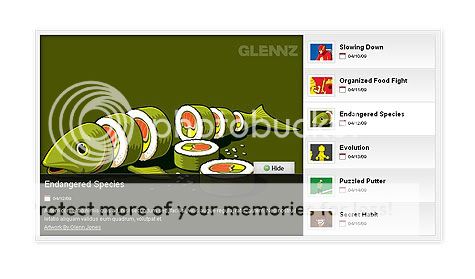
An image rotator is one great way to display portfolio pieces, eCommerce product images, or even as an image gallery. Although there are many great plugins already, this tutorial will help you understand how the image rotator works and helps you create your own from scratch.
Live Demo
Build a Content Slider with jQuery
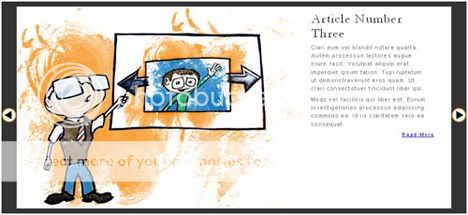
This tutorial that teaches you how to Build a Content Slider with jQuery.
Live Demo
Easy Slider

The Easiest jQuery Plugin For Sliding Images and Content.
Live Demo
AnythingSlider jQuery Plugin

On CSS-Tricks they have created a number of different sliders. A “featured content” slider, a “start/stop slider”, and “moving boxes”. Each of them had some cool interesting feature that I needed to build at the time. All were well-received, This new AnythingSlider is an attempt at bringing together the functionality of all of those previous sliders and adding new features. In other words, to create a really “full featured” slider that could be widely useful.
Live Demo
Start/Stop Slider

Another good content slider from CSS-Tricks. with diffrent style of slider animation.
Live Demo
WordPress Theme using JQuery s3Slider

Creating Featured Slider in WordPress Theme using JQuery s3Slider
Live Demo
BarackSlideshow

BarackSlideshow is a very tiny and lightweight slideshow script, that takes the power of MorphList to enhance visualization and navigation of the images.
Live Demo

Supersized
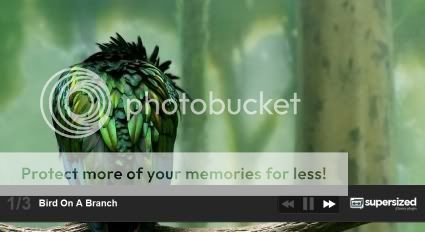
Full screen slideshow jQuery plugin
Live Demo
Popeye
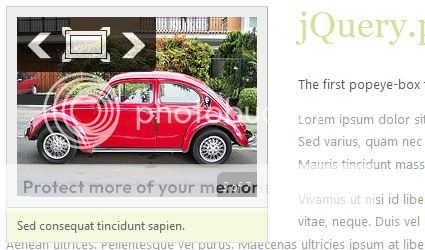
jQuery.popeye is an advanced image gallery script built on the JavaScript library jQuery. Use it to save space when displaying a collection of images and offer your users a nice and elegant way to show a big version of your images without leaving the page flow.
Live Demo