7 Gold & Silver photoshop actions :
You can apply it to any of your own fonts or objects.
how does it work :
1 – go to Gold & Silver photoshop action.asl and make double click.
2 – go to Gold & Silver photoshop action.atn and make double click.
3 – go to light effect.abr and make double click
note :
apply each action in separate psd files !
if you want to get best result, the font size must be bigger than 650pt.
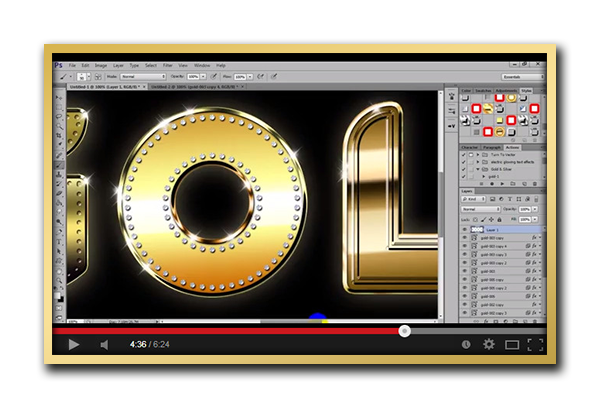
i advice you to see this tutorial to know how to use :
download the free used font here :
http://www.dafont.com/fr/magmawave-caps.font
don’t forget to rate it if you like it :

more item ?
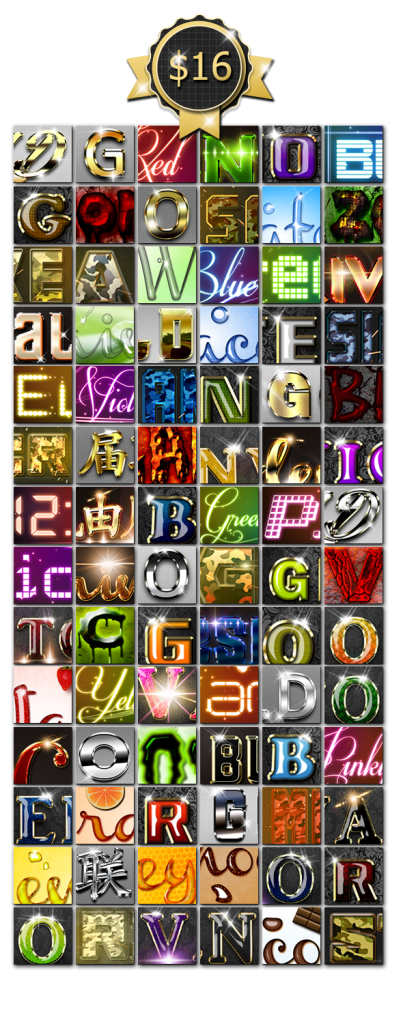
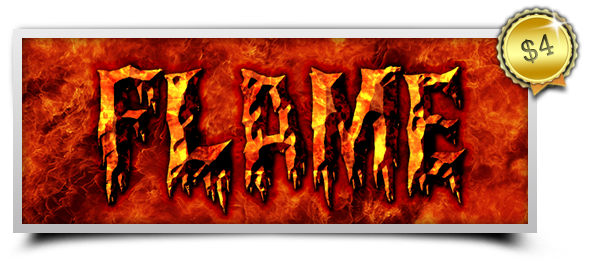
text effects
chek this bundle
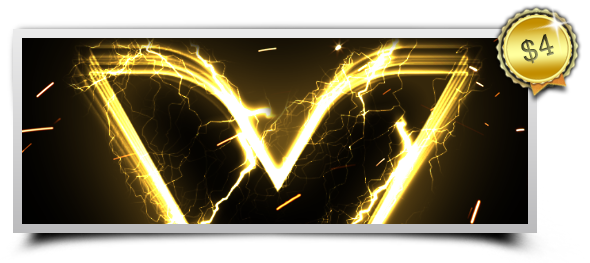







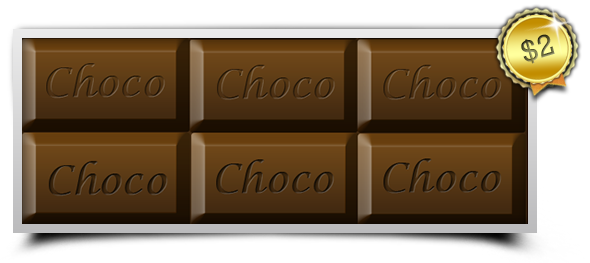

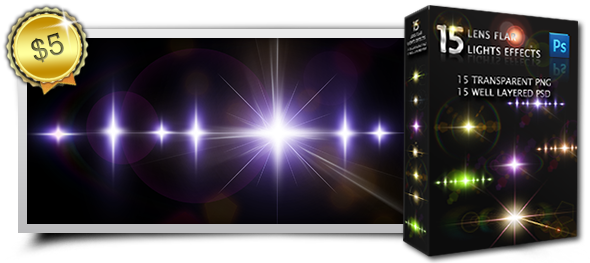
lens flares

Download Gold & Silver Photoshop Action (Text Effects)