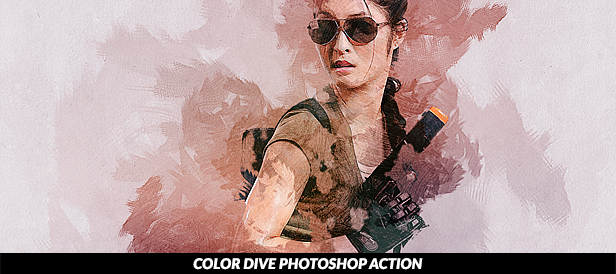
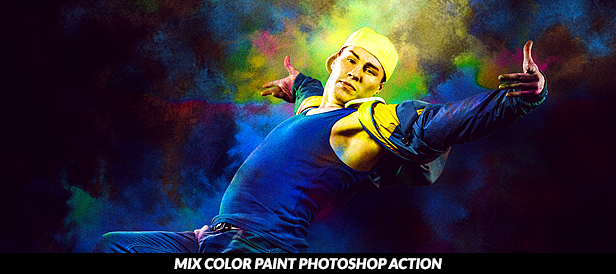
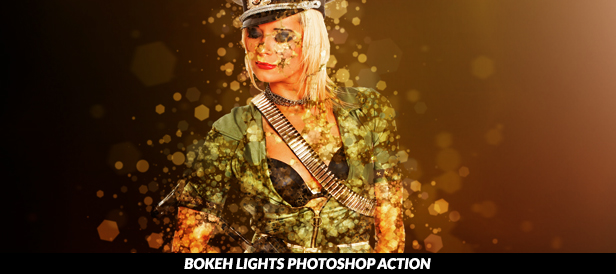
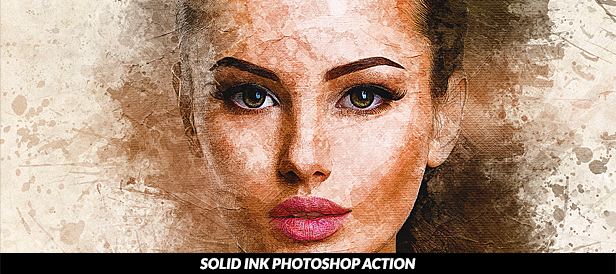
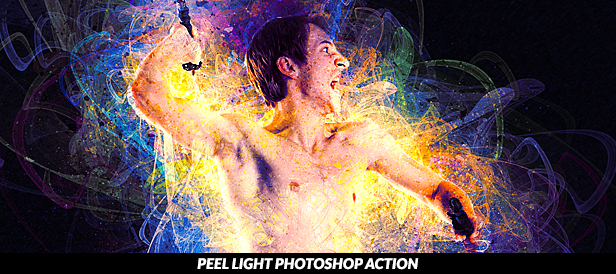
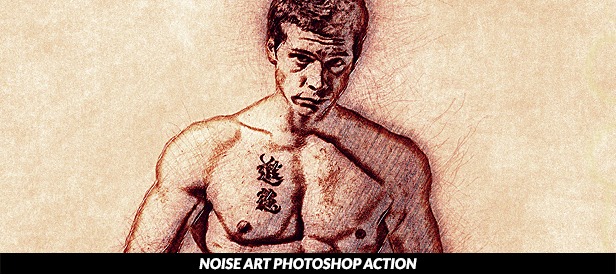
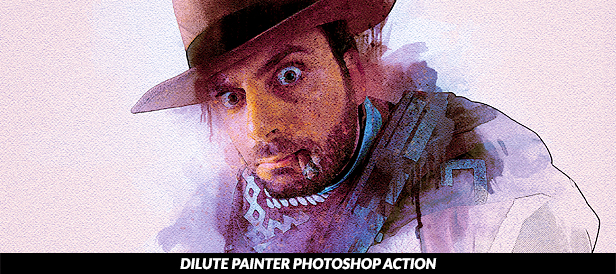
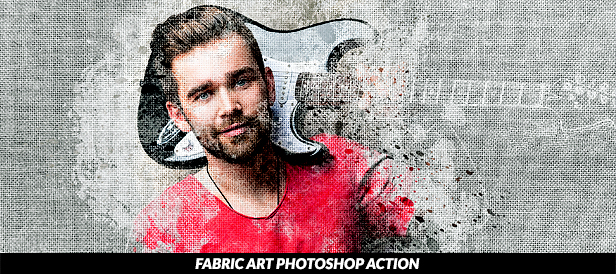
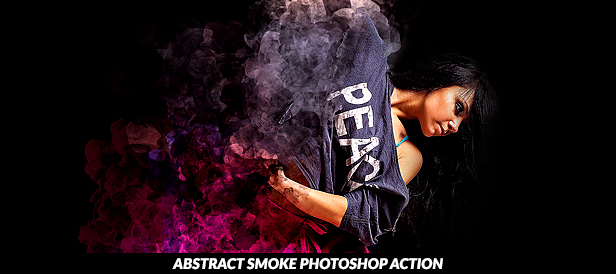
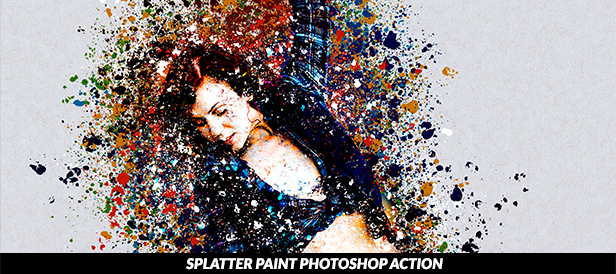
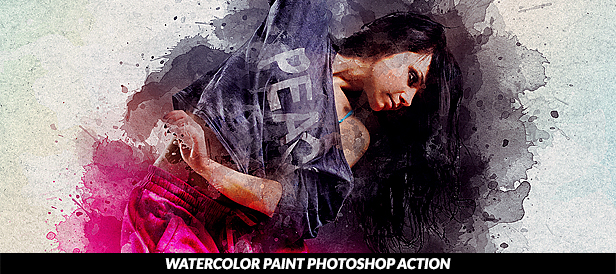
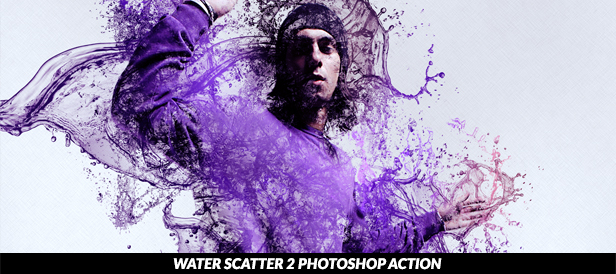
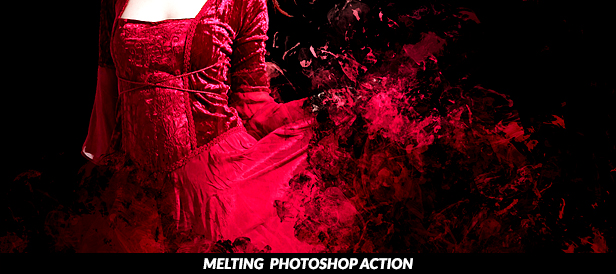
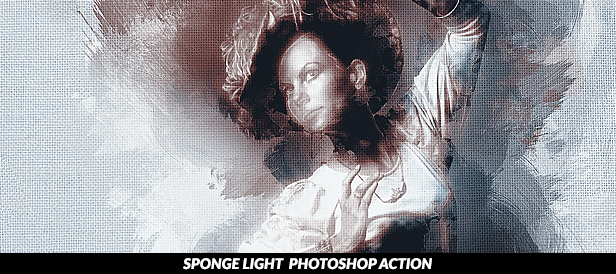
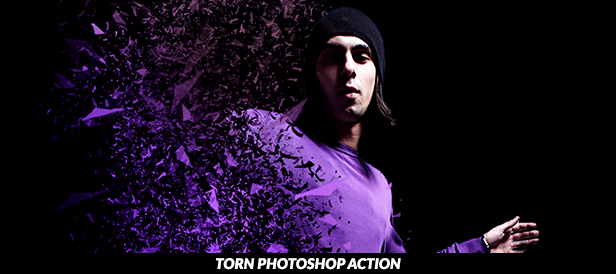
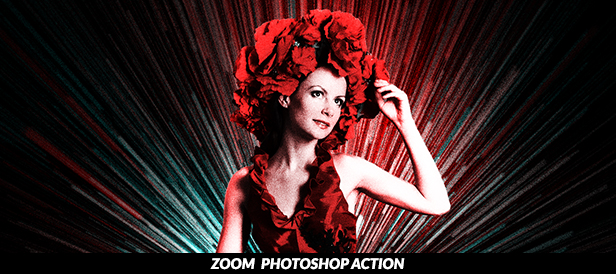
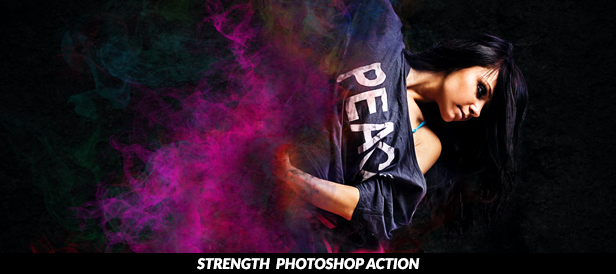
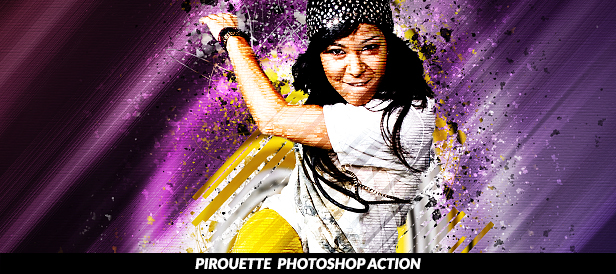
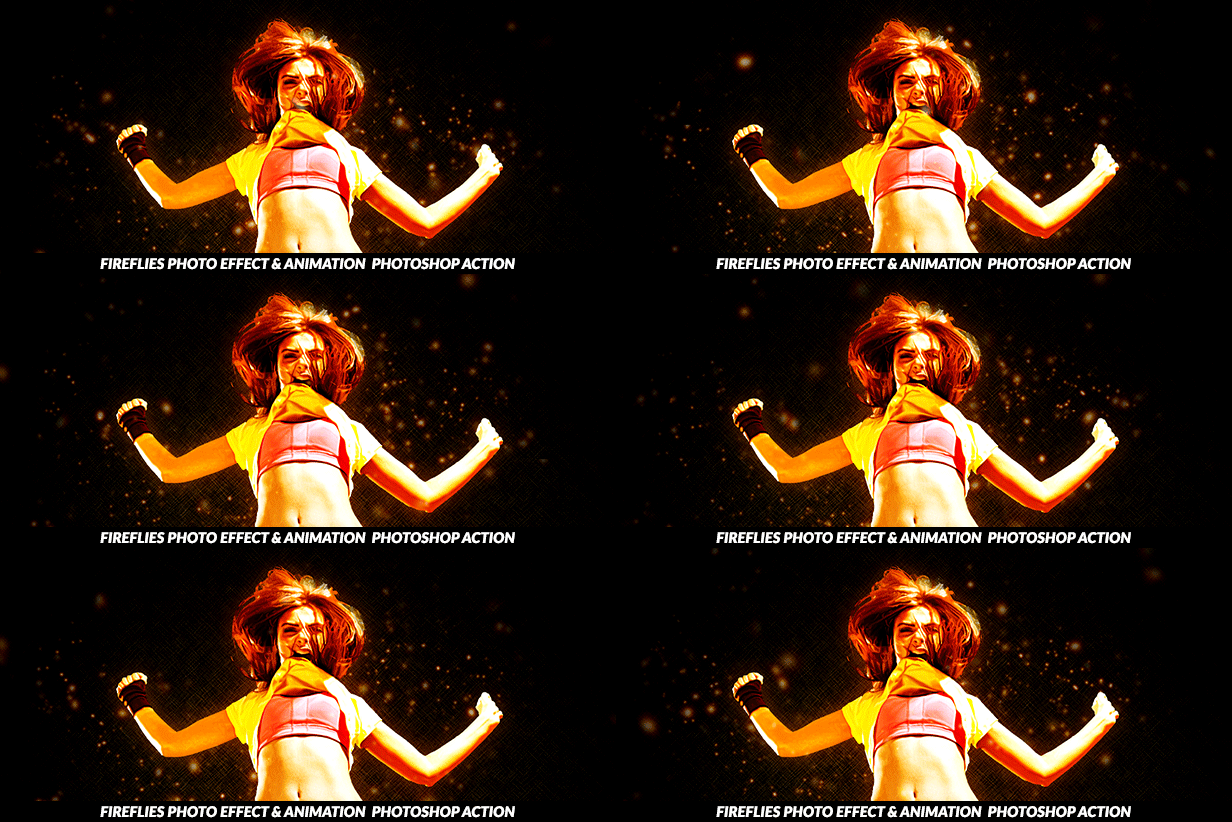
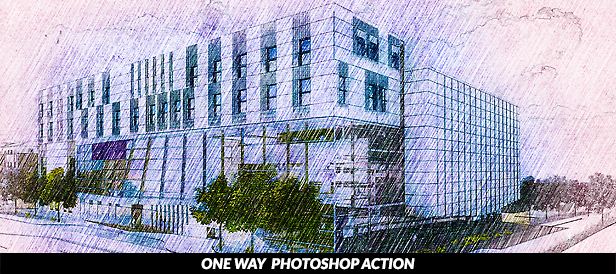
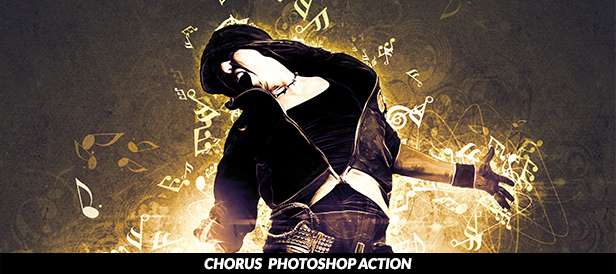
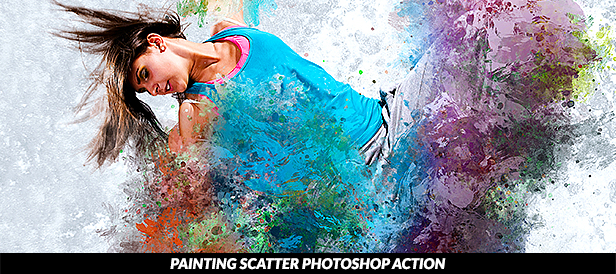
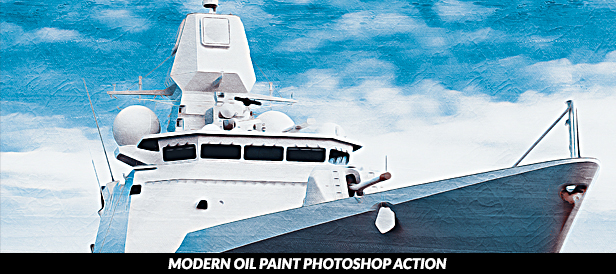
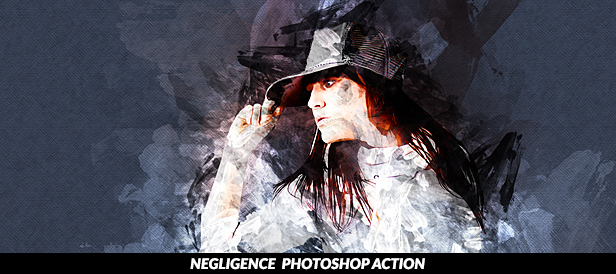
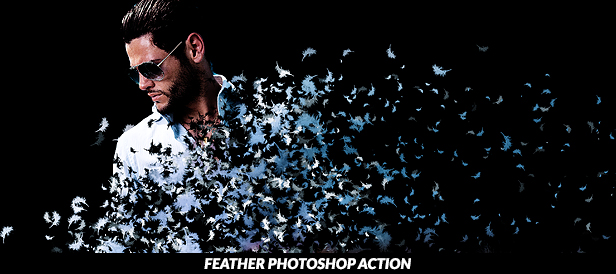
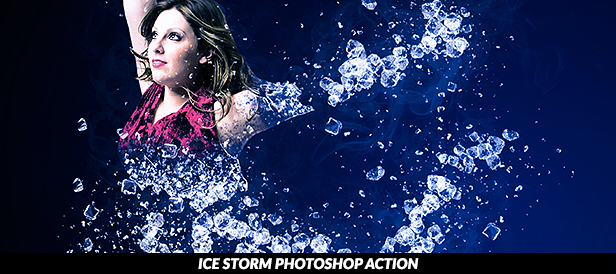
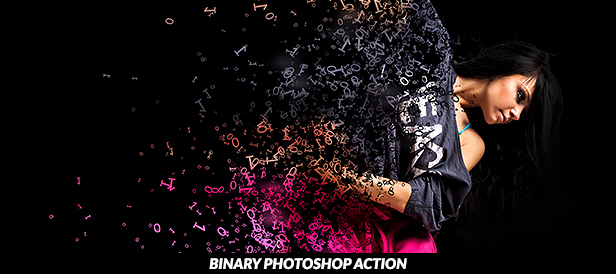
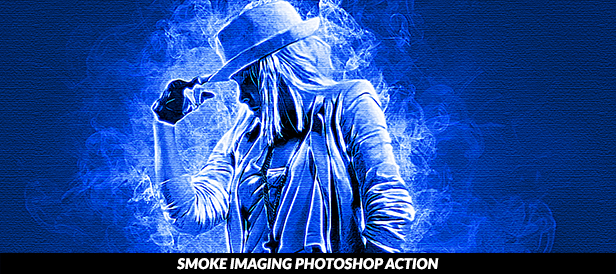
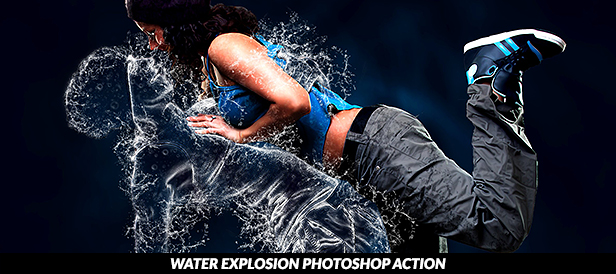
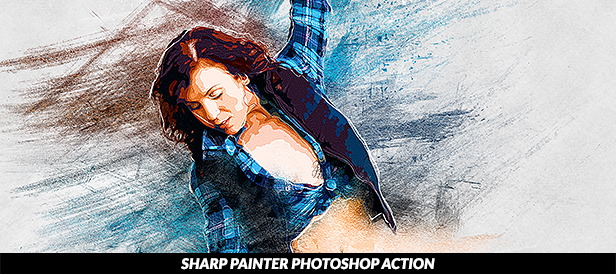
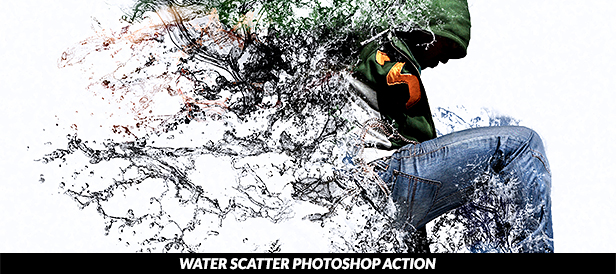
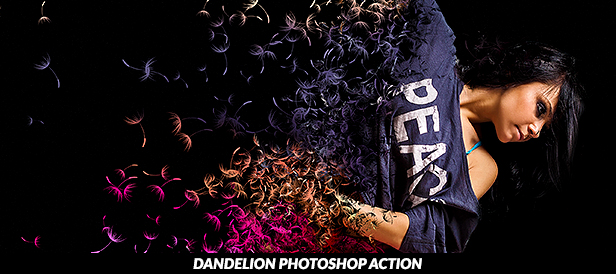
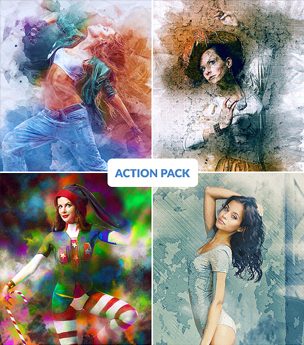
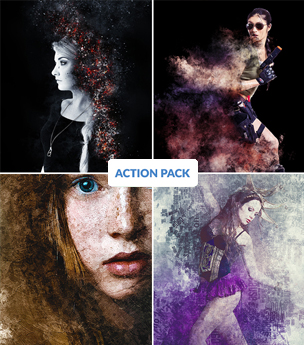
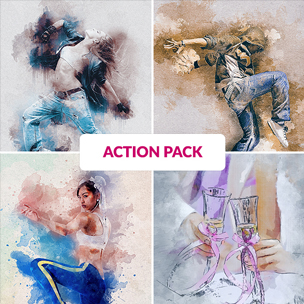
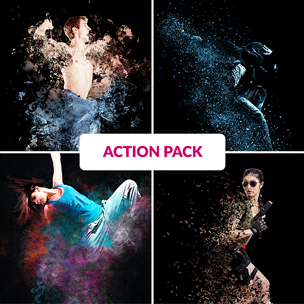
Mixed V3 Photoshop Action Bundle (Photo Effects)

Your Files

  • 4 Photoshop Action Files
  • 4 Photoshop Brush Files
  • 3 Photoshop Pattern File
  • 4 Text Help Files

More Details About Actions

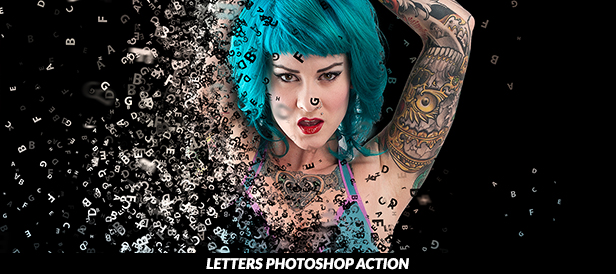
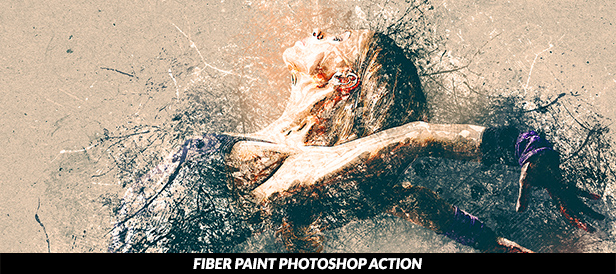
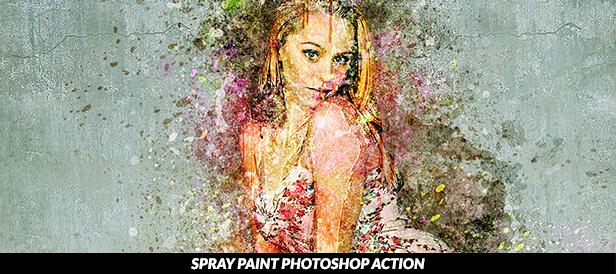
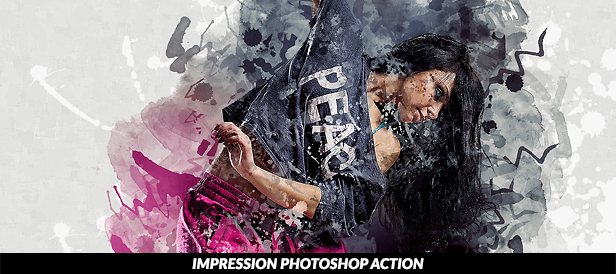
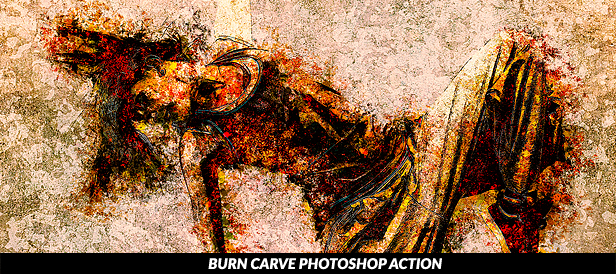
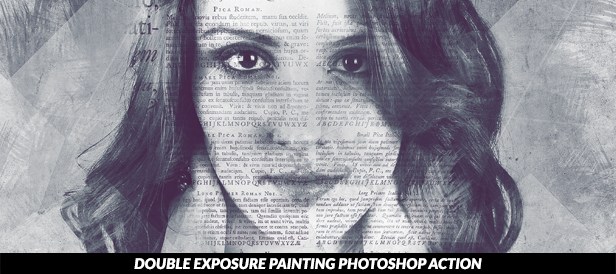
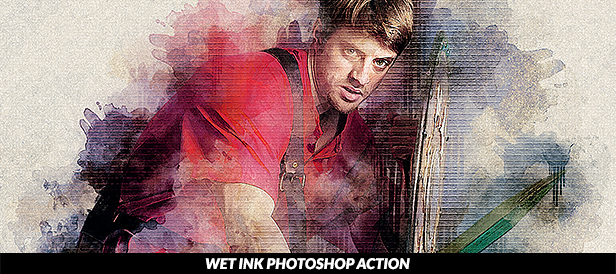
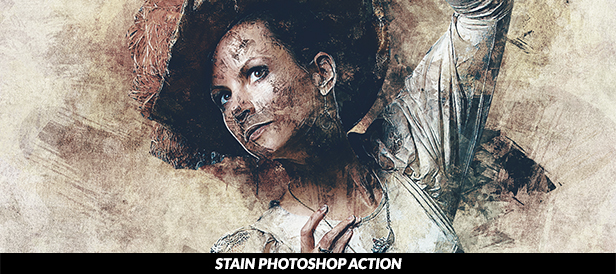
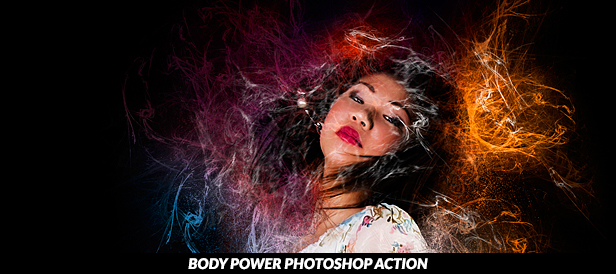
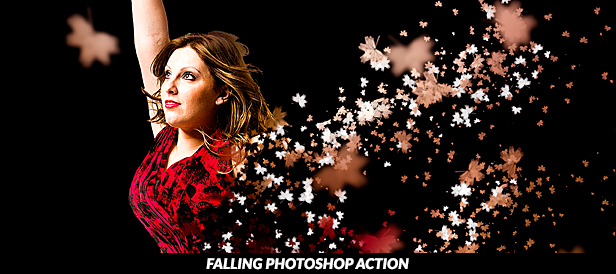
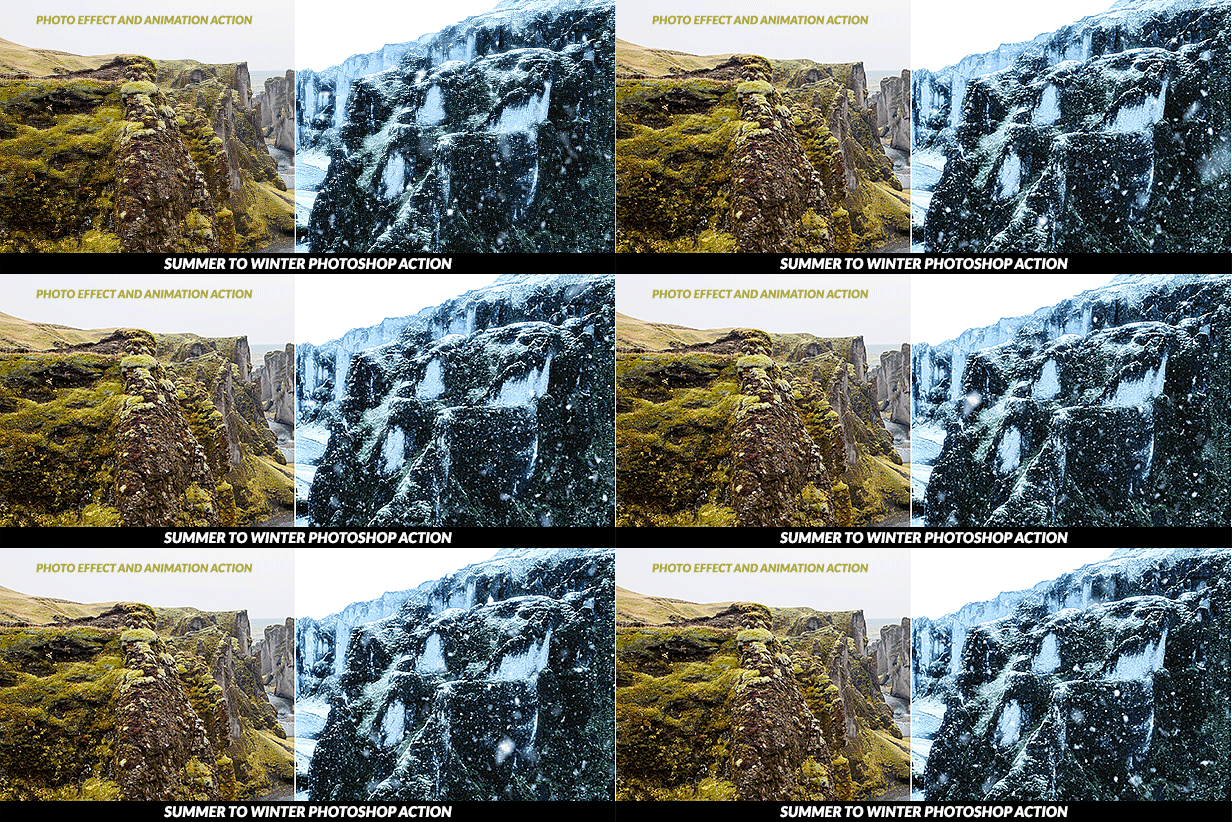
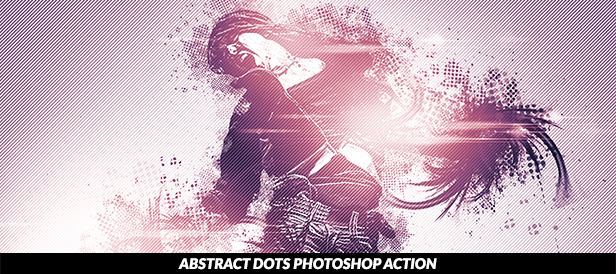
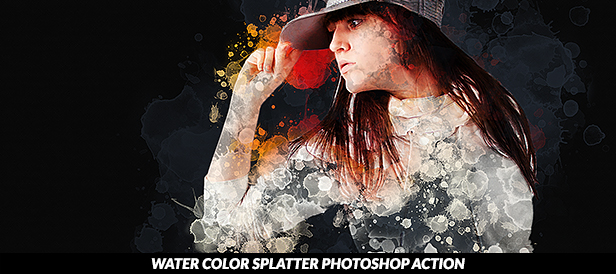
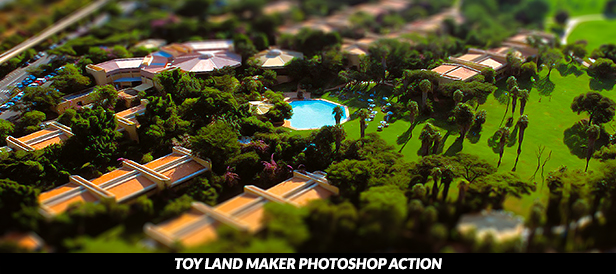
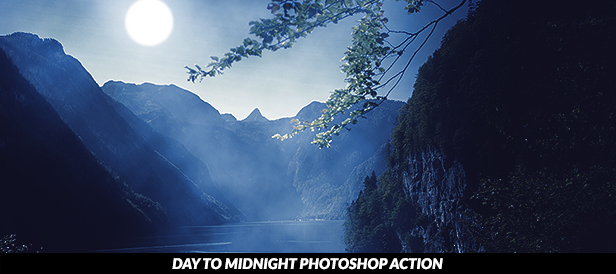
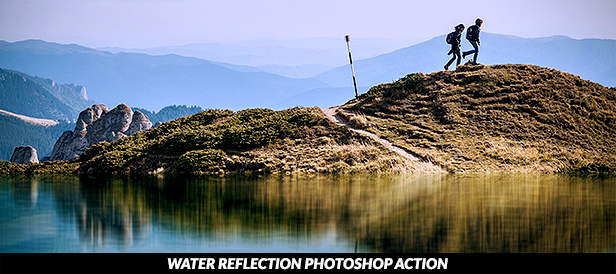
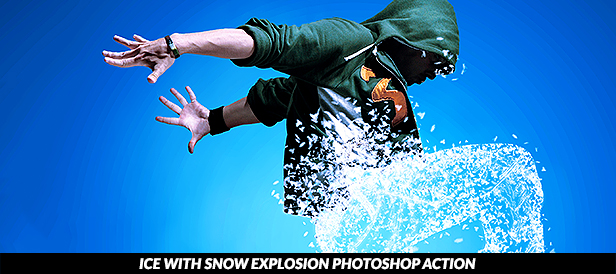
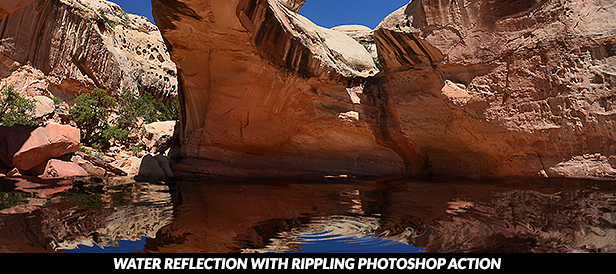
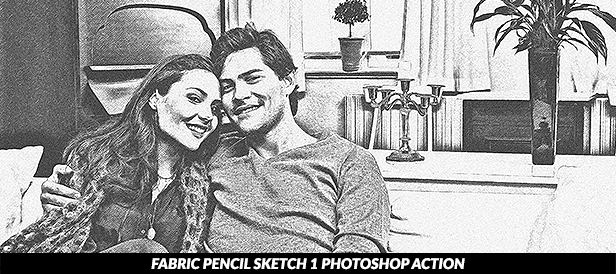
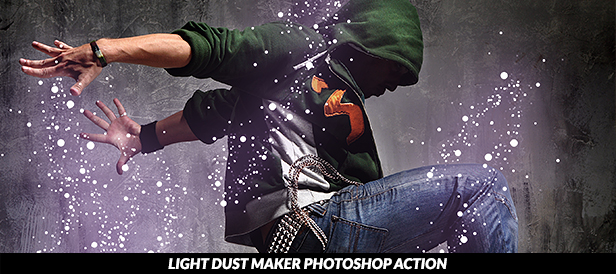
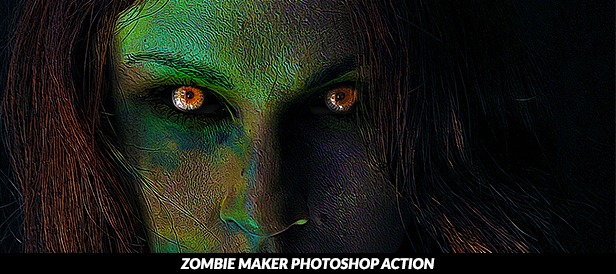
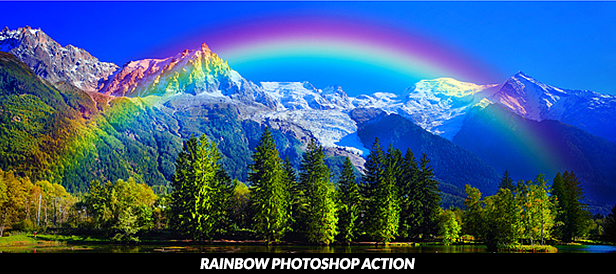
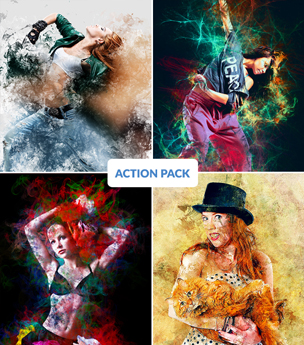
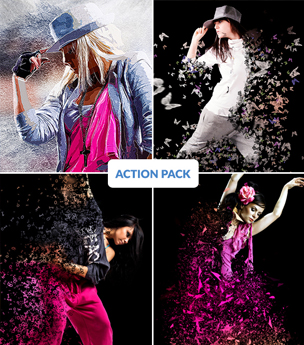
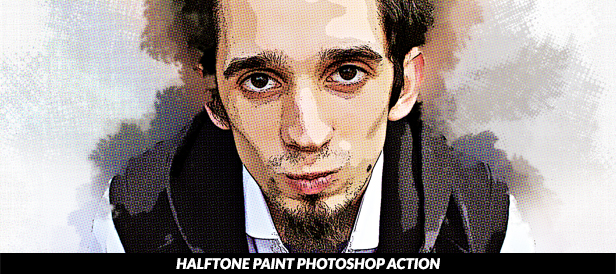
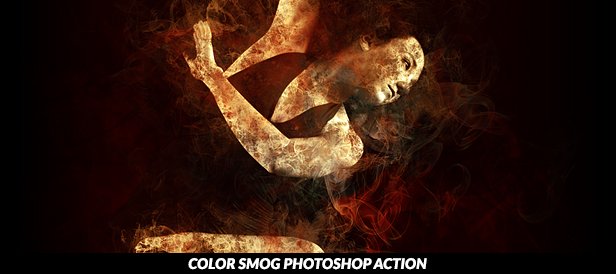
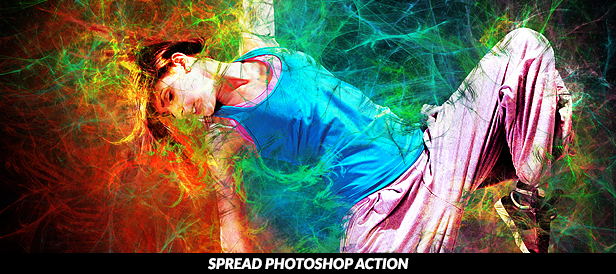
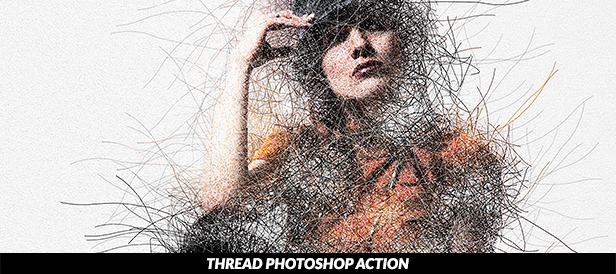
Mixed V3 Photoshop Action Bundle

In this bundle has 4 photoshop actions. You can use this action in photoshop CS6, CC, CC2014, CC2015, CC2015.5. The only restriction is that you must install the version in English. For now, other languages are not supported.

If you use a different language on your Photoshop, there is an easy way to switch to English. Check the video tutorial to change photoshop’s language to learn how.

The Layers Organization

The best of the Photoshop Action is that it will keep layer organized. That way you can further work on your image quickly, customizing it even further. Each Photoshop Action has its own layers organization. Each Photoshop Action has its own layers organization. it is easy to customize your work. You can find all video tutorials in our youtube channel.

Some Recommendations

To get the best possible outcome out of the Photoshop Action, you should use as an input only high-resolution images. Recommend resolution 2500px X 3500px pixels, it will be best.

Our Test Method

When a new Photoshop Action is developed, it goes through an extensive testing period before it is released to our portfolio. If you encounter any trouble, please use the help page to report any issue or send an email describing the problem. We will assist you immediately.

Are you looking for Support?

Photoshop actions are very easy to use. However, if you get stuck with something and need assistance, you can go to the support page. There you can find help for all the PSDSquare Photoshop Actions.

You will find much more than just technical support. There is also advice on how to sell the works you do with the Photoshop action. If you need further help, there is my email too, so that you can ask a particular inquiry.

Save the most Time

The idea of developing the PSDSquare Photoshop Actions is to save you the most time. The result is something the most skilled designers would do in days. For an average designer, it would take weeks or even months to get such effects.
You don’t need to be a Photoshop expert to use the Photoshop Actions. Even a beginner can use them.

Earn Money with PSDSquare Photoshop Actions

You can earn money not just as a Photoshop professional, but as an affiliate referring people. Make sure you sign to the affiliate program. To go even further, sign up to the Envato Affiliate Competition. There you can earn even more money. Make use of our top items for your referrals,

PSDSquare’s All Photoshop Actions
PSDSquare Photoshop Action Bundles

Download Mixed V3 Photoshop Action Bundle (Photo Effects)

Agresivo Logo Template (Symbols)

Modern, versatile and stylish logo template. Ideal for a wide range of uses.

Features

  • 100% vector. Easy to edit color / text
  • Illustrator file and EPS (v10)
  • CMYK
  • Ready to print
  • Font information at the .txt help file

Do you like this logo? Buy it and please remember to rate it. Thanks!!!

If you need any customisation or a custom logo, don’t hesitate to contact me.

Searching for another logo? Please see my entire Portfolio


Download Agresivo Logo Template (Symbols)

Don’t Lebay | A Handbrused Type (Hand-writing)

Don’t Lebay | A Handbrused

Type A script font with a smooth handwritten style. Sleplesson is perfect for branding projects, homeware designs, product packaging, use in name card, invitation cards, etc. Simply as a stylish text overlay to any background image or anything requiring a sprinkle of elegance.

Files Included

– Don’t Lebay.TTF
– Don’t Lebay.OTF
– Help File

Thank you for checking! I really hope you enjoy it.
Please, do let me know what you think, comments & likes, always hugely welcomed and appreciated. More importantly, please don’t hesitate to let me know anytime if you have any issues or queries. I will respon immediately.

Mail support: [email protected] I’ll try to respond as quickly as possible.

Download Don’t Lebay | A Handbrused Type (Hand-writing)

Sketchy Drawing Photoshop Action (Photo Effects)

Easy to use

Turn any image into an artwork with 3 easy steps: Open image with Photosop choose the action Play the action The action has been tested onCS3, CS4, CS5, CS6 and CC English versions of Adobe Photoshop.

Well Organised

All elements created with this action are separated into sensibly ordered and intuitively named layers. Settings layers are also created allowing further control of how your artwork is applied to the AREA and can be easily changed by adjusting the opacity of each layer.

Additional actions are also included which can edit the effect applied to AREA , and other actions that add final effects

The Best Results

We recommend that your image should be between 2000px – 4000px wide/high (along whichever is the longer axis) to get the best results. However, because the perfect image isn’t always the one taken professionally at a high resolution we developed this action to be extremely forgiving when rendering images. Both high and low quality imagery have proven to give stunning results, as long as they are re-sized to within the recommended range before playing the action.

1 Action. ANY IMAGE

The action is tested with many different photos to ensure there are no errors. Amateur photography Illustrations Professional/Stock photography Selfies Instagram moments Logos and motifs Clip art

Combine actions

if you have downloaded multiple actions and you want to combine 2 or more actions on the same image, follow this 3 instructions Play the first action you like on your image When done and happy with result save out your image Now re-open your image and play another action I suggest to delete the ADJUSTMENT group of layers when the first action is done

Download Sketchy Drawing Photoshop Action (Photo Effects)

Gaia Social Media Pack (Social Media)

Gaia Social Media Pack gives your business a style boost with its chic and elegant look. It is optimized for Instagram, Facebook and Pinterest but thanks to square, vertical and horizontal templates you can use it in any social media platform including blogs.

Gaia is prepared with a strong fashion theme but you can use it for any field you need thanks to its high funcionality.

Requires Adobe Photoshop.

Gaia Social Media Pack Features:

  • 40 Square Templates Ideal for Instagram (1200×1200)
  • 40 Vertical Templates Ideal for Pinterest (1200×1500)
  • 40 Horizontal Templates Ideal for Facebook (1200×627)
  • 4 Premade Colors
  • Free Fonts Used, Links Included in Tutorial and Documentation File
  • Photos and Mockups are NOT Included
  • Fully Editable Elements
  • Smart Objects for Photo Placements
  • Highly Organized, Clearly Labelled Layers
  • Simple Tutorial Included
  • Basic Knowledge of Photoshop Required

Please feel free to send me a message if you need assistance with anything or have questions.

Download Gaia Social Media Pack (Social Media)

Animated Energy Effects Photoshop Action (Photo Effects)

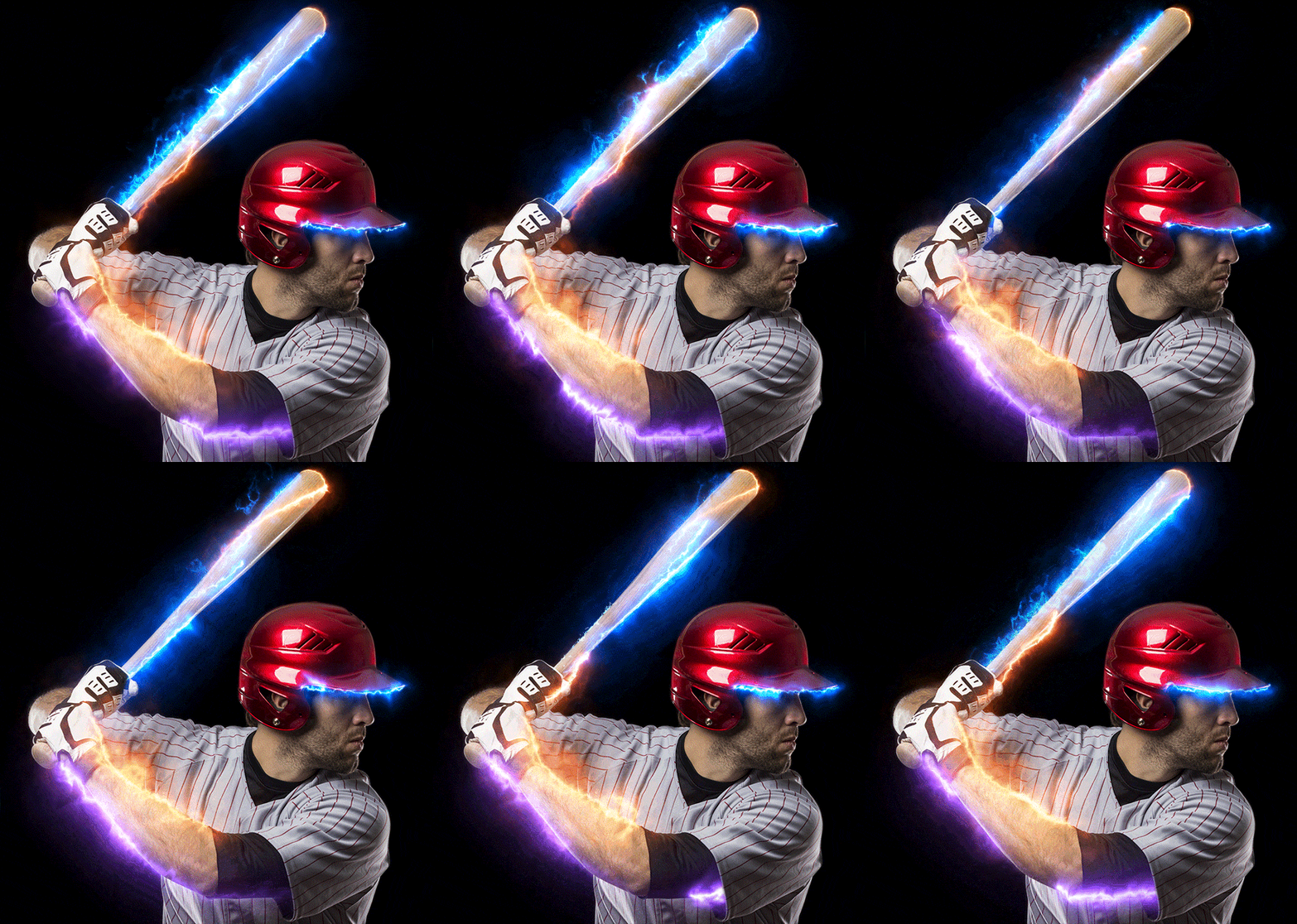
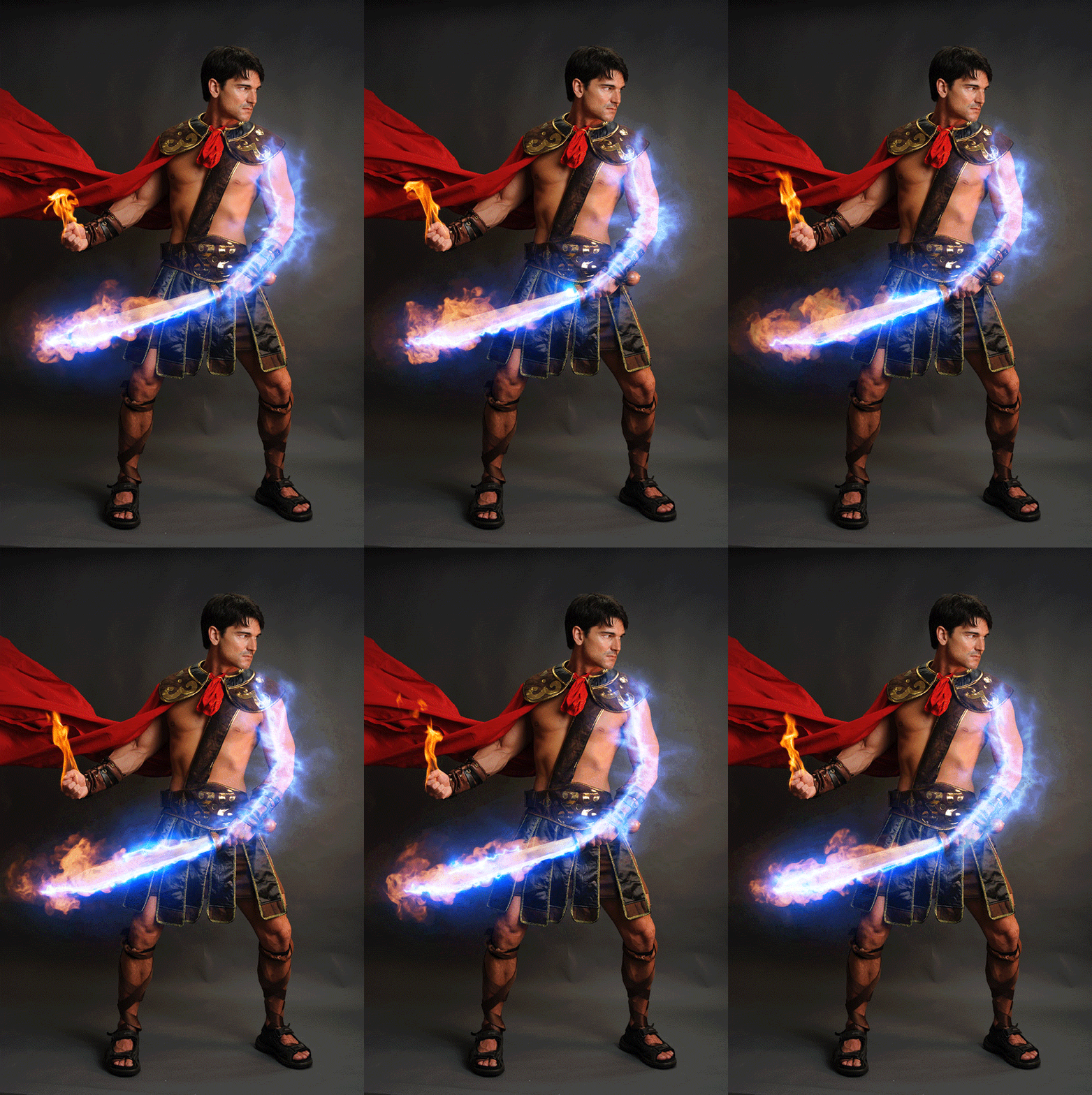
Animated Energy Effects Photoshop Action is a pack containing more than 140 animated energy effects and a Photoshop action to place them, very easily, over your images plus a Photoshop action to place them.

The energy effects are perfectly looping (1 second duration) and come in various colors, sizes and shapes, linear, non-linear and circular.

Using the built-in PS action you can place any number of animated elements very easily over your photos and create looping 1 second animations that can be exported as animated GIF or as video.


VIDEO SHOWCASE

Combine effects with Animated Fire Photoshop Action


Artorius Actions

Artorius Photoshop Actions are designed to save you hours, days, weeks or even months of developing an effect technique and applying it to a photo.
Now, the technique is instantly available to all your photos.
If you want to know more about Artorius actions or encounter an error when using the action, contact me by e-mail: [email protected]. I will be happy to discuss your issue.
You may also like


Download Animated Energy Effects Photoshop Action (Photo Effects)

Intermet Infographic set (Infographics)

Download Intermet Infographic set (Infographics)

Etheriq Typeface (Sans-Serif)

Etheriq is a minimal sans serif all caps display font. Exclusively available at Graphic River in medium normal and italic.

This typeface is perfectly suit for many themes, from a sci-fi movie tittle to your hi-end fashion brand logo.

FILES INCLUDED: – Etheriq Medium (Normal) TTF and OTF – Etheriq Medium (Italic) TTF and OTF – Image preview of both fonts – Help file

Download Etheriq Typeface (Sans-Serif)

caalifah script (Script)

Is proud to present our latest products ‘Caalifah script Font with different styles’ script and perfect to incorporate in your design. vintage style. Large font for logo products, logo wedding cards, clothing brand logo, design Vintage and more.

Caalifah Font equipped with:

Uppercase letters, lowercase letters, numbers, punctuation and symbols
alternative style
Set01 style – style Set05

Voster Font equipped with:

Uppercase letters, numbers, punctuation and symbols
alternative style
Discretionary swash and alternate and glyph
font can run on any software but it works better if you use a software design
that has a program to access all the special characters (Stylistic Set01 – Stylistic Set05,
Swash, alternately Stylistic, discretionary ligatures and glyph) such as Adobe Illustrator,
photosop cc, in the design , corel draw, etc.

Thanks for looking at our new product,enjoy!

Download caalifah script (Script)

3D Rendered Game Character Sprites 11 (Sprites)

ANIMATIONS PREVIEW:

3D Rendered Game Character Sprite Sheets

This assets is for developers who want to create their mobile game apps for IOS and Android games and need Game Character Spritesheets for their projects.

Best assets for game Like: Endless Run Game, Shooting game, Running Game,Platform Game, and more side Scrolling games.

Features:

Animations Included: PNG and 3D blender FILES ONLY!

Animations Included:

  • IDLE
  • RUN
  • ATTACK
  • CLIMB
  • JUMP
  • RUNNING with GUN
  • DIE
  • -Dimensions 512×512px to all animations
    TAKE NOTE!

    Animations and spritesheets are created in Blender 3D softwar and there is no AI or PSD for character sprites It’s because Animation is created in Blender. But there is a high resolution Png images for every Animation sprites
    I also included the Blender 3D files :-)

    All the Character animation sprites are rendered in same dimensions size.
    Images are Rendered with the dimension of 512×512px for every character animations..

    Need MoreGame Assets, Game Character Sprites Game Backgrounds for you games? here some awesome Assets recomended for for you! :-)

    Need More GAME KITS? Download Here: SeeMore…

    Need More CHARACTER SPRITES? Dowload Here: SeeMore…


    Need More MAIN GAME CHARACTER SPRITES? download here: SeeMore…


    Need More CUTE ANIMALS GAME CHARACTER SPRITES Download here: SeeMore…


    Need More GAME ENEMIES CHARACTER SPRITES? download here: SeeMore…


    Need More ZOMBIES CHARACTER SPRITES? Download here: SeeMore…


    Need More GAME BACKGROUNDS? Download Here: SeeMore…

    Need More Game GUI? Download Here: SeeMore…

    WANT 2D Game Obstacles for you games? Download here: SeeMore…

    Check More on My Game Assets Collection: SeeMore…

    Need More Cartoon Mascot? Download here: SeeMore…

    If you have Some concern Please contact me here:
    http://graphicriver.net/user/pasilan

  • Download 3D Rendered Game Character Sprites 11 (Sprites)