Store Building Front Banner Mock-Up Pack (Signage)

High resolution PSD files, very easily customize to make it your own in seconds! Save your time and enjoy!

Pack included:

  • 2 Mock-Ups
  • 2 PSD files
  • 5000×3500 px
  • 16.6×11.6 inches
  • 42.3×29.6 cm
  • High Quality and Details
  • 300 dpi
  • Editable via smart object
  • Preview Photos NOT included
  • Photo links in download file
  • Readme file (help file)

Used Fonts:

Don’t forget to Rate it in download panel. Thank you!

Download Store Building Front Banner Mock-Up Pack (Signage)

Smart Banner Mockup (Signage)

Wanting to show a client how their banner advertising will look when printed? I have created an editable PSD where the advertising content is a smart object so that you can simply change the designs to your own.

This PSD format mockup is 300dpi at 5472×3648 with incredible attention to detail. The banner folds and stitching details interact and overlay organically with any updated banner advertisement – Simply double-click the smart object layer and update with your new advertising design.

Easily show your design and display your work in style, Enjoy!

Download Smart Banner Mockup (Signage)

Set Line Icons of Agricultural Machinery (Man-made objects)

Set Line Icons of Agricultural Machinery Isolated on White

• Available RGB color

• Good choice for use in infographic and interface

Attached ZIP folder contains:

• EPS 10 (easily resize and colors)

• AI CS (easily resize and colors)

• PSD (layered)

• JPG image has high resolution 4200×4200 pixels

Thank you for purchasing the item! I will be glad to your feedback!

Download Set Line Icons of Agricultural Machinery (Man-made objects)

15 Pro Wedding Presets (Lightroom Presets)

Features :

This Wedding Lightroom Presets is designed exclusively for you to add your photos an amazing wedding looks. This Presets will work with every photo you use. But, I recommend you to use high resolution photos, if you wanna achieve high quality results.

– 15 premium looks presets
– fully-editable
– 95% less modifications compared to traditional presets
– No camera calibration profiles
– All photo format supported
– 8 & 16-bit support

Wedding Lightroom Presets is surprisingly easy to use & it has all necessary options for customization. All you need to do is, import your photos in lightroom. and Import .lrtemplate into lightroom. Choose an template & click on it. You will find different options to achieve your desired look.

The presets has been tested and working on lightroom CS to CC latest version.

Files include :

This package includes 15 .lrtemplate file & a Help instruction file(PDF).

Preview images are not included with this pack

Thanks.

Download 15 Pro Wedding Presets (Lightroom Presets)

Toyota Hilux Off-Road Pick-Up MockUp (Product Mock-Ups)

Hello there!

Thank you for purchasing the product!

The Toyota Hilux Off-Road Pick-Up MockUp consists of a single .PSD file. This easy-to-use file will give you navigation to quickly navigate to the product.

Other than that, the features would be listed as follows:

1- Product contains only Photoshop file
2- The net measurements of the car are 4600×1600 px.
3- The working file is in RGB color format and 72 dpi.
4- No fonts or icons are used.The product is entirely hand-drawn.
5- Toyota Hilux Pick-Up model is used as product model.
6- Glass parts are transparent in vehicle design
7 – The work was done in Photoshop CC 2017 version and the content is compatible with other versions.

Usage

Step 1: Double-click on the layer named “Your Design Is Here”.
Step 2: Insert your own design into the pop-up window.
Step 3: Save the file and go back to the main file.
Step 4: Activate the layer named “Background” and check out the fun!

Thank you in advance for your comments and evaluations about the product! ^^

Download Toyota Hilux Off-Road Pick-Up MockUp (Product Mock-Ups)

3D Glitch Photoshop Action (Photo Effects)

You May Also Like :

Scroll down for the full list of over 140 premium photo effects actions !

3D Glitch Photoshop Action :

Create professional 3d glitch artworks from your photos in the easiest possible way. Not only is it simple to it then becomes lots of fun playing around with all the layers ! Everything generate the 3d glitch art, remains layered giving you lots of creative control. This action works in a non-destructive way to achieve a high quality look. So, the original image layer will remain unchanged. This action is exclusively designed for photographers & graphic designers. It’s a must have for photo effect lovers.
This action has been tested and works on photoshop CS4, CS5, CS5.5, CS6, CC, CC 2014, CC 2015, CC 2016, CC 2017 +

Tested :

This action is thoroughly tested across between 50 – 150 different photos to ensure there are no errors. In the case where you do experience an error, please contact me via email if you are still having troubles. Then I will solve your error quickly.

The Best Results:

For the best results, it is recommended to use high resolution photos in the range of 1500px – 3500px. The optimal range is from 2500px – 3500px. The detail and clarity in the effects generated by the actions reduce the smaller your photo is.

Organized:

After each action has finished playing, it creates a well organized layer structure. Each layer and folder are named appropriately and color coded to create a neat working environment for you.

Time Saving :

Photoshop actions are designed to save you hours, days, weeks or months of work. They are created in a way that both photoshop beginners and experts can use, saving you lots of time working on both personal and commercial projects.

Earn Money :

We can earn you a great passive income. How? simply refer people through your social media pages to this action or another other SmartestMind’s action. Make sure to sign up as an affiliate so you can add your referral code to any link you post.

Included :

  • Photoshop ATN
  • Photoshop PAT
  • PDF Help Files

Not Using The English Version of Photoshop ?

The action will ONLY WORK IN THE ENGLISH VERSION OF PHOTOSHOP. If you are not using the English version of photoshop, you can always change it to english and then back again to your native language using this method.

Change it to English Version Here…

Combine Actions :

To build even more advanced and creative designs you can try to combine this action with items below. It’s really easy:

  • Run the first action
  • Save the result ( jpg, tiff, psd )
  • Open your saved file and run another action

Smartest Mind’s Popular Animated Photoshop Actions :


Smartest Mind’s Popular Mega Bundles :


Smartest Mind’s Popular Fire Photoshop Actions :


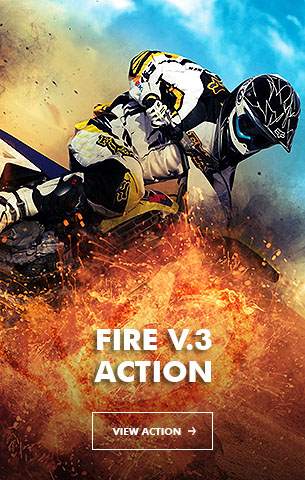


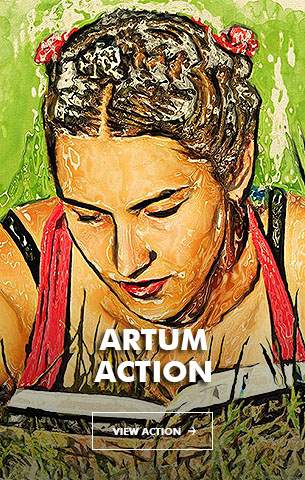
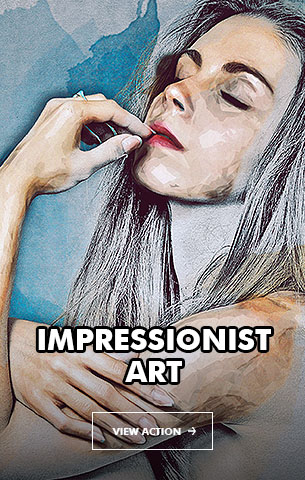
Smartest Mind’s Popular Artistic Photoshop Actions :
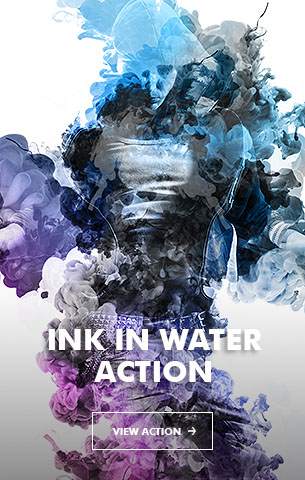

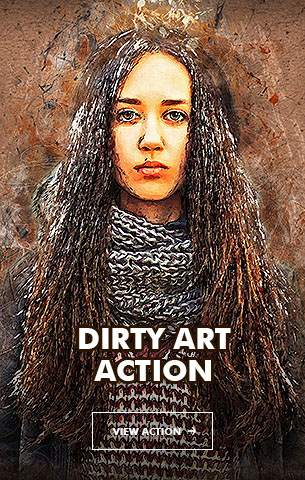
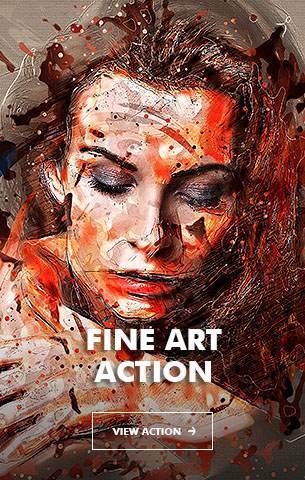


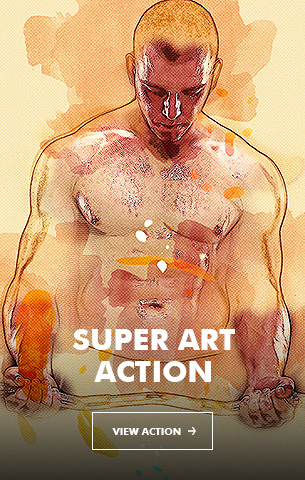

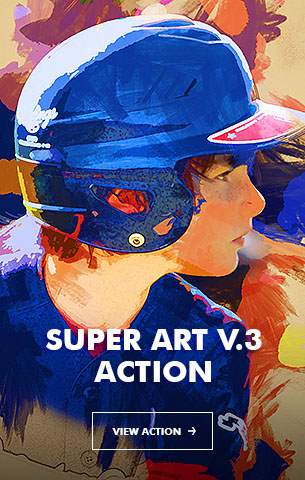
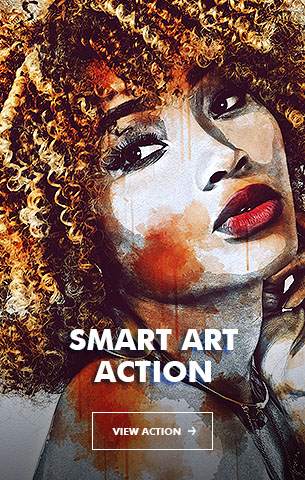




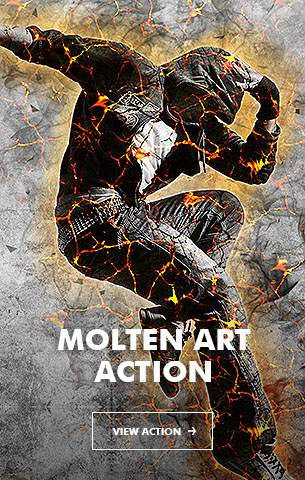
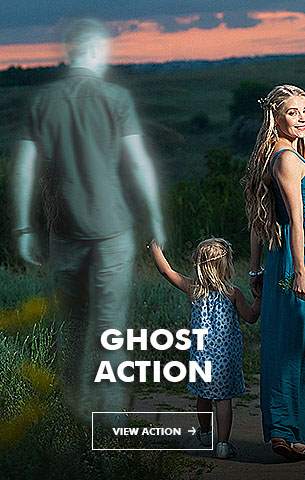
Smartest Mind’s Popular Dynamic Photoshop Actions :



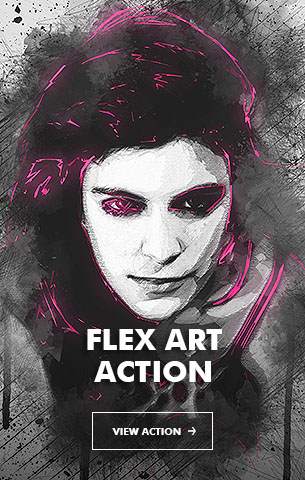

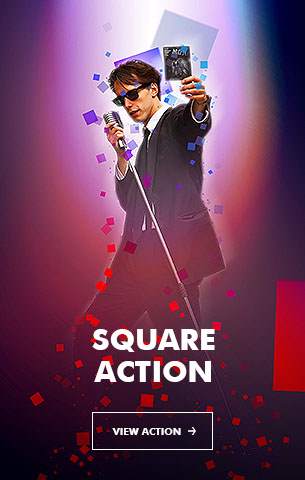


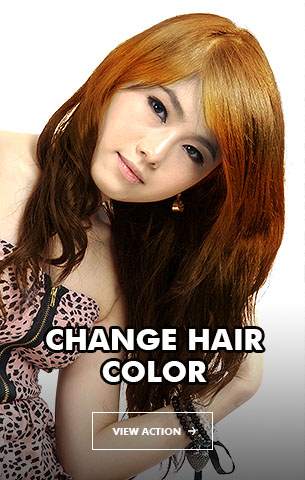
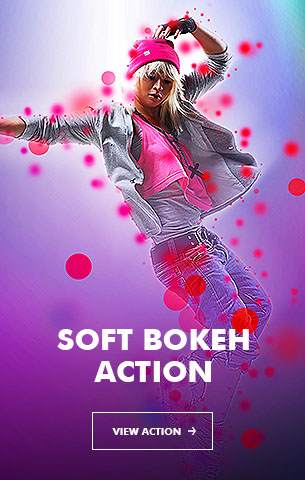


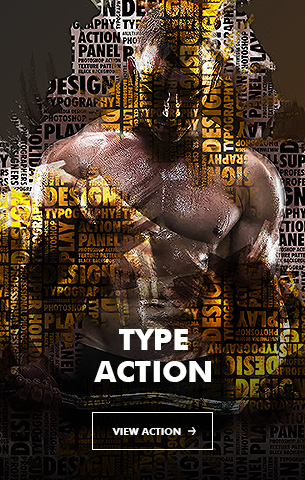


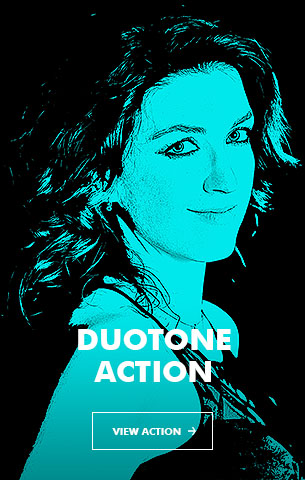
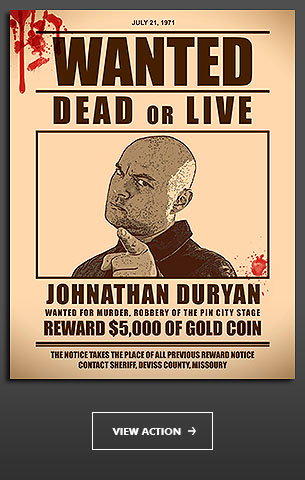







Smartest Mind’s Popular Painting Photoshop Actions :


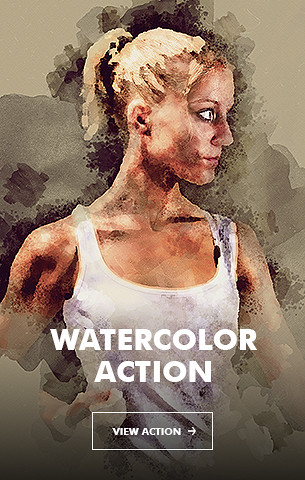

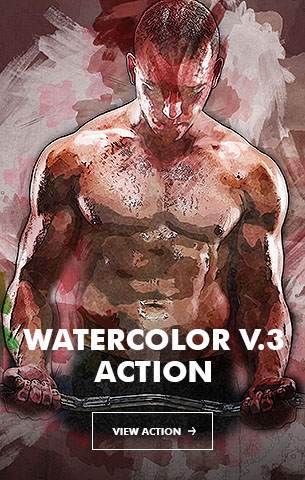


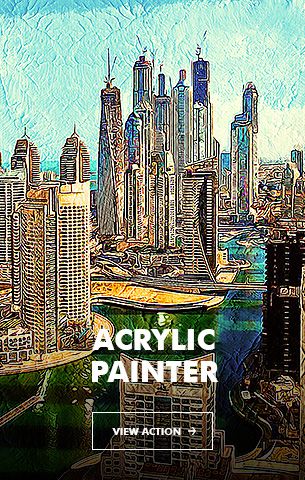

Smartest Mind’s Popular Sketch Photoshop Actions :


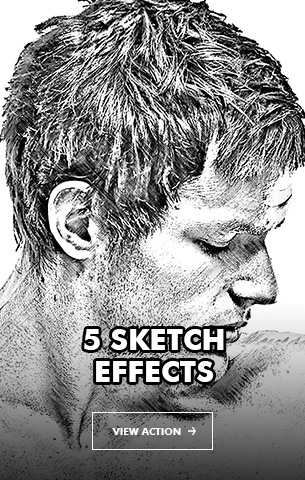
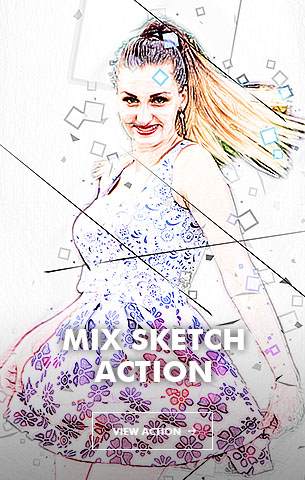


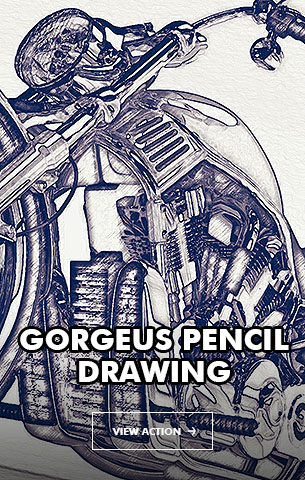
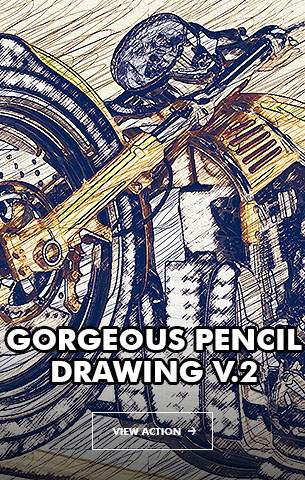
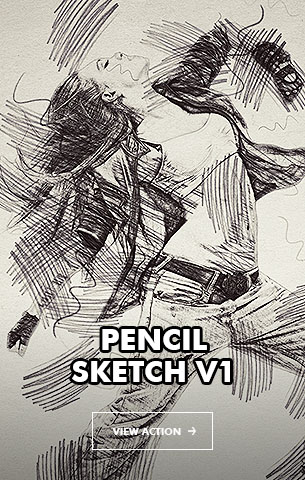
Smartest Mind’s Popular Bundles :
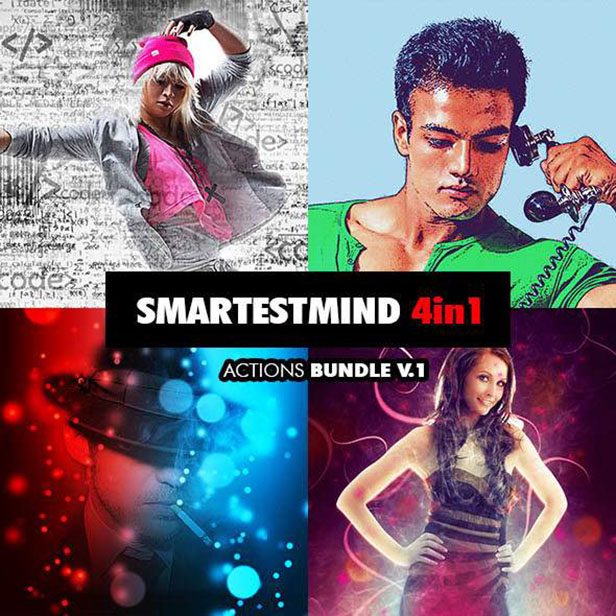


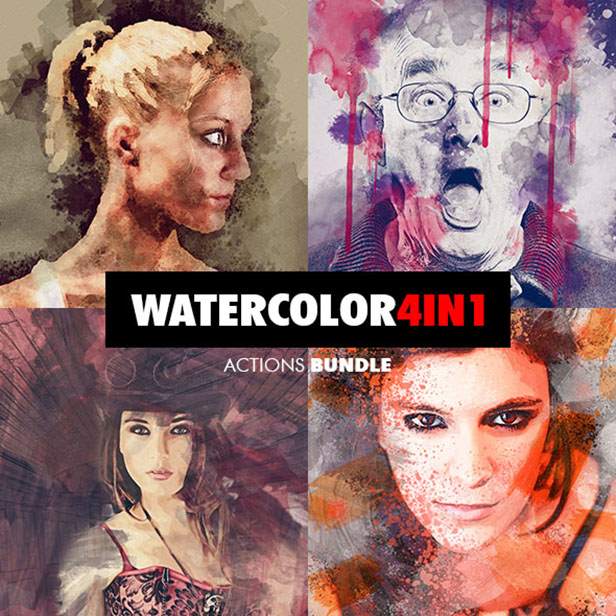

Download 3D Glitch Photoshop Action (Photo Effects)

Marvelous Text Styles V26 (Text Effects)

Marvelous Text Styles V26

Package Details

“Marvelous Text Styles V26”. Change the text into 3D. Created with high-quality professional and very detailed. There is no requirement of skills to transform your design into 3D, everything works just with smart object.

> 5 Different Styles
> 100% Editable
> Easy To Change
> High Resolution
> Well Organized Layers
> Smart Object Replacement
> Excellent For All Text
> Very Versatile Suitable For Many Styles
> No Skill Requirement

Note : Link Font available on ReadMe! file.

please don not forget to rate it!.. thanks

Download Marvelous Text Styles V26 (Text Effects)

10 Different Dark and Black Polygon Backgrounds (Abstract)

This pack contains 10 jpg different abstract dark and black 3d realistic polygon backgrounds for your projects. You can use these backgrounds in the different purposes. It can approach for your website, application or a desktop wallpaper.

Graphics Files Included: JPG Image
Pixel Dimensions: 5000×3333
Resolution: 300 dpi

PLEASE don’t forget to rate it. Thank you!

Download 10 Different Dark and Black Polygon Backgrounds (Abstract)

Extreme Selective Color Effect Action (Photo Effects)

Package containing one Photoshop Action featuring an extreme selective color effect on your images. The effect is easy to achieve, and it will take a few seconds – minutes to apply.

Inside the package you’ll find one .atn file, and one PDF file explaining how to install and use the action.

1. Make sure your image is not a smart object. If it is, press right click on the image layer and select the option “rasterize layer”. This way you make sure the action will work on you image.

2. Make sure you use the action on a single opened image. Don’t try to use it on an image that is already part of a project, because the effect may apply to everything, not only the image you want. You can try, but if the desired effect is not achieved, you should try using the action on a new opened image.

As every other action out there, errors may appear. If that’s the case, don’t hesitate to comment on my Graphic River profile and I’ll help you as soon as I see your comment.

Caution – not all the images may work with this action. Keep this in mind before buying this package.

!!! THE LIGHTNING OF THE IMAGE WILL INFLUENCE THE EFFECT!!!

!!! Be aware that some images may not have the same results as other images. Some of them with different light details will get different results. Very bright pictures may not benefit from the effect and may look completely unrecognizable when using this action. Same for images that are too dark. !!!

Thank you very much for your time and I hope you enjoy the action :)

Download Extreme Selective Color Effect Action (Photo Effects)