


- .pdf file with instructions;
- .atn file (6 animated glitch actions and 10 different color fx);
FEATURES:
Blancer.com Tutorials and projects
Freelance Projects, Design and Programming Tutorials
Buy royalty free stock graphics and vectors, icon sets and Photoshop add-ons from GraphicRiver, a huge marketplace of great files.
Luffe is a mobile multipurpose UI template which includes 24 super high quality, retina ready, pixel perfect and Creative Design screens.
The kit features a great attention to every details, consistency between every different screen and a great variations in order to best suit all kind of need. This item has been made with user customisation in mind: every screen, UI element or component are easily editable, thanks also to well-thought layer naming and structure.
Please Note : Images in preview are not included in main download files.
Set Line Icons of Beer Isolated on White
• Available RGB color
• Good choice for use in infographic and interface
Attached ZIP folder contains:
• EPS 10 (easily resize and colors)
• AI CS (easily resize and colors)
• PSD (layered)
• JPG image has high resolution 4200×4200 pixels
Thank you for purchasing the item! I will be glad to your feedback!


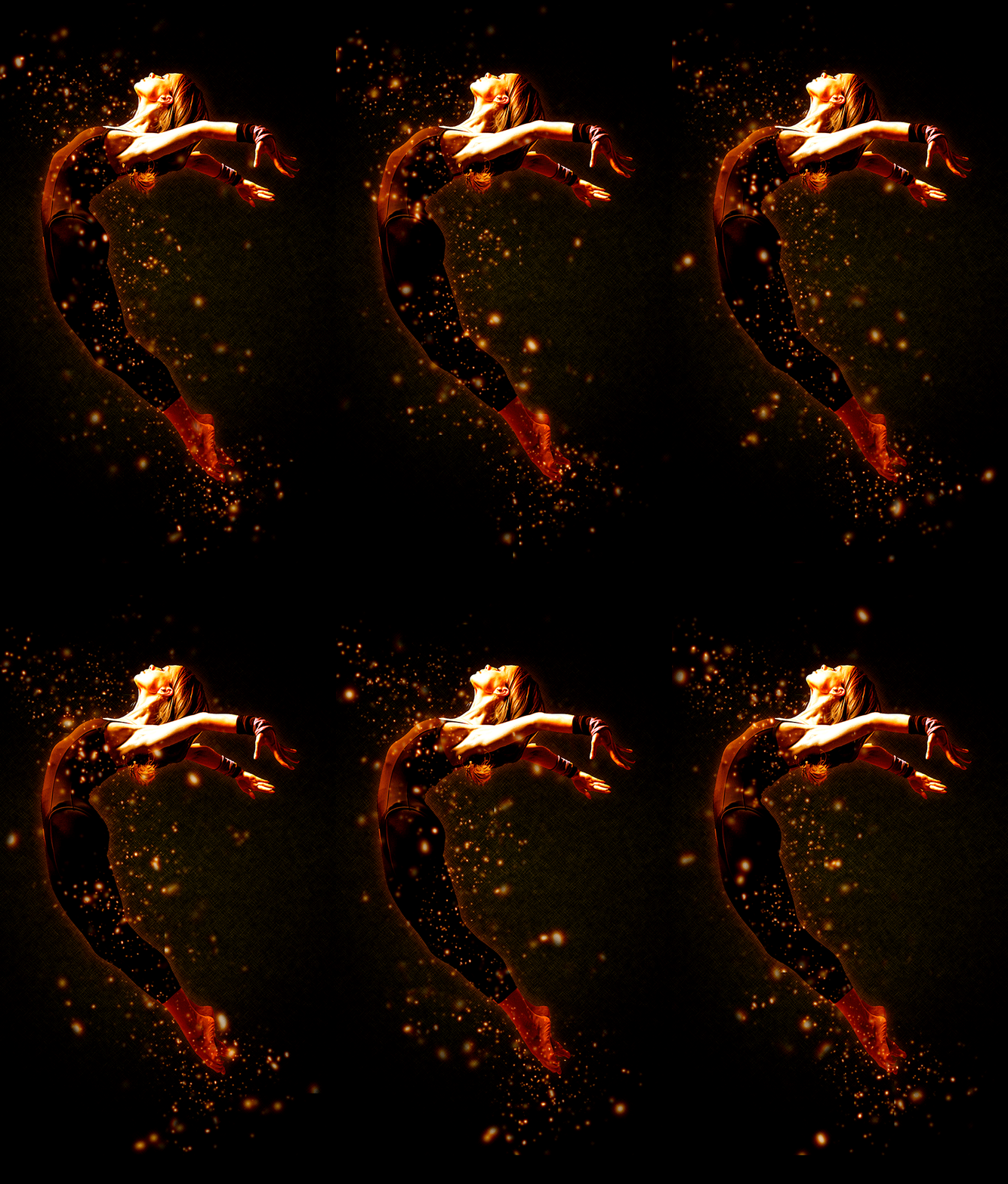
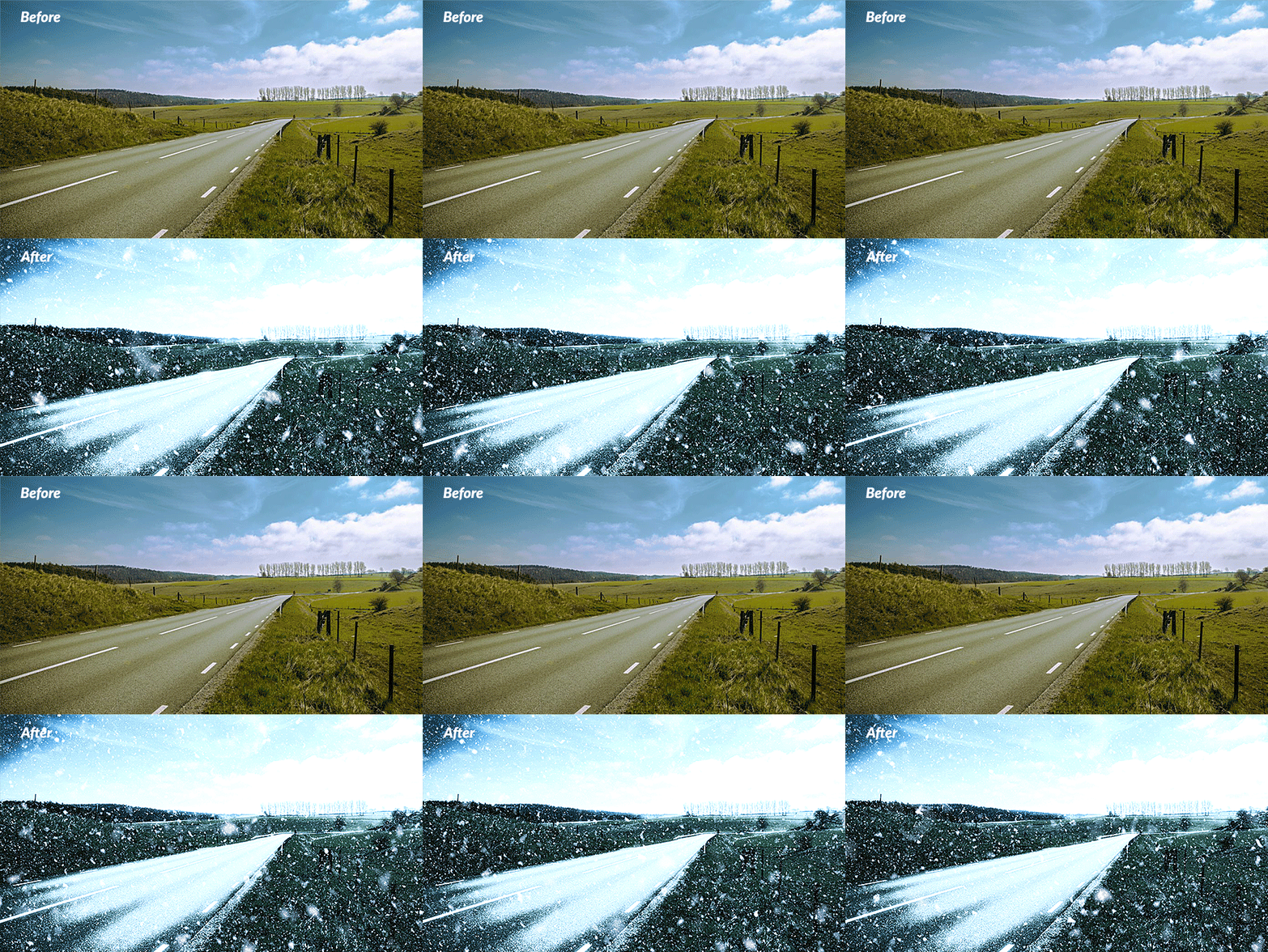
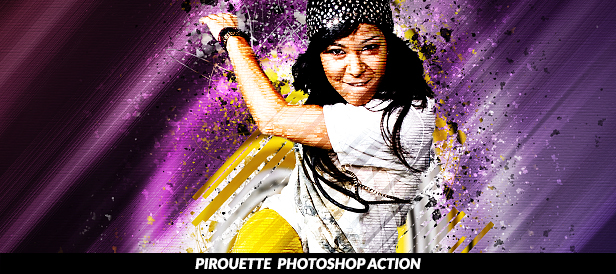
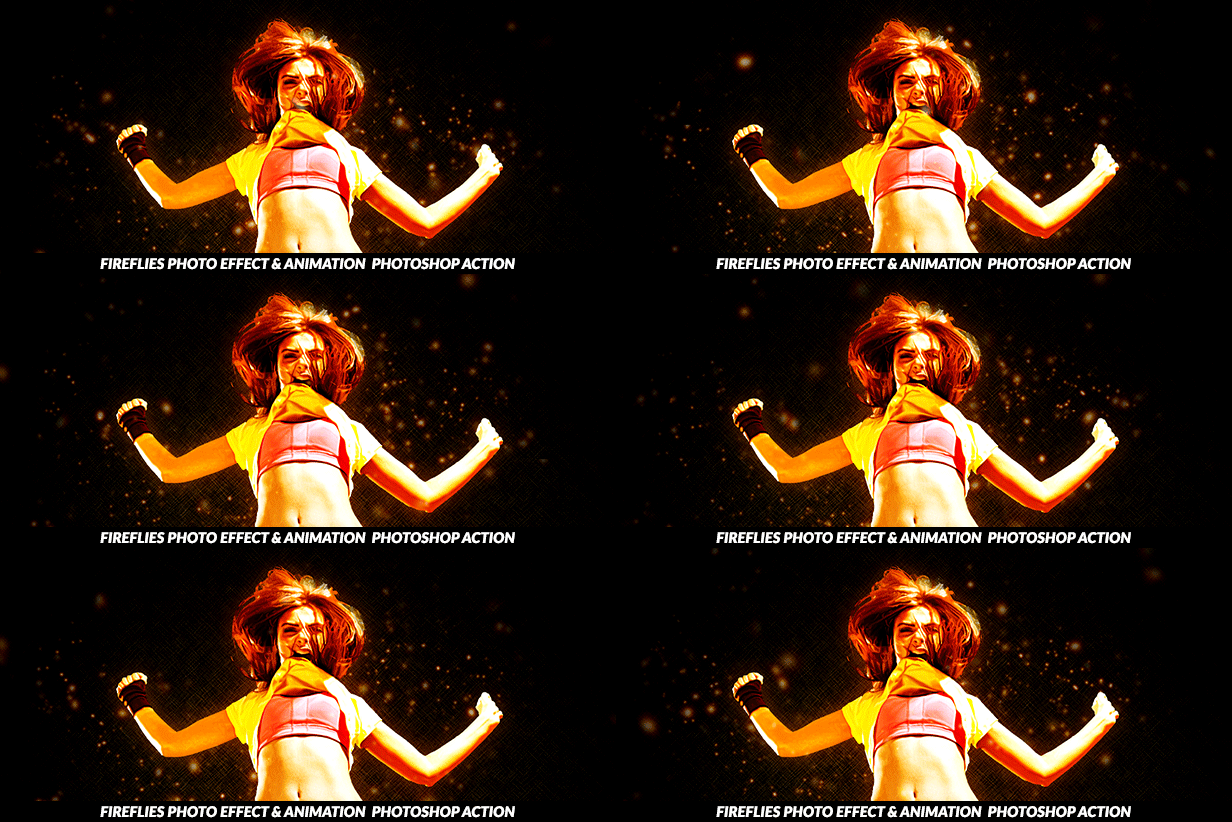
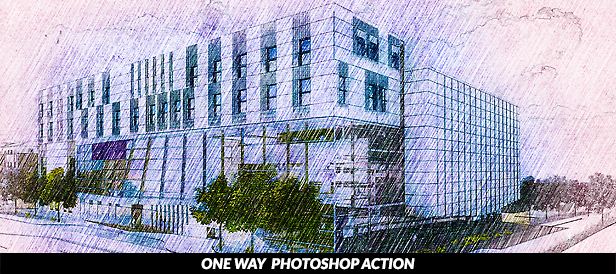
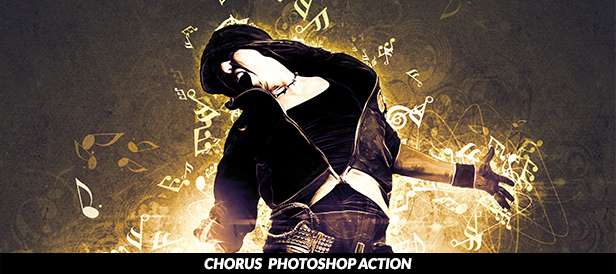
In this bundle has 4 photoshop actions. You can use this action in photoshop CS6, CC, CC2014, CC2015, CC2015.5. The only restriction is that you must install the version in English. For now, other languages are not supported.
If you use a different language on your Photoshop, there is an easy way to switch to English. Check the video tutorial to change photoshop’s language to learn how.



The best of the Photoshop Action is that it will keep layer organized. That way you can further work on your image quickly, customizing it even further. Each Photoshop Action has its own layers organization. Each Photoshop Action has its own layers organization. it is easy to customize your work. You can find all video tutorials in our youtube channel.
To get the best possible outcome out of the Photoshop Action, you should use as an input only high-resolution images. Recommend resolution 2500px X 3500px pixels, it will be best.
When a new Photoshop Action is developed, it goes through an extensive testing period before it is released to our portfolio. If you encounter any trouble, please use the help page to report any issue or send an email describing the problem. We will assist you immediately.
Photoshop actions are very easy to use. However, if you get stuck with something and need assistance, you can go to the support page. There you can find help for all the PSDSquare Photoshop Actions.
You will find much more than just technical support. There is also advice on how to sell the works you do with the Photoshop action. If you need further help, there is my email too, so that you can ask a particular inquiry.
The idea of developing the PSDSquare Photoshop Actions is to save you the most time. The result is something the most skilled designers would do in days. For an average designer, it would take weeks or even months to get such effects.
You don’t need to be a Photoshop expert to use the Photoshop Actions. Even a beginner can use them.
You can earn money not just as a Photoshop professional, but as an affiliate referring people. Make sure you sign to the affiliate program. To go even further, sign up to the Envato Affiliate Competition. There you can earn even more money. Make use of our top items for your referrals,
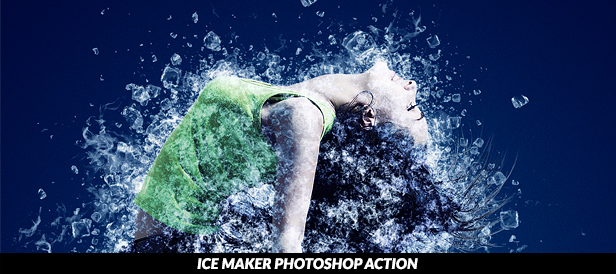


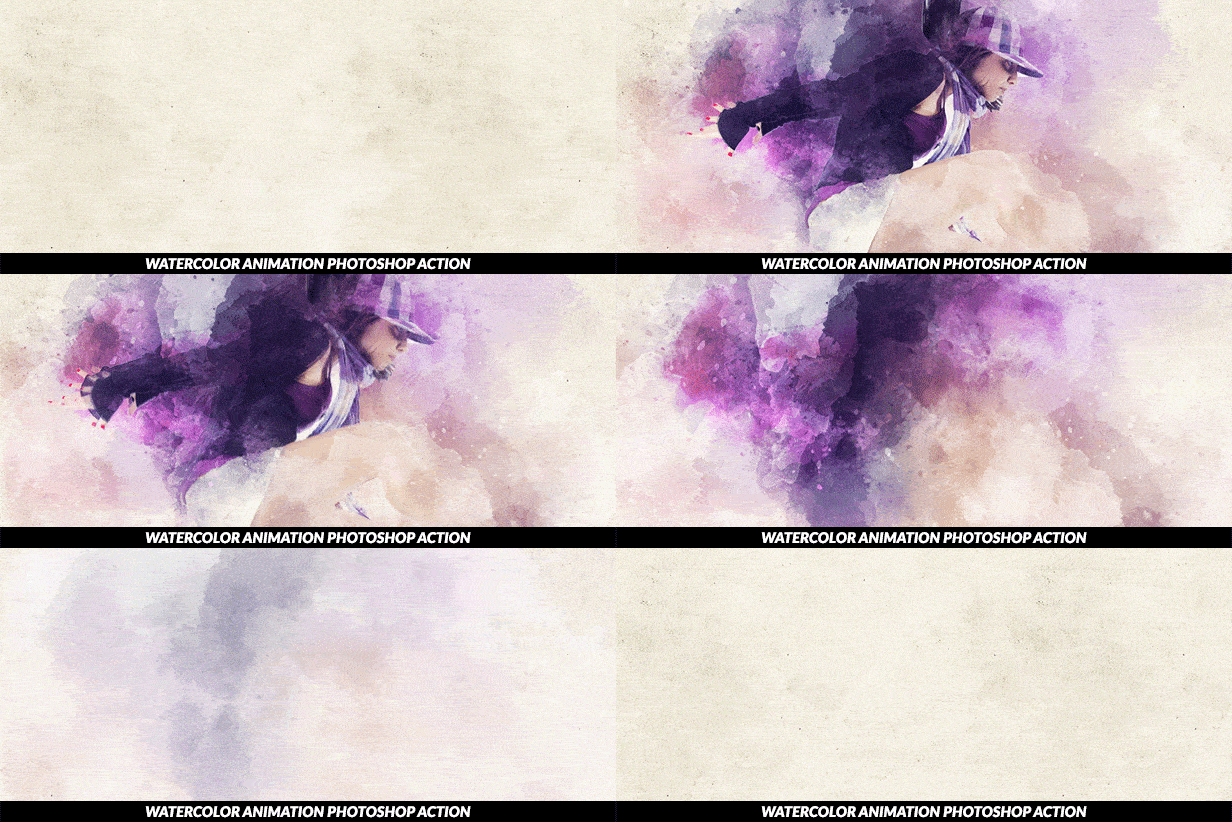

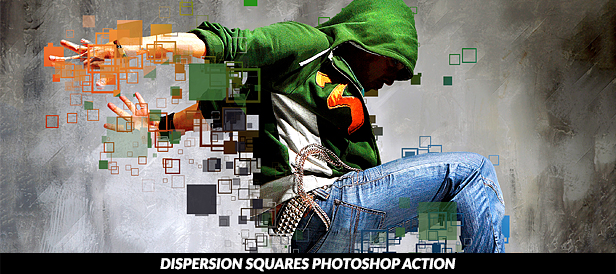

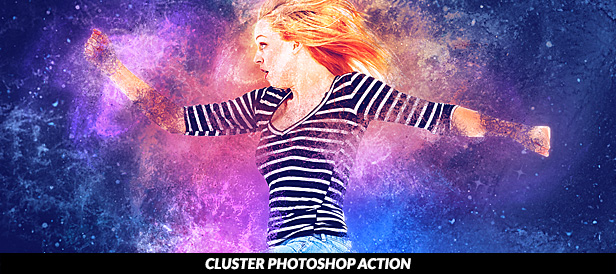
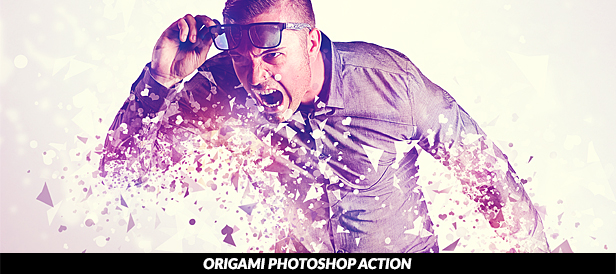

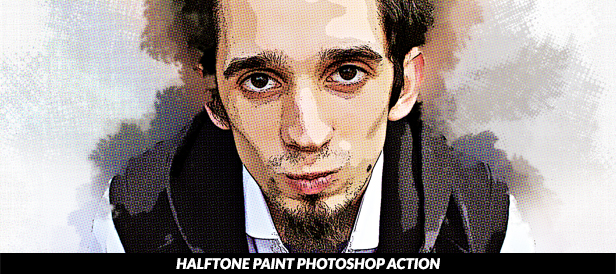
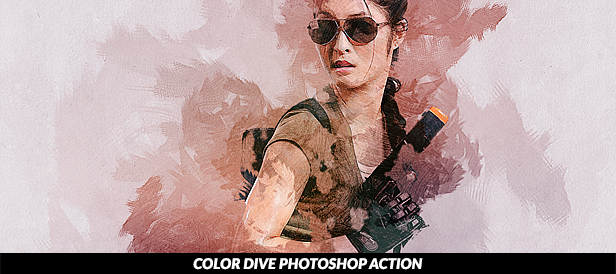


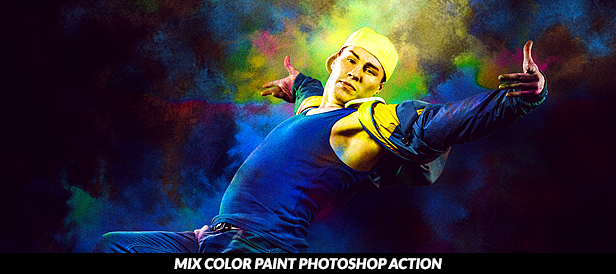
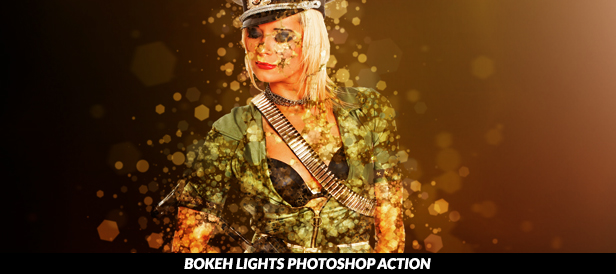


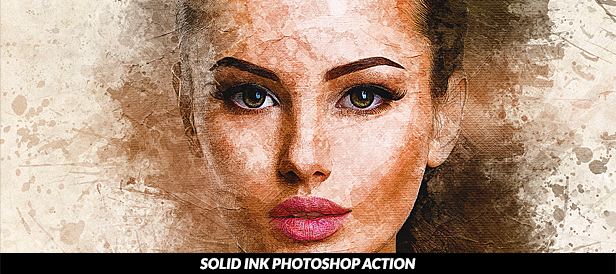


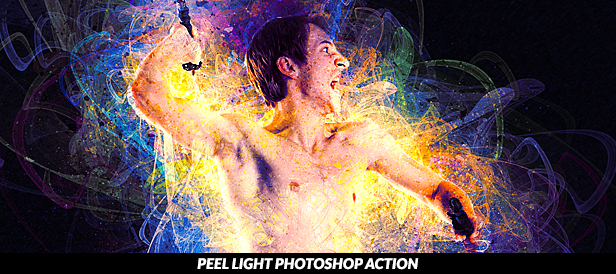
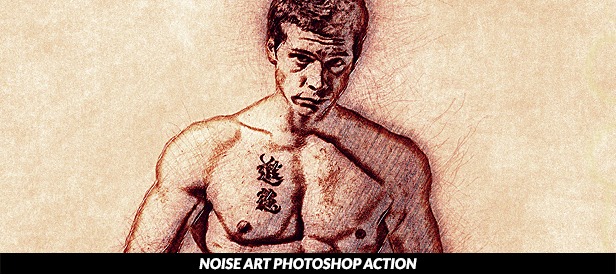
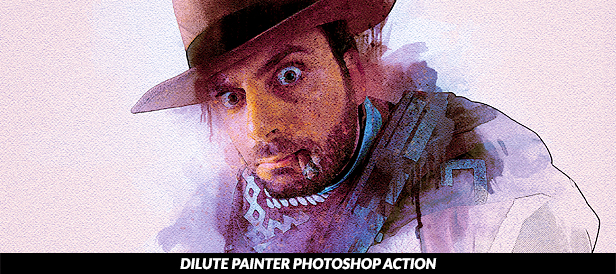
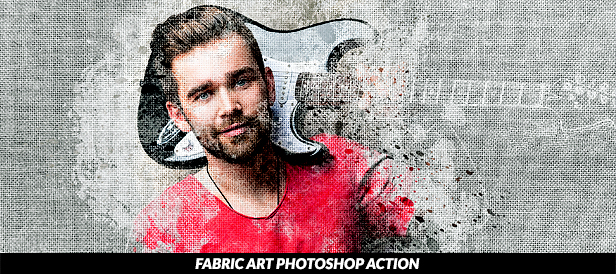

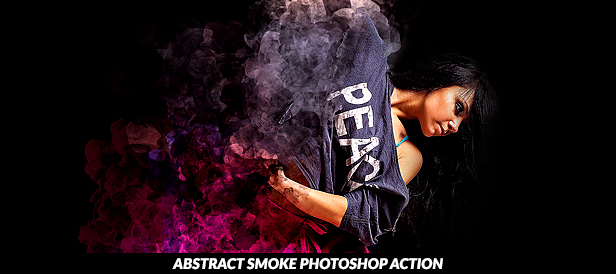

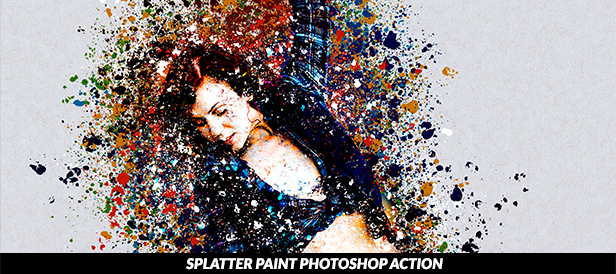
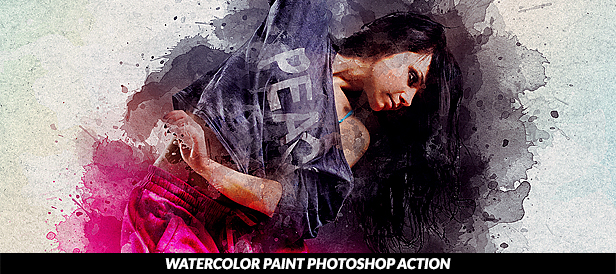


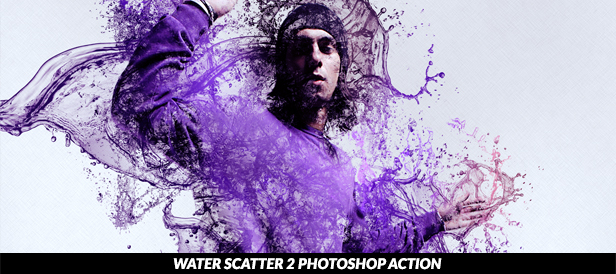
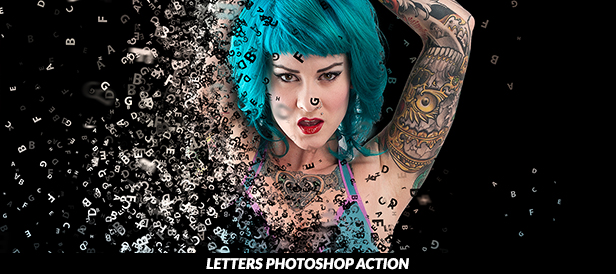
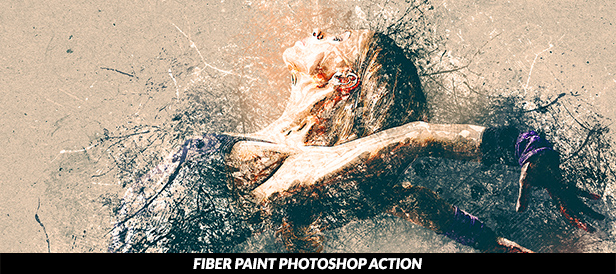

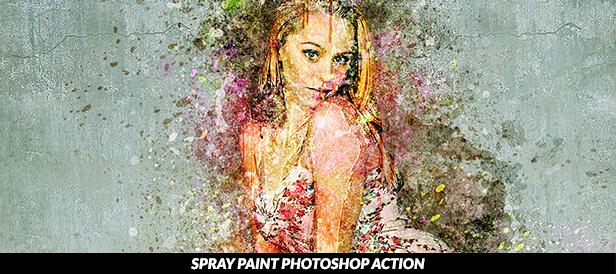
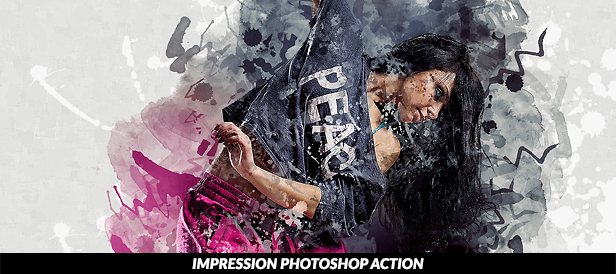
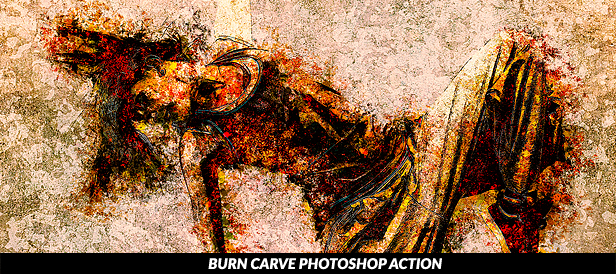
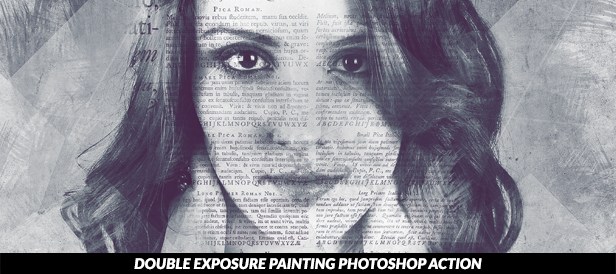
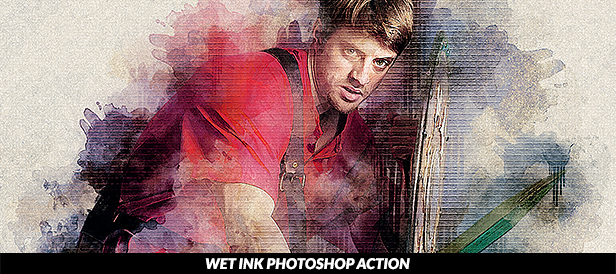

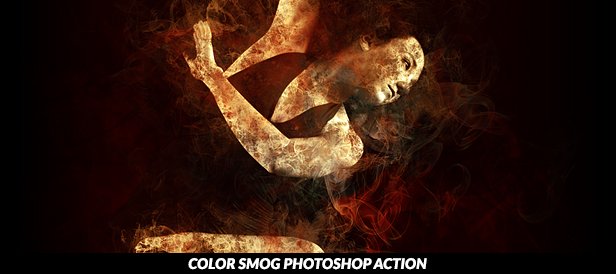
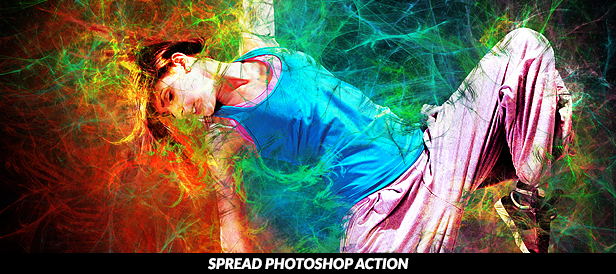


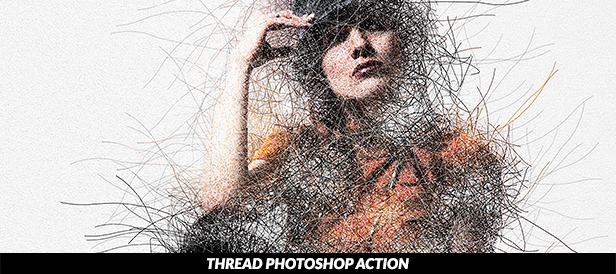


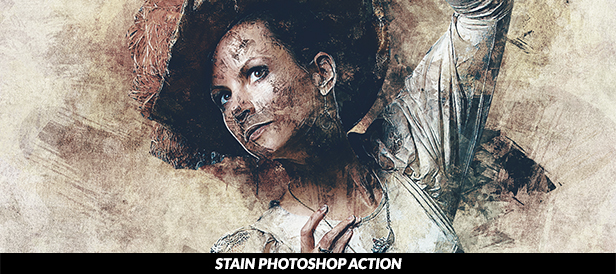
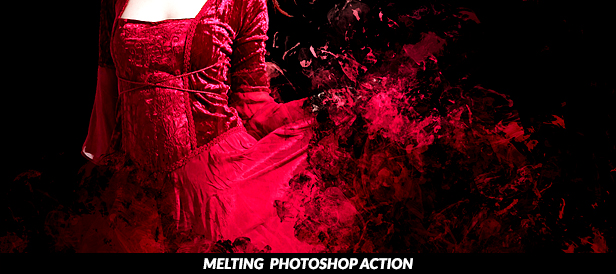
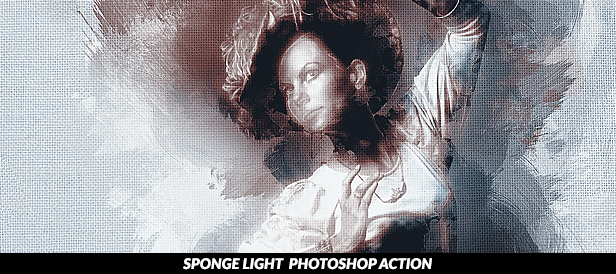

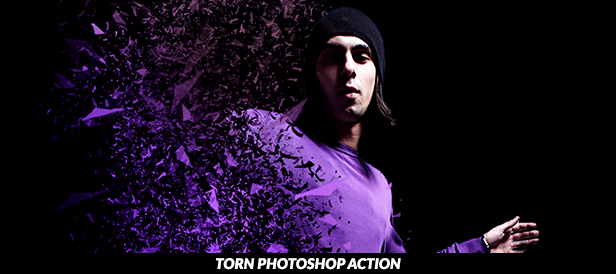
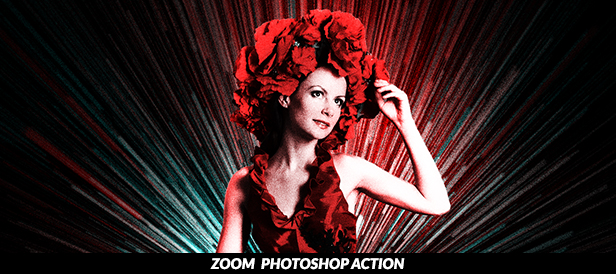
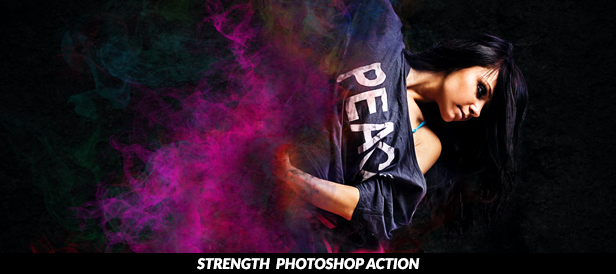


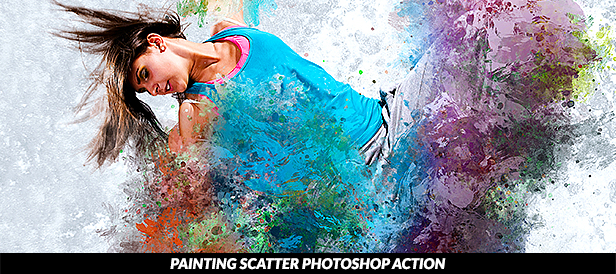
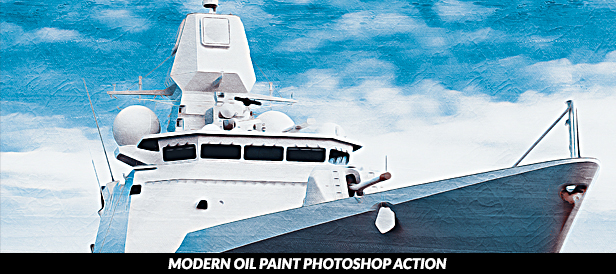
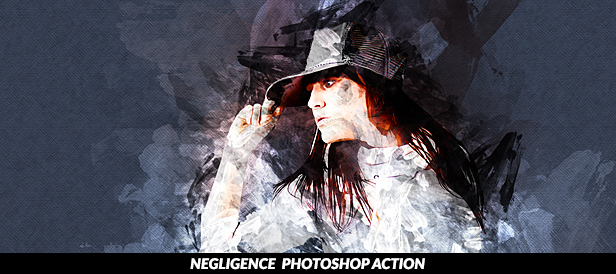
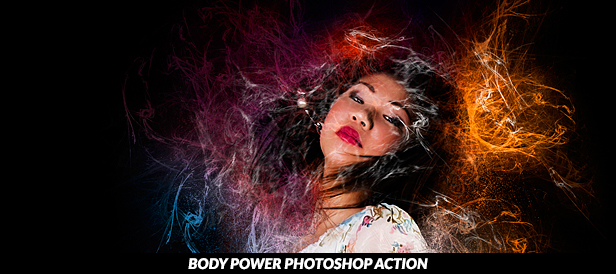
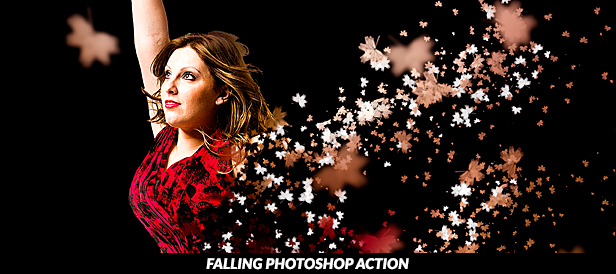
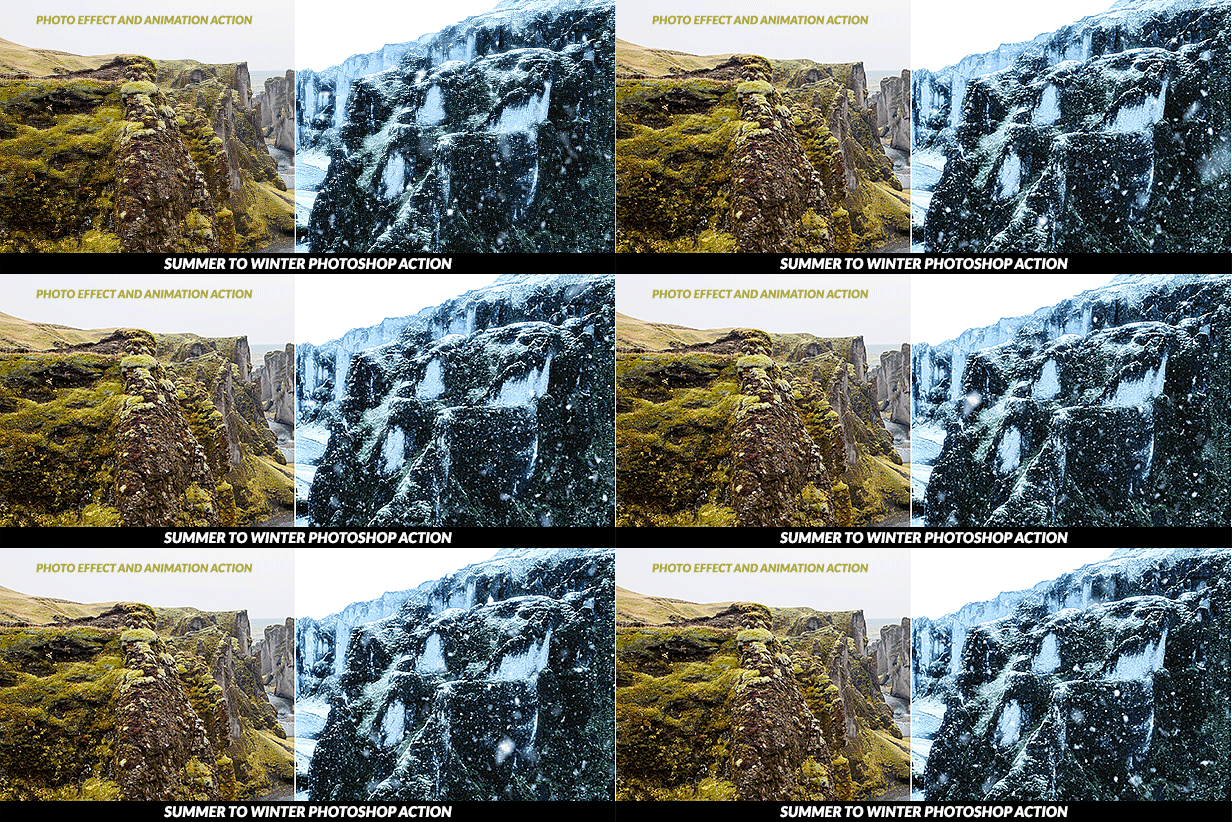

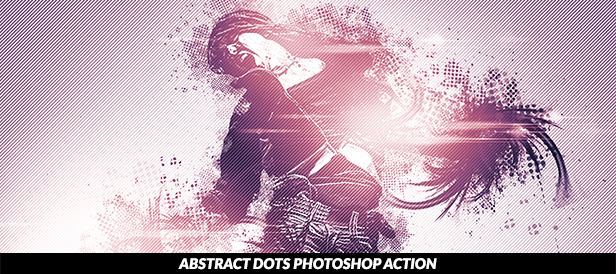
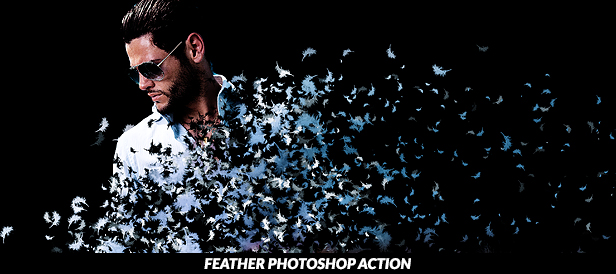
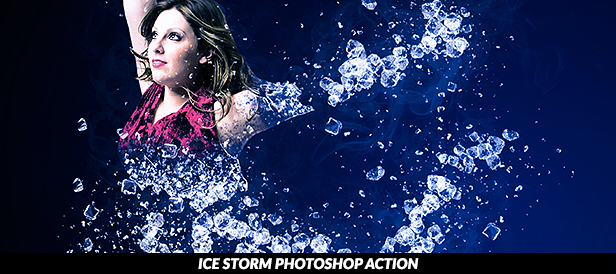
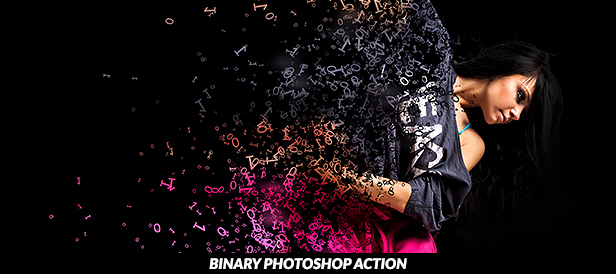
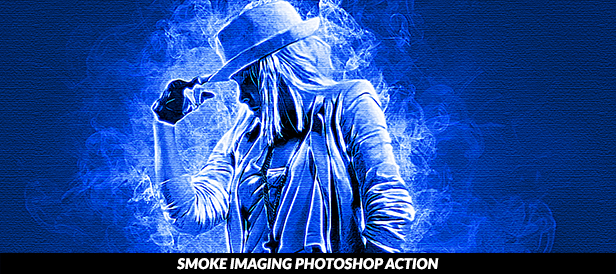
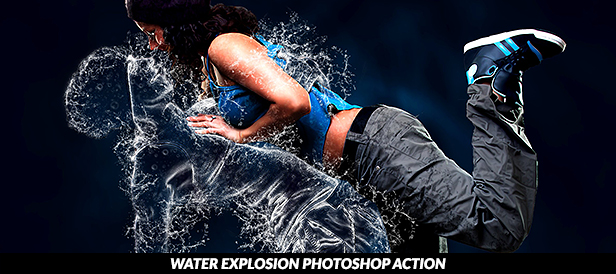
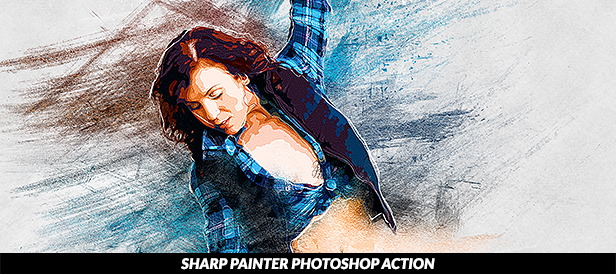

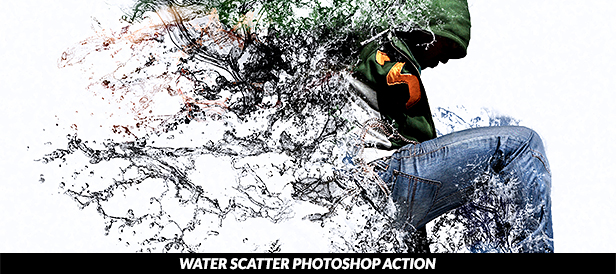
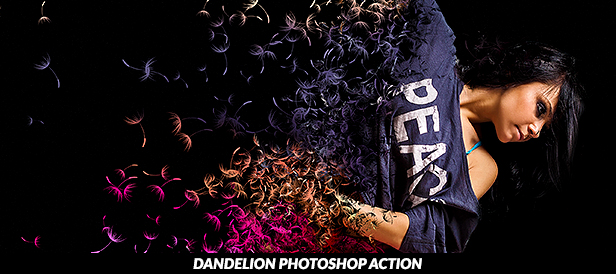
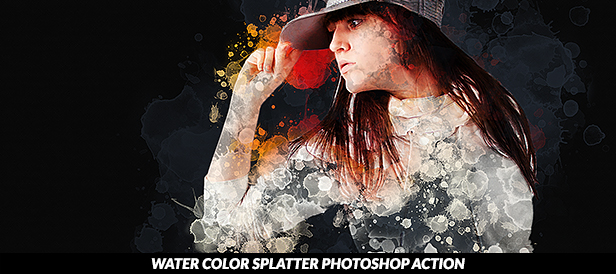
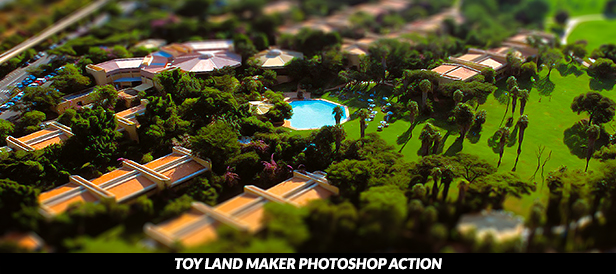

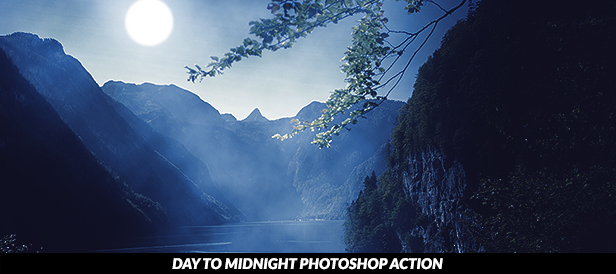
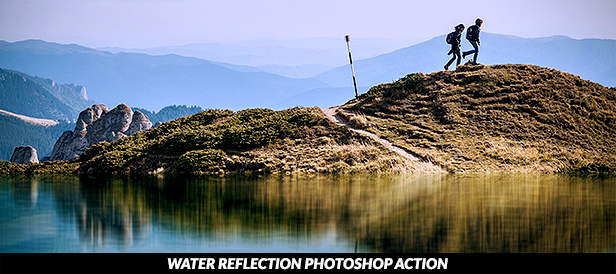

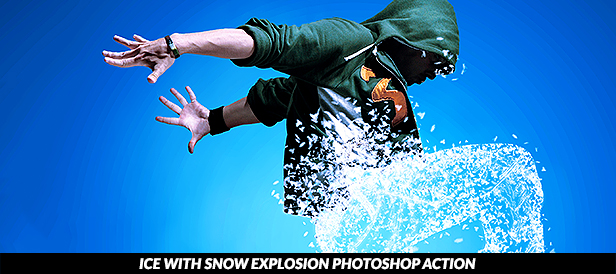
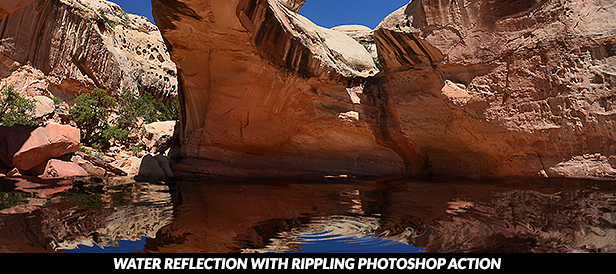
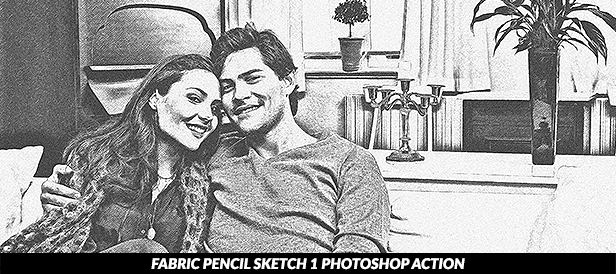
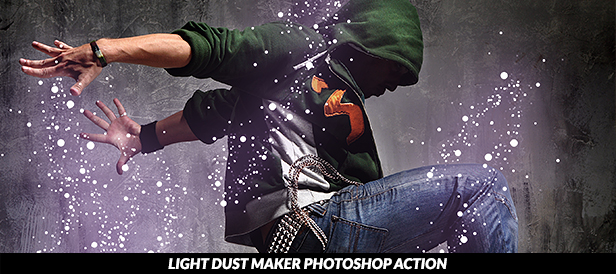
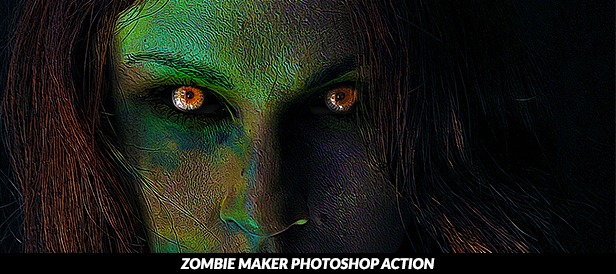
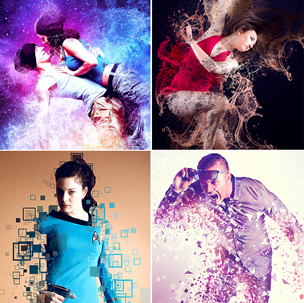
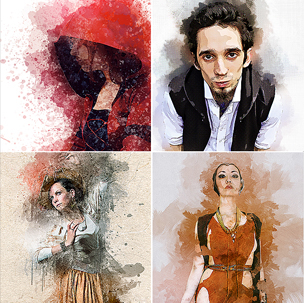

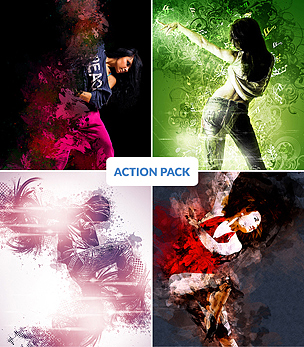


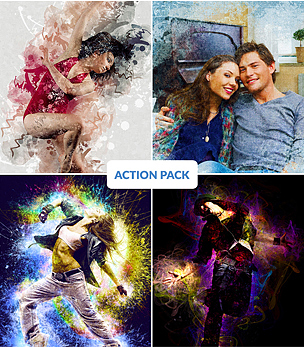

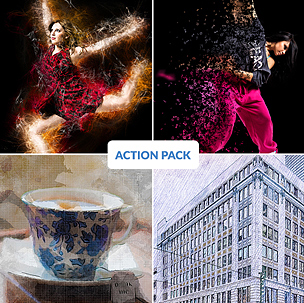
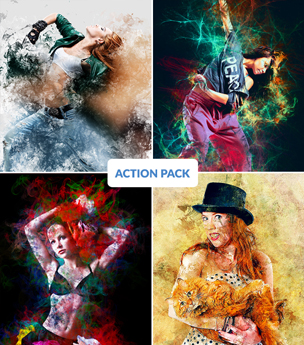
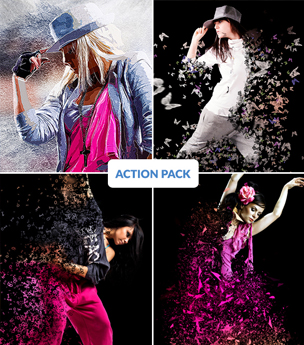
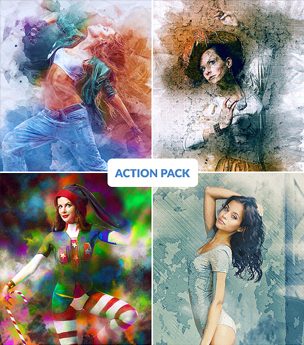
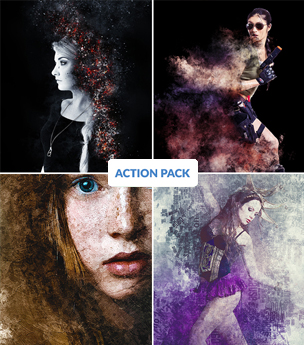
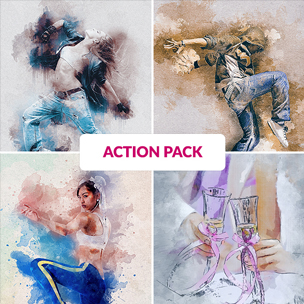
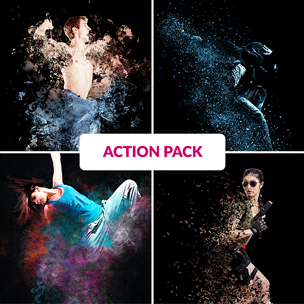
Please Note: Images in preview are not included in main download files.
You can Hire Us For Customize This Modern Trendy Social Media Kit and Contact Us for any kind of Design Work
Don’t forget to rate this file at the download section. Enjoy!!!
Hi all. This is my new icon bundle. In this set you don’t see 200 file icons, 500 arrow icons or 300 grid icons. Only different and complex icons, only hardcore (:
If you need some help or you have some ideas for new sets – add comment or email me [email protected]


The item works perfectly with RAW, JPG, TIFF & DNG
Lightroom filters emulate traditional film toning and grain
Toning enhacement, lights and shadows correction
3 Grain Presets & 7 Film Presets with grain setup
Note:
Before you can import presets into Lightroom, you must un-zip the downloaded preset file
– Open Lightroom
– Navigate to “Develop”
– On the left, in the Preset tab, Right Click and select “New Folder”
– Name the folder after the preset batch you’ve purchased and are importing
– Right Click on the folder you’ve created and select “Import”
– Navigate to the desired preset folder
– Batch select all presets within the folder and select “Import”
– Now you can begin coloring!

True Mama Font is an old-school typeface duo.
With this display typeface duo you can recreate old-school tattoo lettering. This duo of fonts includes one monoline typeface with uppercase and lowercase characters and one bold version with only uppercase characters.
Both typefaces support diacritics and an extended set of latin and greek characters. Also, both typefaces have a set of 4 extras, that you can find in the PUA section of the font.
What’s included:
True Mama Regular: a completed vintage-looking font
True Mama Bold: an uppercase-only font with small caps
Extras: 3 premade lettering and 2 monoline old-school tattoos that you can find on PUA section of the font.
I hope you make something cool with it!
Enjoy, Nantia
Hello, Everyone this B & W Photo Effects is usable for all people.
Turn your image into a awesome eye catching image in just few seconds !! just load and play! it’s very easy to load and use.
ZIP Contains: 1 ATN file, 1 TXT Image and Preview Image.
Don’t forget to follow me, and rate this item!!
Thanks, Soh Design
If you are printing on the covers , then this mockup for you.
– Smart layer facilitates layout editing
– All sizes correspond to the real dimensions of the device
– Can be used with or without a device
– Included is an Photoshop action to quickly create a large number of models
– High Resolution 1500×1500,
– Well Organised Layers,
– Fully Editable, Easy to Use,
– Add any Background,
– Easy to change case design
– Easy to change case body color
– All dimensions are identical with the original device
PACKAGE INCLUDED
1 PSD files
1 Photoshop Action
2 Text instruction files
Construction Banners
10 great versions.
Fonts used:
Oswald
Ubuntu Condense
Open Sans
All the images are display only, not included in the main download package. They are not part of the theme and NOT included in the final purchase files.
Image set includes 7 high quality detailed 3D renders of Gasoline Tanker Truck based on fuel carrier, in 7 different PSD files 6600×4800 pixels. All the objects on a transparent background. In files – truck, cabin color, tanker and frame color, background, etc. submitted for the individual layers are named by appropriate way for your convenience. Smart objects used allows you to replace design for Truck and item contents for your own responsive designs in few seconds.
Device composition customization is as easy as moving/scaling individual devices as layers.All layers are cleaned up, named properly and color coded for easy identification of layers designated to be edited by user.
Quick Instruction for work with Gasoline tanker truck:
1. Open any of 7 presented PSD files;
2. Layers, which self name contains “Banner” and marked by blue are smartobjects. Double click on any of its layers;
3. Paste your design image (make sure that your image was in the visible region);
4. Save the layer (smart object);
5. For replacement color of cabin, just change the color of this layer – “Cabin.Color” via photoshop color picker;
6. For replacement tanker color, just change the color of this layer – “Tank.Color” via photoshop color picker;
7. For replacement tanker locket color, just change the color of this layer – “Tank locket.Color” via photoshop color picker;
8. For replacement truck frame color, just change the color of this layer – “Frame.Color” via photoshop color picker;
9. Locked folder “Shadow/Glares” marked by gray, wich contained layers “Glare” and “Occlusion” is responsible for the brightness
of the glare and reflections.
Also include ambient occlussion;
10. Locked layer “Truck” marked by gray, is base white render of the Gasoline truck.
11. Locked layer “Shadow” marked by gray, is transparency shadow of the truck;
12. Turn off lower layer “Background” to see truck on trancparency.
DO NOT CHANGE LAYERS IN SOME PLACES, if you are novice and do not know how to use photoshop!
NOTICE! Layer structure into all of attached PSD files – precisely same.
You can put the objects on any background, to use it in their presentations and design. Change the size, mirror, dream, add others, add your own text to create colorful and fun work. dream, add others, add your own text to create colorful and fun work.
GET THIS FONT if you’re in need of air brushing various letters on your van, wall, barrels, crates, etc.. Usually, stencil fonts are made that way that you have to position several pieces just for one letter. These letters are made of one shape only. Once cut, it’s very easy to position it.
Multipurpose Social Media Pack for your website, blog, social media posts through Facebook, Instagram, Pinterest and more. Optimised for all of these platforms.
Square post templates, Shared Link post templates and Blog / Pinterest ready templates included. Includes 16 design variations and it is 100% editable.
Features:
You get:
Used fonts:
This pack contains 10 jpg abstract linear motion backgrounds for your projects. You can use these backgrounds in the different purposes. It can approach for your website, application or a desktop wallpaper.
Graphics Files Included: JPG Image
Pixel Dimensions: 5000×3333
Resolution: 300 dpi
PLEASE don’t forget to rate it. Thank you!
