Cryptocurrency Banners Ad (Banners & Ads)

DESCRIPTION :

Cryptocurrency Banners Ads PSD Template is a clean and unique design so far using the latest trendy material design for bitcoin, blockchain, coin currency, crypto currency, currency…

BANNERS FEATURES :

– 15 template PSD files included

– Google Ads & Facebook Ads Sizes

– Layered by name

– Fully editable – all colors and text can be modified.

FONTS USE :

+ Poppins ( https://www.google.com/fonts/specimen/Poppins )

+ Oswald ( https://www.fontsquirrel.com/fonts/oswald )

NOTE

All the images are display only, not included in the main download package. They are not part of the theme and NOT included in the final purchase files.

Need another template or logo, please contact me directly via e-mail form on my profile page.

Download Cryptocurrency Banners Ad (Banners & Ads)

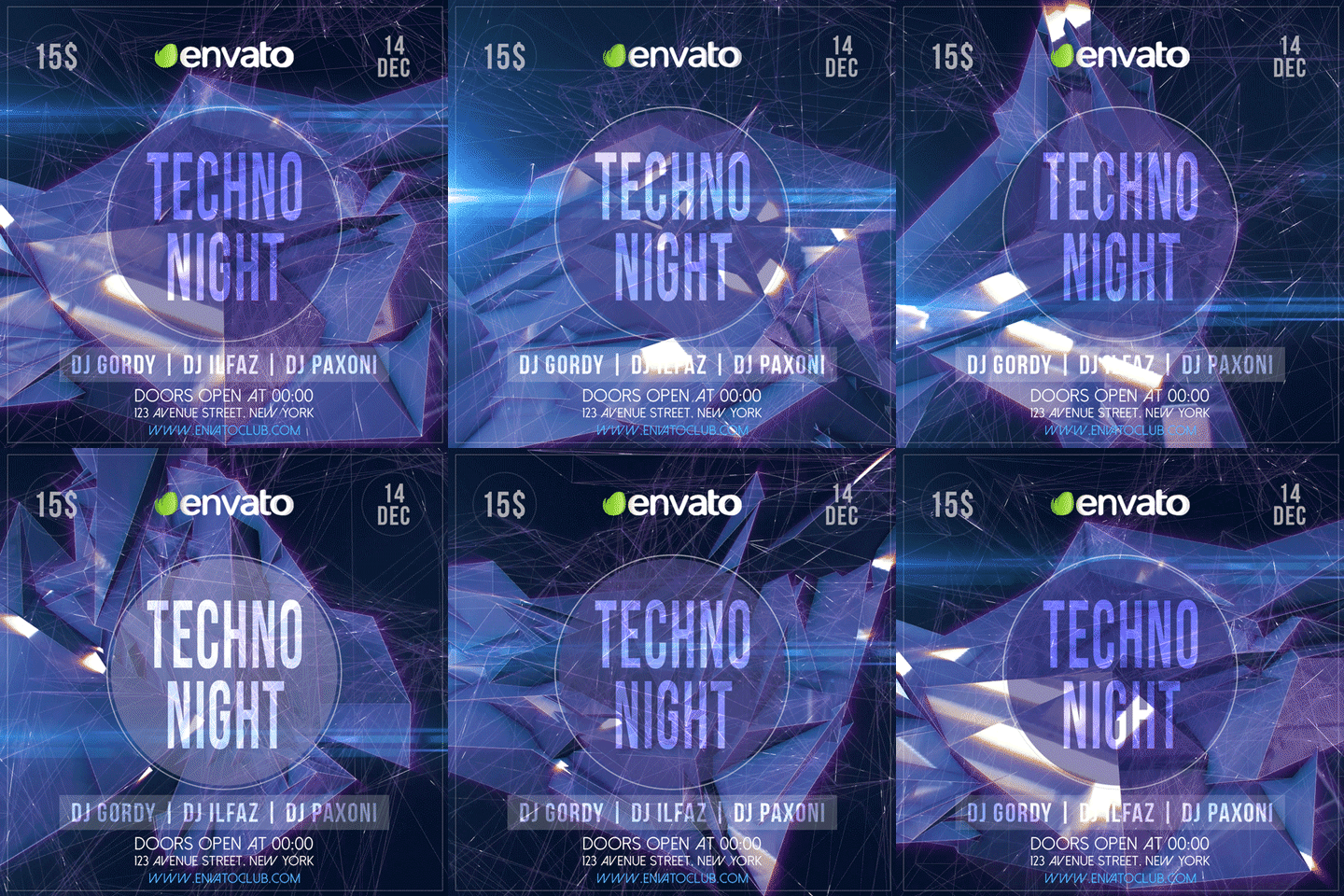
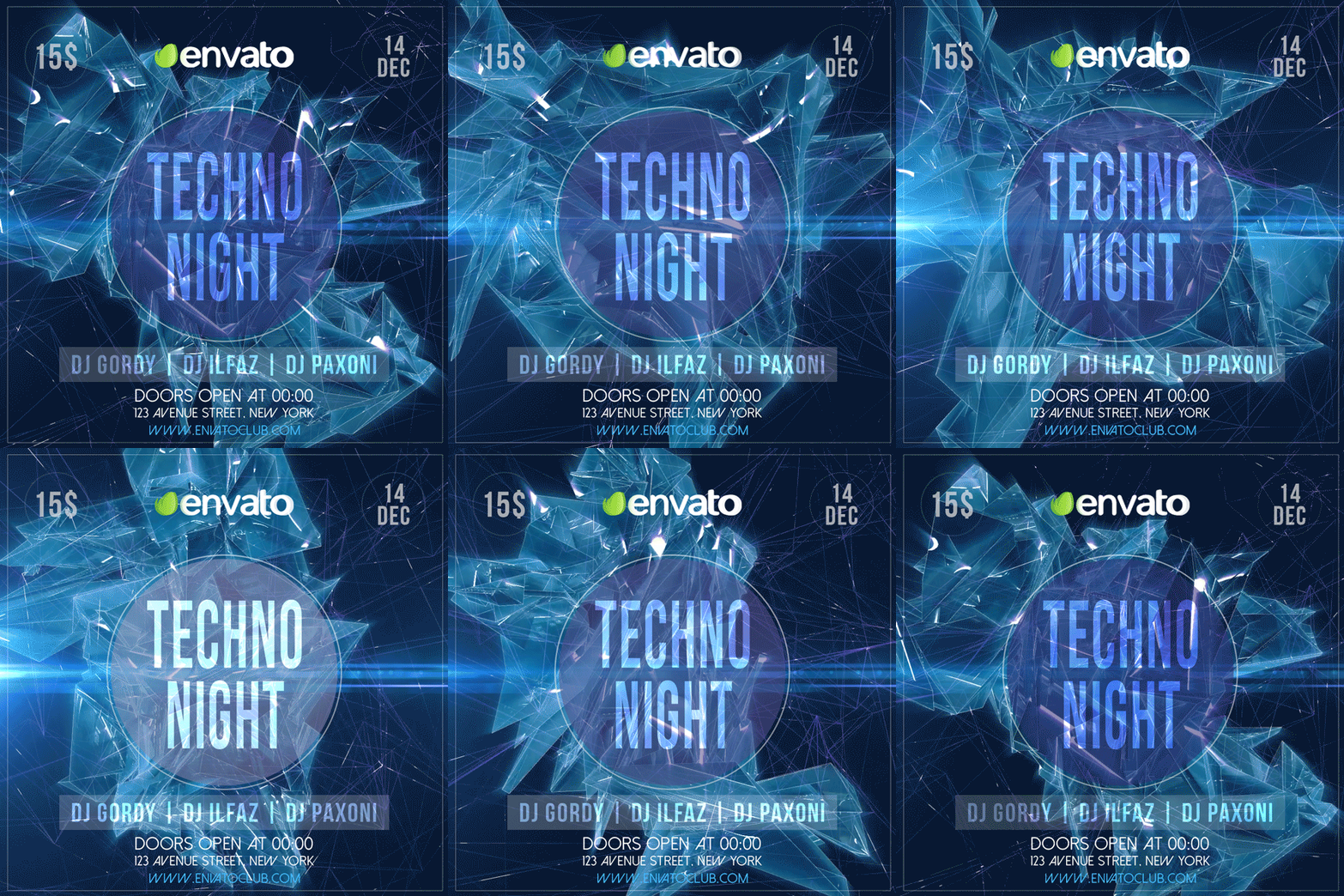
Animated Instagram Techno Night Flyer (Social Media)

Main Features

  • 1 PSD File 1000×1000, 24fps
  • Pre-rendered Backgrounds and Lights
  • Adobe Photoshop CC needed
  • 5 sec loop
  • Easy logo/text replacement via Smart Objects
  • Easy colors change
  • Organized Layers and folders
  • Save as Gif or export as video!
  • General Tutorial Included
  • Remember that when you save a gif, it will be exported in 256 colors MAX

Output Size Samples:

  • Video 1000×1000 .Mp4 = 7.92mb
  • Animated Gif 1000×1000 = 49.6mb
  • Sample Gifs below 590×590 = avg. 21mb

I’m setting up an Instagram page just for my animated templates, please be a bit patient, it will be online soon! =)

Download Animated Instagram Techno Night Flyer (Social Media)

Sport Shop Banner (Banners & Ads)

Sport Shop Banner

Wonderful banner designs for 18 different sizes ready for all your products, services, campaigns and promotions.

Every PSD file is layered and easily editable.

The package file contains editable PSD files and help files.

Images are not included (Trouser & Woman)

You can also use these banners for Google AdWords & Adroll. (Including all Google AdWords, adroll banner sizes)

https://fonts.google.com/specimen/Lato
https://www.dafont.com/multicolore.font
https://www.dafont.com/walrus.font

help.txt

Download Sport Shop Banner (Banners & Ads)

Travel Banner (Banners & Ads)

Travel Banner

Wonderful banner designs for 18 different sizes ready for all your products, services, campaigns and promotions.

Every PSD file is layered and easily editable.

The package file contains editable PSD files and help files.

Images are not included (City road & Bus)

You can also use these banners for Google AdWords & Adroll. (Including all Google AdWords, adroll banner sizes)

https://fonts.google.com/specimen/Lato
https://www.dafont.com/walrus.font

help.txt

Download Travel Banner (Banners & Ads)

Valentines Gifts (Banners & Ads)

This is a Valentines Gifts web banners which is fully editable.

Pack included:

14 PSD Files.
72 dpi.
RGB Color Mode
Easy Photo Replacement.
PSD organised in layers “named”

Sizes:
01. Vertical rectangle: 240×400
02. Mobile leaderboard: 320×50
03. Banner: 468×60
04. Leaderboard: 728×90
05. Square: 250×250
06. Small square: 200×200
07. Large rectangle: 336×280
08. Inline rectangle: 300×250
09. Skyscraper: 120×600
10. Wide skyscraper: 160×600
11. Half-page: 300×600
12. Large leaderboard: 970×90
13. Large mobile banner: 320×100
14. Billboard: 970×250

Fonts Required:

Raleway
https://www.google.com/fonts/specimen/Raleway

Bebas Neue
http://www.dafont.com/search.php?q=bebas+neue

Master of Break
http://www.dafont.com/master-of-break.font

Image Used:
https://photodune.net/item/valentines-day-concept/21153637?s_rank=347

Download Valentines Gifts (Banners & Ads)

10 Light Pro Styles Vol.3 (Text Effects)

10 Light Pro Styles Vol.3

This is a premium Adobe Photoshop layer styles. In this set includes source PSD, ASL & Help! file. All layer style has been composed & easy to use. 100% scalable, just one click to apply.

  • Easy to use
  • Fully editable
  • 100% Scalable
  • 10 Different styles
  • High resolution 300 DPI
  • Work with any font & shapes
  • No skill requirement
  • One click


File Included

  • PSD file
  • ASL file
  • Help! file


Note:

Link font in the Help! file.

• Don’t forget to rate it.

Stars
Stars
Stars
Stars
Stars

Thanks!

Flag Counter

Download 10 Light Pro Styles Vol.3 (Text Effects)

Chinese New Year Facebook Cover Bundle (Social Media)

Chinese New Year Party Social Set Bundle- Facebook Cover and Post

Dimensions:

  • 1702×630 px
  • 1080×1080 px

Features:

  • Highly organized file
  • Easy to edit
  • RGB – 300 PPI
  • Layered PSD files
  • Help file

1 – Chinese New Year Party Facebook Cover

2 – Chinese New Year Party Facebook Cover

3 – Chinese New Year Party Facebook Cover

Fonts used:

ALL BACKGROUND IMAGES INCLUDED!

Have a Awesome Day !

Download Chinese New Year Facebook Cover Bundle (Social Media)

Recall Photoshop Action (Photo Effects)

Recall Photoshop Action

Create this cool effect on your photos with just a few clicks. Make neat looking posters, ads, banners, presentations – save days of work. You get unique result every time you run the action. How cool is that?

Popular actions you may also like

Artificial Intelligence Photoshop Action – Pixelated digital effect, great for technology, start-up, bitcoin, blockchain related content

Cognition Photoshop Action – Generative art style geometric shape effect

Neuron Photoshop Action – Glitchy neon effect

What’s included

  • 1 .atn file (Action)
  • 1 .abr file (Pattern)
  • Help file with customisation tips
  • Fully editable layers
  • Well organized layers and folders
  • Numerous color filters

The action is compatible from Photoshop CS6 to latest Photoshop CC 2018. The Action will only work in the English version of Photoshop . If you are not using the English version of Photoshop, you can always change it to English and then back again to your native language using this method. Alternatively for Creative Cloud users, you can also use this method.

Recommended photo size

For the best results, I recommend using photos in the range of 2500px – 3000px in width.

The file is organised

After each action has finished playing, it creates a well-organised layer structure. Each layer and folder are named appropriately to create a neat working environment for you.

The action is tested

Each Action is thoroughly tested across between 30 – 50 different photos to ensure there are no errors. In the case where you do experience an error, please contact me via the contact form on my profile page.

How to configure Photoshop

1. Make sure you are using the English version of Photoshop. Each action has been created and optimized to work only with the English version of Photoshop, so please make sure that you are using this version. If not, don’t worry: you can change the language of your version of Photoshop to English (and switch back again) using this method

2. Use the RGB Mode and 8 Bits color. To check these settings, go to Image->Mode and check the “RGB color” and “8 Bits/Channel”.

3. Make sure that the option “Add ‘copy’ to Copied Layers and Groups” is turned on. This option applies only to CS5 and later versions of Photoshop. On the “LAYERS” panel, click on the menu icon, go to “Panel Options…”, and check that the “Add ‘copy’ to Copied Layers and Groups” is turned on.

4. Use a photo with 72dpi or higher. If you are using a photo with less than 72dpi, the action will not function correctly. To fix this, go to Image->Image Size and increase the resolution value.

5. Set the Opacity of brush to 100%. Set the Opacity of the brush to 100%. Select the “Brush Tool” and move the opacity slider to 100%.

Need help?

If you need assistance with this action or any other action, please firstly ensure you have read the readme.txt file inside the zip file.

If you are still experiencing issues, please contact me through the email form at https://graphicriver.net/user/ninebrains

NEW: Photo effect flyer & poster templates

My latest flyers & posters


My latest corporate flyers & posters


Download Recall Photoshop Action (Photo Effects)