What’s iLightBox?
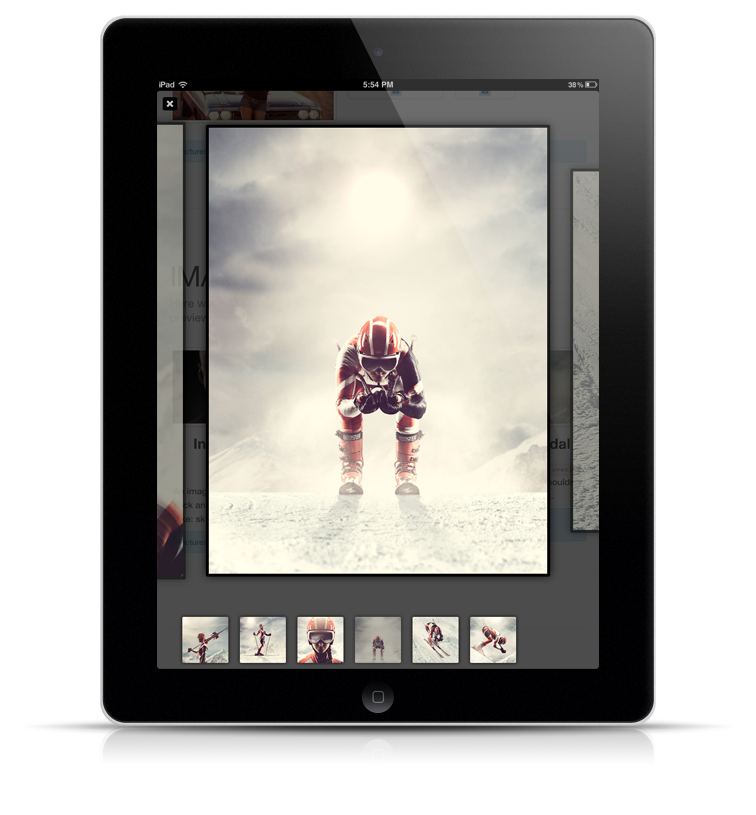
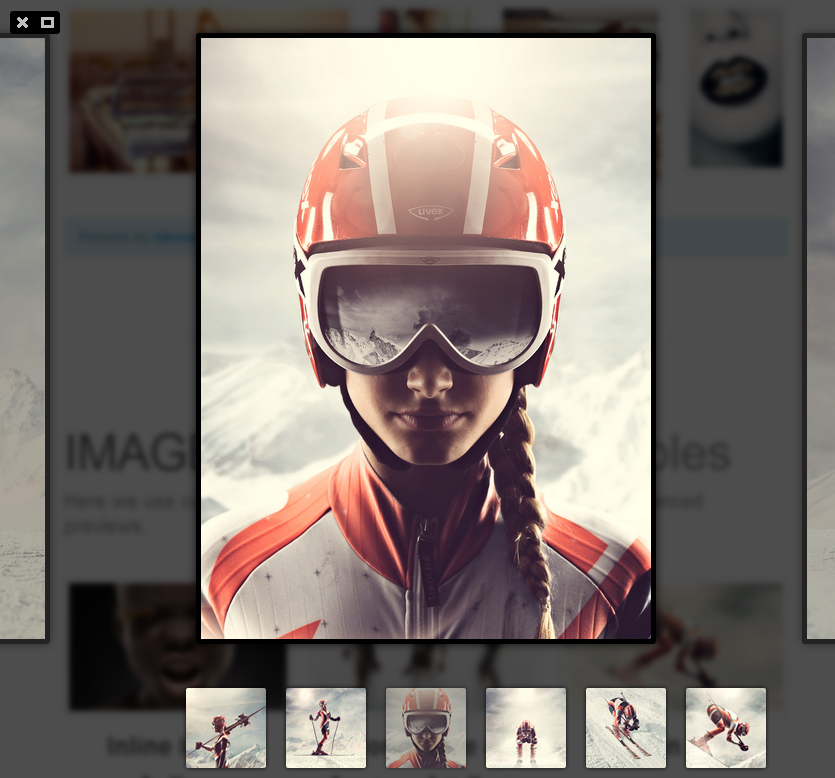
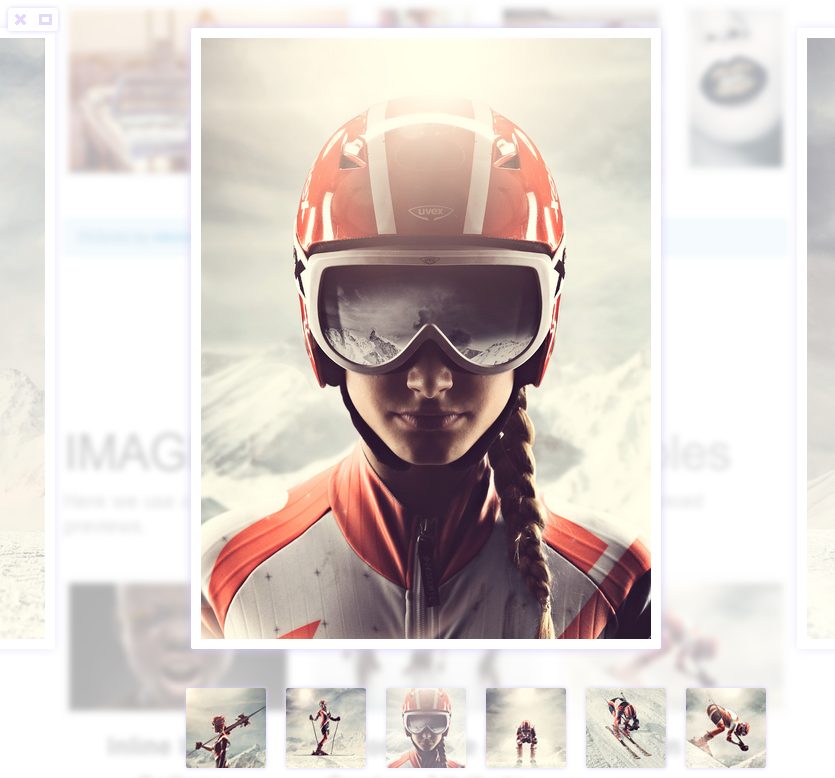
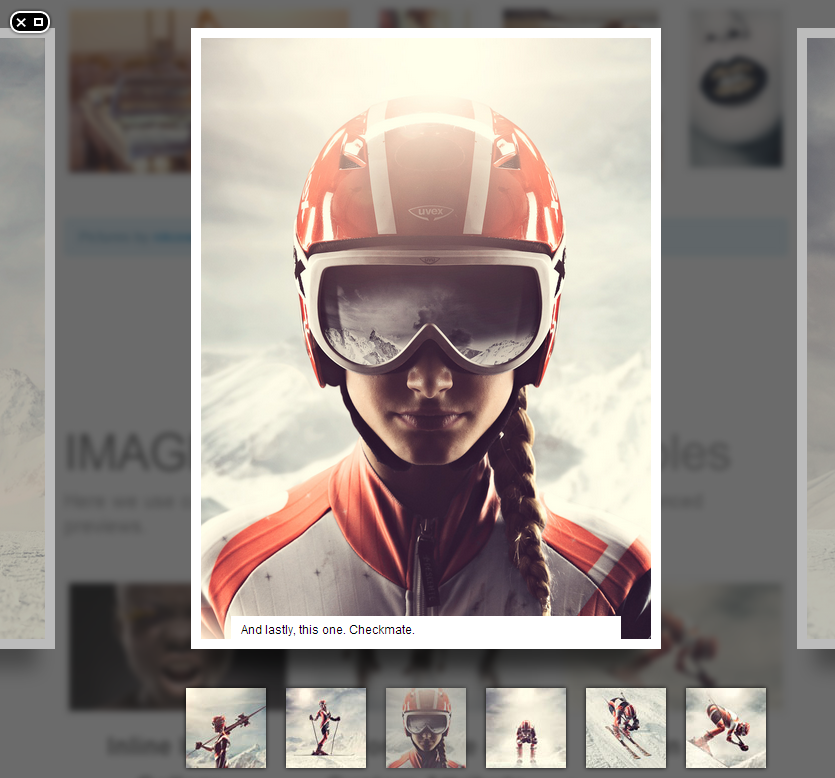
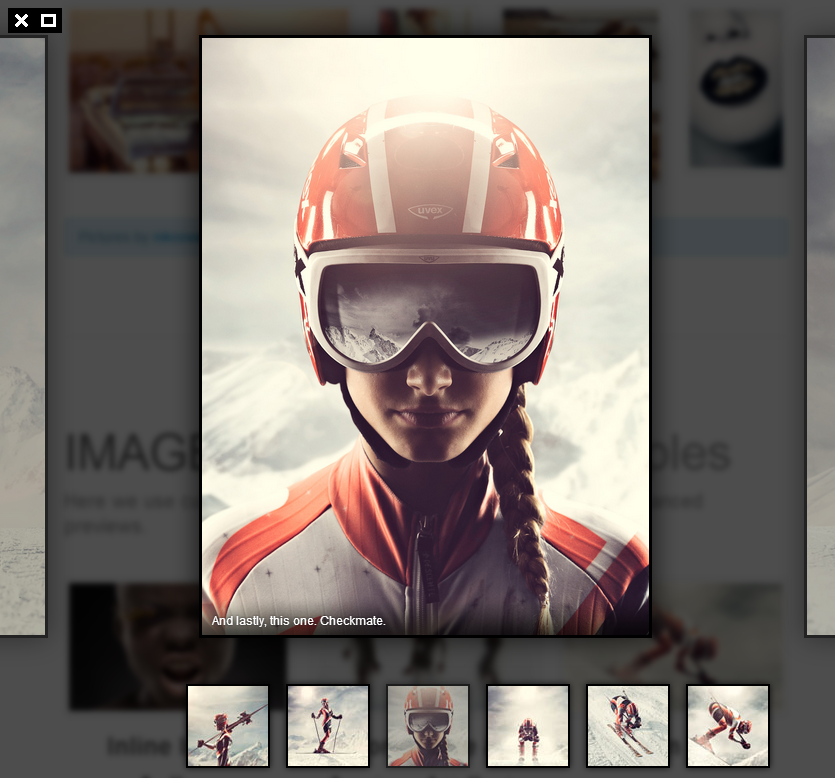
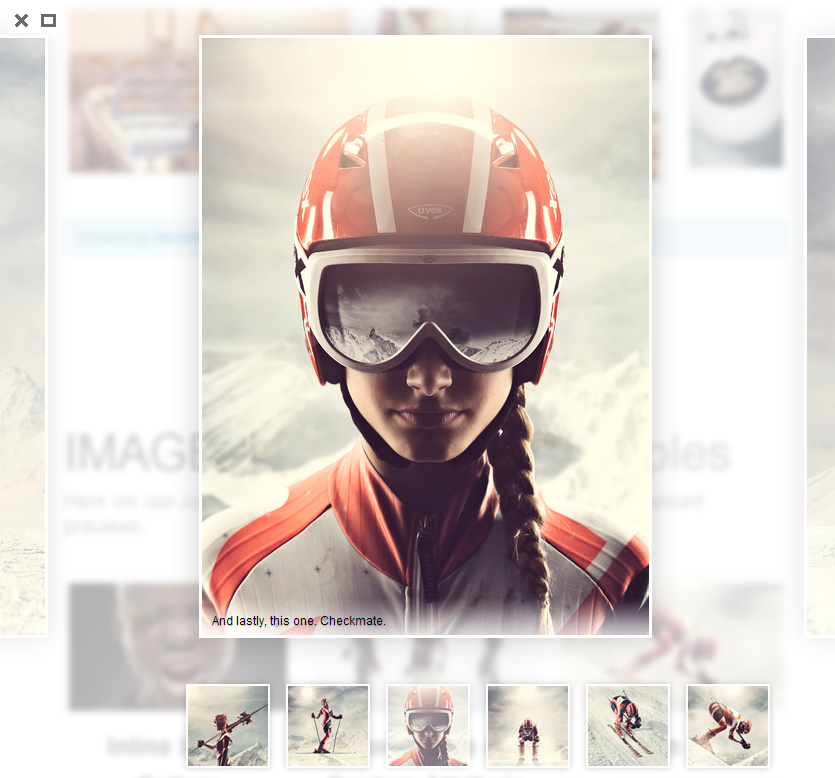
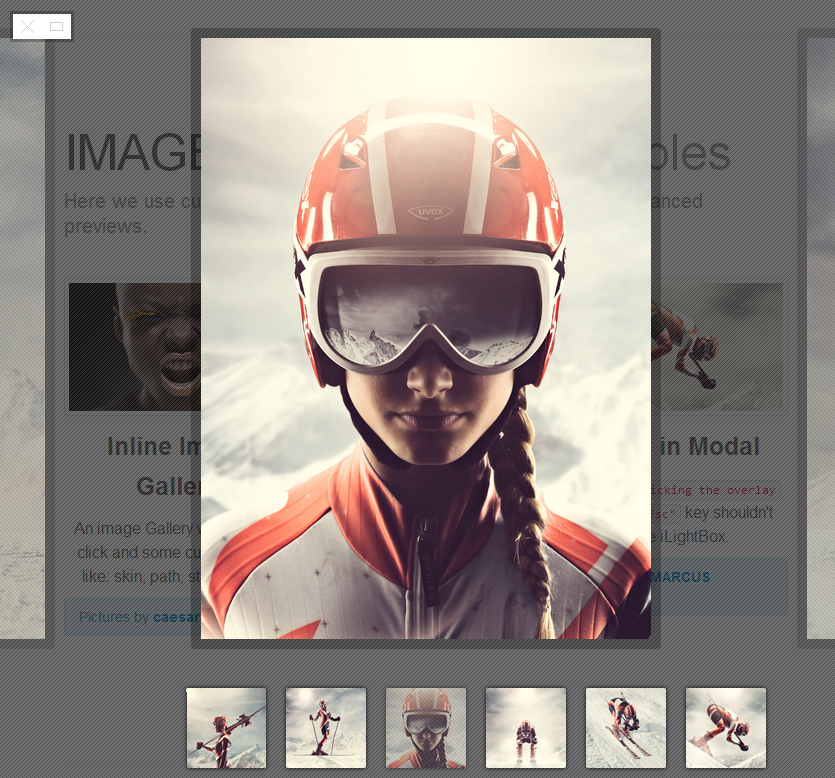
iLightBox allows you to easily create the most beautiful responsive overlay windows using the jQuery JavaScript library.
By combining support for a wide range of media with gorgeous skins and a user-friendly API, iLightBox aims to push the Lightbox concept as far as possible.

Features
- jQuery capabilities.
- Responsive design.
- 6 ready to use skins.
- Compatible with the regular wordpress gallery shortcode.
- Autodetect all Videos and Images links.
- Native browser fullscreen support.
- Cross browser, supports Chrome, FireFox, Safari, Opera and IE7+
- Device friendly, works in iPhone, iPad, Android Devices and Windows Phone.
- Highly User Interface Design.
- Fully customizable, it’s possible to customize or redesign all parts of iLightBox.
- Search engine optimized (SEO)
- YouTube and Vimeo videos are supported.
- Video auto recognition from sites.
- Smart Content recognizer
- Option to preview thumbnail over navigation.
- Advanced JavaScript API considered.
- Smart resource loader
- Simple clean & valid markup
- Developed with pure object oriented JavaScript
- Multilanguage support
- Keyboard support
- Touch support
- Mouse support: (Click, Wheel)
- Extended HTML documentation
- Powerful, documented API — public methods, properties, callbacks
- Tons features more…
SUPPORT NOTES
To be able to help solve a problem quickly, please read the entries below. I will do my best to assist you. I provide a full range of technical support except:
- I don’t support 3rd-party code (external plugins, javascripts, flash players, etc.). In those cases you have to contact the authors.
- I don’t support errors provoked by the strong modification of the original packages.
- I don’t customize the packages in personal way.
- If you sure that your improvement ideas will be helpful to others, please don’t hesitate to share it with me. Most likely that it will became a free package update.
If you have a more general question relating to scripts on CodeCanyon, you might consider visiting the forums
and asking your question in the “Item Discussion” section.
View on your mobile device

Screenshot