Today, we have another Vector Premium tutorial, which is available exclusively for Premium members. If you want to learn how to create four color vector artwork using Blending Modes and Opacity, then we have an awesome tutorial for you. This portrait tutorial uses professional techniques that will allow you to create stunning illustrations.
Creative Tips and Professional Instructions
In today’s tutorial I’m going to show you how to create a vector portrait using only four colors. It will use a variety of Blending Modes and Opacity to give the impression that a variety of shades have been used.
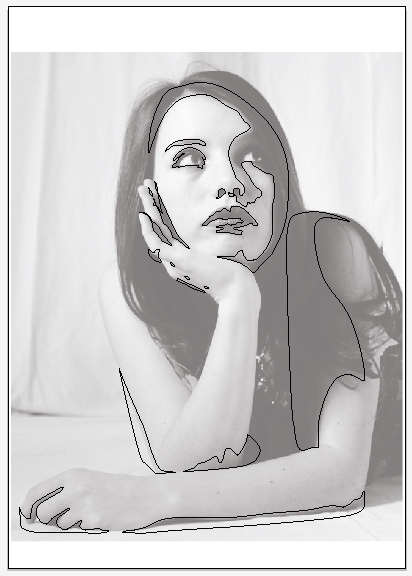
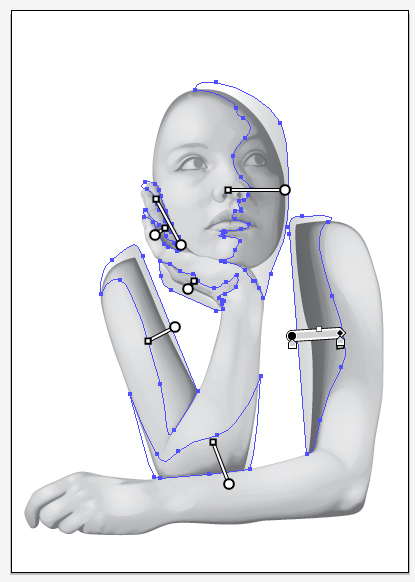
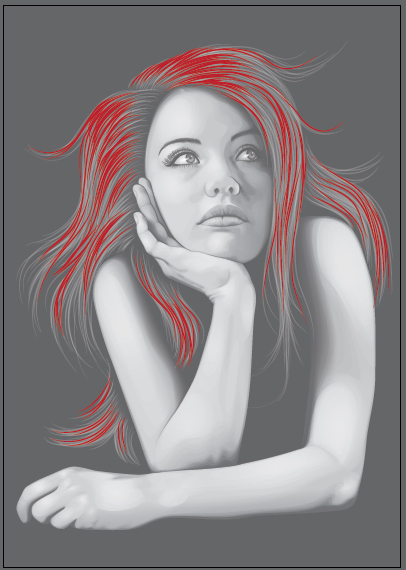
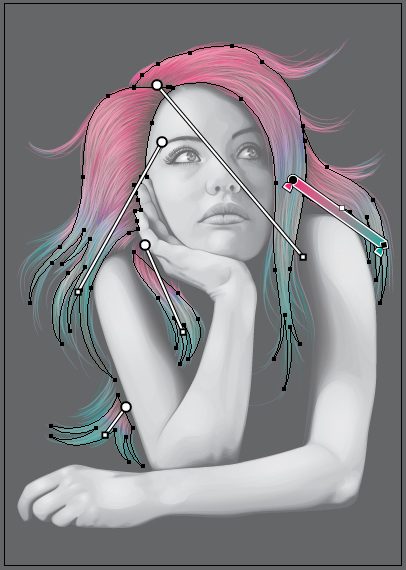
Plus members can Log in and Download! If you’re not a member, you can of course join today! You can view some key images from this tutorial below.
Vector Premium Membership
As you know, we run a Premium membership system that costs $9 a month (or $22 for 3 months!), which gives members access to the Source files for tutorials as well as periodic extra tutorials like this one! If you’re a Premium member you can log in and download the tutorial. If you’re not a member, you can of course join today!