Today, we have another Vector Premium tutorial exclusively available to Premium members. If you want to take your custom toy skills to the next level, then we have an awesome tutorial for you where you’ll learn how to create your own decals in Illustrator, then apply them to your own DIY vinyl toy.
This Premium Tutorial is Filled with Creative Tips
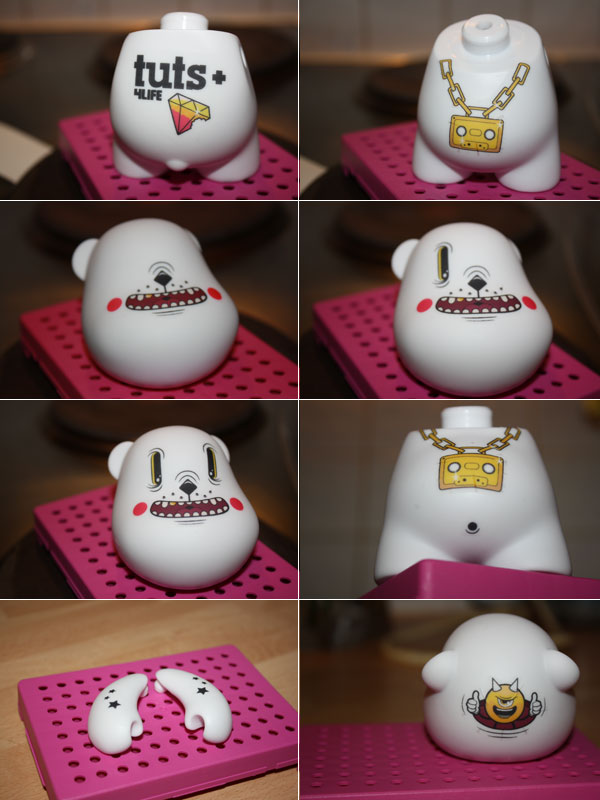
Toys are a good way for designers to break out of the computer and take their art into the real world. This tutorial will aim to teach you how to create a vinyl toy using Illustrator, decal paper and a blank toy.
I’ll start by talking about how to find and procure a blank toy, where to find the templates for sketching your artwork ideas, what type of paper we will need when printing our graphics, how to draw all the artwork in illustrator, how to print the graphics, and finally how to apply them to our toy. Even if you don’t have access to a toy, you will still learn a lot of techniques, which you can apply in various creative situations.
About the Author
Author Neil Hanvey (AKA neilakoga) is a programmer and illustrator. He’s a talented vector artist born and raised in Manchester, UK. He’s been awarded daily deviations on DeviantArt, wallpaper of the week on Abduzeedo, t-shirt of the day on Teefury, various features on DeviantArt, featured in magazines like Computer Arts Projects, Digital Arts and Digital Artist, featured artist on SlashThree and numerous design blogs and art sites including Psdtuts+, vector.Net and designFlavr.
Professional and Detailed Instructions Inside
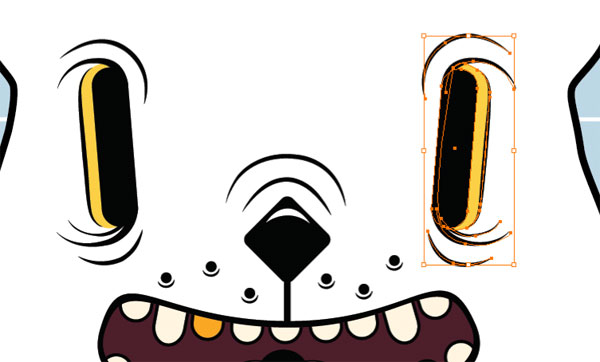
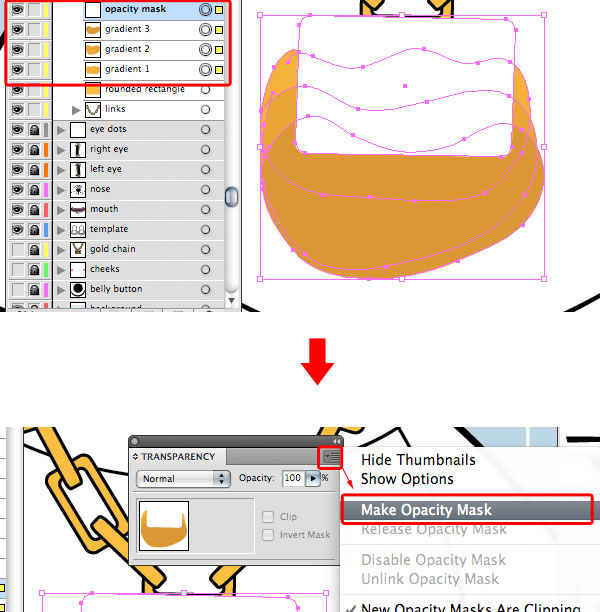
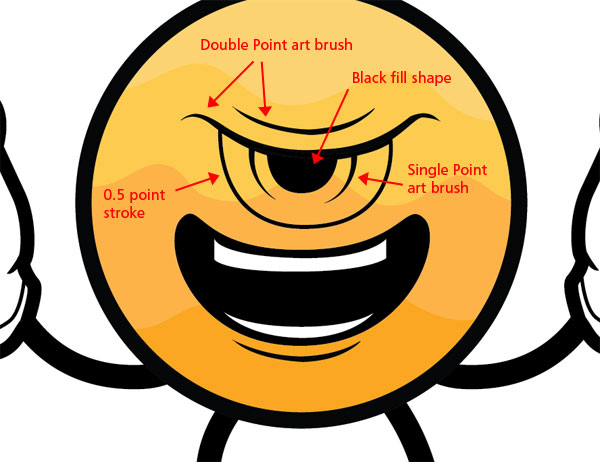
Plus members can Log in and Download! If you’re not a member, you can of course join today! You can view some key images from this tutorial below.
Vector Premium Membership
As you know, we run a Premium membership system that costs $9 a month (or $22 for 3 months!), which gives members access to the Source files for tutorials as well as periodic extra tutorials like this one! If you’re a Premium member you can log in and download the tutorial. If you’re not a member, you can of course join today!